
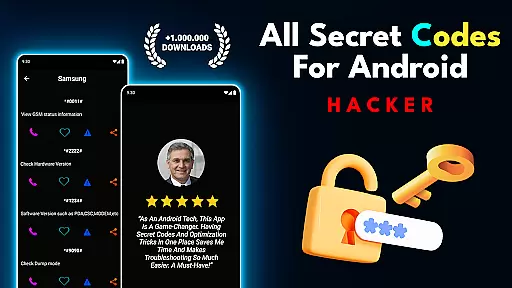
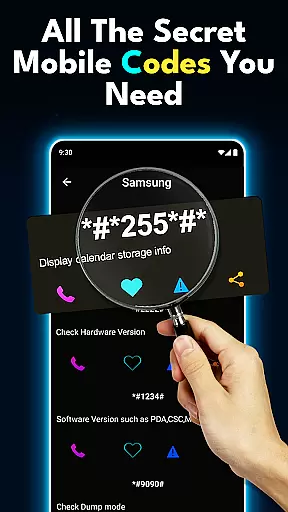
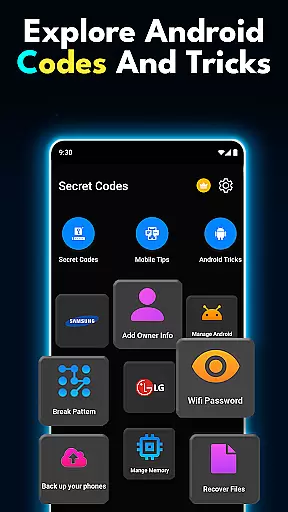

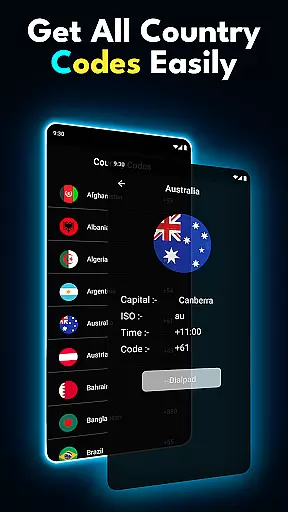
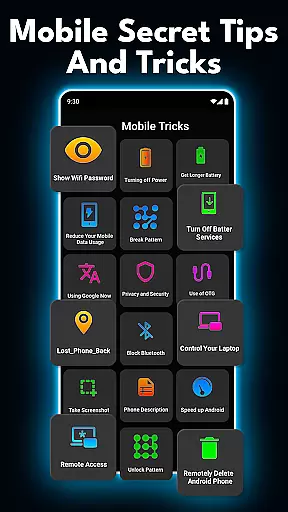
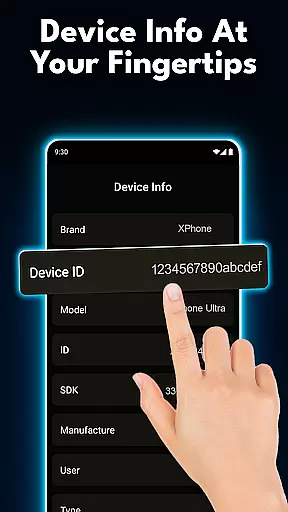
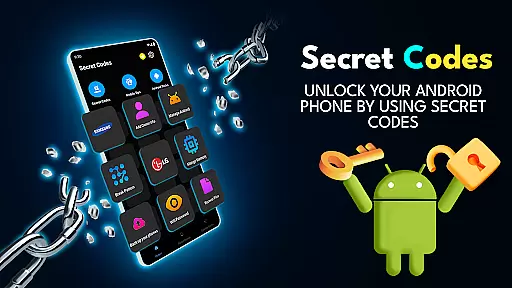
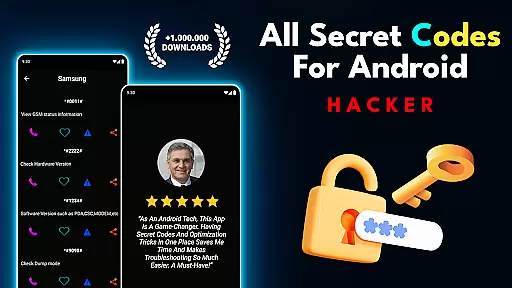
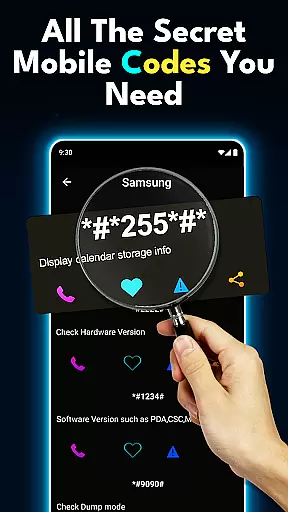
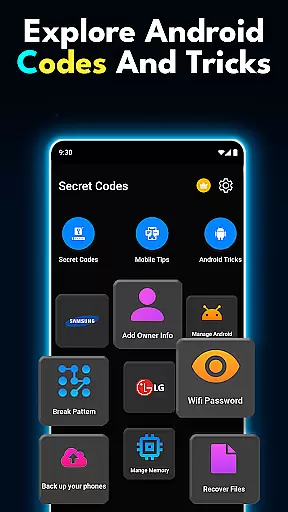

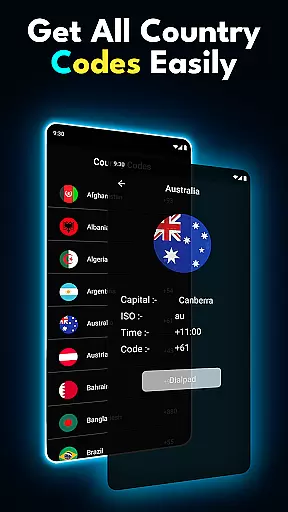
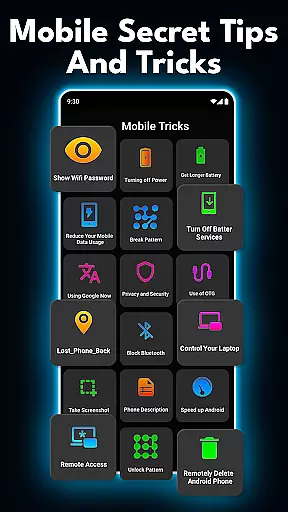
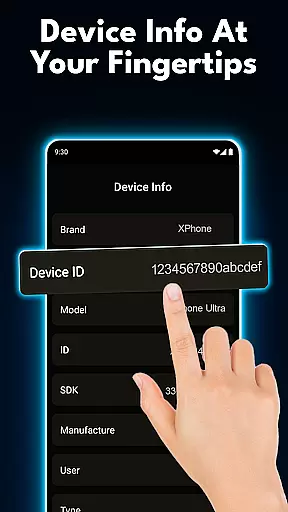
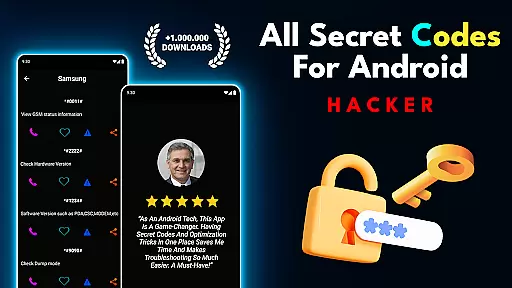
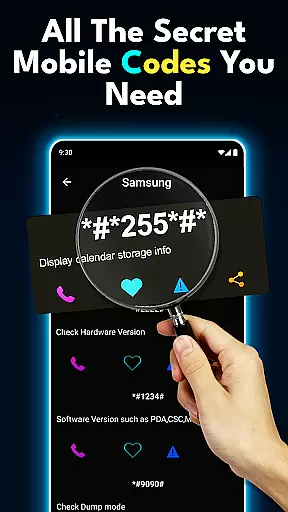
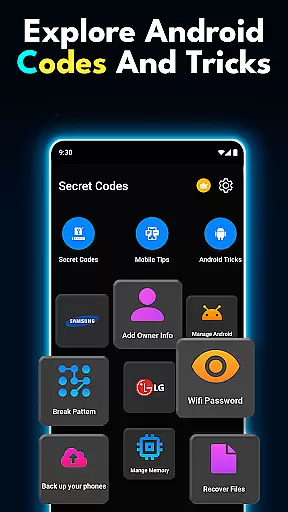

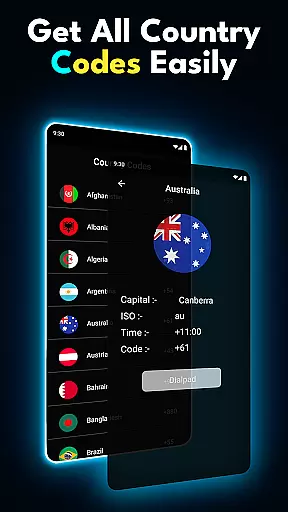
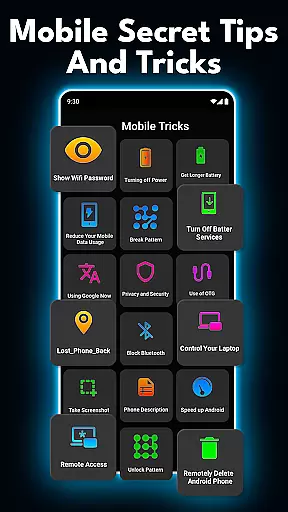
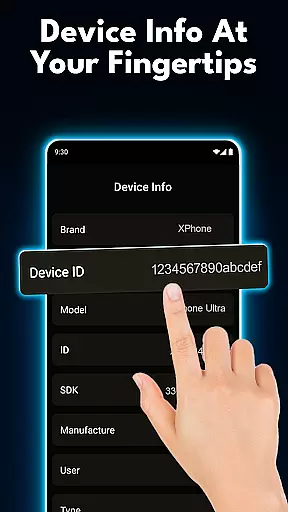
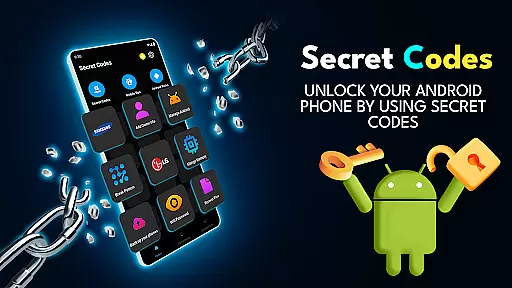
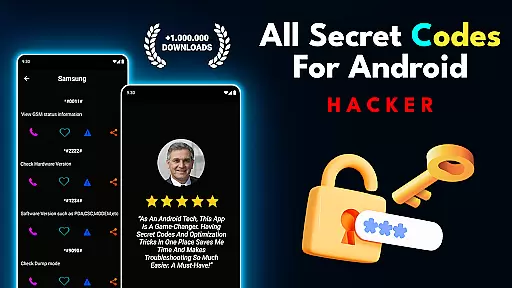
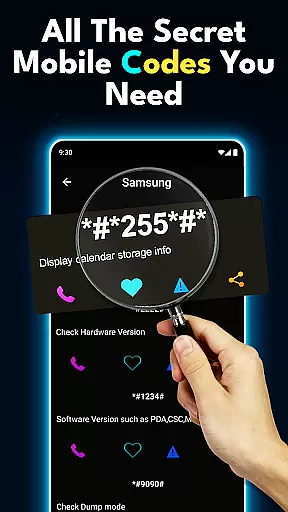
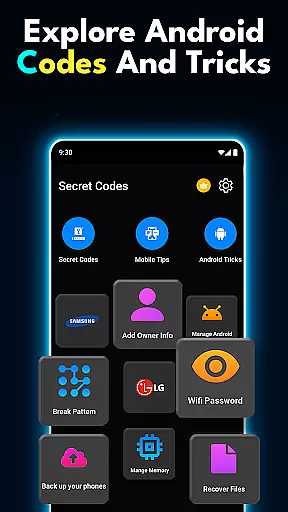

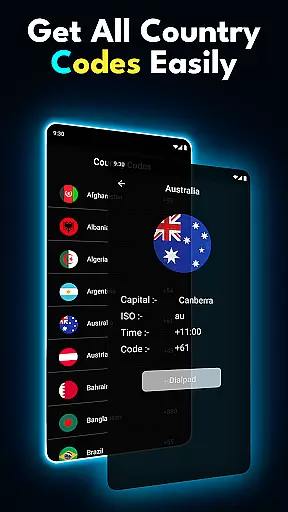
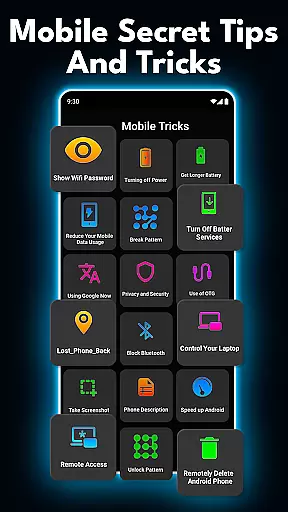
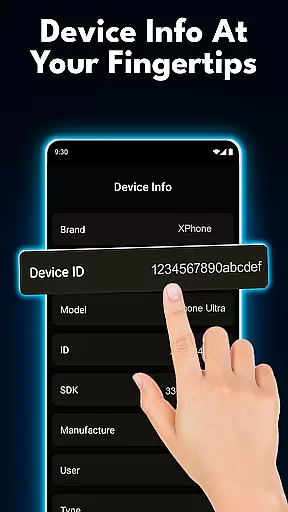
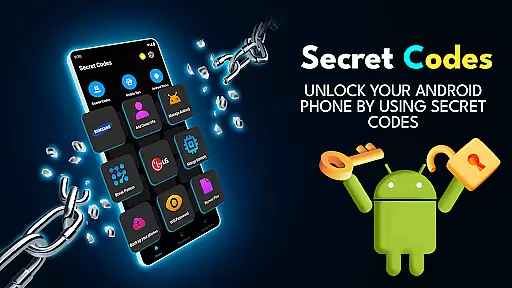
Hacker is a powerful tool for Android users who want to unlock the hidden potential of their devices. This app provides access to all mobile secret codes, Android-specific codes, and advanced phone hacks that allow users to explore hidden features, optimize settings, and run diagnostics. With an offline database of USSD codes and tips, it ensures you can manage your device efficiently even without an internet connection.
The app is perfect for tech enthusiasts, DIY fans, and professionals who need quick solutions for device management. Whether you're looking to fix common issues, customize your phone's functionality, or simply learn more about your device, Hacker offers a comprehensive suite of tools to enhance your Android experience.
Hacker stands out with its extensive collection of mobile secret codes and Android tricks. The app includes a regularly updated offline list of all essential codes, ensuring users have access to the latest tips and tweaks at their fingertips. These codes enable users to unlock hidden menus, test hardware components, and modify system settings that are not available through standard device options.
One of the key highlights is the quick access feature, which allows users to instantly retrieve specific codes or tips. Additionally, the app supports all major USSD codes, making it easy to manage connectivity and perform network-related tasks. With trusted phone hacks and optimization tips, Hacker empowers users to take full control of their devices while offering a seamless way to improve daily usability.
Functionality completeness refers to the extent to which an application provides features that cover all necessary use cases for its intended purpose. For the Hacker app, this means offering a comprehensive collection of secret codes and mobile hacks that cater to various user needs.
The app includes an extensive offline list of all mobile secret codes, Android-specific codes, and USSD codes. This ensures users have access to critical functionalities even without an internet connection. Additionally, regular updates introduce new tricks and codes, keeping the content relevant and expanding its coverage over time.
Users benefit from having a one-stop solution for discovering hidden features, running diagnostics, and customizing their devices. The inclusion of hardware testing codes, network management options, and personalization hacks demonstrates the app's commitment to covering diverse use cases.
This comprehensive approach to functionality ensures that both casual users and tech enthusiasts can find value in the app's offerings, making it a reliable tool for unlocking the full potential of Android devices.
Usability focuses on how easily users can interact with an application, while operational smoothness pertains to the seamless execution of tasks without technical hiccups. For the Hacker app, usability is enhanced through intuitive organization of its vast library of codes and tricks.
The interface provides quick access to different categories of secret codes, including those for hardware testing, network information, and device customization. Each code comes with clear descriptions and usage instructions, ensuring that even novice users can apply them effectively.
Operational smoothness is maintained through optimized performance - the app runs efficiently without draining system resources or causing crashes. The offline functionality guarantees consistent access to essential codes regardless of network conditions.
This combination of well-structured content and reliable performance creates a user-friendly experience that allows both beginners and advanced users to confidently explore and utilize the app's features without frustration or technical difficulties.
User-friendly interface
Comprehensive code database
Regular updates
Offline functionality
Trusted content
Limited iOS support
Advanced user focus
Occasional redundancy
No live support
Regional restrictions

Enjoy Minecraft Mod Scary Neighbor Granny for Minecraft PE.
 4.30
4.30
Use your Phone as Drone Controller.
3.70
Connect your phone to any endoscope camera, USB camera, or borescope with ease.
3.70
A great tool help you to format Micro SD memory Card
3.10
Explore The Holy Quran Majeed for Muslim. Listen to MP3 Quran & Al Quran Kareem.
4.80
Manage apps & elevate your gaming experience with Game Launcher: Gaming Hub app.
4.30
Ps2 plugins for 64 bit artitechture
3.70
Endoscope camera an app to connect with endoscope cam or any device
3.30
Expo is a free & open source platform to build apps using JavaScript and React.
4.70
Phone Software Update Quick Checker helps you to keep your phone apps up to date
4.50
An essential GFX utility developed for specific FPS mobile games
4.50
Test DPC is a sample device policy controller for use with Android Enterprise.
4.20
Easily evaluate the performance of Scandit's barcode and ID scanning SDK
4.10
charging your phone by other phone easly
4.00
Demo version of the mcpro24fps manual video camera. Try and buy a full version!
4.00
Mobs maker Minecraft help MCPE creators make their own mob by using Blockbench
3.50
Experience virtual reality on your smartphone with Cardboard.
3.50
DamonSx2 is the open Source LGPL Emulator
3.20
Zlink Carplay Android a mirror link app with a Carplay interface style
4.2


User Reviews