
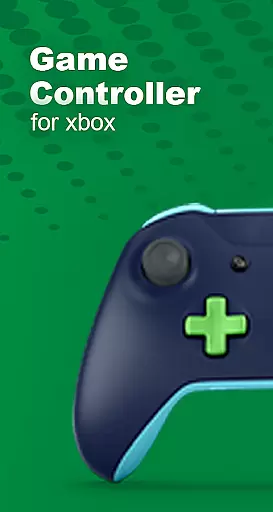
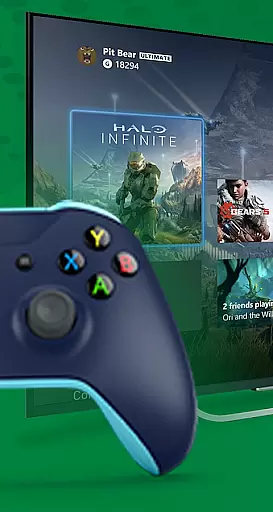
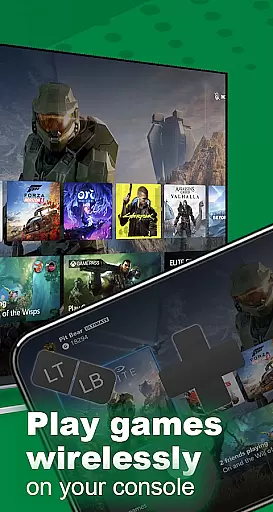
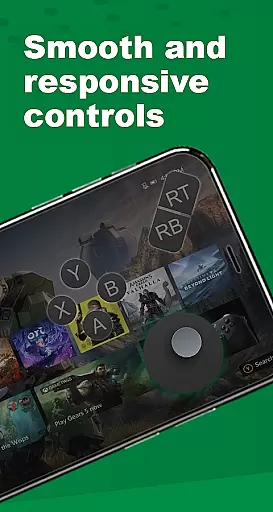
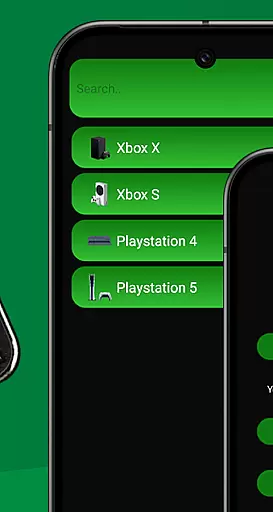
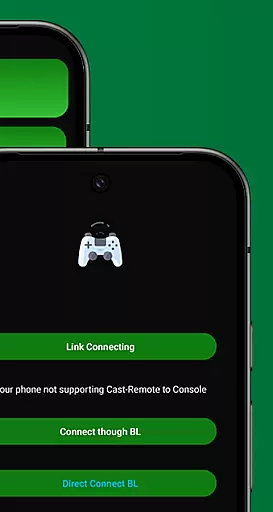
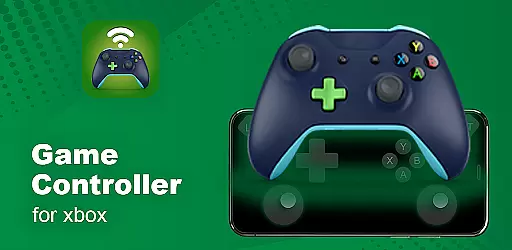
XB Game Controller is a powerful tool that transforms your smartphone into a wireless Xbox remote, enabling you to control your Xbox Series X/S or Xbox One directly from your phone. With its intuitive interface and seamless connectivity, this app allows for an immersive gaming experience without the need for a physical controller.
The app supports both Wi-Fi and mobile data connections, ensuring you can enjoy ultra-low latency gameplay wherever you are. Whether you're navigating menus, streaming games in real-time, or engaging in multiplayer sessions, XB Game Controller provides complete functionality with customizable gamepad layouts and smooth 1080p streaming.
Perfect for gamers on the go, this app also includes integrated audio and chat support, allowing users to communicate via their phone's microphone while playing. Its lightweight design and easy setup make it a must-have for any Xbox enthusiast looking to enhance their gaming flexibility.
XB Game Controller offers a comprehensive set of features designed to maximize your gaming experience. The app's Instant Gamepad Mode maps every button, trigger, and joystick just like an original Xbox controller, providing precise control over your console. This feature ensures that whether you're at home or traveling, you'll have the same responsive experience as with a physical controller.
In addition to its robust gamepad functionality, the app supports multiplayer gaming sessions, allowing friends to join in using their own phones as controllers. This makes it ideal for local co-op or party games where multiple players are involved. Furthermore, the app integrates seamlessly with Bluetooth keyboards and headsets, enhancing accessibility and convenience.
XB Game Controller also prioritizes user experience by offering smooth 1080p streaming with minimal latency, along with seamless device switching capabilities. These features ensure that users can enjoy high-quality gameplay without interruptions, making it a reliable choice for remote play.
In the realm of Libraries & Demo apps, functionality completeness is paramount. XB Game Controller offers a comprehensive suite of features that rival even official offerings. It allows users to stream and control Xbox Series X/S or Xbox One consoles remotely, providing an authentic controller layout with customizable buttons directly on your smartphone.
The app supports smooth 1080p streaming with impressively low latency, ensuring that gameplay remains responsive and enjoyable. This feature alone covers a significant portion of what users expect from remote play applications, but XB Game Controller goes further by including multiplayer support over Wi-Fi. Now, friends can join in on local co-op or party games, each using their phone as a controller.
Additional functionalities include seamless integration with Bluetooth keyboards and headsets, allowing for an uninterrupted gaming experience. The ability to switch between devices without losing connection adds another layer of convenience. With its modern interface and quick setup process, XB Game Controller ensures that users have access to all necessary tools for an optimal gaming session.
Usability is a critical factor for any application, especially one that transforms your phone into a wireless Xbox remote. XB Game Controller excels in this area by offering an intuitive and user-friendly interface. From the moment you launch the app, the straightforward design helps you navigate menus and settings effortlessly, making it accessible even for those who may not be tech-savvy.
Operational smoothness is evident in how the app handles both gamepad mode and remote play functionalities. Transforming your phone into a responsive Xbox controller involves mapping every button, trigger, and joystick accuratelyu2014just like the original hardware. This precision ensures that whether you're at home or on the go, controlling your console feels natural and reliable.
Moreover, the app's performance optimization guarantees ultra-low latency during gameplay sessions. Users can enjoy real-time streaming over Wi-Fi or mobile data without experiencing frustrating delays or interruptions. Voice chat support through the phoneu2019s microphone and easy audio controls enhance the overall usability, ensuring that players remain immersed in their gaming experience without unnecessary distractions.
User-friendly interface
Customizable gamepad layout
Multiplayer support
Integrated audio and chat
Lightweight and fast performance
Limited to compatible devices
Requires stable internet connection
No official affiliation with Xbox
Potential latency issues on mobile data
Dependent on third-party updates

Do you want to drive easy ? do you wanna full mirror link Mobile with your car
 4.10
4.10
Block and secure the microphone and protect from secret listening and recording.
4.50
Easily evaluate the performance of Scandit's barcode and ID scanning SDK
4.10
Zlink Carplay Android a mirror link app with a Carplay interface style
4.0
Recite Quran Majeed القران with special 16 line real Kuran page in hand
4.30
Mobs maker Minecraft help MCPE creators make their own mob by using Blockbench
3.50
Mirror link car connector to share your screen with car dashboard
3.80
Simulator of real black light
3.50
Phone Software Update Quick Checker helps you to keep your phone apps up to date
4.50
SmartCast mirrors Android phone to TV screen With Cast Screen, Chromecast.
4.80
Barcode scanning made simple!
4.40
An impressive collection of tools, characters, weapons, skins and more!
4.30
Game Booster GFX for smoother gaming experience. Enjoy 120 FPS and 4x Game Space
4.20
You can remote control and play much easier.
4.10
charging your phone by other phone easly
4.00
Demo version of the mcpro24fps manual video camera. Try and buy a full version!
4.00
The best PS2 games from your childhood come to life in their mobile version!
4.00
Mirror phone to TV effortlessly! Stream, share & connect with Airplay ease.
3.60
If you are looking for melon playground mod that fun you deffinitely try our app
2.70


User Reviews