
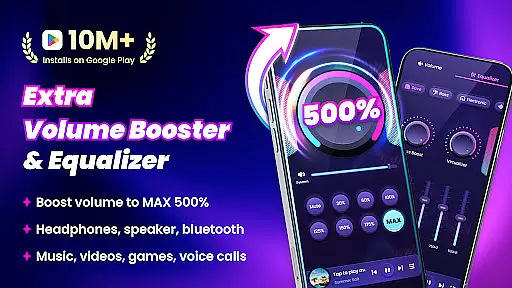
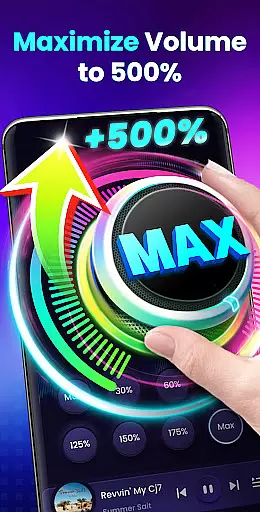
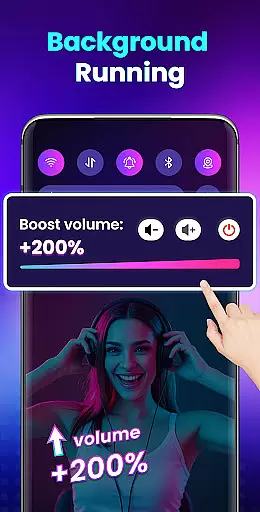

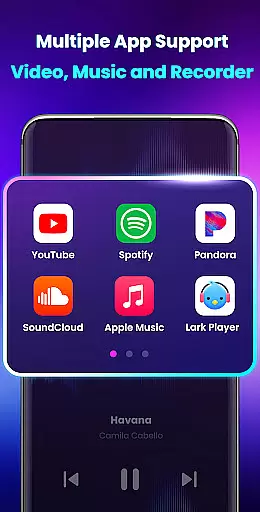
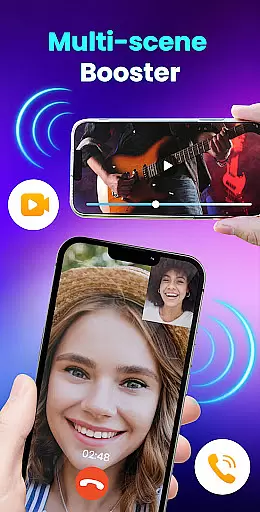
Volume Booster - Sound Booster is a powerful audio enhancement application designed for Android users who desire louder sound output from their devices. This app allows you to amplify your system volume up to 200%, surpassing the standard maximum limit, making it ideal for music playback, video streaming, gaming, and more.
The app not only boosts the overall volume but also maintains sound quality while providing additional features such as stereo surround sound effects and a dynamic music spectrum. With user-friendly controls including home screen widgets and notification bar shortcuts, adjusting your audio has never been easier. Whether you're using headphones, Bluetooth speakers, or your phone's built-in speaker, EZ Booster ensures an enhanced auditory experience.
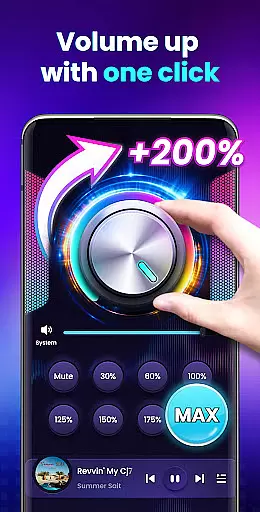
One of the standout features of Volume Booster - Sound Booster is its ability to increase all types of volumes on your device, including alarms, ringtones, media playback, and audiobooks. The app provides a one-touch solution to adjust your volume to a specific level without compromising sound quality.
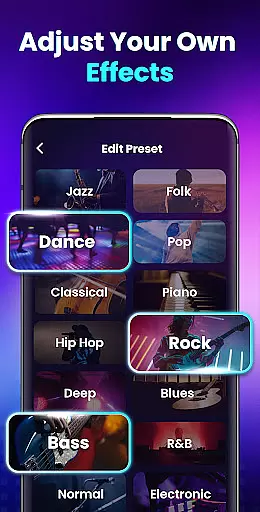
In addition to amplifying sound, the app includes a built-in music player that supports cover art display, song titles, and artist information. It also offers play/pause functionality and track skipping. With eight customizable sound modes, users can easily tailor their listening experience. Furthermore, the app supports background operation and lock screen controls, ensuring uninterrupted use.
Designed with simplicity in mind, the interface is intuitive and easy to navigate. Users can access quick controls via widgets or the notification bar, allowing for seamless adjustments without needing to open the app fully. These features make EZ Booster a versatile tool for anyone looking to maximize their device's audio capabilities.
When it comes to music applications, the size and authenticity of the music library are crucial factors. Volume Booster - Sound Booster may not host its own music library, but it enhances the experience with any audio you choose to play. This app ensures that your music, audiobooks, or any other audio content can be amplified without infringing on copyright laws.
The application focuses on amplifying sound from various sources, which means you can use it with streaming services, local files, or any other source of audio, ensuring that all content remains legal and true to its original form. The app's ability to boost volume without compromising sound quality is a testament to its respect for the integrity of the original audio content.
Users benefit from an enriched listening experience as they can enjoy their preferred music at higher volumes without distortion. Whether you're enjoying your favorite tracks or exploring new sounds, this app provides a seamless way to amplify your audio while maintaining the authenticity of the content.
Audio quality is paramount when choosing a sound enhancement tool. Volume Booster - Sound Booster offers multiple features that ensure high-quality audio output even at increased volumes. With capabilities to boost volume up to 200%, users can expect clear and crisp sound across different types of media including music, videos, and games.
This app includes stereo surround sound effects and a dynamic music spectrum that changes with the melody, providing an immersive auditory experience. These features work together to maintain the richness and depth of the audio, even at higher volumes, ensuring that every note and beat is heard as intended by the creators.
By offering these advanced audio settings, the app caters to audiophiles who demand the best from their listening experiences. Users can enjoy enhanced volume levels while preserving the nuances of their audio content, making it ideal for those who appreciate high-fidelity sound reproduction.
Increases volume up to 200%
Maintains high sound quality
Easy-to-use interface
Comes with a built-in music player
Operates in the background
No iOS version available
May drain battery faster
Potential risk of hearing damage
Limited advanced equalizer settings
Some features may require in-app purchases

Gorgeous UI, Powerful music Search and Equalizer, the great choice for you!
 4.70
4.70
A High-Precision Audio Spectrum Analysis App
4.20
The ultimate media player for Android devices
3.90
Enjoy singing any song, no matter how high or low it is
4.30
Make songs with AI! Any genre, custom lyric, song generator for music creation!
4.80
The iconic iOS metronome app is now on Android.
3.70
Travel To The Music Universe
3.40
Get alarms that fit your lifestyle and wake up to the sounds you love.
4.80
Customize Your Favorite Songs and Videos with booster.
4.70
Full-featured, High-Quality Groovebox Workstation, perfect for Live Performance!
4.80
Your song collections with lyrics and chords on Android smartphones and tablets.
4.80
Brian Eno and Peter Chilvers’ acclaimed music app Bloom, radically reinvented.
4.80
Bass Booster & Volume Equalizer Pro improves your music and video sound quality
4.60
Recording studio w/ 10k beats, pro vocal FX and a network of 20M rappers & fans!
4.60
Your HD audio recorder on the go for music, meetings, ambience, animal sounds…
4.30
Advanced 10-Band Audio Graphic Equalizer Sound Booster Pro
4.30
Bass Booster Pro takes auto-equalizing to the next level!
4.30
Offline Tunes, Unlimited Vibes
3.90
Slow music down without changing pitch.
3.70


User Reviews