
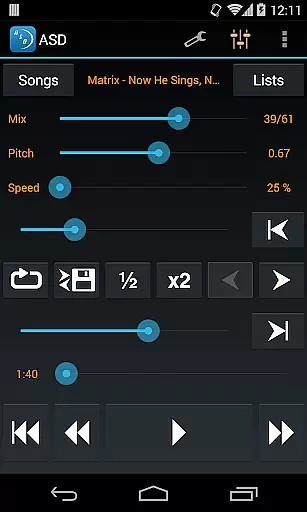
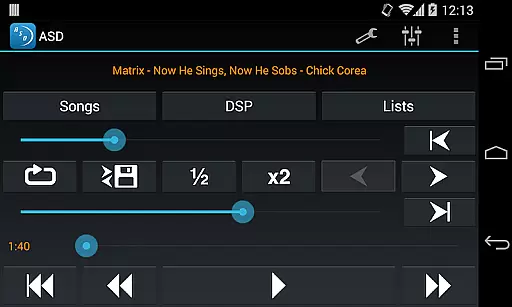
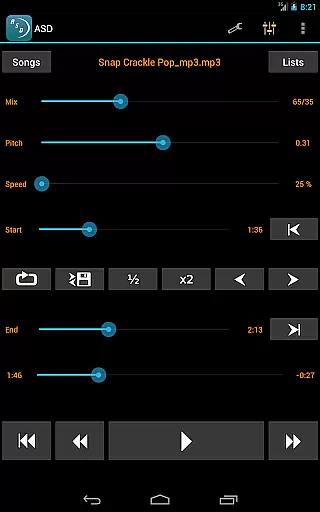
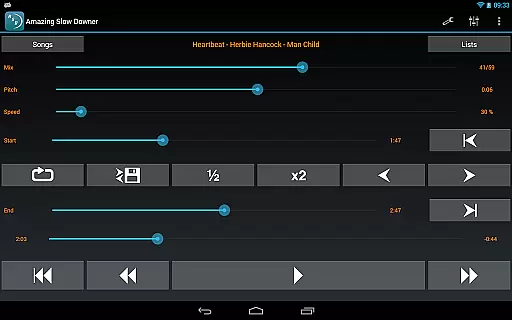
Amazing Slow Downer is a powerful tool designed for musicians, transcribers, and dancers who want to learn new songs or techniques. This app allows users to slow down music playback without changing the pitch, making it easier to practice and learn.
The core feature of Amazing Slow Downer is its ability to adjust playback speed from 25% to 200% of the original speed. Additionally, users can change the tuning or musical key and set seamless loops by touching 'Set' buttons during playback. The app offers outstanding sound quality, providing an ideal solution for improving musical skills.
This app is particularly useful for musicians who need to repeatedly listen to specific sections of a song at different speeds. By enabling detailed analysis and practice, Amazing Slow Downer enhances the learning experience significantly.
Amazing Slow Downer boasts several features that make it indispensable for musicians and learners. One of its standout capabilities is adjusting playback speed between 25% and 200% without altering the pitch, allowing users to learn at their own pace.
In addition to speed control, the app supports changing the tuning or musical key, which is crucial for adapting music to different instruments or vocal ranges. Users can also create seamless loops by setting start and end points during playback, facilitating focused practice sessions.
Despite no official support for Spotify playback, Amazing Slow Downer has been compatible with it until recently. With its high-quality sound and versatile functionality, this app remains a top choice for anyone looking to refine their musical abilities.
When evaluating a music application like Amazing Slow Downer, the size and variety of its music library play a crucial role in user satisfaction. This app allows musicians to import their own music files, giving them control over their personal library. The ability to manipulate playback speed without affecting pitch makes it an invaluable tool for practice and learning.
The app does not infringe on copyright issues by allowing users to work with their legally acquired music files. This ensures that musicians can slow down or speed up tracks for study purposes while respecting intellectual property rights. The flexibility to use your own music collection means there are no limitations imposed by a predefined library size.
Amazing Slow Downer stands out by focusing on functionality rather than providing a built-in library. It empowers users to utilize their extensive music collections, whether they consist of purchased tracks or original compositions. This approach guarantees that each user's library is as large and diverse as their personal musical journey demands.
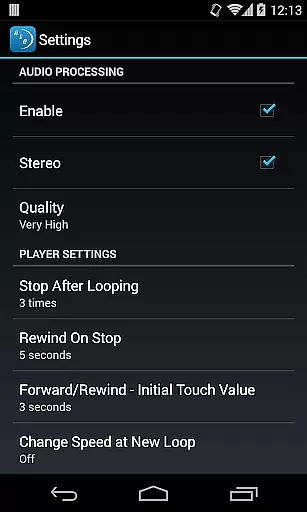
For musicians and audio enthusiasts, maintaining high audio quality during playback manipulation is essential. Amazing Slow Downer excels in this area by preserving sound integrity when changing playback speeds from 25% to 200% of the original. This capability ensures that even at slower speeds, the audio remains clear and free of distortions.
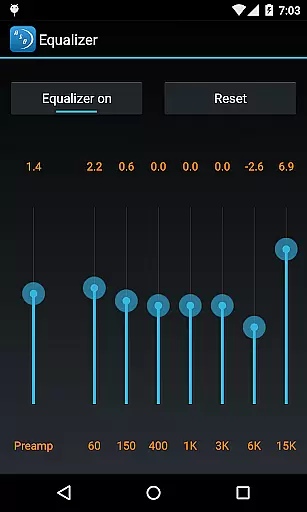
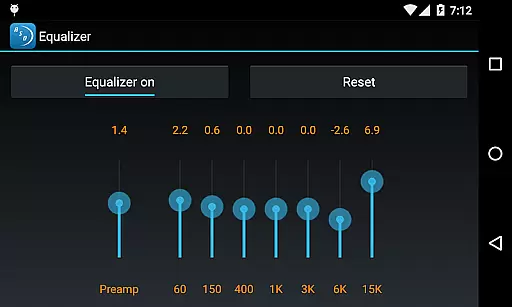
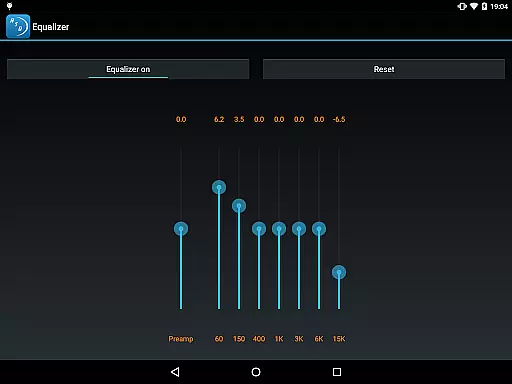
The application provides options to adjust tuning or change musical keys without compromising sound quality. This feature is particularly beneficial for musicians who need to adapt pieces to different instruments or vocal ranges. The ability to modify these parameters while retaining excellent audio fidelity sets Amazing Slow Downer apart from other tools in its category.
Furthermore, the app supports seamless looping and outstanding sound quality during playback. These features enable users to focus on specific sections of a track with consistent audio performance. Whether practicing complex passages or analyzing musical structures, Amazing Slow Downer delivers professional-grade audio quality that meets the demands of serious musicians and transcribers.
User-friendly interface
High-quality sound
Speed adjustment
Key change capability
Seamless looping
No offline mode
Limited file formats
Occasional bugs
Subscription cost
Spotify limitation

Control your MIDI USB or Bluetooth devices in app and avoid some trampling
 3.30
3.30
Time Trainer: accurate metronome w tools to help you develop your internal time!
4.20
Enhance the sound quality of your devices, listen to what you want
4.50
Voice recorder - Audio recorder. Best recorder for recording
4.90
The original SP-1200 experience on your iPad
4.20
Let your Android device with the sound effects you want
4.50
Powerful 10-Band equalizer pro with sound booster improves Android audio quality
4.30
PowerAudio is a powerful offline music player.
4.20
Sing, record, and create music together — enhanced by smart voice tools.
4.00
JBL PartyBox APP works with 110/310/710/120/320/520/Encore/Encore 2/Encore Ess 2
4.80
Record, Mix & Master with all n-Track effects, 64-bit audio and Stem Separation.
4.70
Offline Music Player&MP3 Player with themes, equalizer, lyrics, music play mode
4.60
Reverse your voice & songs instantly! Fun singing challenge with cool effects.
4.60
DJ Music Mixer - DJ Remix: remix songs, make beat music & record mix of DJ.
4.40
Advanced 10-Band Audio Graphic Equalizer Sound Booster Pro
4.30
Enjoy singing any song, no matter how high or low it is
4.30
No wifi music app. Mp3 offline. Tuner radio, young radio music. Music downloader
4.20
USB audio recording and playback finally possible on Android 3.1 or higher!
3.90
Background pads for your band
3.80


User Reviews