
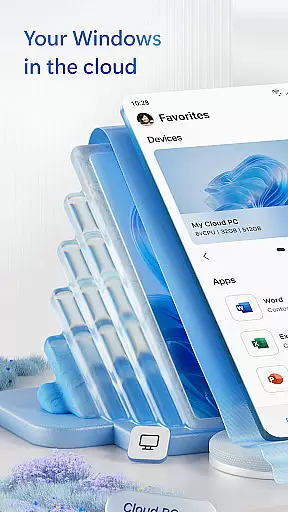
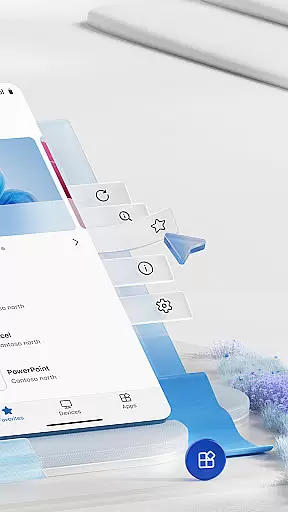
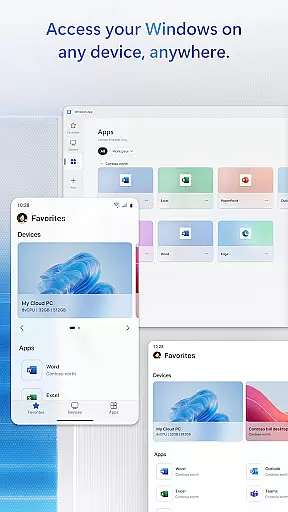
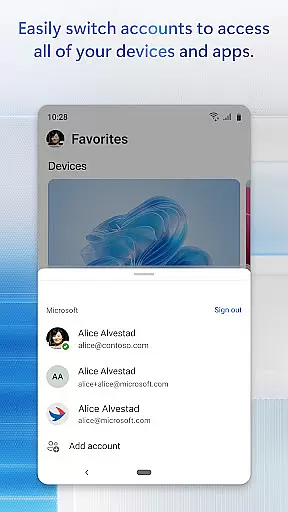
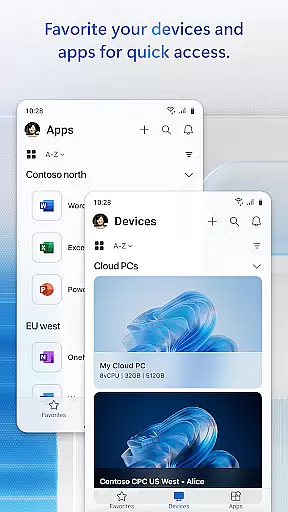
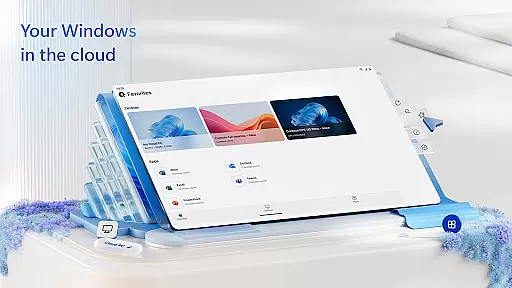
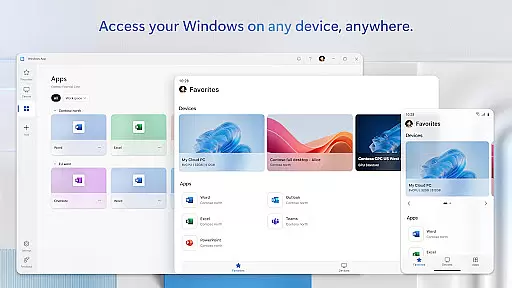
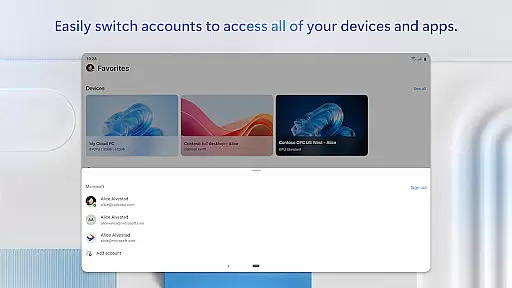
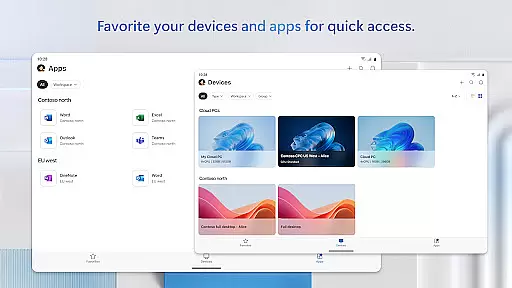
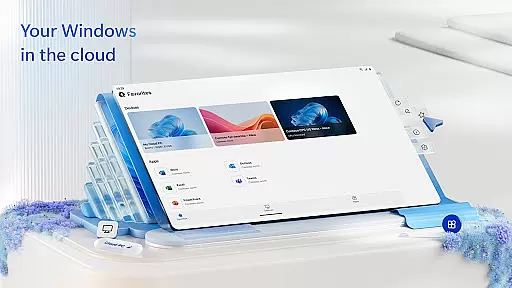
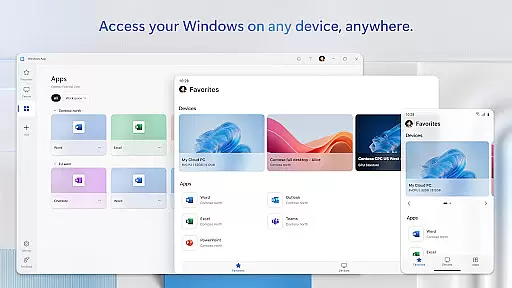
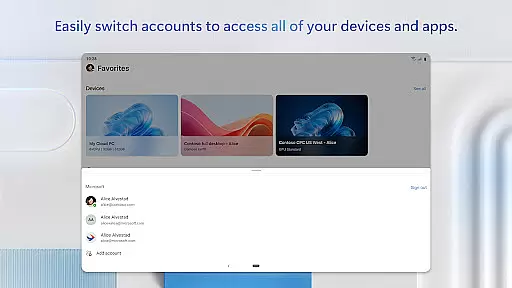
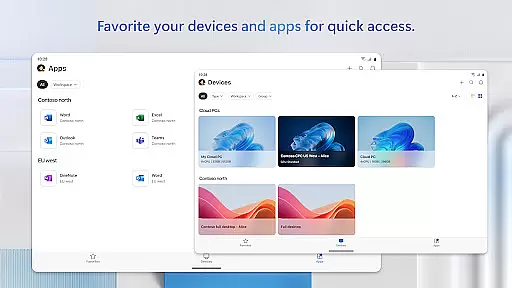
Windows App is a powerful business tool that enables secure remote connections to various Windows environments. These include Azure Virtual Desktop, Windows 365, Microsoft Dev Box, Remote Desktop Services, and remote PCs.
The app ensures seamless access across all Android devices running Android 11 and above. This includes tablets, smartphones, VR headsets, and Chromebooks with Play Store support. By providing comprehensive connectivity options, Windows App enhances productivity for mobile professionals.
With its robust security features and broad device compatibility, the app is ideal for businesses seeking reliable remote access solutions. It allows users to stay connected to their work environments from anywhere, ensuring business continuity and efficiency.
Windows App offers an array of advanced features designed to optimize remote work experiences. The application supports multiple connection types, including Azure Virtual Desktop and Windows 365, catering to diverse business needs.
A key feature is its compatibility with all Android devices running version 11 and above. This extensive support covers tablets, smartphones, VR headsets, and Chromebooks, making it highly versatile. The app maintains consistent performance across different device types.
Security is paramount in Windows App's design, ensuring protected connections to remote environments. Regular updates and feature enhancements are detailed at aka.ms/WindowsApp, keeping users informed about new capabilities and improvements.
Collaborative work features are essential for modern business applications, enabling teams to work together efficiently regardless of location. Windows App excels in this area by providing secure connections to various remote Windows environments.
The app supports multiple remote services including Azure Virtual Desktop, Windows 365, and Microsoft Dev Box, allowing users to access their workspaces from Android devices. This flexibility ensures that team members can collaborate in real-time, sharing resources and information seamlessly across different platforms.
With the ability to connect to remote PCs and use Remote Desktop Services, users benefit from a consistent and familiar Windows experience on their Android devices. The application's support for all Android devices running version 11 and above, including tablets and Chromebooks, enhances its collaborative potential.
These features collectively ensure that businesses can maintain productivity and collaboration, offering employees the tools they need to work effectively from any location using their preferred devices.
Effective task management is crucial for maintaining productivity in business environments. Windows App offers robust solutions for managing tasks across different remote Windows services, streamlining workflow processes.
Users can organize and prioritize their work by accessing Azure Virtual Desktop, Windows 365, and other remote services directly from their Android devices. This centralized approach to task management allows for better time allocation and resource utilization.
The application's compatibility with various Android devices, including smartphones and VR headsets, provides flexibility in how and where tasks are managed. Employees can switch between devices without losing access to important work-related information or applications.
By integrating with Microsoft's ecosystem of remote services, Windows App ensures that task management remains efficient and intuitive, helping businesses optimize their operations while accommodating diverse working styles and preferences.
Secure remote connections
Broad device compatibility
Comprehensive Windows support
Regular feature updates
Enhanced productivity tools
Limited iOS support
Requires Android 11+
Complex setup process
Occasional connection issues
Advanced features need subscription

All Your Gig Work. One App.
 4.30
4.30
FaxCover - Create fax cover pages. Works with any app or fax machine.
4.90
The All-in-One File Manager for Phone, TV, Watch, Cars, XR / VR, Chromebook
4.10
Manage work life on the go
4.50
Take the stress out of storage with the all-in-one app to manage your space.
3.70
Finance, Investing, Stocks, Trading and Stock news
4.60
Master crypto trading with real-time simulations and exciting challenges!
4.50
Find jobs near you and temp work in minutes, from your phone.
4.50
Roadie connects people with stuff to send with drivers already going that way.
3.50
The MyWalmart App is available for all associates in stores.
4.70
Earn free swag, G-Cards & food • Enter sweepstakes • Find stores • So much more.
4.70
Make invoices, bills, receipts & estimates on the go with Invoice Generator.
4.70
Ship, Track, Find a Location or Get a Quote with UPS. Anytime. Anywhere.
4.60
Drive and earn extra money
4.50
Measure distances, surfaces and draw plans in seconds with CamToPlan!
4.40
One marketplace. Hundreds of services. Unlimited possibilities. All on Fiverr.
4.40
Make money as a delivery driver with DoorDash and work when you want as a Dasher
4.30
Find flexible, hourly jobs hiring near you in restaurant, retail & hospitality!
4.00
Simple, Fast & Lightweight
3.90


User Reviews