
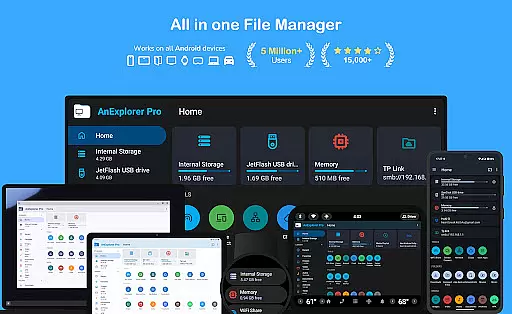
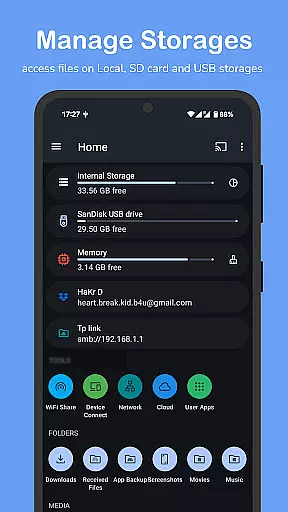
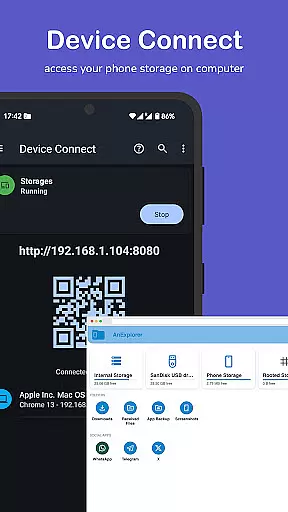
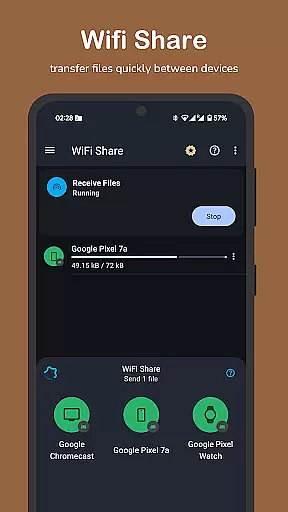

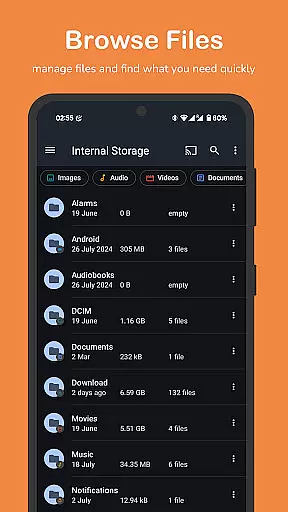
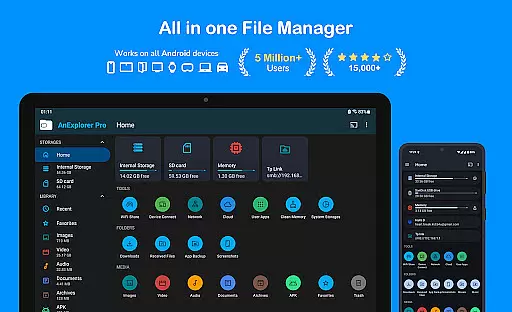
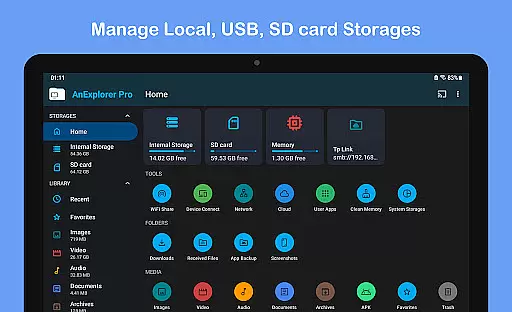
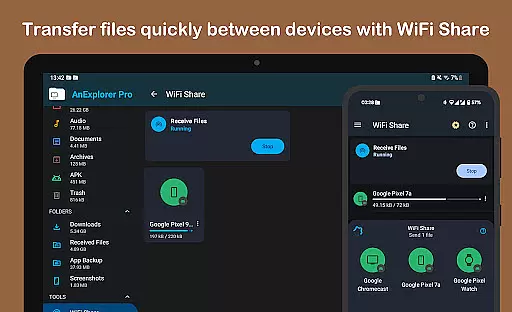

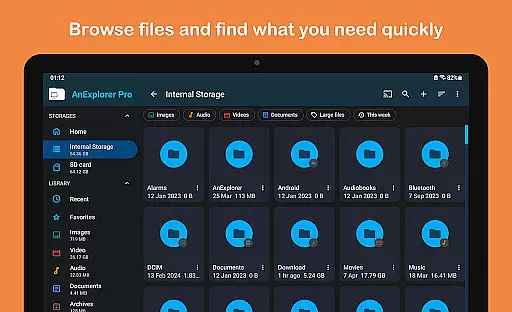
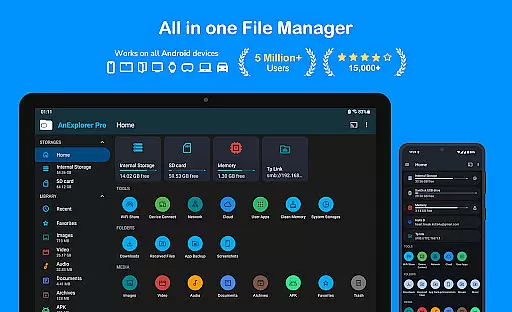
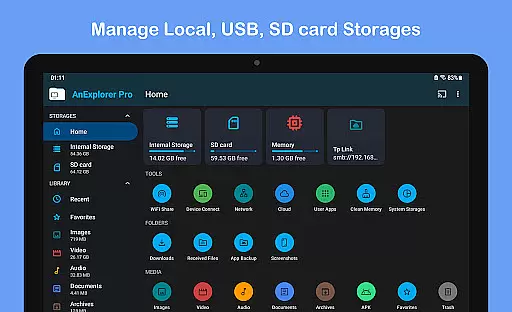
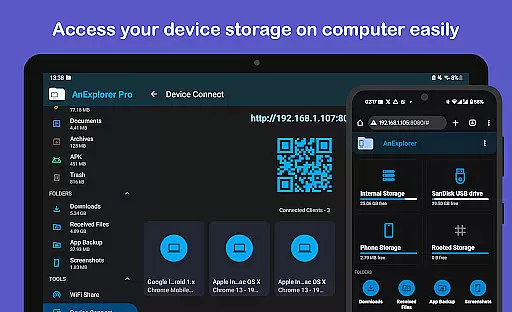

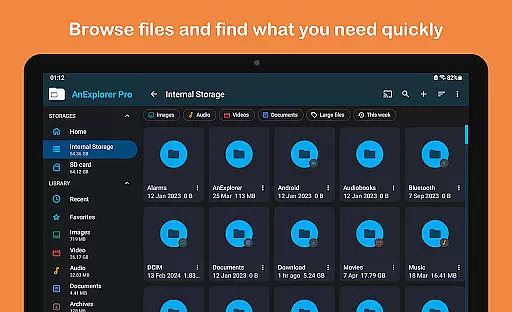
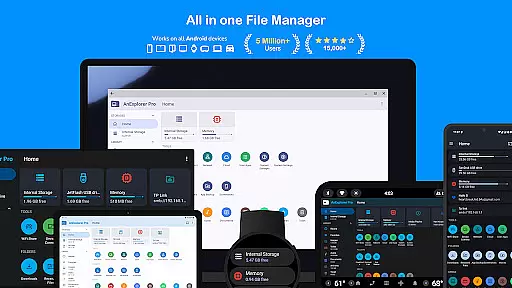
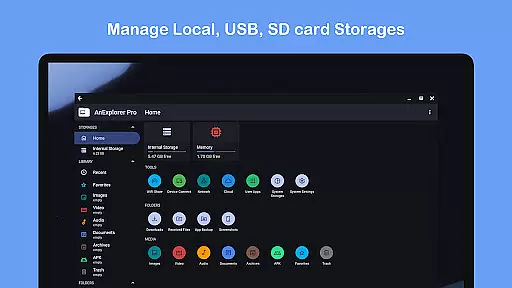
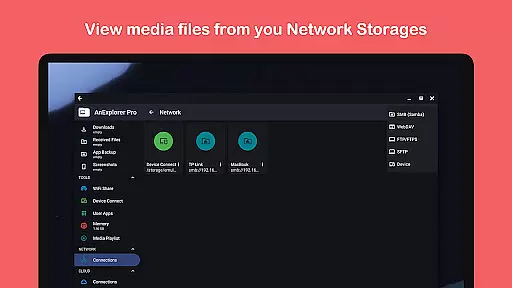
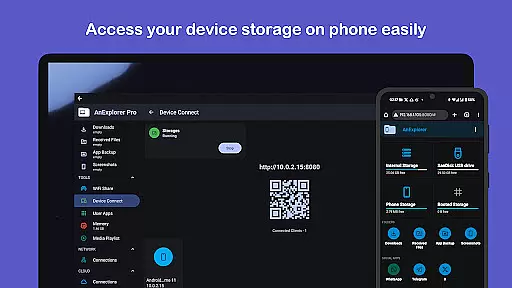
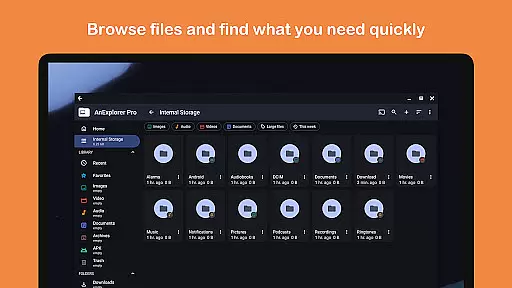
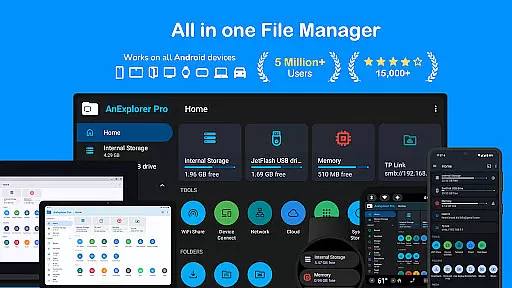
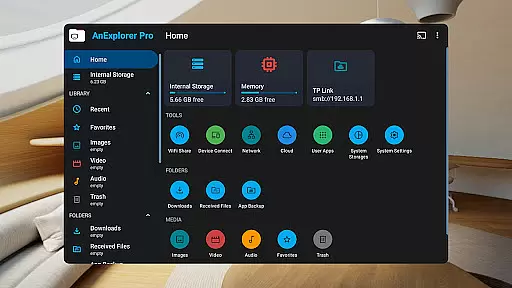
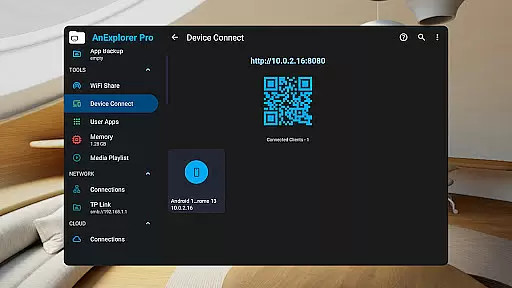
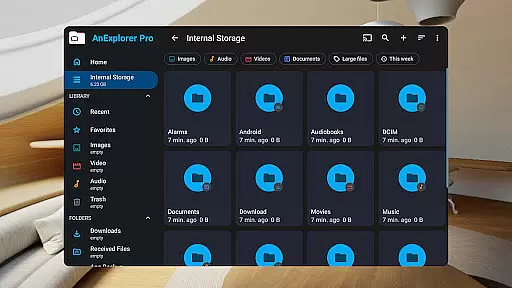
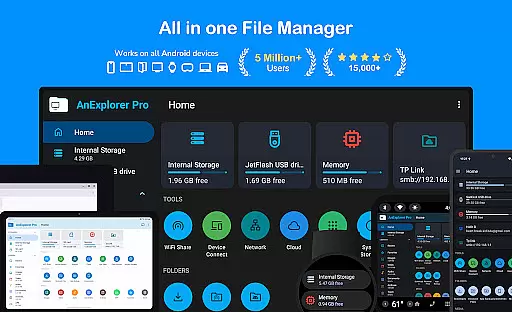
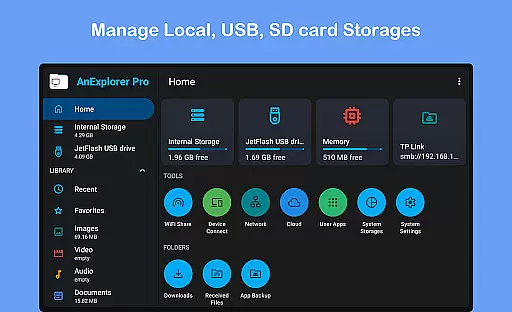
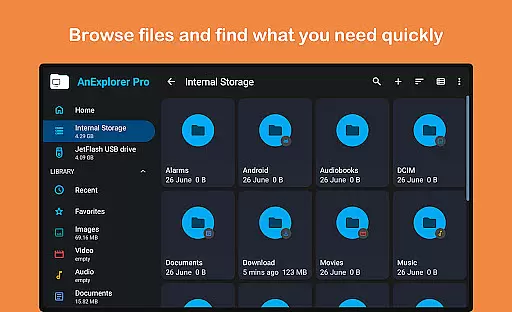
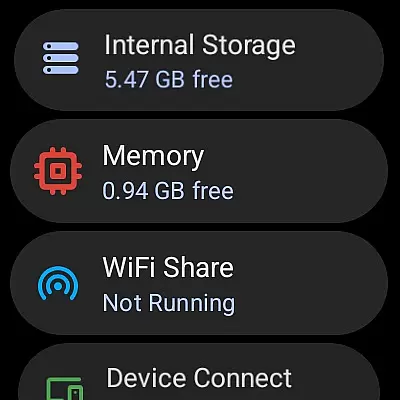
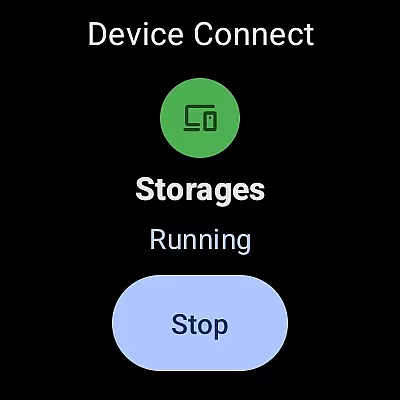
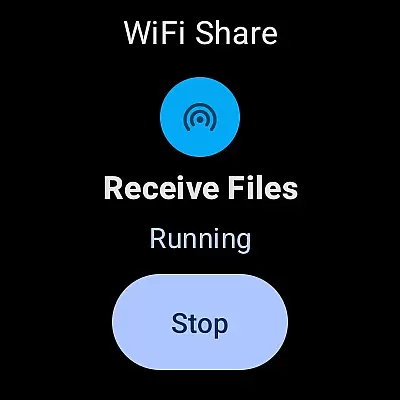



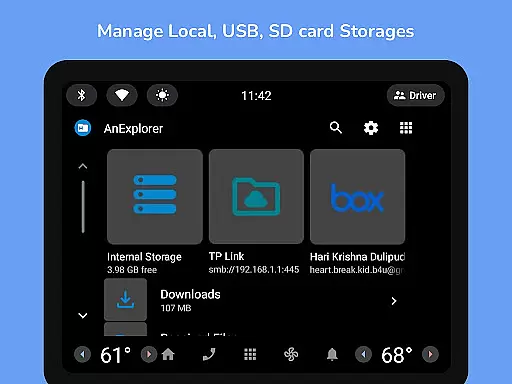
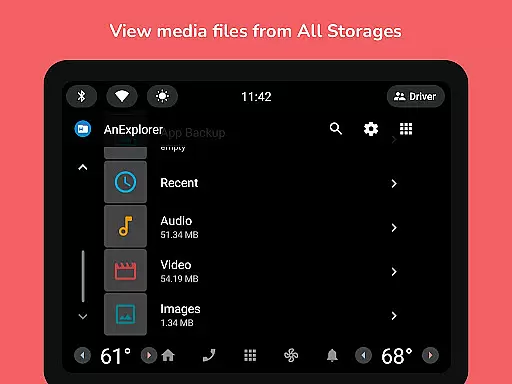
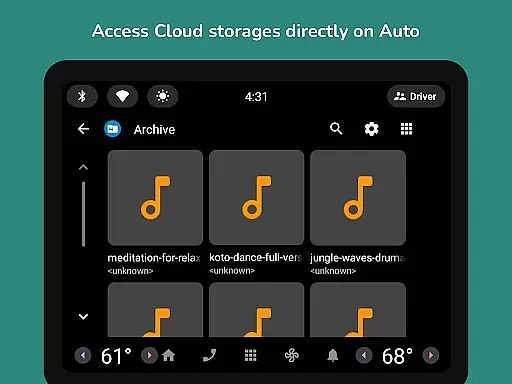
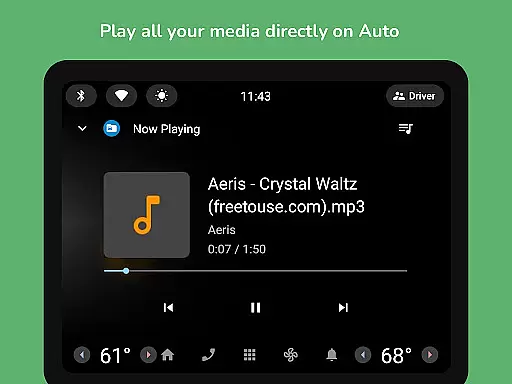
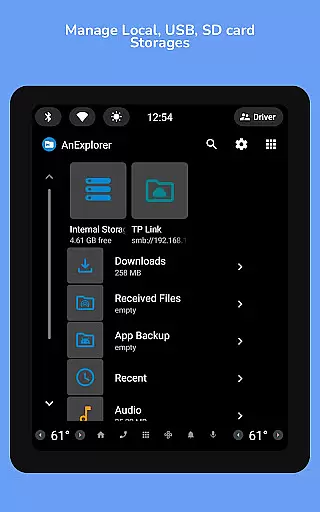
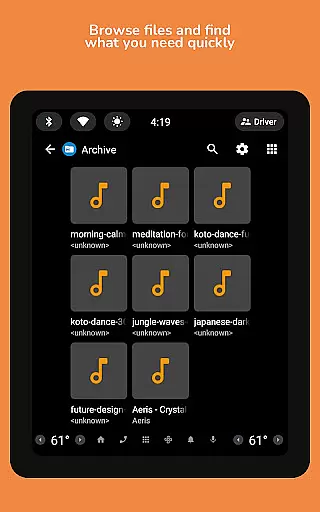
AnExplorer Pro File Manager is a versatile and powerful file management solution designed for Android users. This app offers an intuitive interface with material design, making it easy to browse, organize, and manage files across various storage types including local device storage, USB drives, SD cards, network storages, and cloud platforms.
With support for RTL languages and advanced features like folder size display, this file manager stands out as a comprehensive tool for both casual and power users. Whether you need to handle media files, documents, or system-level files, AnExplorer Pro provides the necessary tools to efficiently manage your digital content on any Android device.
AnExplorer Pro File Manager boasts an extensive range of features that cater to diverse user needs. The app allows you to perform essential file operations such as copying, moving, renaming, and deleting files, while also offering advanced functionalities like file compression and extraction.
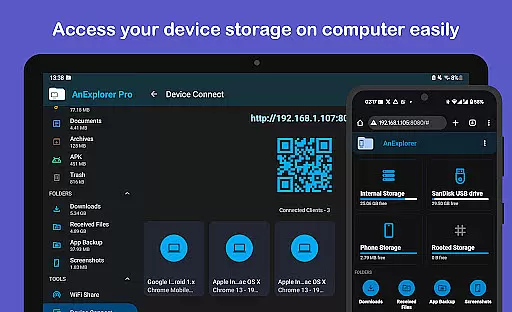
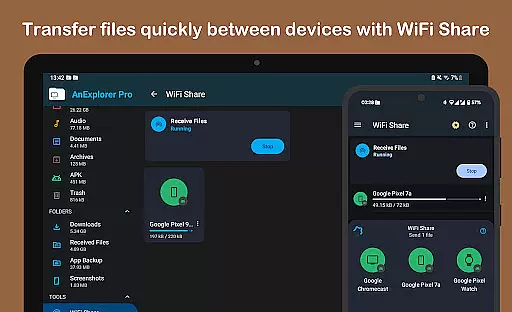
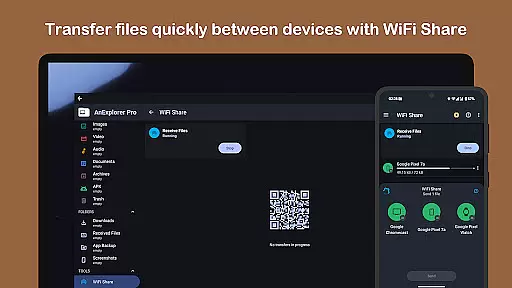
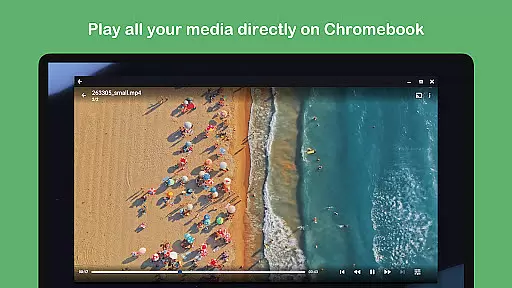
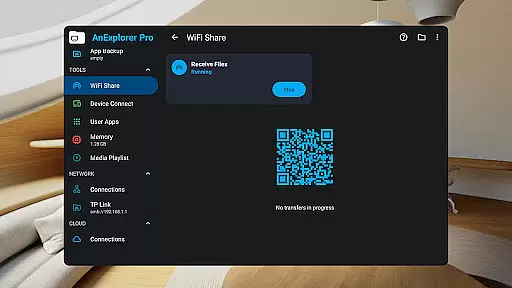
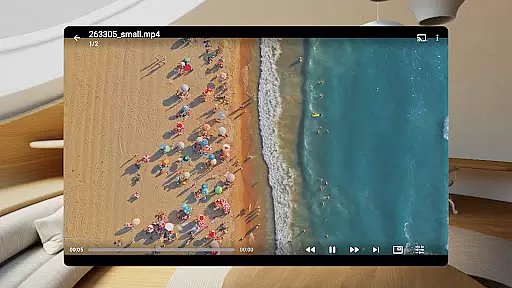
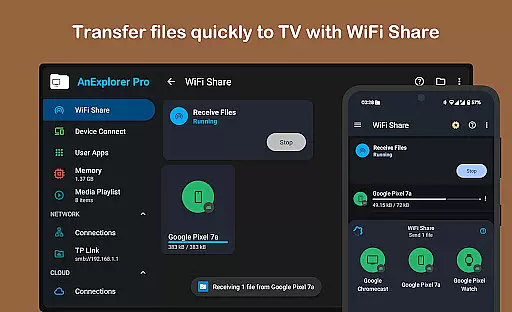
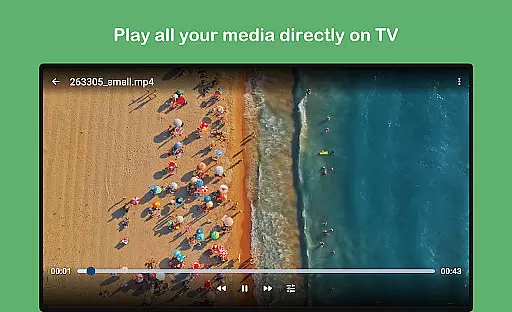
Beyond basic file management, the app includes built-in viewers and players for photos, music, videos, text files, and PDFs. It supports network and cloud storage management, APK installations, and even memory cleaning. With capabilities like offline WiFi sharing and casting to Chromecast devices, AnExplorer Pro ensures seamless file handling and media enjoyment across all your devices.
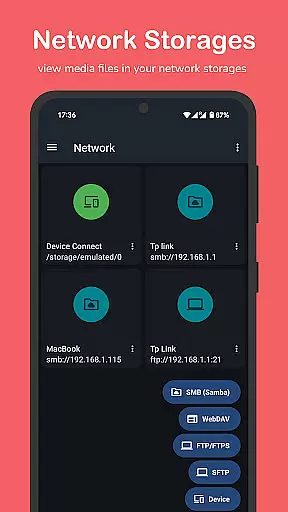
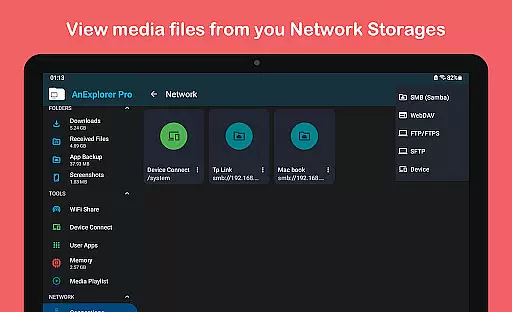
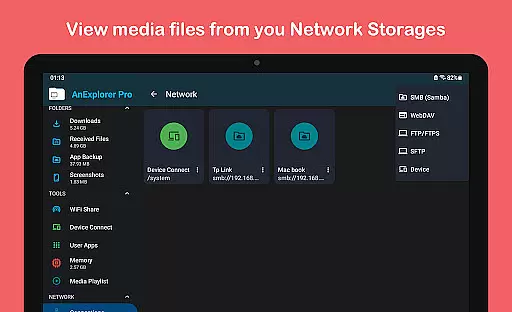
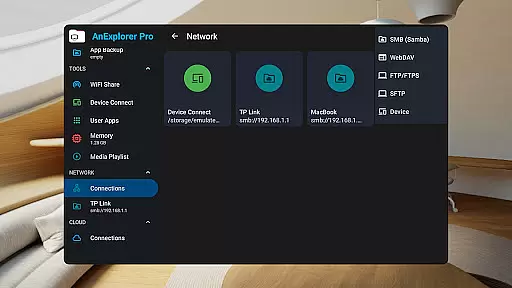
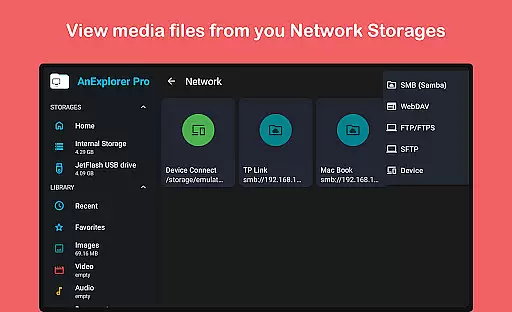
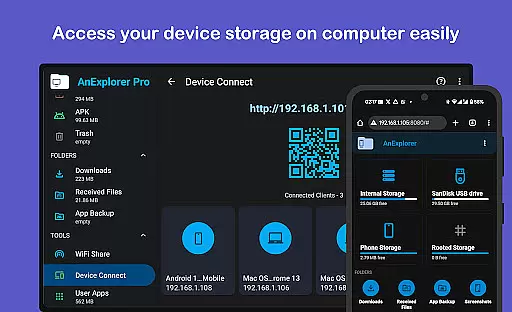
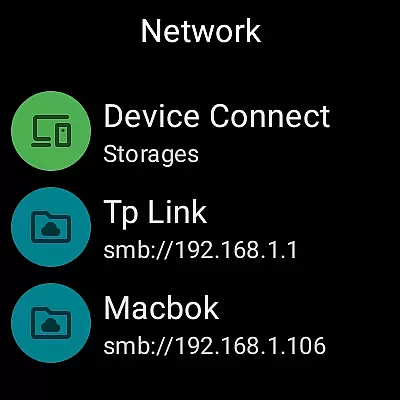
Collaborative work features are essential for modern business applications, enabling teams to work together efficiently regardless of their physical locations. AnExplorer Pro File Manager supports this through its network file management capabilities, allowing users to connect to FTP, FTPS, SMB, and WebDAV servers.
This functionality facilitates seamless file sharing and collaboration by providing access to shared folders and NAS devices. Users can stream and transfer files across different platforms without the need for physical storage devices, ensuring that all team members have up-to-date information at their fingertips.
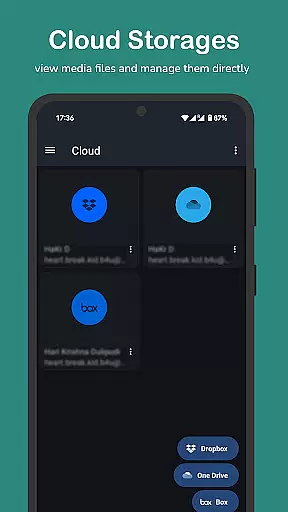
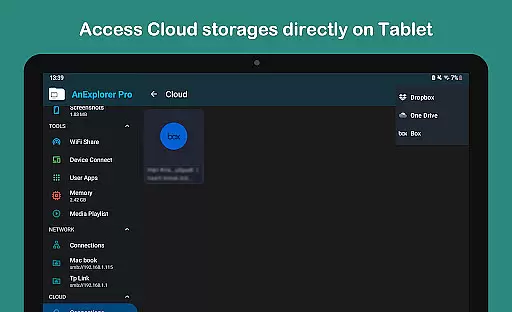
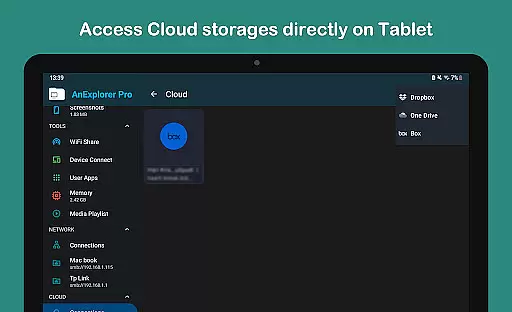
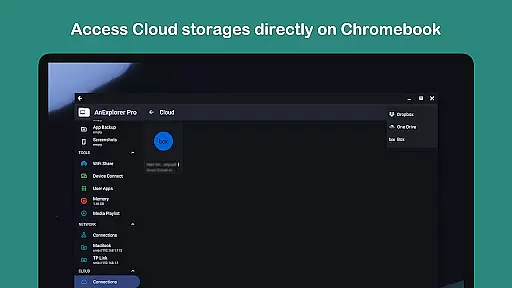
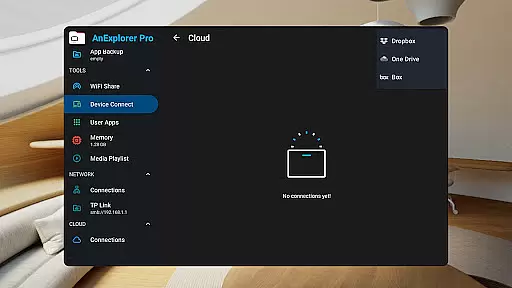
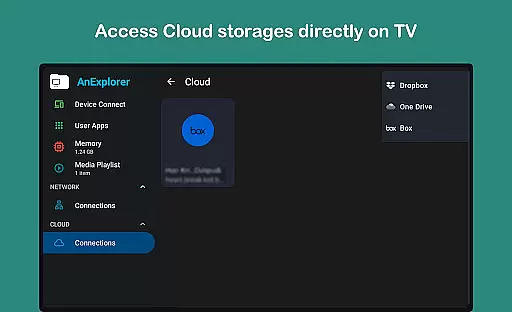
The app's cloud integration with services like Box, Dropbox, and OneDrive further enhances collaborative efforts. Team members can upload, download, delete, or preview media directly within the cloud, promoting a cohesive workflow. This ensures that documents and resources are accessible from any device, fostering an environment where collaboration thrives.
By supporting these collaborative work features, AnExplorer Pro File Manager empowers businesses to maintain productivity and efficiency, even when working remotely. The ability to manage files across various networked environments means that projects can progress smoothly, without being hindered by geographical barriers.
Effective task management is crucial for maintaining productivity and ensuring that projects are completed on time. AnExplorer Pro File Manager offers robust tools that contribute to efficient task management, particularly through its file organization and media library management features.
With the ability to browse, copy, move, rename, delete, compress, and extract files and folders, users can keep their digital workspace organized. The app's capacity to show hidden folders and thumbnails, as well as display folder sizes across all storage types, allows for meticulous file management. This level of detail helps users prioritize tasks and manage their time effectively.
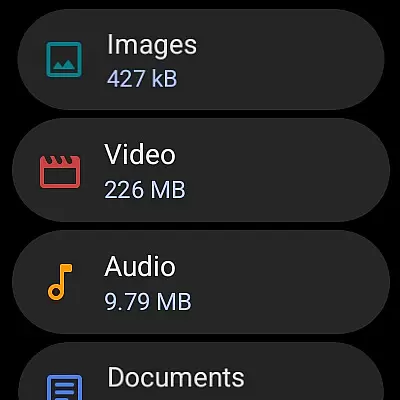
AnExplorer Pro also auto-categorizes files into Images, Videos, Music, Documents, Archives, and APKs, streamlining the process of locating and managing specific file types. By organizing downloads and Bluetooth transfers, the app ensures that important files are easily accessible, reducing the time spent searching for resources.
Additionally, the bookmark feature for favorite folders enables quick access to frequently used directories, enhancing workflow speed. These task management capabilities ensure that users can focus on their core responsibilities without being bogged down by disorganized files, ultimately leading to improved productivity and project success.
User-friendly interface
Wide range of supported storage types
Advanced file management features
Comprehensive media support
Cross-device compatibility
Paid version only
Feature overload for casual users
Requires learning curve
Limited iOS support
Root access needed for certain functions

The revolutionary flexible staffing platform
 4.40
4.40
Quickly open and manage PDF files on your device.
3.80
Get your benefits on-the-go.
3.80
The MyWalmart App is available for all associates in stores.
4.70
Earn free swag, G-Cards & food • Enter sweepstakes • Find stores • So much more.
4.70
Simple, Fast & Lightweight
3.90
Master crypto trading with real-time simulations and exciting challenges!
4.50
Make invoices, bills, receipts & estimates on the go with Invoice Generator.
4.70
The app that lets you deliver with Amazon.
4.50
Create curriculum vitae, a professional cover letter creator and resume designer
4.80
Permission Guard is a security app that helps you manage app permissions.
4.80
Grow your business and connect with more people with Meta Business Suite.
4.60
Collaborate seamlessly with Google Chat, part of Google Workspace
4.50
ADP Mobile Solutions is an employee self service app
4.50
Scan Business Cards & Conference Badges - Capture Leads at Events & Tradeshows
4.20
Build a store in minutes with our full suite of AI tools. Start for free!
4.20
Work happy with AI Companion
4.10
Find flexible, hourly jobs hiring near you in restaurant, retail & hospitality!
4.00
Completed Course Lectures on how to use IBM Maximo in Maintenance issues
4.4


User Reviews