
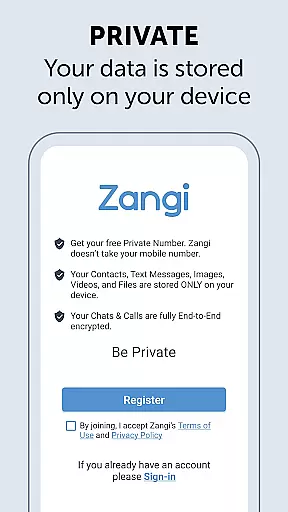
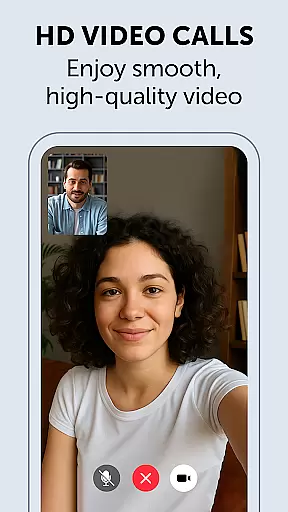
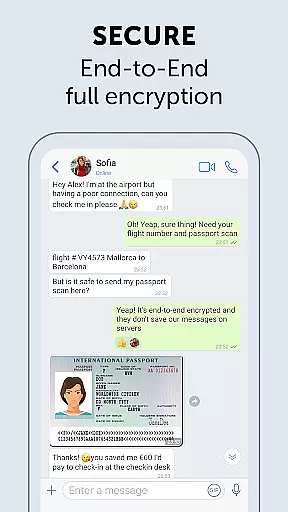
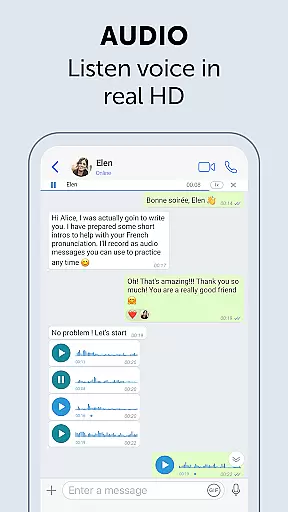
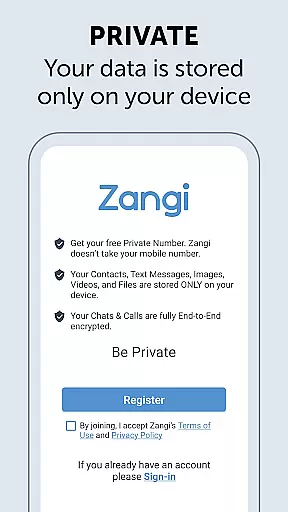
Zangi Private Messenger is a secure communication app designed for privacy-conscious users. It offers anonymous registration without requiring a phone number, ensuring protection from surveillance and hacking attempts. The app employs military-grade AES-GCM 256 encryption for all communications, including texts, voice, video calls, and file sharing.
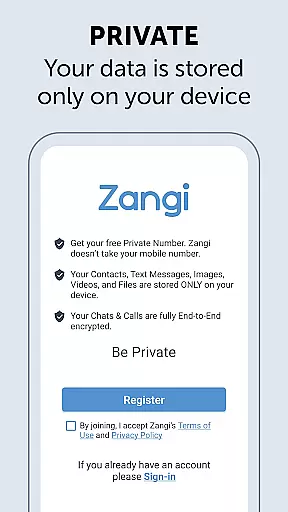
What sets Zangi apart is its commitment to user privacy through a no-data collection policy - your information stays only on your device. Its optimized performance allows stable connections even with 2G networks or crowded WiFi environments, making it an ideal choice for those seeking reliable and private messaging services.
Zangi stands out with its comprehensive security features that cater to users who prioritize privacy. The app's anonymous registration process eliminates the need for personal contact sharing, while its end-to-end encryption ensures that all forms of communication are protected against unauthorized access.
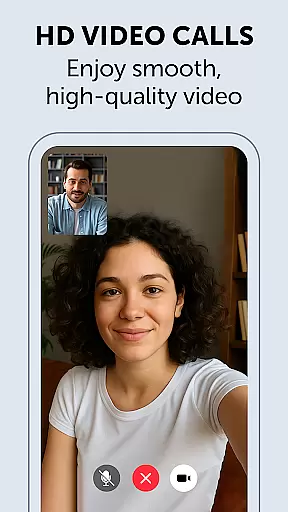
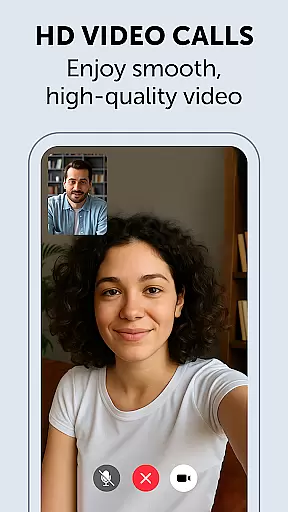
Beyond security, Zangi delivers consistent performance across various network conditions. Its unique optimization technology minimizes dependency on internet speed, enabling seamless voice and video calls even in low-bandwidth situations. This makes Zangi particularly valuable for users in areas with unstable connectivity who require uninterrupted communication services.
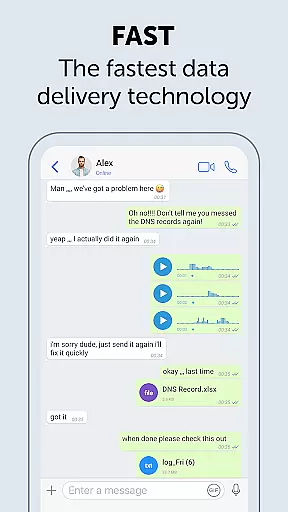
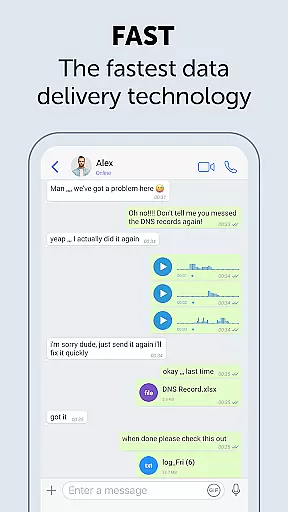
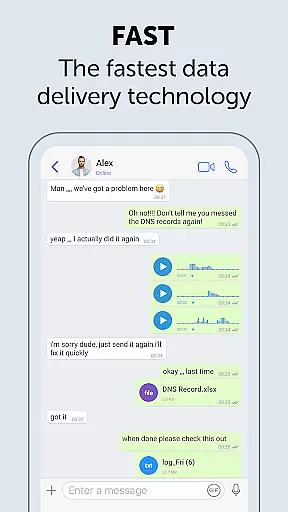
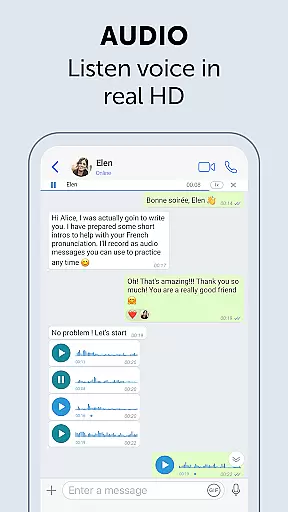
Real-time messaging speed and reliability are crucial for seamless communication. Zangi Private Messenger ensures that messages are delivered instantly, even under challenging network conditions.
The app is designed to minimize dependency on internet speed, making it functional even with 2G connections or crowded WiFi environments. This robust performance ensures users can communicate without interruptions.
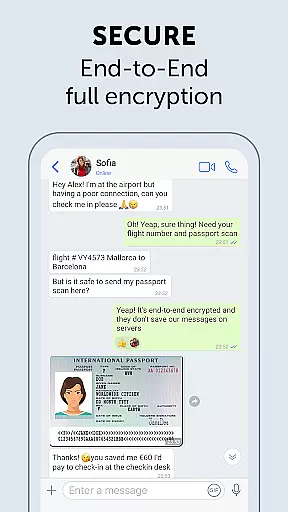
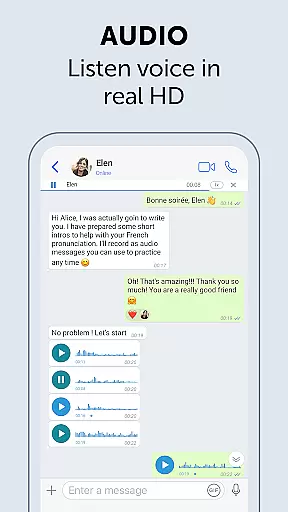
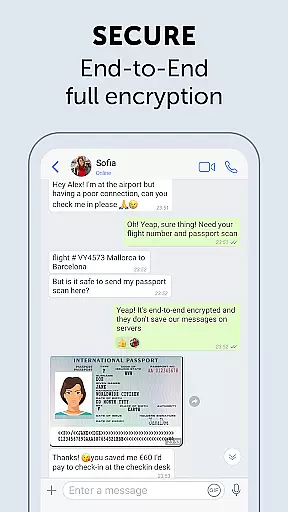
Zangi employs military-grade encryption using the End-to-End AES-GCM 256 algorithm, ensuring texts, files, voice, and video calls remain secure. This level of encryption not only protects data but also enhances the reliability of message delivery.
With unbreakable quality and minimized latency, Zangi offers a reliable messaging experience that works where other apps fail, providing consistent connectivity and peace of mind for its users.
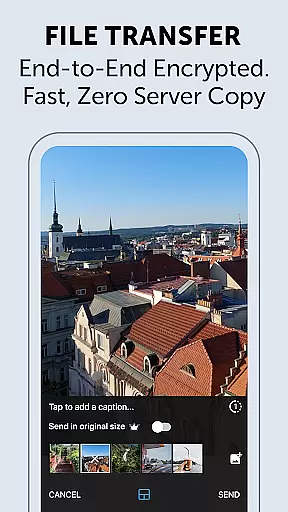
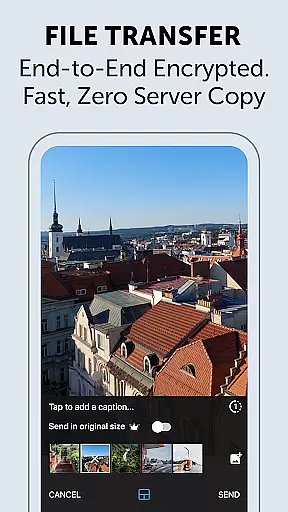
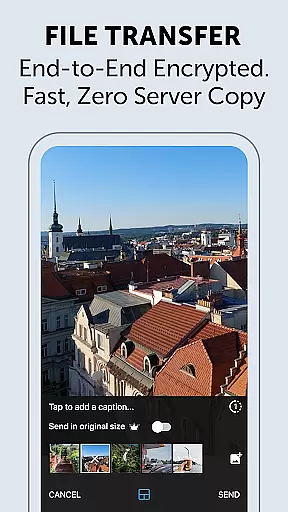
Media sharing support in a messenger app enhances user interaction by allowing the exchange of various file types effortlessly. Zangi Private Messenger excels in this area by enabling users to share files, images, and videos securely.
All shared media is protected by military-grade End-to-End AES-GCM 256 encryption, ensuring that personal data remains confidential and secure from surveillance and hacking attempts.
Zangi's no data collection policy means that all shared content is stored only on the user's device, reinforcing privacy and eliminating the risk of unauthorized access to sensitive information.
This secure and efficient media sharing capability makes Zangi an ideal choice for users who prioritize privacy and need a reliable platform for exchanging multimedia content without compromising security.
Top-level security
No data collection
Anonymous registration
Reliable on slow networks
End-to-end encryption
Limited user base
Fewer features than competitors
No desktop version
Smaller community
Less frequent updates

Google's fast and secure browser
 4.10
4.10
This app enables the phone to receive and send FT8 traffic!
3.80
Message and video call your family and friends in HD!
3.80
Manage and Fund Calling Accounts and Schedule and Join Video Sessions
3.60
An agentic AI browser for Android, built by Perplexity
4.50
Federated instant messaging for your mobile device (Jabber, XMPP, Snikket)
4.10
A softphone with crystal clear SIP Calling & Reliable VoIP dialer
4.00
Measure BHP, Torque & 0-60 Clear car OBD faults View engine data in Google Earth
4.00
Get through your inbox faster with the mail app designed to simplify your life.
4.40
Manage BoostMobile Account
4.60
Connect and browse the internet with a fast VPN proxy server and IP blocker.
4.50
Create a secure hotspot on-the-go with Portable WiFi - Mobile hotspot.
4.40
Our Black Friday sale is here. Unlock special discounts on Proton Mail now.
4.30
Messenger app for faster and simpler SMS text messaging, and personalized themes
4.10
Fun, free app that lets kids video call and message family and close friends.
3.80
Official NDI app: turn your phone into a professional live-streaming IP camera.
3.20
Auto Reply SMS, Text Messaging, Away SMS Response, Busy SMS messages, Block Text
3.10
Enables Plus features of Quick Search.
4.0
An app dedicated solely to marriage, not dating, and supported by a rigorous verification mechanism to ensure seriousness.
4.5


User Reviews