
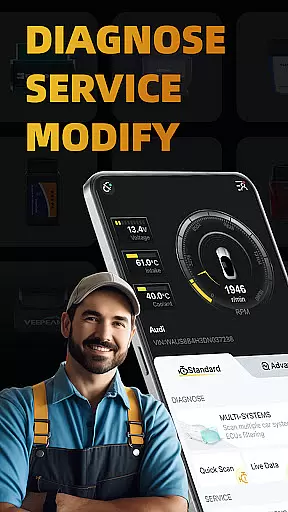
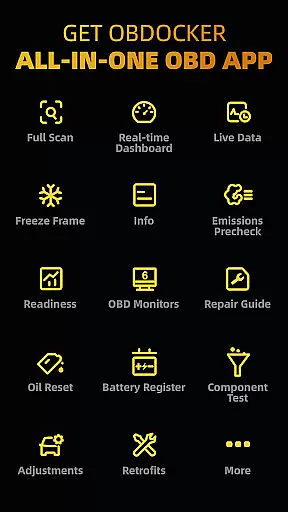
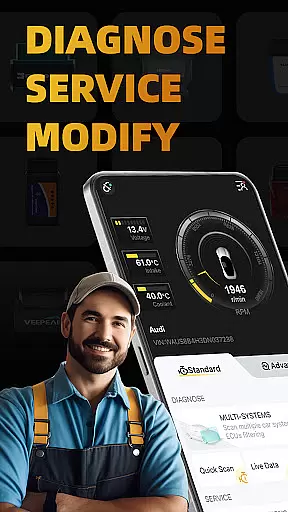
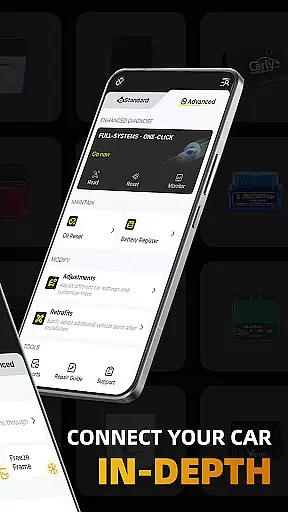
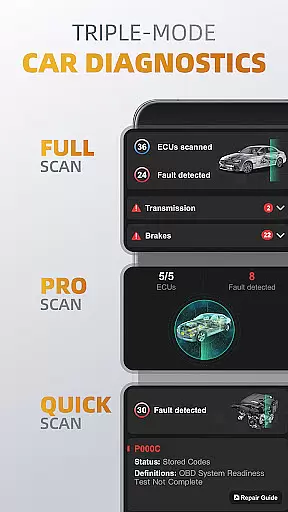
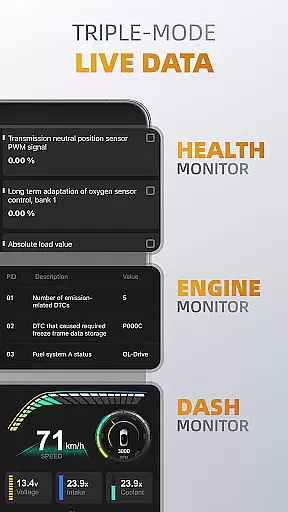
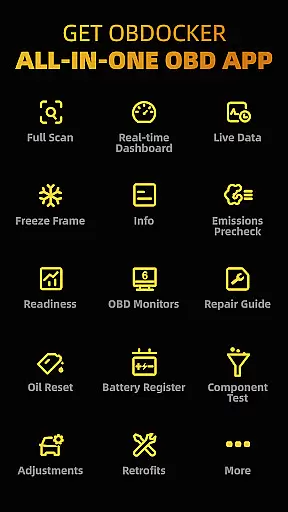
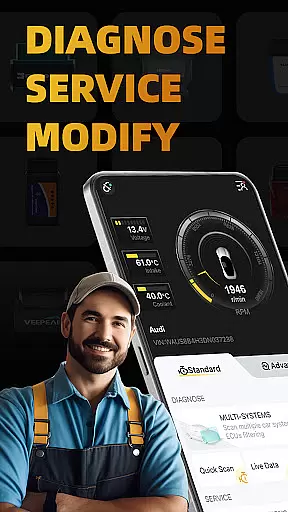
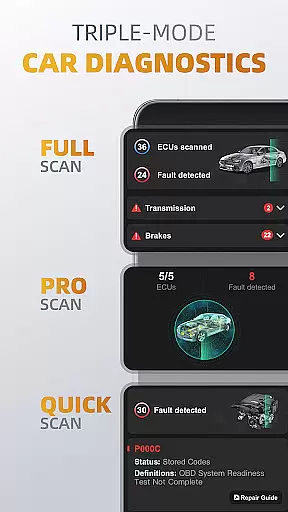
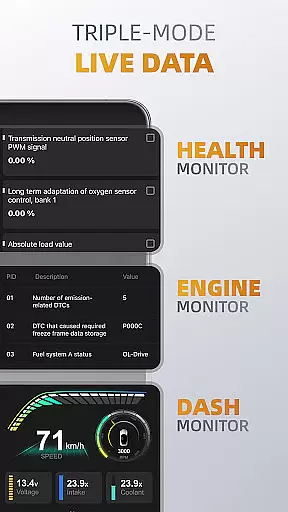
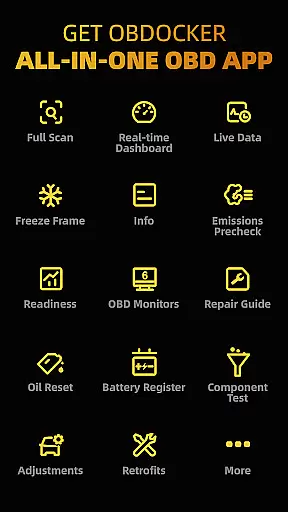
OBDocker is a professional OBD2 car scanner app designed for vehicle diagnostics, service, and customization. It offers triple-mode diagnostics including full-systems, multi-systems, and quick scans to efficiently identify and resolve issues. The app supports real-time data monitoring through its triple-mode live data feature, allowing users to track vehicle performance with health, engine, and dash monitors.
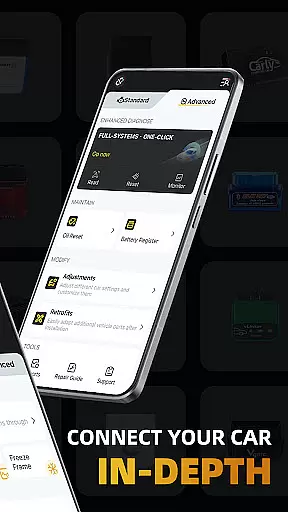
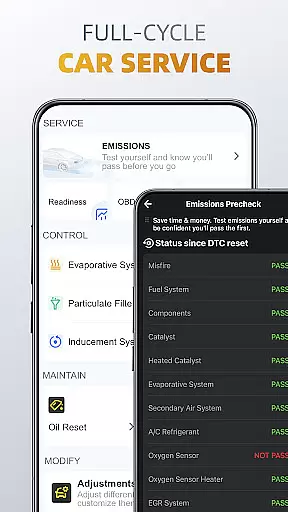
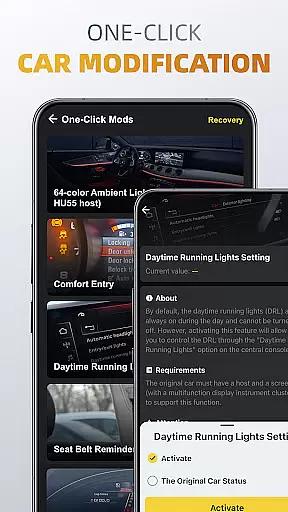
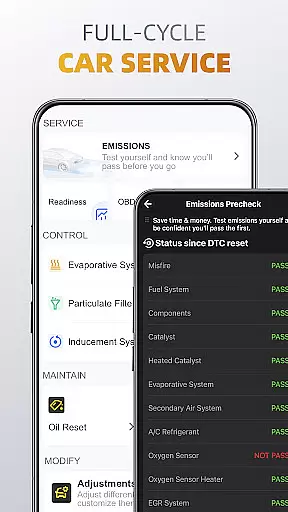
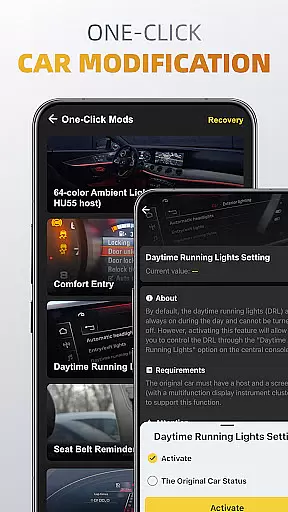
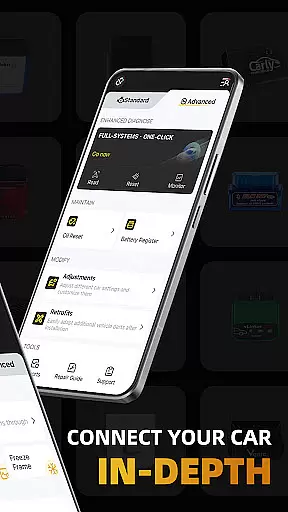
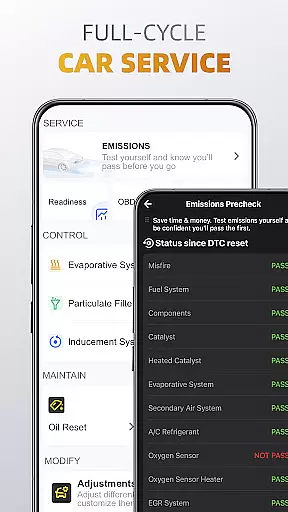
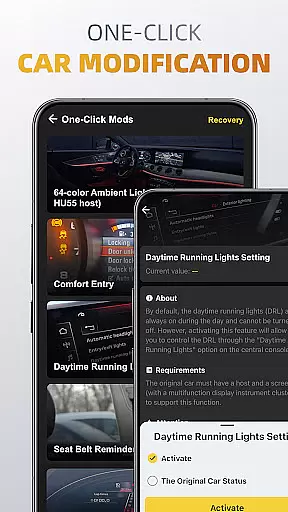
Additionally, OBDocker provides a comprehensive service cycle with features like emissions pre-check, control tests, oil reset, and battery registration. Its one-click modification capabilities enable easy adjustments and retrofits. Compatible with a wide range of vehicles and OBD adapters, this app is suitable for both standard and advanced diagnostic needs, making it an essential tool for car enthusiasts and professionals alike.
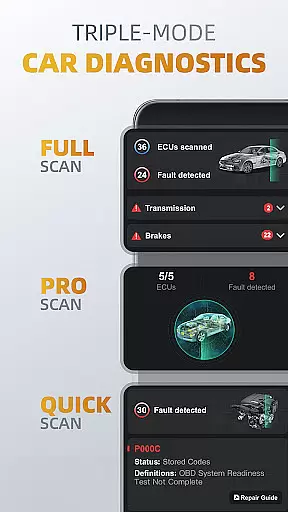
OBDocker stands out with its robust set of features tailored for vehicle maintenance and enhancement. The triple-mode diagnostics allow users to perform full-system scans, target specific ECUs such as TMS, SRS, ABS, and swiftly address engine fault codes. This ensures thorough and precise diagnostics, empowering users to maintain optimal vehicle performance.
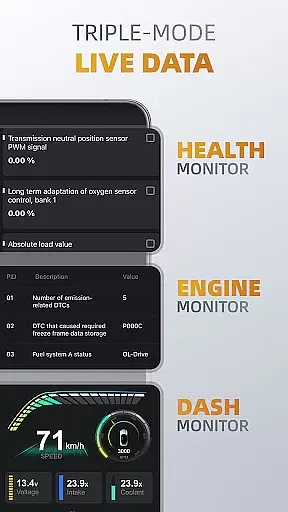
The triple-mode live data functionality offers real-time insights into vehicle systems. Users can monitor overall health, focus on engine metrics, and visualize data through dash displays. Furthermore, the app's full-cycle service includes emissions testing, EVAP leak detection, DPF reinitialization, oil reset, and battery registration, covering all essential maintenance tasks. With one-click modifications, users can easily adjust settings and retrofit additional components, enhancing their vehicle's capabilities while ensuring everything runs smoothly.
Accessing detailed vehicle information is crucial for effective car maintenance and diagnostics. OBDocker provides comprehensive data across multiple systems, enabling users to understand their vehicle's condition in depth.
The app offers triple-mode diagnostics that cover full-system scans, multi-system checks through ECU filtering, and quick engine fault code scanning. This ensures users can pinpoint issues within specific components like TMS, SRS, ABS, TCM, and BCM with precision.
With features such as live data monitoring, users can track real-time parameters of their vehicle's performance. The health monitor, engine monitor, and dash monitor provide insights into system performance, empowering users to maintain optimal vehicle health.
This level of detail allows car owners and mechanics to make informed decisions about necessary repairs or adjustments, ultimately extending the lifespan of the vehicle and ensuring safety on the road.
Price transparency in automotive services helps users make informed financial decisions. OBDocker addresses this by offering clear subscription plans that unlock the app's full potential.
The app provides a free trial allowing users to access all features, ensuring they understand the value before committing financially. For extended use, users can choose between Pro and Pro Max subscriptions tailored to different needs.
OBDocker also supports various OBD adapters, recommending high-performance options like Vlinker Series and OBDLink Series while listing middle-performance alternatives. This openness about compatible devices helps users budget for additional equipment if needed.
By clearly outlining costs associated with subscriptions and hardware requirements, OBDocker ensures users are never caught off guard by hidden fees, promoting trust and long-term user satisfaction.
User-friendly interface
Comprehensive diagnostics
Real-time data monitoring
Wide vehicle compatibility
One-click modifications
Requires compatible adapter
Premium features need subscription
Complex for beginners
Limited free trial
Dependent on car's sensors

ODB2 based monitoring application for the Chevy Bolt (2017-2021)
 4.00
4.00
OBD1 ECMs application. Data log or tune directly from your phone or tablet!
4.60
Listings of Tesla's with FSD - Included package
4.60
Play what you want through Android Auto
4.90
Trip computer+car diagnostic tool with widest variety of features and dashboard!
4.70
O'Reilly Pro will streamline your parts lookup and ordering process!
3.20
Quick and easy car diagnostics to get you the right fix.
4.70
Autotrader is your online solution for buying and selling new and used cars.
4.40
Easy connect & control your cars from afar. Remote Lock & unlock car and carplay
4.60
Your go-to app for car, truck & SUV parts, DIY tools, and expert repair help.
4.70
Buy and sell your boat
4.70
Browse millions of cars, track vehicle listings or sell your car today
4.70
OBDII - ELM327 Terminal tool for 96-00 Volvos
4.50
Autolist - The Largest Selection of Local Used Cars and Trucks
4.50
Automotive Electrical Wiring Diagrams
4.40
BlueDriver® is a Premium Diagnostic OBD2 Scan Tool. www.BlueDriver.com
3.90
Blink Charging Mobile app makes finding an EV charger an intuitive experience.
3.80
The Smarter Way Forward
3.30
Theme for Car Launcher
4.2


User Reviews