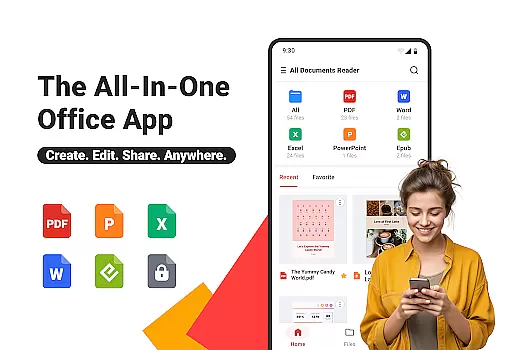
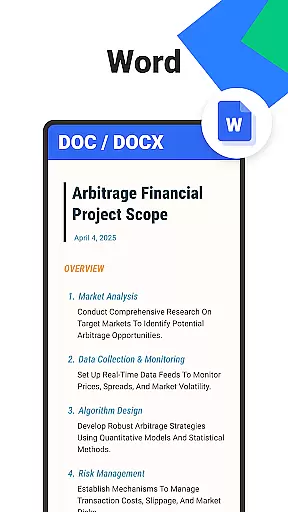
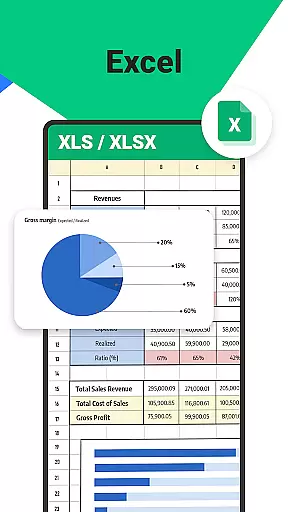

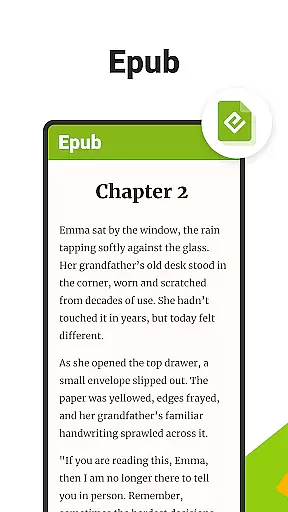
All Documents Reader is a versatile document management tool designed to streamline how you view, edit, and organize digital files. Supporting formats like PDF, Word, Excel, PowerPoint, and EPUB, it serves as an all-in-one solution for both professional and personal use.
With features such as smart search, automatic categorization, and AI-powered summarization, the app ensures efficient file handling. Whether you're managing office documents or reading eBooks, this tool provides a seamless experience across work, study, and everyday tasks.
The app's offline functionality and privacy-focused design make it a reliable choice for users who need uninterrupted access to their files without compromising security.
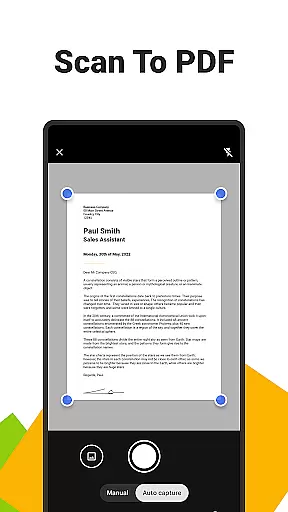
All Documents Reader stands out with its comprehensive PDF tools, including merging, splitting, form-filling, and encryption capabilities. Its built-in scanner allows users to convert images into high-quality PDFs effortlessly.
The app also offers an intuitive navigation system that supports quick searches by file name or type, along with automatic organization by format. These features ensure that users can manage large collections of documents with ease.
For an enhanced reading experience, the app provides customizable viewing modes and AI-driven summarization, making it ideal for both detailed reports and leisure reading.
Ora All Documents Reader excels in delivering accurate and effective core functionalities that cater to diverse document management needs. The app supports an extensive range of file formats including PDF, Word, Excel, PowerPoint, and EPUB, ensuring that users can view and manage virtually any digital document with precision.
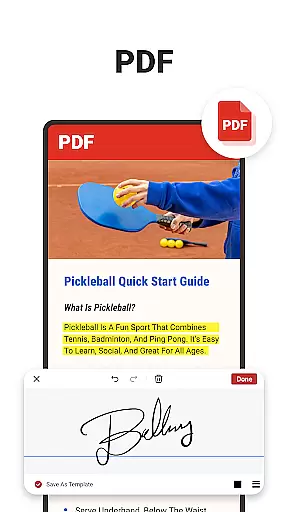
One of the standout features is its comprehensive PDF tools. Users can read, highlight, annotate, merge, split, fill forms, and even sign documents effortlessly. This positions Ora as not just a viewer but a complete PDF editor. Additionally, the built-in scanner allows for quick conversion of photos into high-quality PDFs, further enhancing its utility.
The app also incorporates AI technology to summarize key points from complex documents, making information extraction both swift and reliable. With flexible PDF management options such as merging or splitting files and protecting them through encryption, users are equipped with powerful tools to handle their documents securely and efficiently.
Ultimately, the effectiveness of Ora All Documents Reader lies in its ability to streamline workflows. Whether it's for business tasks, academic assignments, or personal use, the app provides a seamless experience that boosts productivity while maintaining data privacy and security.
A hallmark of Ora All Documents Reader is its commitment to providing a simple yet intuitive interface that enhances user interaction. The design philosophy centers around ease of use, ensuring that even those unfamiliar with advanced document management systems can navigate the app effortlessly.
Centralized access to all file types creates a unified hub where users can instantly preview and manage their documents. This eliminates the need to switch between multiple applications, streamlining the document handling process. Smart search functionality further augments this by allowing users to quickly locate any file, thus saving valuable time.
The reading experience itself has been optimized for both work and leisure. Customizable viewing options, including horizontal and vertical modes, cater to different preferences and use cases. Whether reviewing detailed reports or enjoying an EPUB novel, users benefit from a tailored experience that suits their needs.
Moreover, automatic categorization and intuitive navigation make organizing and retrieving files straightforward. By focusing on these aspects, Ora ensures that users spend less time managing their documents and more time utilizing them effectively, thereby enhancing overall productivity without compromising on usability.
User-friendly interface
Multi-format support
Offline functionality
AI-powered tools
Privacy-focused design
Limited advanced editing
No cloud sync
Premium features locked
Occasional bugs
Heavy on storage

 4.50
4.50
Save any video in HD - paste the link, download fast and watch offline.
4.2
Family Locator, Share location, StayConnect with your family in real time
3.90
Amateur Radio app for APRS: Track friends, exchange messages, get tactical info.
3.90
Excellent scientific calculator with symbolic algebra, integrals, derivatives
4.80
Planner and Tracker for Stardew Valley
4.60
Pro Emulator is an easy to use game console emulator for a range of consoles.
4.40
Automate everything from settings to photos, SMS to speech. ADC2 prize winner.
4.10
Button mapper, mouse toggle, sleep timer and a lot of another features
4.50
Monitor car performance in real time and troubleshoot malfunctions.
4.80
Learn the vast amount of system information about device and monitor it's state
4.70
Optimize your WiFi network, turn your phone into Wifi Analyzer
4.70
ADB support Android 4.X-Android 13(Support wireless pair mode).No root required!
4.70
The Ultimate Flex Drivers Utility App - Convenient Tapping & Block Filters
4.70
Mirror your screen to Chromecast and Android TV - Super fast and simple
4.60
Screen Mirroring for Roku Sticks, Roku TCL TV and Roku Hisense TV
4.50
Forza Tuning Calculator App for Forza Horizon 5, Motorsport and Earlier Titles
4.40
1-Click close all background apps on Android TV
3.90
Transfer Files, APK from Phone to Watch & Install.
4.1


User Reviews