
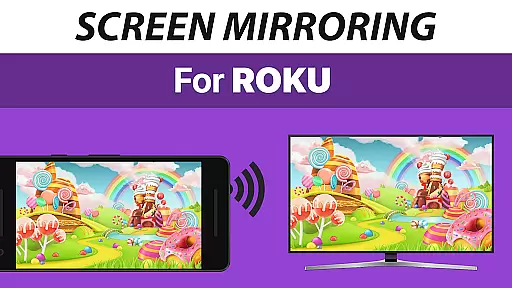
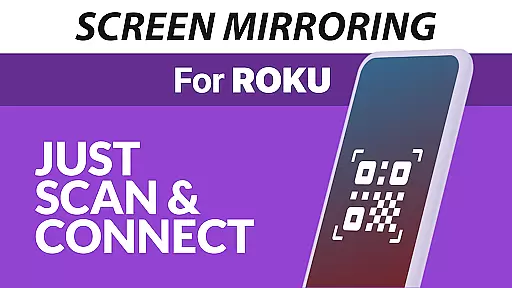
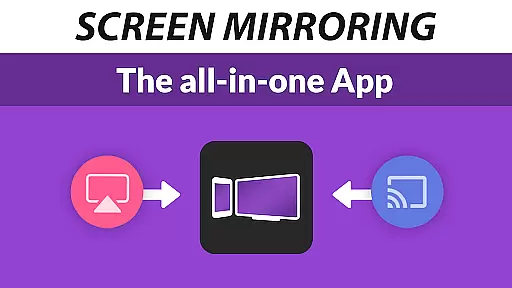
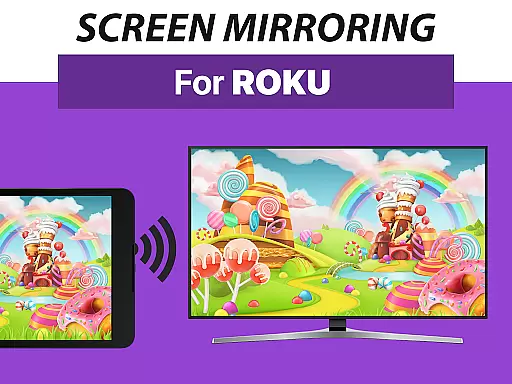
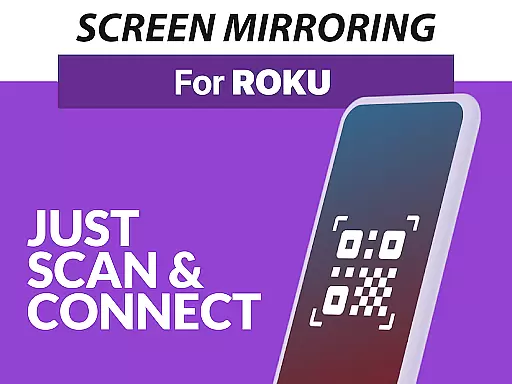
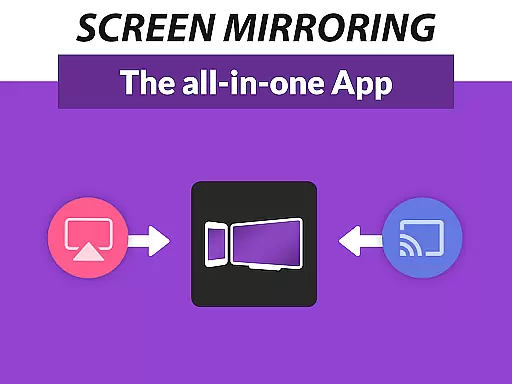
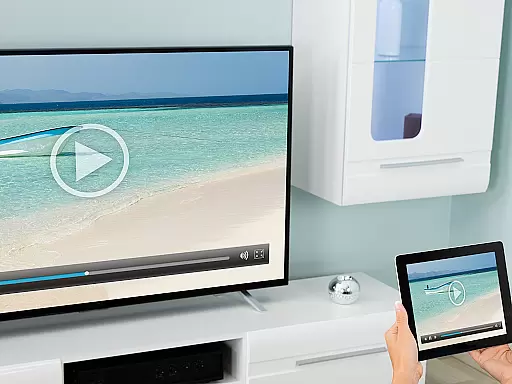
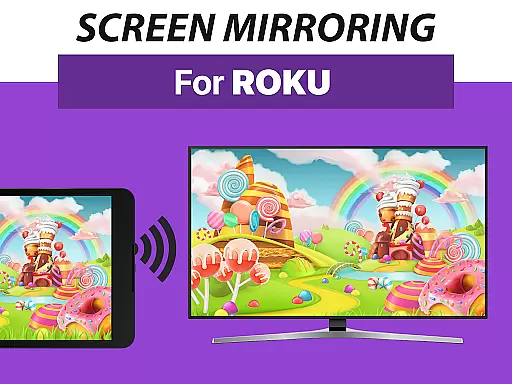
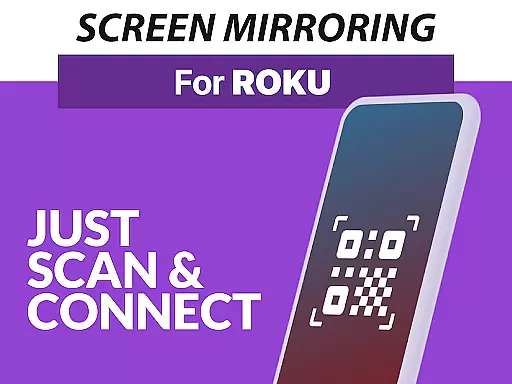
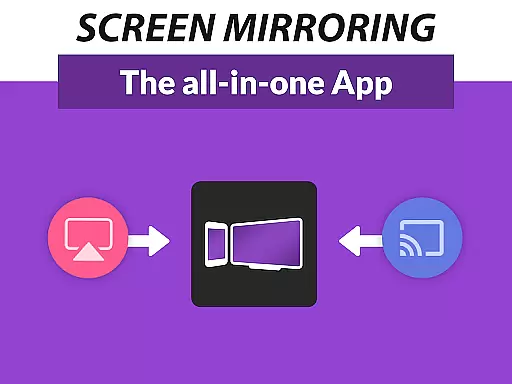
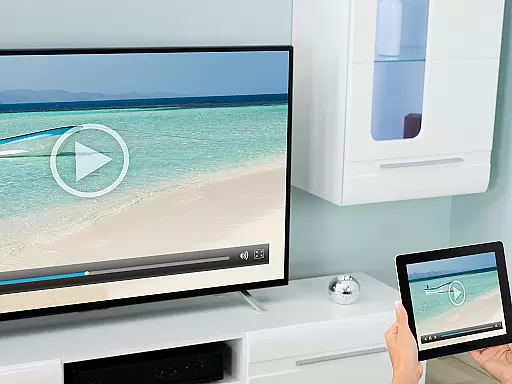
Screen Mirroring Pro for Roku is a powerful tool designed to mirror your Android device's screen to any Roku-enabled display seamlessly. This includes Roku Sticks, Boxes, and TVs from brands like TCL and Hisense. The app offers an easy setup process that eliminates the need for wires and ensures live mirroring in HD quality.
What sets this app apart is its superior device compatibility and user-friendly interface. Supporting all Android devices with version 5.0 and above, it provides a unified and straightforward setup experience across different models. Users can share photos, videos, games, websites, apps, presentations, and documents effortlessly, making it ideal for both personal and professional settings.
The app performs best under good Wi-Fi conditions, particularly on 5GHz networks, ensuring smooth and high-quality streaming. With dedicated customer support available via email, Screen Mirroring Pro for Roku stands out as a reliable solution for all your screen mirroring needs.
One of the standout features of Screen Mirroring Pro for Roku is its extensive device support. It is compatible with all Android devices running version 5.0 or higher and works seamlessly with all Roku devices, including Sticks, Boxes, TVs, and Roku Express models 3700 and 3710.
The app simplifies the screen mirroring process by offering a super easy and unified setup across all Android devices. There's no need to change Android settings or Wi-Fi options, allowing users to start sharing their content quickly. Additionally, the performance is optimized when both the Android device and Roku are connected to the same Wi-Fi network, preferably a 5GHz network for the best results.
Compared to the built-in Roku Screen Mirroring based on Miracast, this app provides significant advantages in terms of ease of use and reliability. Its intuitive design and robust performance make it a preferred choice for users looking to share their screen content efficiently.
Screen Mirroring Pro for Roku delivers exceptional core functionality by enabling seamless screen mirroring from Android devices to any Roku device. The app supports all Android devices running version 5.0 and above, ensuring broad compatibility.
With its intuitive design, the app eliminates the need for complex settings adjustments or Wi-Fi reconfigurations, offering a unified and hassle-free setup process across all supported devices. This ease of use is one of the standout features that enhances the overall user experience.
The performance of the mirroring function is optimized under good Wi-Fi conditions, particularly when using a 5GHz network, which ensures high-definition streaming quality. This focus on performance guarantees that users can share their content in crisp, clear detail without lag or interruptions.
By providing reliable and high-quality screen mirroring, Screen Mirroring Pro for Roku empowers users to effortlessly share photos, videos, games, and presentations with friends, family, and colleagues, enhancing both personal and professional interactions.
Screen Mirroring Pro for Roku excels in delivering an interface that is both simple and intuitive, making it accessible even to those who may not be tech-savvy. The app's design emphasizes ease of use, allowing users to start screen mirroring with minimal effort.
Upon launching the app, users are greeted with a straightforward interface that guides them through the necessary steps to connect their Android device to a Roku device. Clear instructions ensure that users can establish a connection without needing to consult additional resources or support.
The app avoids cluttering the interface with unnecessary options, focusing instead on providing a streamlined experience. This approach reduces the learning curve and helps users quickly become comfortable with the app's functionalities.
Overall, the combination of a clean layout, clear instructions, and minimal setup requirements makes Screen Mirroring Pro for Roku a top choice for anyone looking to mirror their screen with ease and efficiency.
User-friendly interface
Wide device compatibility
HD quality streaming
Easy setup process
Dedicated customer support
Requires good Wi-Fi
No VPN support
Limited to Roku devices
Needs same Wi-Fi network
Premium version costs

A recovery soft,it features photo recovery, video recovery, file recovery.
 3.40
3.40
Head tracking for PC sim games such as MSFS 2024 or Elite:Dangerous. No headset!
4.50
Effortlessly run ADB commands directly on your device without a PC.
4.20
Signal Strength, Mobile, Wifi, Speed Test, Bad Signals, Cellular, 5G, LTE, 4G
4.20
Making emulation easy for everyone!
4.30
WiFi Signal Strength Meter help you detect WiFi Signal Strength in real time.
4.80
Button mapper, mouse toggle, sleep timer and a lot of another features
4.50
Creation, Learning, Entertainment & More — The All-in-One AI Search Engine
4.70
Mobile Security with Scam Protection | Malware & Virus Cleaner | Safe Browser
4.70
Bedrock Together: Join any bedrock server on Xbox/PS
4.80
Planner and Tracker for Stardew Valley
4.60
Play your X-Box games remotely in 1080p with any controller and zero latency
4.60 4.50
4.50
Clean up large files and similar photos, fast and easy to use
4.40
Fluid navigation gestures for all of us!
4.30
Screen Mirroring with sound for Samsung TV, LG TV, Sony TV, Smart TV and Browser
4.20
Family Locator, Share location, StayConnect with your family in real time
3.90
Smart and comfortable browsing experience.
3.80
Download any file easily and quickly with Downloader
4.2


User Reviews