
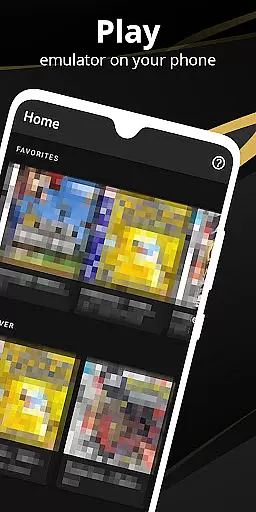

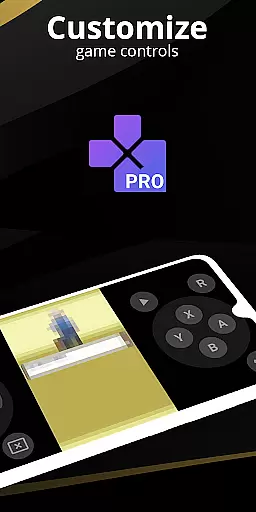
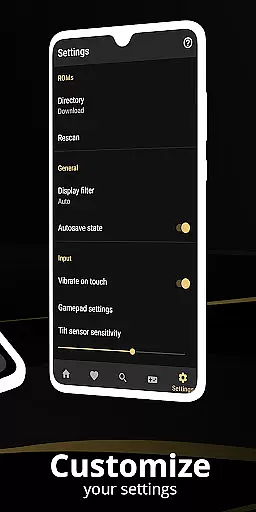
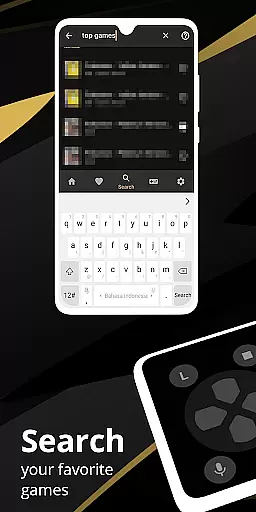
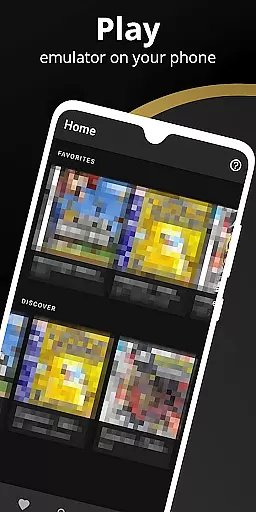
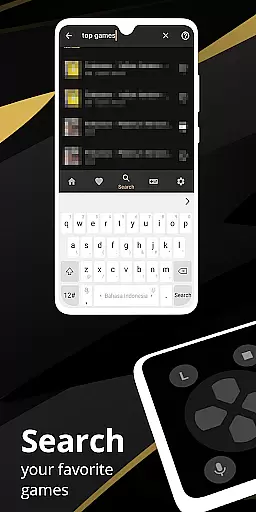
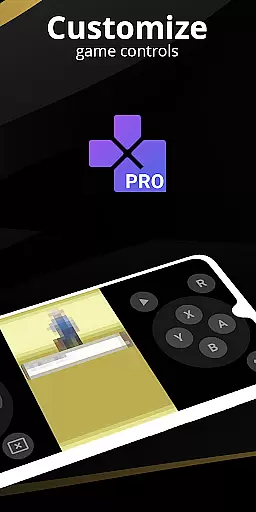
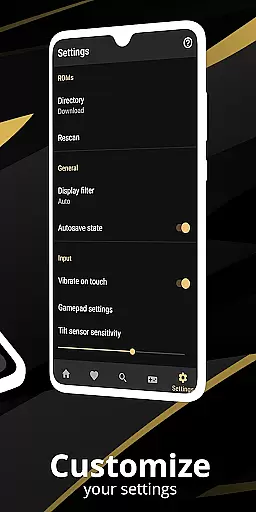
Pro Emulator for Game Consoles is a versatile emulator designed to bring classic gaming experiences to modern Android devices. This powerful tool supports emulation of various consoles, allowing users to relive the nostalgia of retro games on their phones or TVs. The app automatically saves and restores game states, provides quick save/load functionality, and offers lightning-fast emulation that conserves device battery life.
With high compatibility, Pro Emulator runs nearly all games without issues while offering advanced features like link cable emulation, gyroscope/tilt/solar sensor support, and rumble feedback. It includes optimized touch controls, OpenGL rendering, and video filters through GLSL shaders. Additionally, it supports external controllers, cloud save sync, and display simulation for an authentic experience.
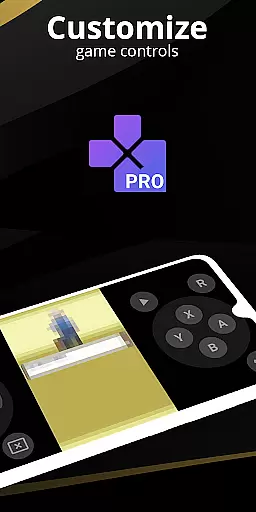
Pro Emulator stands out with its comprehensive feature set tailored for both casual gamers and enthusiasts. The app's high-level BIOS emulation eliminates the need for BIOS files, while ROM scanning and indexing simplify game management. Users can apply IPS/UPS patches to zipped ROMs and customize touch controls for optimal gameplay.
The emulator also boasts a powerful screen layout editor, enabling precise positioning and sizing of on-screen controls. With support for fast-forwarding, slow-motion, and multiplayer modes, it caters to diverse gaming preferences. Its clean user interface integrates seamlessly with the latest Android versions, providing shortcuts for launching favorite games and creating different key-mapping profiles.
When it comes to emulation software, the accuracy and effectiveness of core functions are paramount. Pro Emulator for Game Consoles excels in this area by providing a comprehensive suite of features that ensure games run smoothly and reliably on a wide range of Android devices. The emulator supports automatic saving and restoring of game states, quick save/load slots, and lightning-fast emulation that conserves device battery life.
The emulator boasts very high game compatibility, enabling nearly all games to run without issues. It also offers link cable emulation across devices via Bluetooth or Wi-Fi, as well as gyroscope, tilt, solar sensor, and rumble emulation. With high-level BIOS emulation, there's no need for BIOS files, and ROMs scanning and indexing streamline the game-loading process. These capabilities collectively enhance the user experience by ensuring that gameplay is both seamless and true to the original console experience.
For users, this means they can enjoy their favorite classic games with peace of mind, knowing that the emulator will handle complex processes efficiently. The optimized touch controls customization allows players to adjust the size and position of controls, while OpenGL rendering and video filters through GLSL shaders deliver visually stunning graphics. Fast-forward functionality helps skip lengthy story segments, and slow-down options assist in overcoming challenging levels.
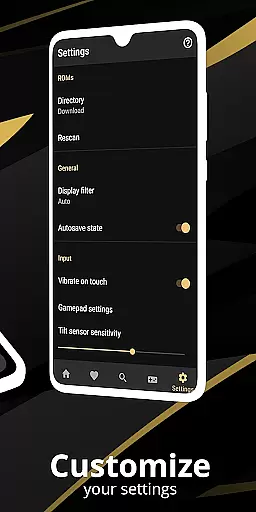
A simple and intuitive interface is crucial for any tool-based application, and Pro Emulator for Game Consoles delivers an exceptional user experience. Its clean and well-designed interface seamlessly integrates with the latest Android versions, offering users a streamlined way to interact with their favorite retro games. The emulator includes a powerful screen layout editor, allowing users to define the position and size of on-screen controls and game video, ensuring a personalized and comfortable gaming setup.
External controller support, including MOGA controllers, caters to gamers who prefer physical inputs over touchscreens. Tilt-to-stick functionality adds another layer of intuitive control, making gameplay feel natural and responsive. The creation and switching of different key-mapping profiles enable users to tailor controls to their liking, while shortcuts allow easy launching of favorite games directly from the desktop.
This level of interface customization empowers users to create an optimal gaming environment tailored to their preferences. By focusing on simplicity and intuitiveness, Pro Emulator ensures that even those new to emulation can easily navigate and enjoy their gaming sessions. The result is a tool that not only performs its core functions effectively but also provides an accessible and enjoyable user experience.
Wide device compatibility
High game compatibility rate
Advanced emulation features
Optimized performance
User-friendly interface
Powerful device required
No legal game downloads
Complex setup process
Limited customer support
Premium version cost

Just one-tap to easy translate in any language after calls within seconds.
 4.20
4.20
Safely recover deleted photos, videos, and files with a single easy tap.
3.70
Excellent scientific calculator with symbolic algebra, integrals, derivatives
4.80
WiFi Signal Strength Meter help you detect WiFi Signal Strength in real time.
4.80
Create your own custom widget with endless possibilities
3.90
Introducing Smart Printer, your ultimate destination for printing solutions!
4.00
Clean up large files and similar photos, fast and easy to use
4.40
Mobile Security with Scam Protection | Malware & Virus Cleaner | Safe Browser
4.70
A clean app.
4.50
Support Fossify apps with a warm thank you!
5.00
Bedrock Together: Join any bedrock server on Xbox/PS
4.80
Mirror your screen to Chromecast and Android TV - Super fast and simple
4.60
Quickly switch to an encrypted DNS server on Android TV
4.50
Game Booster, GFX Tool is now compatible with newer game update
4.50
Forza Tuning Calculator App for Forza Horizon 5, Motorsport and Earlier Titles
4.40
Making emulation easy for everyone!
4.30
pdf merge, word to pdf, jpg to pdf, edit pdf, convert to pdf and much more!
4.20
Carry a FTP server in your pocket and avoid USB cables for file transfer
4.20
MS-DOS in your pocket. Play old DOS games anywhere you are ;)
4.10


User Reviews