
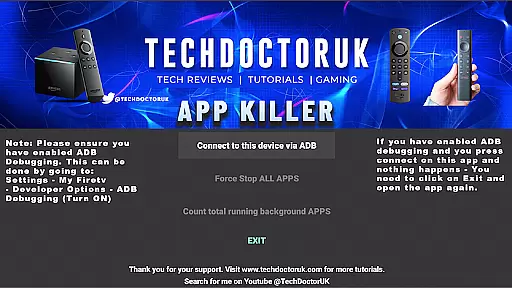
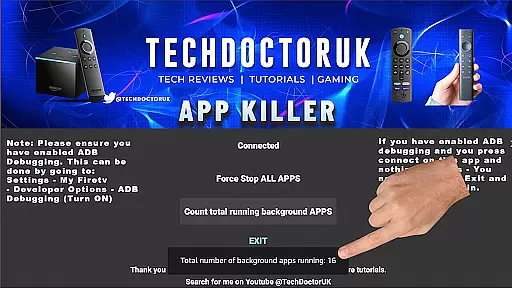
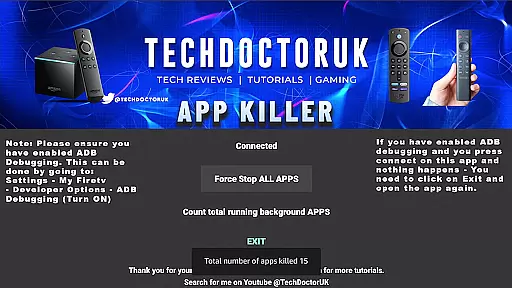
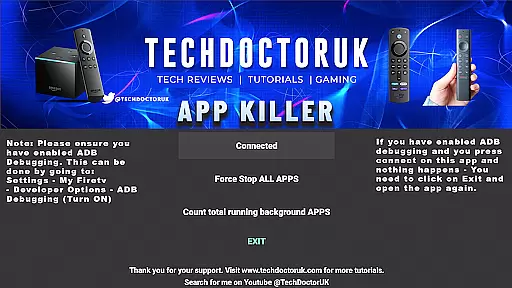
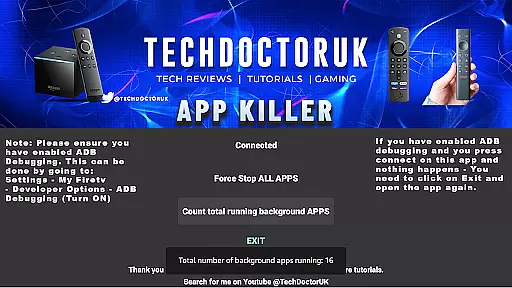
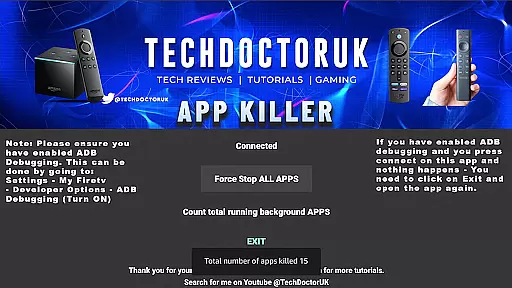
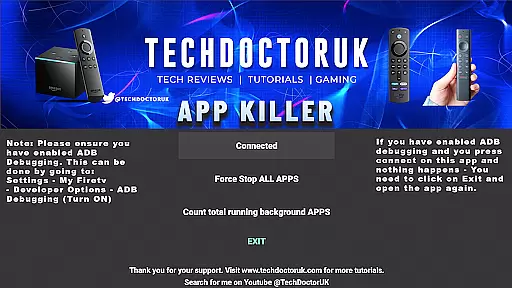
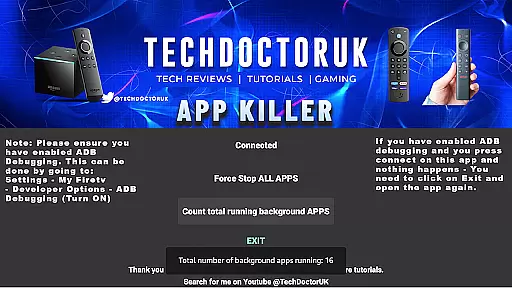
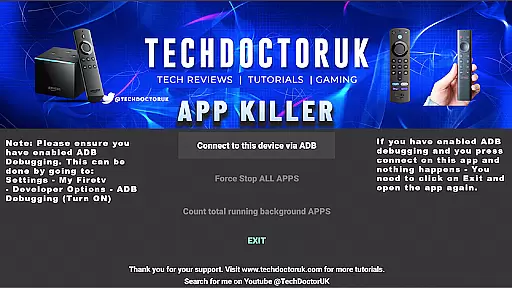
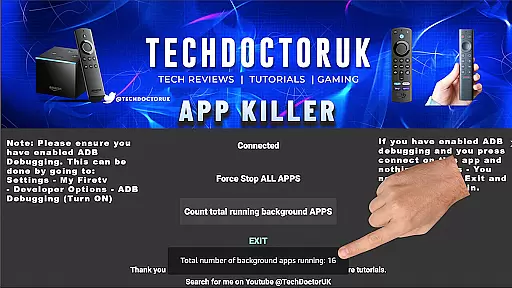
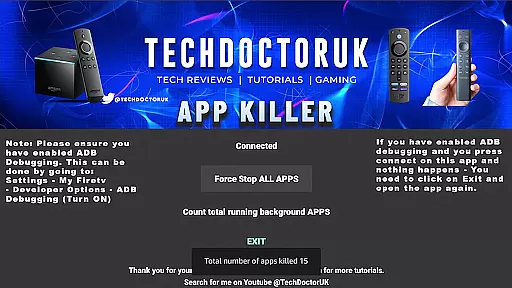
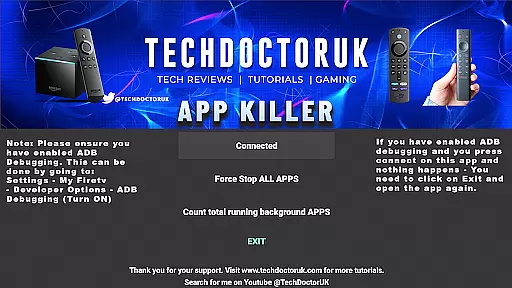
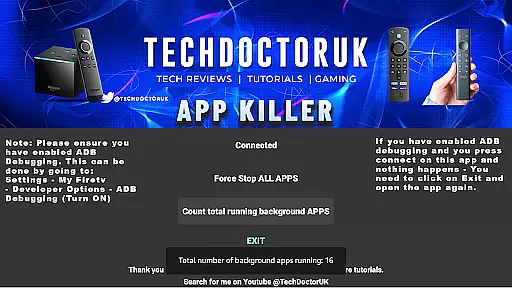
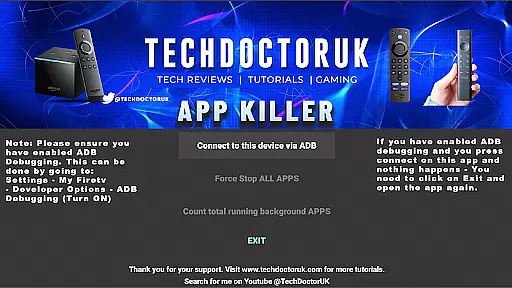
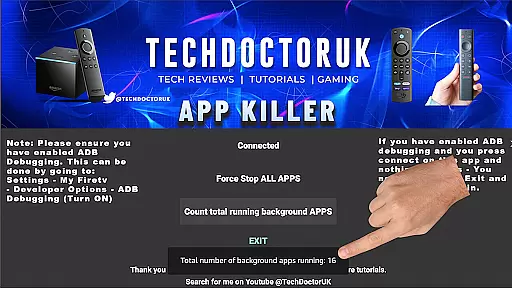
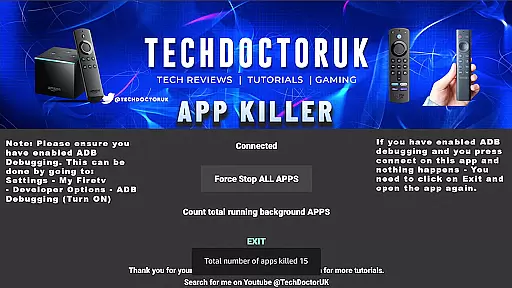
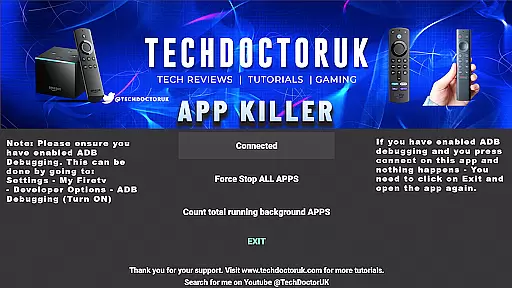
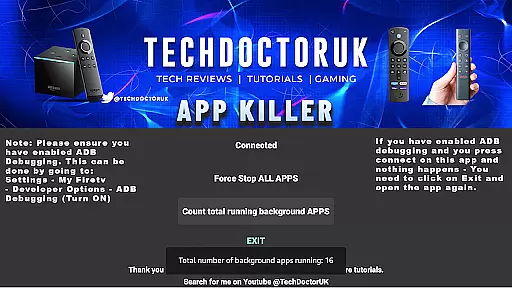
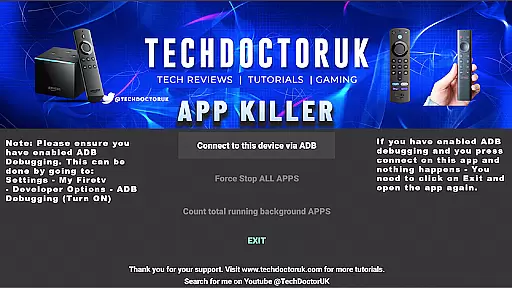
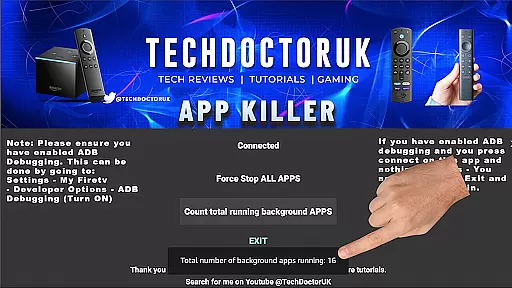
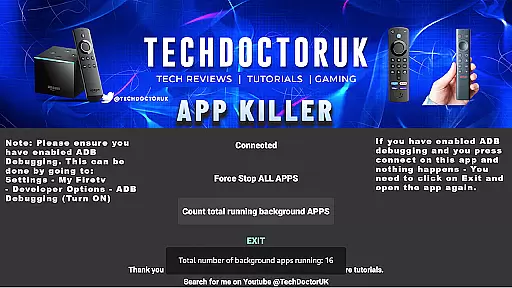
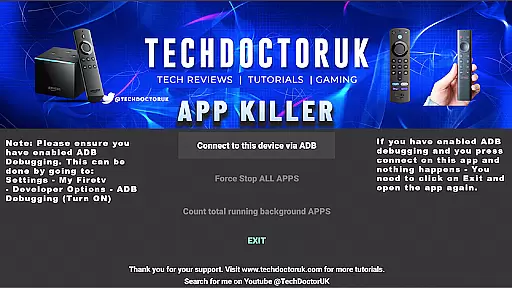
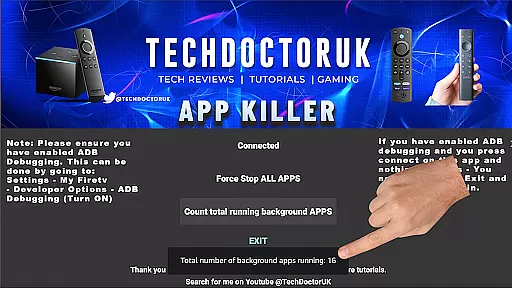
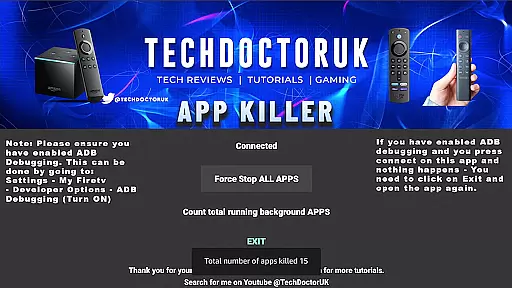
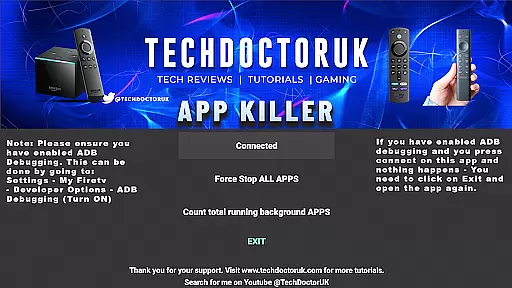
TDUK APP Killer is a powerful tool designed to optimize your device's performance by closing background apps with a single click. This app is particularly useful for users who experience slowdowns due to multiple apps running in the background.
The core functionality revolves around its ability to free up memory by terminating unnecessary processes, ensuring that your device runs smoothly and efficiently. Whether you're a casual user or someone who relies heavily on their device, TDUK APP Killer provides an easy solution to manage your system resources effectively.
One of the standout features of TDUK APP Killer is its one-click functionality, allowing users to quickly close all background apps without navigating through complex settings. The app also requires USB/TCP Debugging to be enabled, adding an extra layer of security and control over which apps are terminated.
Additionally, it offers a simple and intuitive interface that makes app management straightforward and hassle-free. With regular use, you can maintain optimal device performance and extend battery life by preventing power-hungry apps from running unnecessarily.
TDUK APP Killer specializes in delivering precise and effective app management solutions. The core functionality revolves around its ability to terminate background apps swiftly with a single click, freeing up memory and boosting device performance.
The app employs advanced algorithms to identify resource-hogging applications running in the background. By streamlining the closure process, it ensures that your device remains responsive and efficient at all times.
Users benefit from enhanced device speed and improved multitasking capabilities. This feature is particularly valuable for those who frequently use multiple applications and need to maintain optimal performance.
With TDUK APP Killer, you can reclaim valuable system resources without any technical hassle. The app's straightforward approach makes it accessible even to non-technical users while delivering professional-grade results.
A user-friendly interface is crucial for any utility app, and TDUK APP Killer excels in this area. The design focuses on simplicity and ease of use, ensuring that users can operate the app without any learning curve.
All essential functions are easily accessible from the main screen. The one-click operation for closing background apps eliminates unnecessary steps, making the process intuitive and quick.
This straightforward approach extends to the setup process as well. Users only need to enable USB/TCP Debugging before launching the app, with clear instructions provided within the application.
The combination of minimalistic design and functional clarity makes TDUK APP Killer suitable for both novice and experienced users. Its intuitive nature ensures that anyone can effectively manage their device's performance without complications.
Easy-to-use interface
Effective memory management
One-click app termination
Enhances device performance
Improves battery life
Requires USB/TCP Debugging
Limited to Android devices
No automatic scheduling
Manual intervention needed
May terminate essential background services

Connect instantly to a fast, encrypted VPN with one tap
 4.60
4.60
Learn the vast amount of system information about device and monitor it's state
4.70
Fluid navigation gestures for all of us!
4.30
eXtended Permission Manager - a small app to manage permissions and AppOps
4.50
View detailed information about your Nissan Leaf the dealer never shows you.
4.10
Planner and Tracker for Stardew Valley
4.60
Game Booster, GFX Tool is now compatible with newer game update
4.50
Mobile Security with Scam Protection | Malware & Virus Cleaner | Safe Browser
4.70
Screen recorder with audio to record high-quality videos and take screenshots.
4.40
The ultimate tool for network analysis, wifi scanning and problem detection.
4.90
Navigate with Ease and Style
4.90
Monitor car performance in real time and troubleshoot malfunctions.
4.80
Remote Play with FSR upscaling, low latency & full controller support
4.80
Optimize your WiFi network, turn your phone into Wifi Analyzer
4.70
Small and simple app to Verify Root Access and BusyBox Install!
4.70
FV File Manager Pro, Fast and powerful file manager for Android
4.60
Play your X-Box games remotely in 1080p with any controller and zero latency
4.60 4.50
4.50 4.50
4.50


User Reviews