
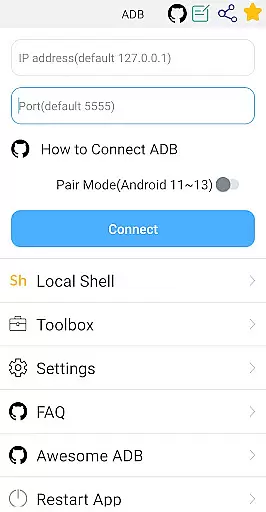
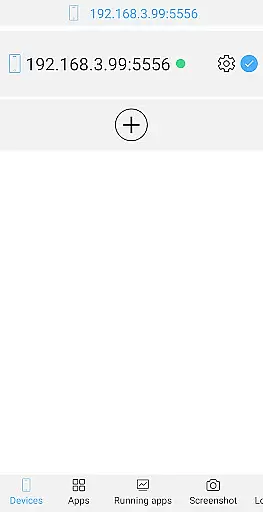
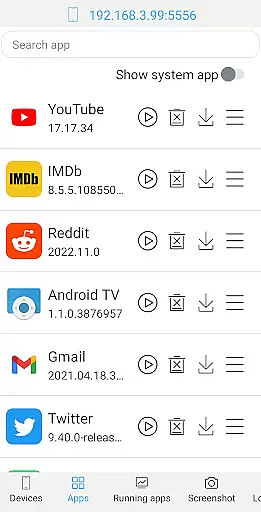
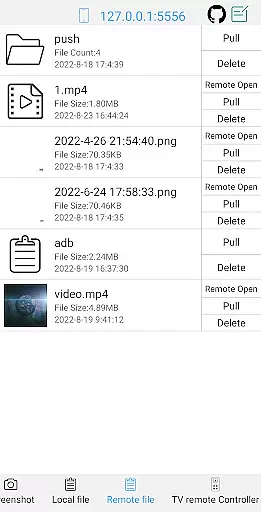
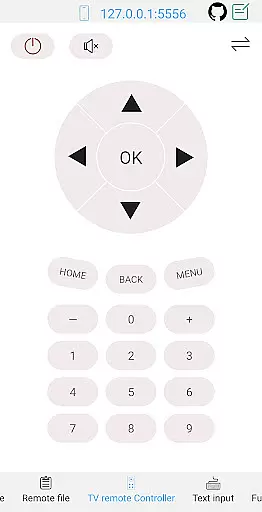
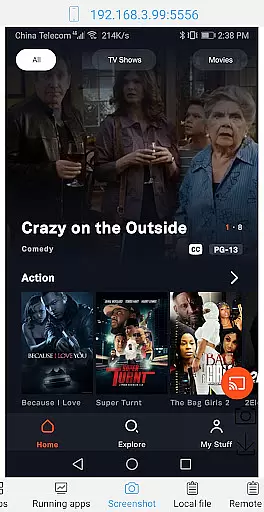
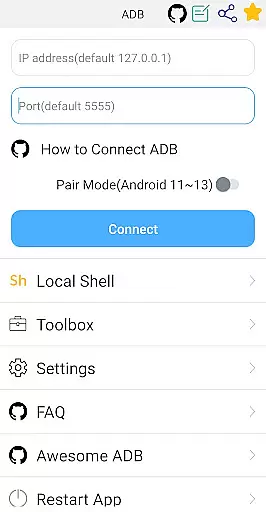

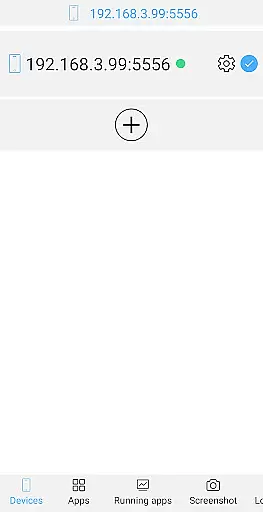
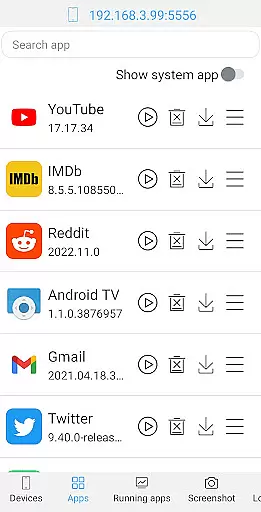
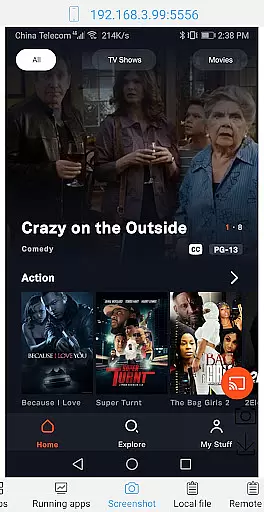
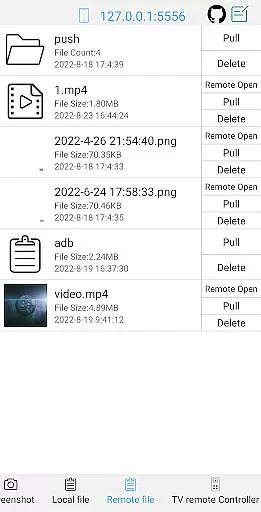
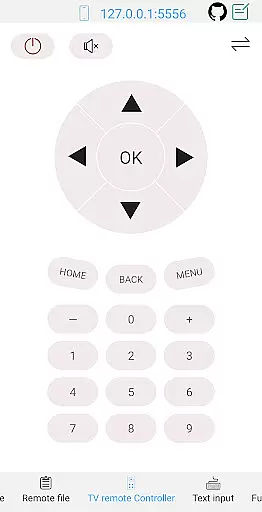
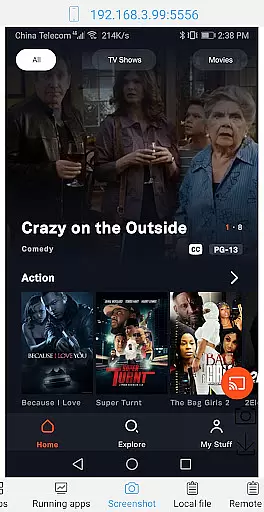
ADB Shell is a comprehensive and powerful toolbox application designed for Android developers and power users. The app provides an extensive suite of device management tools, including the ability to launch, uninstall, download, and manage applications. Users can also take screenshots, push and pull files, install APKs, and even control their TV remotely.
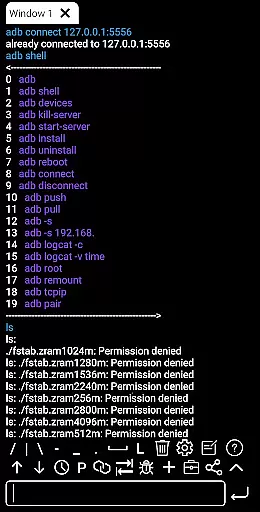
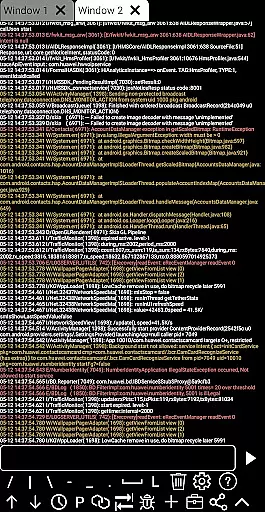
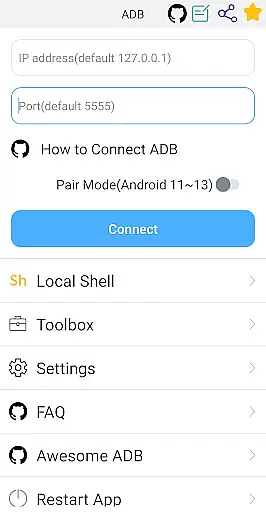
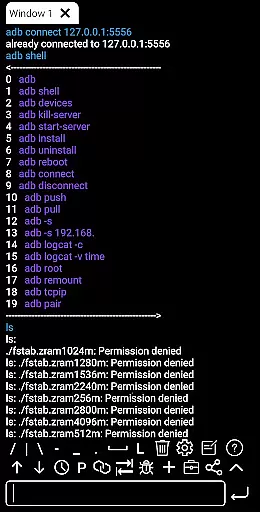
In addition to its robust toolbox features, ADB Shell offers advanced shell capabilities that support Android versions 4.X through Android 13. It enables wireless pairing, WiFi ADB, local shell commands, and multi-window operations. With support for color text, command history, and prefab commands, this app ensures a seamless development and debugging experience.
This application is particularly useful for developers who need to monitor system performance, view system information, and execute complex ADB commands directly from their mobile device. Its rich feature set makes it an indispensable tool for anyone working with Android devices.
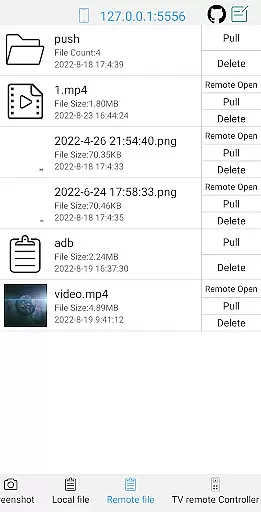
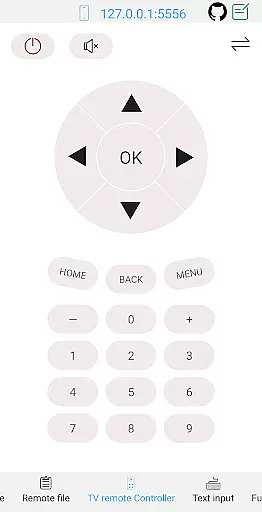
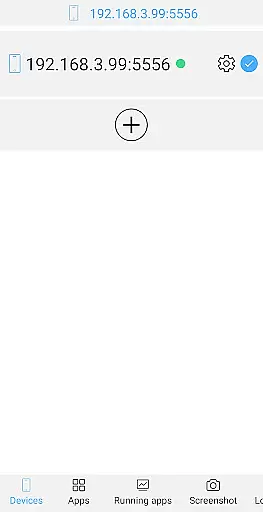
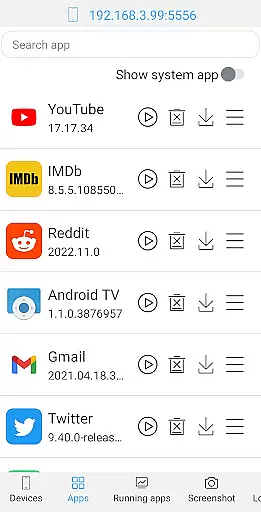
ADB Shell stands out with its dual functionality as both a toolbox and a shell command interface. The toolbox component allows users to perform essential device management tasks such as launching and uninstalling applications, viewing running processes, and managing files on their Android device. Advanced features like remote file opening and TV remote control make it a versatile utility for various use cases.
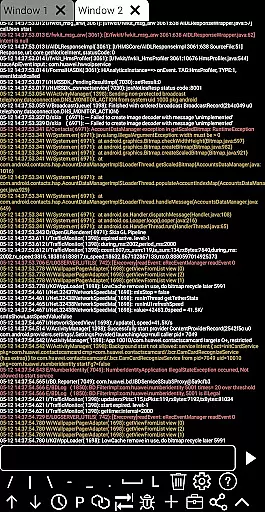
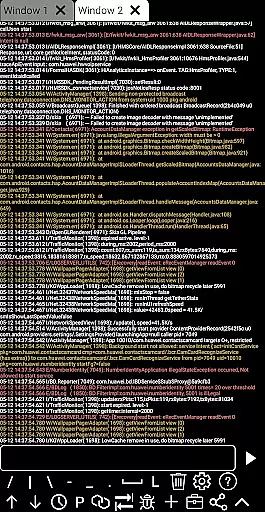
The shell features are equally impressive, supporting a wide range of Android versions and offering both wireless and local ADB capabilities. The app's intelligent features include associative input suggestions, automatic output saving, and command sharing options. Its multi-window support and color-coded text output enhance usability, while the built-in logcat functionality provides real-time system logging.
What sets ADB Shell apart is its thoughtful design that combines powerful technical capabilities with user-friendly features. The inclusion of recommended commands and files, along with fast copy functionality and background operation support, demonstrates the developer's attention to detail in creating a tool that serves both novice and experienced users effectively.
ADB Shell is a comprehensive toolbox and shell application designed for Android power users and developers. The app's core functions are meticulously crafted to ensure maximum accuracy and effectiveness in managing Android devices.
The toolbox features provide precise control over application management, allowing users to launch, uninstall, download, and manage apps with reliable outcomes. Device management capabilities are implemented with careful attention to detail, ensuring commands execute as intended without errors or inconsistencies.
On the shell side, the application supports a wide range of Android versions from 4.X to 13, maintaining compatibility and functional accuracy across different operating systems. Features like wireless pair mode, wifi wireless adb, and local shell adb are engineered to work seamlessly, delivering consistent results regardless of connection type.
These accurate implementations translate into significant user benefits. Developers can trust the app's output when debugging or testing applications, while power users can efficiently manage their devices knowing that each command will execute as expected, saving both time and effort.
Despite its powerful features, ADB Shell maintains an interface that balances functionality with user-friendliness. The developers have carefully organized the extensive toolbox features into logical categories, making it easy for users to locate specific functions without feeling overwhelmed by the app's capabilities.
The shell interface is designed with clarity in mind, presenting command outputs in color-coded text for quick comprehension. The multi-window support and associative input features are implemented with intuitive controls, allowing users to work efficiently without needing extensive technical knowledge.
Additional interface elements such as command history, fast copy command, and prefab commands are positioned for easy access, streamlining workflow without cluttering the workspace. The autosave output feature operates unobtrusively in the background, ensuring no data is lost while maintaining a clean interface.
This thoughtful design approach makes ADB Shell accessible to both experienced developers and intermediate users who might be new to Android device management, creating an environment where complex operations can be performed with confidence and efficiency.
Comprehensive toolbox
Wide Android version support
Wireless ADB functionality
Multi-window operations
Real-time logcat access
Complex for beginners
Requires technical knowledge
Limited visual appeal
No cloud backup
Advanced features only

Use your phone as a webcam on your computer over WiFi or USB.
 4.40
4.40
Amateur Radio app for APRS: Track friends, exchange messages, get tactical info.
3.90
PC precision for mobile gaming: dominate with keyboard and mouse!
4.30
The one-and-only remote control for PC, Mac, and Linux
4.70
Planner and Tracker for Stardew Valley
4.60
Play your X-Box games remotely in 1080p with any controller and zero latency
4.60
Screen Mirroring with sound for Samsung TV, LG TV, Sony TV, Smart TV and Browser
4.20
Download any file easily and quickly with Downloader
4.0
Enjoy a smooth mobile reading experience!
3.60
Unit and currency converter with easy and simple UI.
4.80
Small and simple app to Verify Root Access and BusyBox Install!
4.70
Mirror your screen to Chromecast and Android TV - Super fast and simple
4.60
Universal TV remote control all TVs, Roku, LG, Samsung, Fire, Vizio, Sony, TCL.
4.40
Making emulation easy for everyone!
4.30
Effortlessly run ADB commands directly on your device without a PC.
4.20
Signal Strength, Mobile, Wifi, Speed Test, Bad Signals, Cellular, 5G, LTE, 4G
4.20
A convenient photo, video, and file recovery tool.
4.00
Family Locator, Share location, StayConnect with your family in real time
3.90
Save any video in HD - paste the link, download fast and watch offline.
4.1


User Reviews