
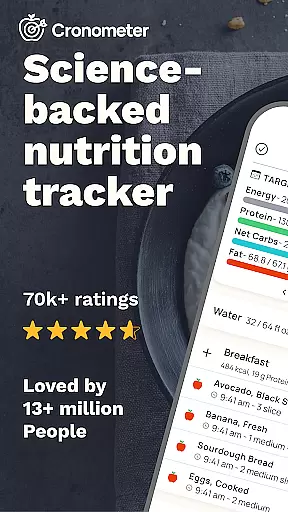
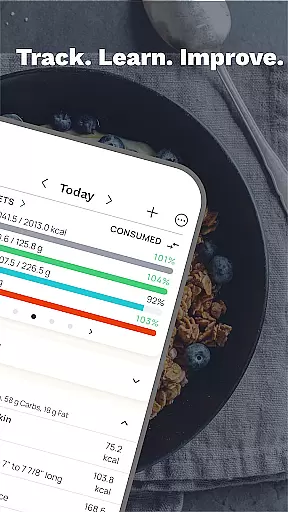
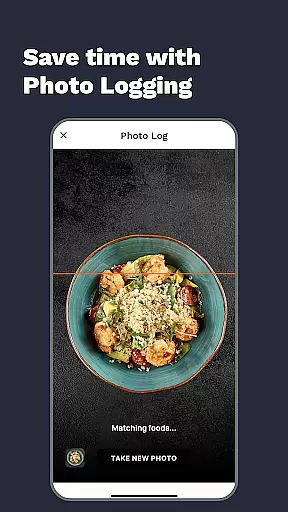
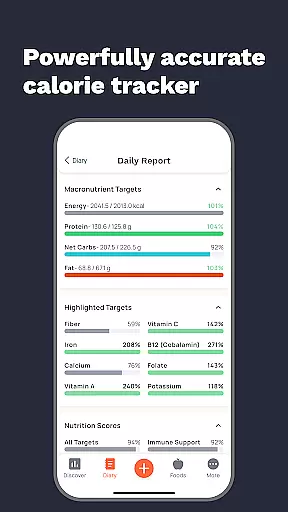
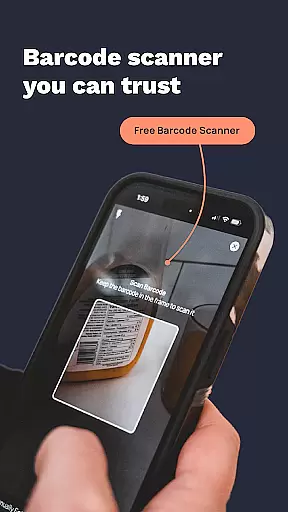
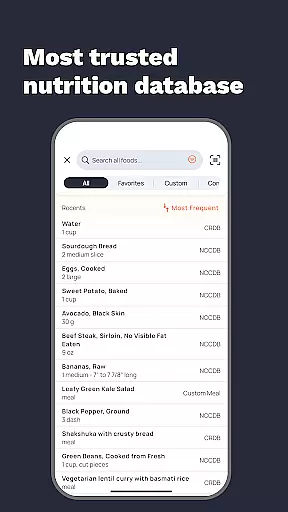
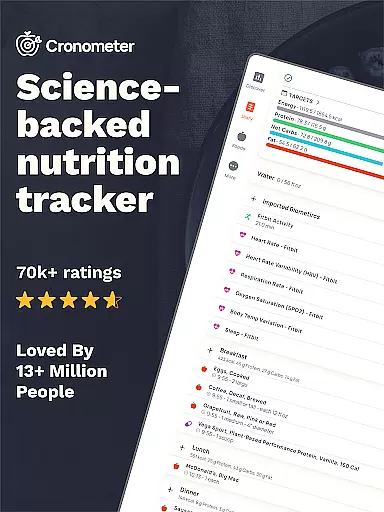
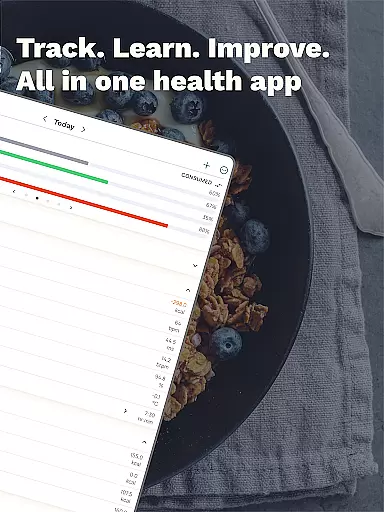
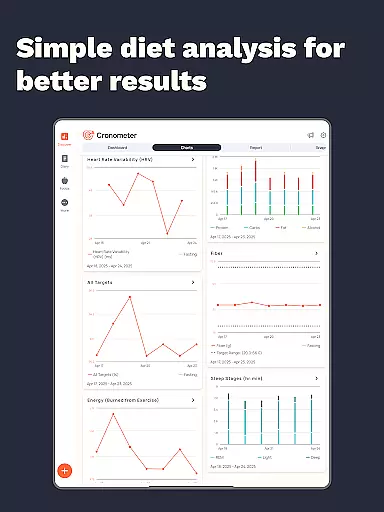
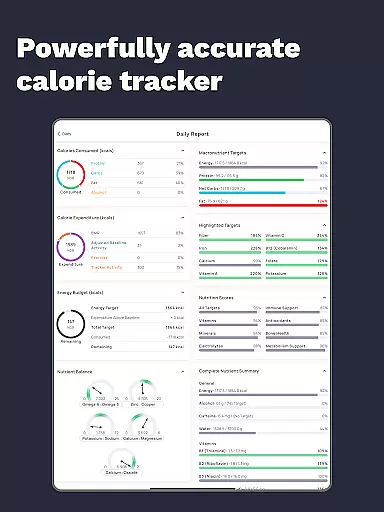
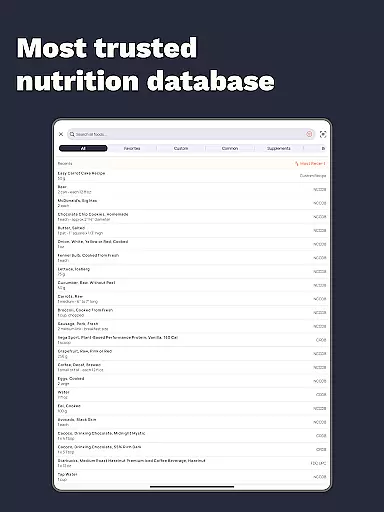
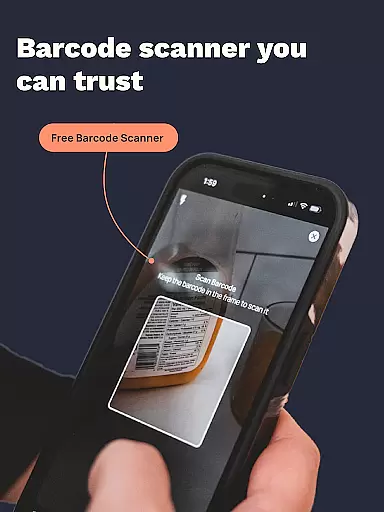
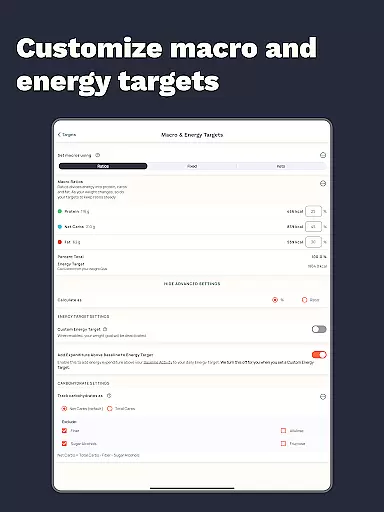
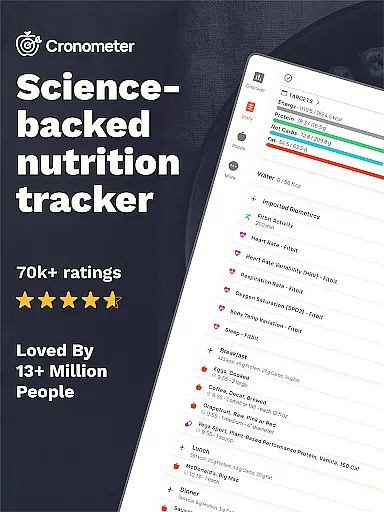
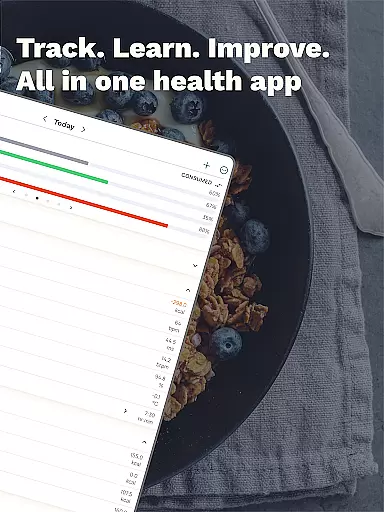
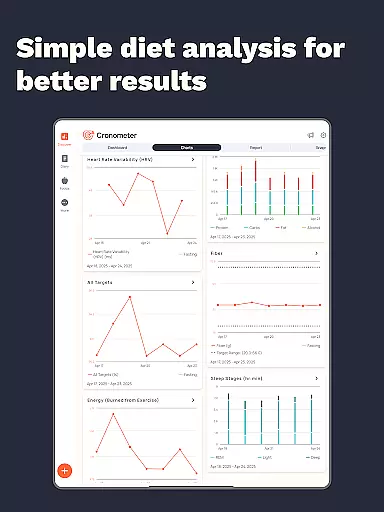
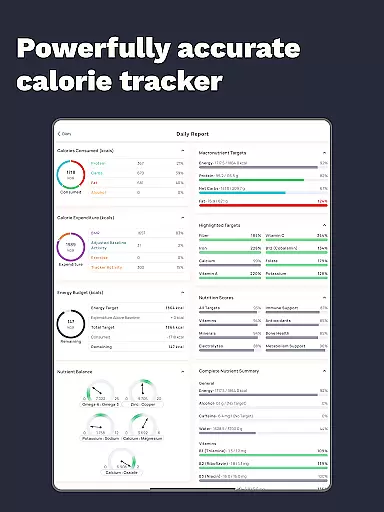
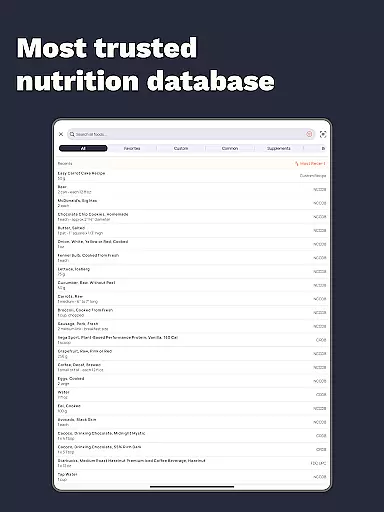
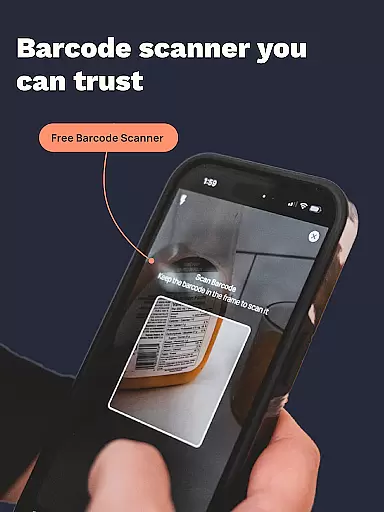
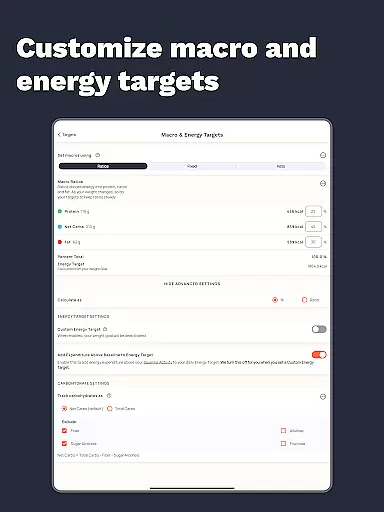
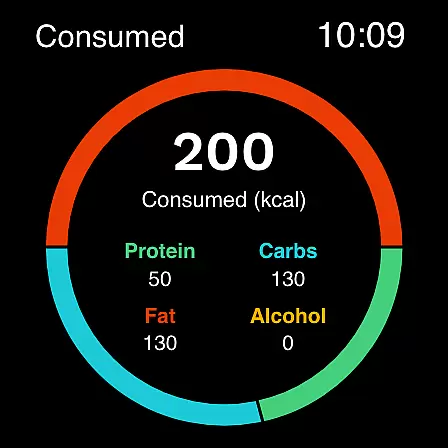
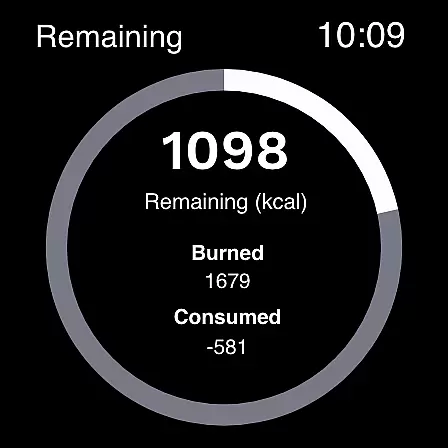
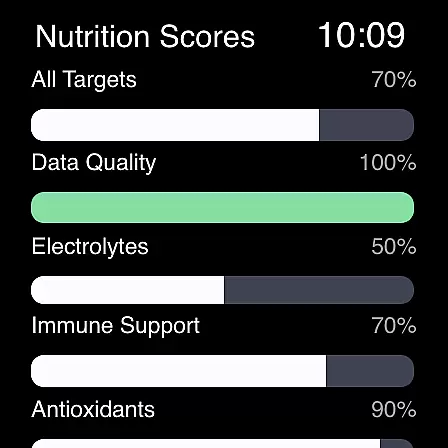
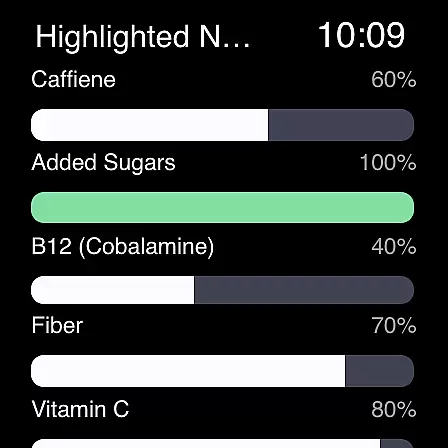
Calorie Counter by Cronometer is a comprehensive health and nutrition tracking application designed for Android Wear users. This app goes beyond basic calorie counting, offering precise tracking of macronutrients, micronutrients, and other essential health metrics. With its AI-powered photo logging feature, users can quickly log meals by simply taking pictures, while the app's extensive database of 1.1 million verified foods ensures unparalleled accuracy in nutrient tracking.
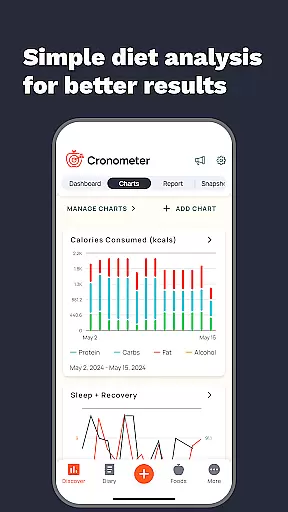
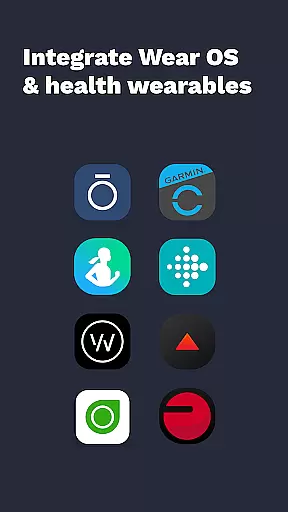
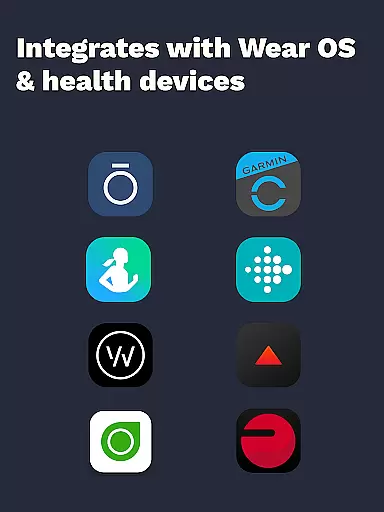
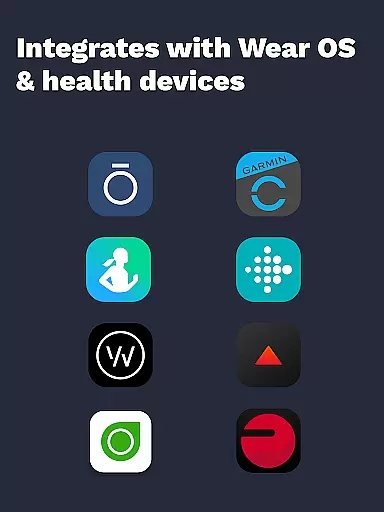
The application integrates seamlessly with various wearable devices including Fitbit, Garmin, and Oura, providing a holistic view of your health data. Whether you're focused on weight loss, muscle gain, or maintaining balanced nutrition, Cronometer's science-backed tools help you set and achieve specific health goals. The app's detailed analytics and customizable charts make it an invaluable tool for both personal use and professional health monitoring.
Cronometer stands out through its innovative features that cater to both casual users and health professionals. The app's core functionality revolves around accurate calorie counting and macro tracking, but its capabilities extend far beyond these basics. The newly introduced Photo Logging feature utilizes artificial intelligence to identify meal components and estimate portion sizes, automatically filling your food diary with lab-verified nutrient information.
Advanced users can benefit from Cronometer Gold's premium features, including custom biometric tracking, nutrition scores across eight key areas, and the Nutrient Oracle function that identifies top contributors to specific nutrients. The app's integration with wearable devices creates a unified health monitoring system, while features like water tracking, sleep monitoring, and custom goal setting provide a complete picture of your wellness journey. These sophisticated tools are presented through an intuitive interface that makes complex nutrition data accessible to all users.
Companion app integration is essential for wearable devices as it ensures seamless data synchronization and functionality between the main application and its wearable counterpart. Cronometer excels in this area by offering a robust connection between its mobile app and Wear OS devices.
The integration allows users to track calories and macros directly from their smartwatches, providing convenience and real-time updates without needing to reach for their phones. This feature is particularly beneficial during workouts or when users are on the go.
Cronometer's Wear OS app maintains the same level of accuracy and detail as its mobile counterpart. Users can access their nutrition data, log meals, and monitor progress effortlessly, ensuring that their health tracking remains consistent across devices.
By leveraging companion app integration, Cronometer enhances user experience by delivering a unified platform where all health metrics are easily accessible, regardless of the device being used at any given moment.
Device compatibility is a critical factor for apps designed for wearable technology like Wear OS. Cronometer has been optimized to work seamlessly with a range of Wear OS devices, ensuring broad accessibility for users who rely on smartwatches for health tracking.
The app supports various functionalities specific to Wear OS, such as direct logging of nutritional information from the watch interface. This compatibility extends to popular devices from manufacturers like Fossil, TicWatch, and others, making it versatile for different hardware configurations.
Cronometer's compatibility ensures that whether you're using a newer model or an older version of Wear OS, you'll experience smooth performance and reliable connectivity. The app developers regularly update the software to maintain alignment with the latest Wear OS versions.
This commitment to compatibility means users can trust Cronometer to deliver accurate and timely data, enhancing their ability to manage health goals effectively through their preferred wearable devices.
Accurate tracking
Extensive food database
Wearable integration
AI-powered logging
Professional-grade tools
Premium subscription required
Complex for beginners
Limited free features
High data requirements
Occasional sync issues

Wear Os Watch Face - Animated Snow - Sesonal for Christmas & Winter
 4.1
4.1
Deck out your Wear OS Watch face with a beautifully decorated pine wreath!
4.50
Wear Os Watch Face - Animated Snow Effect & Magic Spark - 6 Scenes
4.10
Watch face designed for Thanksgiving Day. 7 Background Styles included.
3.20
Sleek, highly customizable watch face inspired by Galaxy Watch Circle Dashboard.
4.1
Stylish digital watch face for Wear OS devices with customizable features
4.3
Fitness interactive virtual pet super fighter boy watch face
4.4
Daily Weather forecast with 15 weather images for Day & Night plus Big Bold time
4.10
Back up your contacts & access them anywhere
4.30
Christmas Theme Watch Face for Wear Os
5.00
Stylish, Energizing and Modern Watch Face crafted by Dominus Mathias.
4.50
A white realistic classic analog watch face with many customization options.
4.40
Bold, Modern Hybrid Watch Face for Wear OS. 10 Colors, Rich Info Display.
4.30
Elegant animated Christmas tree with multiple customization options
4.20
Let's celebrate Thanksgiving - Wear Os watch face
4.20
Embrace the festive spirit with our Christmas Countdown watchface for Wear OS
4.10
Professional weather radar and more
3.90
Christmas is near, let's count together the days left until Santa comes
4.5
Stunning modern digital watch face with 7 complications and strong contrast
4.1


User Reviews