
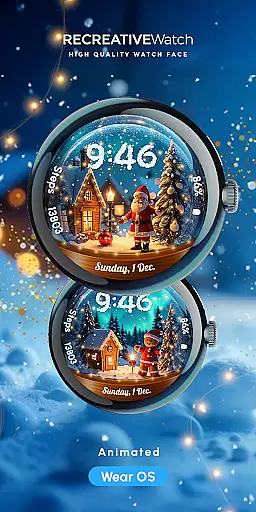
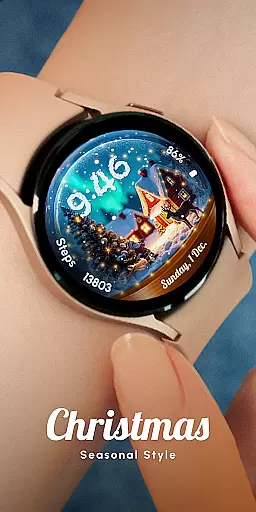
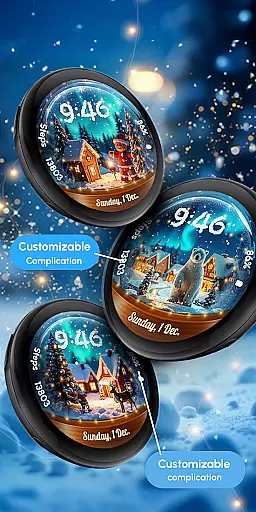
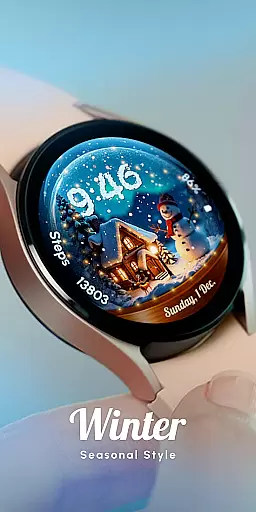
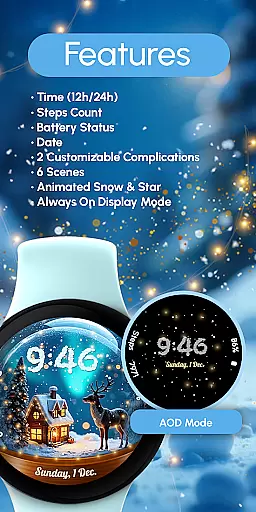
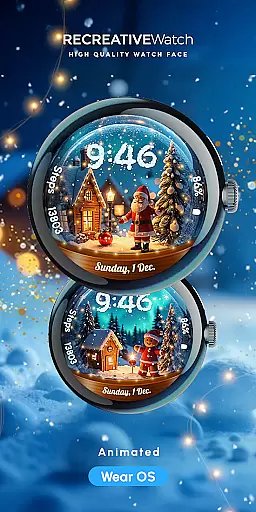
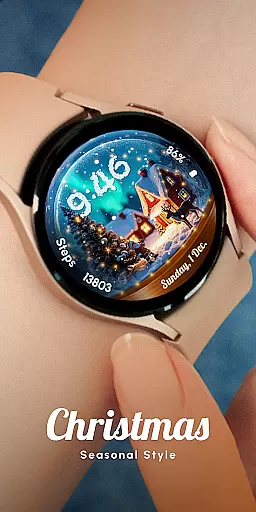
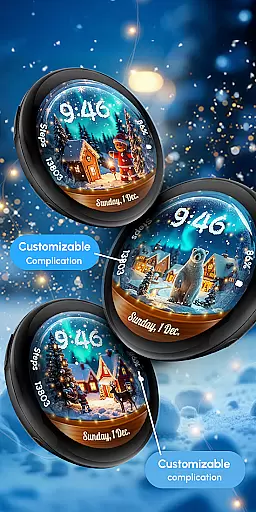
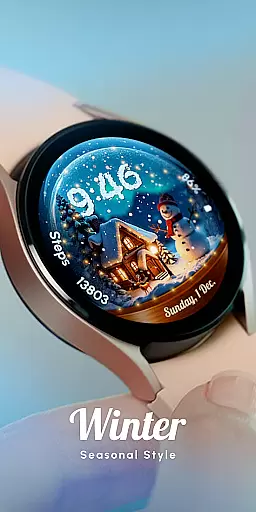
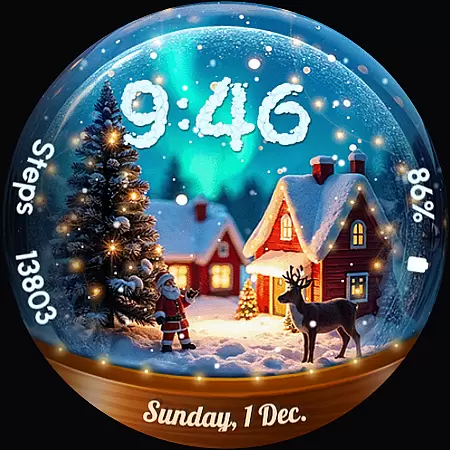
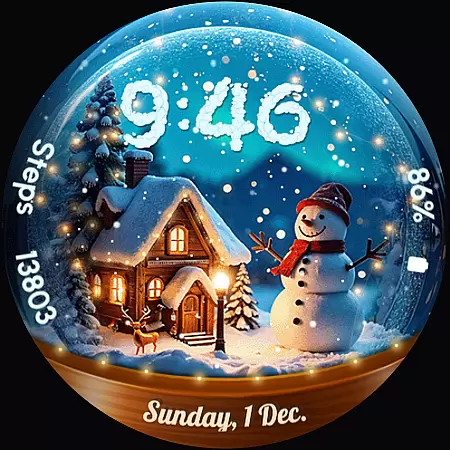
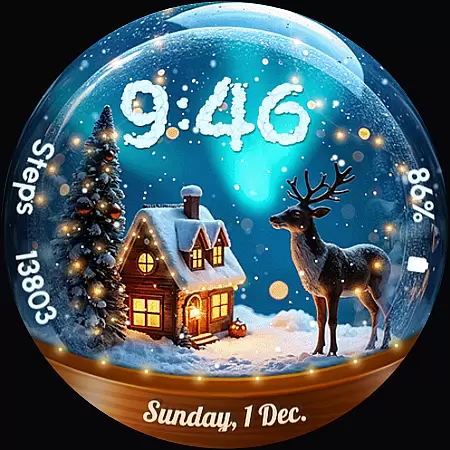
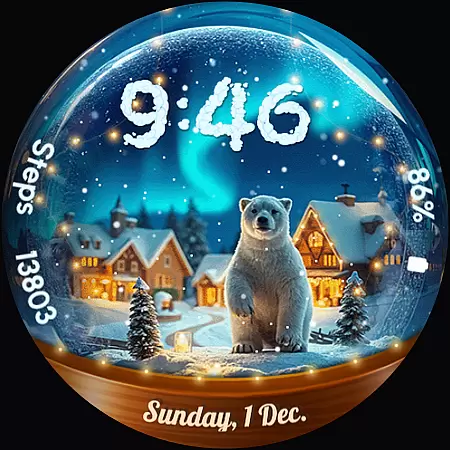
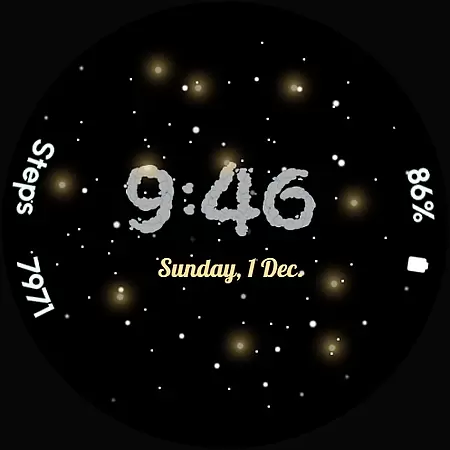
ReS56 is a festive watch face app designed to bring holiday cheer directly to your smartwatch. Featuring animated falling snow and magical spark effects, it creates an enchanting snow globe scene on your wrist. The app includes various customization options, allowing users to personalize their watch faces with different scenes and complications.
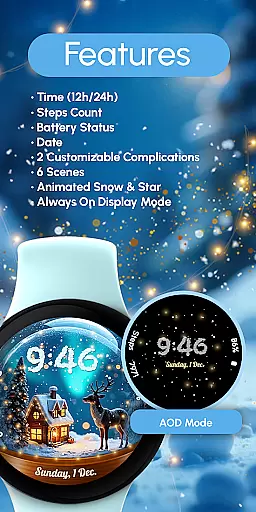
Core functionalities include digital time display in 12/24hr format, date, battery status, step count, and two customizable complications. With compatibility across multiple Wear OS devices including Google Pixel watches and Samsung Galaxy Watch series, this application serves as both a functional timepiece and a delightful seasonal accessory.
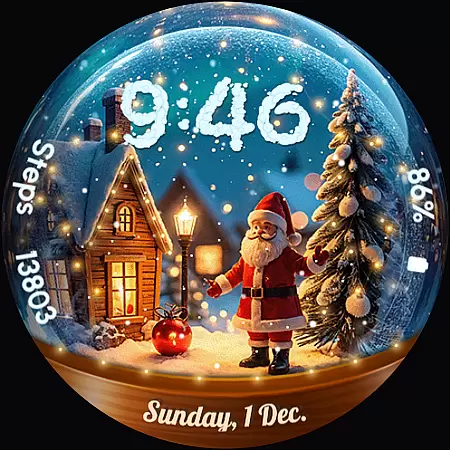
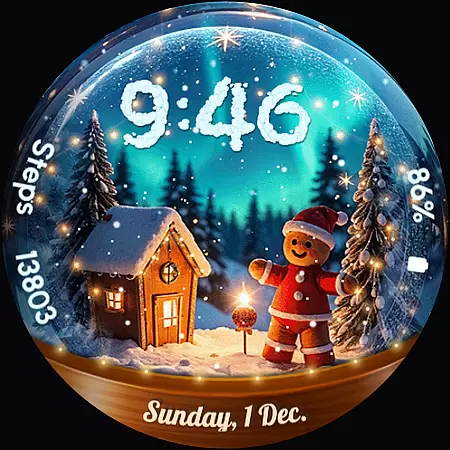
The app's Always ON Display feature ensures constant visibility of the watch face while maintaining aesthetic appeal. Users can choose from six unique scenes featuring festive characters like Santa Claus and polar bears. This combination of practical features and charming visuals makes ReS56 perfect for those seeking both utility and festivity during the holiday season.
ReS56 offers an impressive array of features that enhance both functionality and visual appeal. The app provides essential information through its digital time display, date indicator, battery monitor, and step counter. These practical elements are complemented by two customizable complications, allowing users to tailor their watch face to display preferred data.
A standout characteristic is the animated snowfall and magic spark effects, creating a dynamic and engaging visual experience. The inclusion of six distinct scenes adds variety, while the presence of festive characters brings charm to daily wear. The Always ON Display function ensures these features remain visible without frequent screen activation.
Customization is straightforward - users can modify settings by simply touching and holding the display, then selecting the Customize option. Complications can be adjusted to show different types of information, providing flexibility in how data is presented. These comprehensive features make ReS56 not just a watch face but an interactive holiday experience for smartwatch users.
Companion app integration is essential for a seamless wearable experience. ReS56 excels in this area by offering users a cohesive ecosystem between their smartphone and Wear OS devices. The application ensures that all features, including animated scenes, complications, and health data like steps count, are synchronized effortlessly.
The app provides an intuitive customization process through its companion application. Users can personalize their watch face with just a few taps, selecting from various festive scenes and characters. This level of personalization enhances user engagement and satisfaction, as it allows for a unique expression of individual style on the go.
Moreover, the companion app serves as a hub for updates and additional content. With six different scenes and animated elements such as falling snow and magic spark, users have plenty to explore. These dynamic visuals bring holiday cheer directly to the wrist, creating an emotional connection with the device.
By ensuring compatibility across multiple devices, including Google Pixel and Galaxy Watch models, ReS56 guarantees that users can enjoy a consistent experience regardless of their hardware choice. This cross-device support underscores the importance of robust companion app integration in maximizing user convenience and enjoyment.
Device compatibility is crucial for any Wear OS application, and ReS56 shines in this aspect. It supports API level 33+ devices, including popular models like Google Pixel, Galaxy Watch 4, 5, 6, 7, and other Wear OS variants. This wide-ranging compatibility ensures that a broad audience can access its delightful features without concern for device limitations.
The application takes full advantage of Wear OS capabilities, providing functionalities such as Always ON Display, which keeps the festive scenes visible at all times. While this feature enhances user experience by maintaining constant visual appeal, it's also mindful of battery performance, offering recommendations to optimize power consumption.
ReS56 includes practical features like 12/24hr digital time display, date, battery status, and step counting, making it not only visually appealing but also highly functional. Users can trust that these essential components will work smoothly across supported devices, enhancing both aesthetics and utility on their smartwatches.
For those seeking assistance or troubleshooting, comprehensive support resources are available via the provided link. This commitment to customer service reinforces the reliability of ReS56's device compatibility, ensuring users feel confident in their choice of wearable technology partner.
User-friendly interface
Wide device compatibility
Vibrant animations
Customizable complications
Holiday-themed design
Limited to seasonal use
Battery consumption concern
Few color options
No analog clock view
Premium features locked

A Wintery Snow Globe on Your Wrist; now celebrating Christmas!
 4.4
4.4
A watch face that fuses motorsport precision with contemporary smartwatch design
4.5
Deck out your Wear OS Watch face with a beautifully decorated pine wreath!
4.50
Be an elegant and classy secret agent, with this carefully detailed watch face
4.70
Hyperlocal rain alerts by MyRadar using patent-pending technology, radar & more
4.80
The ultimate destination for kids ages 3-8 to explore the Marvel Universe!
4.30
Stay in touch with your friends and family using LINE!
3.40
Fitbit is dedicated to helping people lead healthier, more active lives.
4.10
Back up your contacts & access them anywhere
4.30
A modern premium sporty hybrid watch face for Wear OS by Ballozi
4.70
Rose gold watch face with festive lights & customizable features.
4.60
Kia Access makes getting your vehicle information easier than ever
4.60
Bold weather Digital watchface with forecast & optional animated background
4.40
Elegant animated Christmas tree with multiple customization options
4.20
A digital watch face that celebrates Christmas.
4.00
Analog watch face with 8 complications and expedition styling
4.5
Simple Analog-Digital Watchface For Wear OS 3.0 and Up Smartwatches
4.3
Sleek, highly customizable watch face inspired by Galaxy Watch Circle Dashboard.
4.5
Minimalistic design modern digital watch face.
4.0


User Reviews