
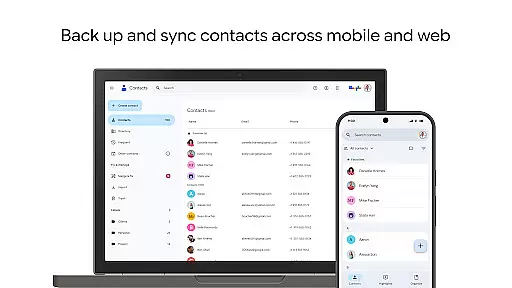
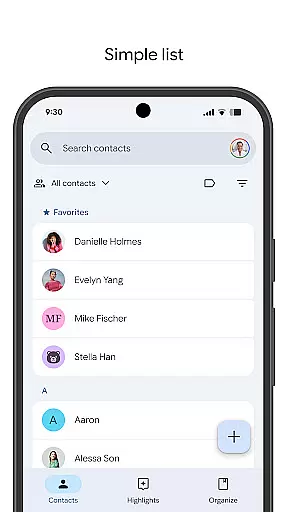
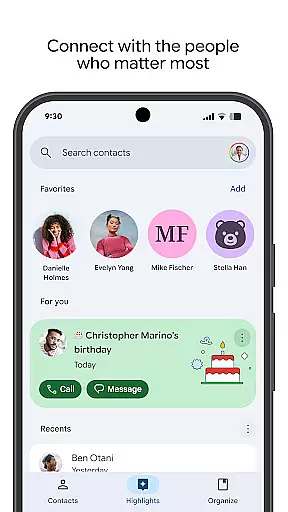
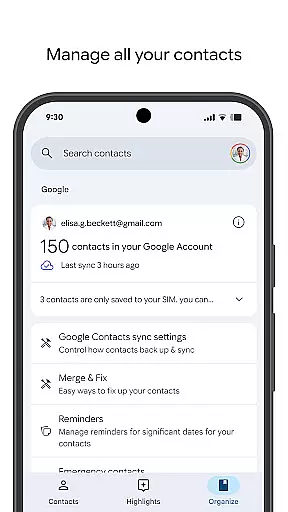
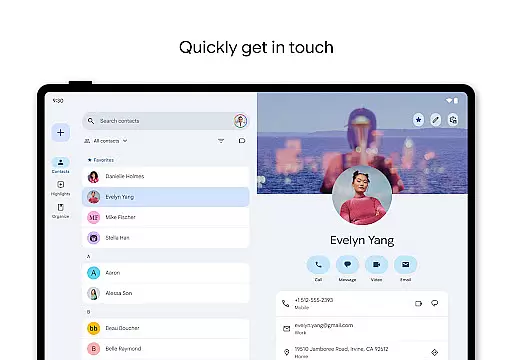
Contacts is a powerful Android Wear application that allows users to back up and sync their contacts across all devices. By linking with your Google Account, it ensures your contacts are safely stored and accessible from any signed-in device. The app also offers a Trash feature, enabling recovery of deleted contacts within the last 30 days.
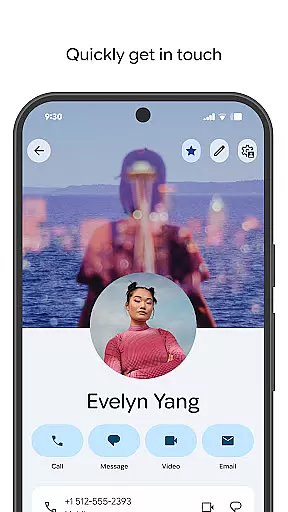
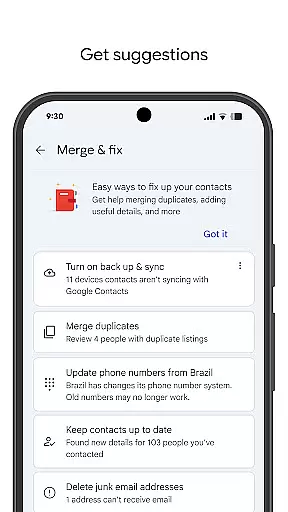
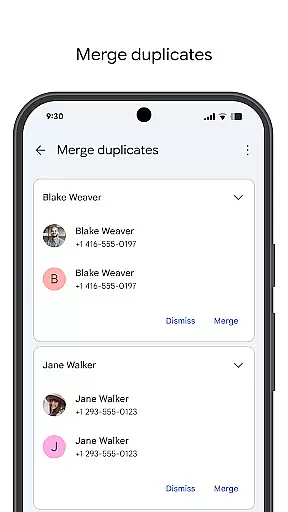
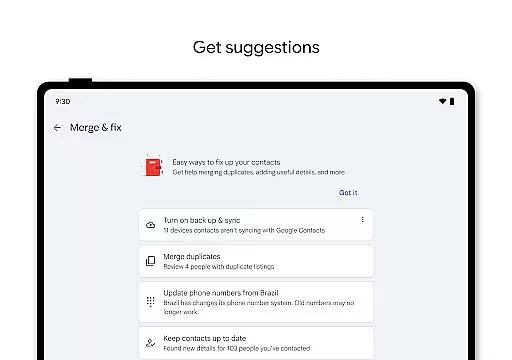
Beyond simple storage, Contacts helps you organize and update your contact list efficiently. It supports viewing by account type, easy addition and editing of contact details, and provides tools for merging duplicates and enriching contact information. Additionally, the app enhances personal connections by highlighting important dates and offering reminders for special occasions.
This app is particularly useful for individuals who manage multiple devices or frequently upgrade their phones, ensuring seamless access to critical contact information anytime, anywhere.
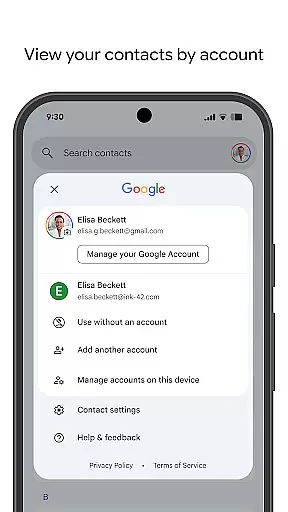
Contacts stands out with its comprehensive set of features tailored for managing personal and professional relationships. One key feature is its ability to categorize contacts by accounts such as work or personal, providing clear organization and quick access to relevant groups.
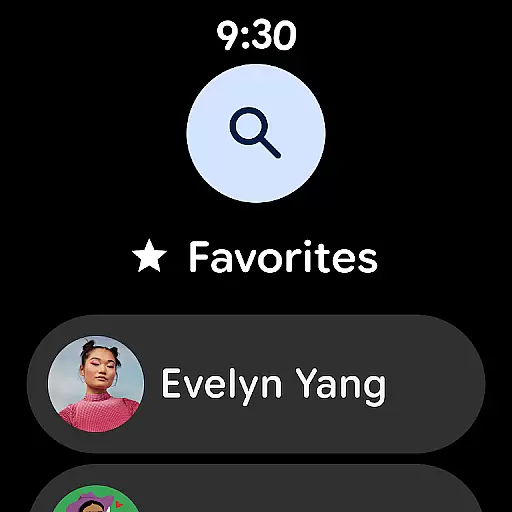
The app excels in maintaining up-to-date contact information through intuitive editing tools and automated suggestions for merging duplicates and adding missing details. Its integration with Wear OS adds another layer of convenience, allowing users to access favorite contacts directly from their smartwatch.
Additionally, Contacts fosters stronger personal connections by displaying upcoming birthdays and anniversaries, along with customizable notifications to ensure you never miss a significant event. These thoughtful features make daily interactions smoother and more meaningful.
Companion app integration is essential for a seamless user experience across multiple devices. The Contacts app excels in this area by ensuring that all your contacts are safely backed up to your Google Account. This means you can access your contacts from any device where you're signed in, including your next phone. Such synchronization ensures that you never lose important contact information and can easily transition between devices without hassle.
The app also offers the ability to recover contacts deleted within the last 30 days from the Trash, providing an additional layer of security. By integrating with your Google Account, it keeps your contacts organized and up to date. You can view your contacts by different accounts, such as work or personal, making it easier to manage various aspects of your life. This level of companion app integration ensures that your data remains consistent and accessible wherever you go.
Moreover, the Contacts app helps you keep your contacts organized by offering features like merging duplicate contacts and adding useful details. This functionality not only enhances your productivity but also ensures that your contact list remains clean and efficient. With these capabilities, the Contacts app provides a robust solution for managing your social and professional networks through its superior companion app integration.
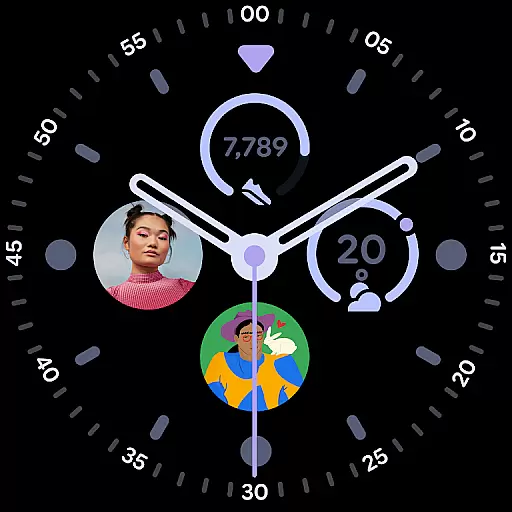
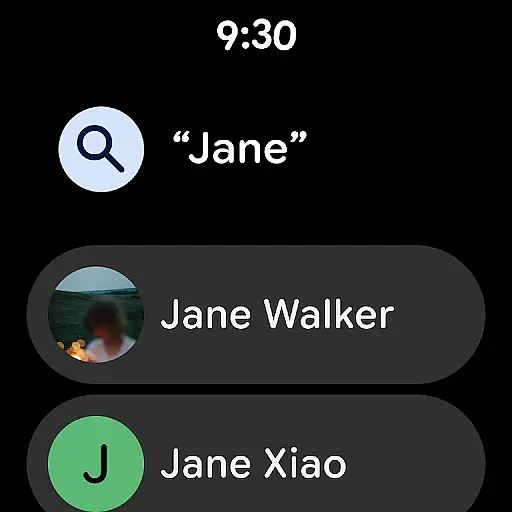
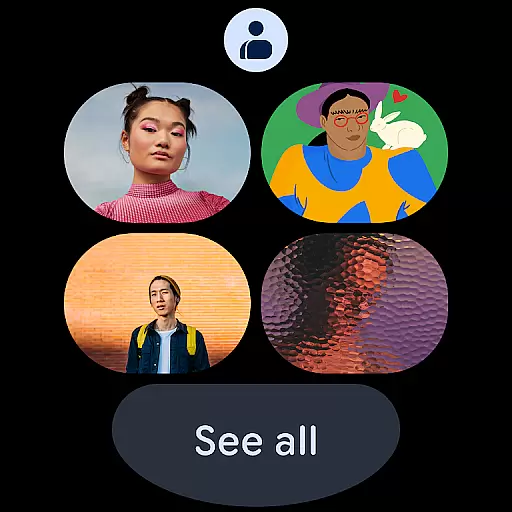
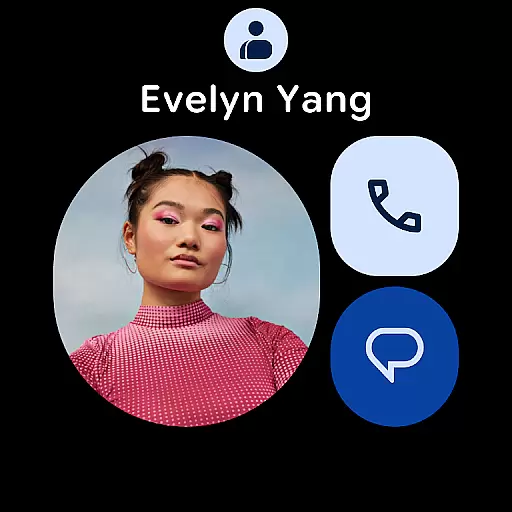
Ensuring compatibility with Wear OS and other devices is crucial for apps aiming to provide a comprehensive user experience. The Contacts app extends its functionality to Wear OS, offering users the convenience of accessing their contacts directly from their smartwatches. This compatibility allows for quick and easy access to favorite contacts through dedicated tiles, enhancing the overall usability of wearable technology.
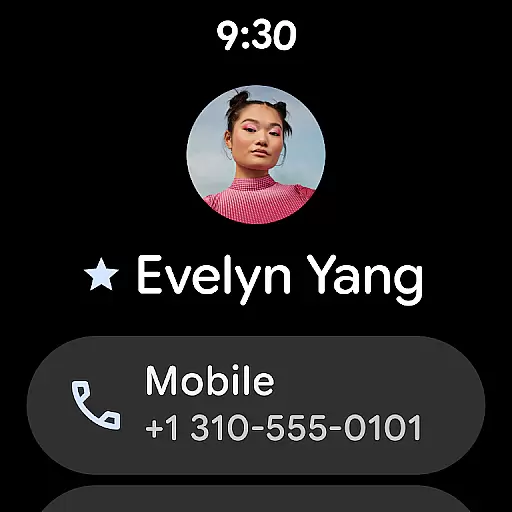
In addition to the favorite contacts tile, the app includes individual contact tiles and contact complications. These features enable users to view highlights such as upcoming birthdays and anniversaries directly on their smartwatch. By receiving notifications for special days, users can stay connected with the people who matter most, without needing to pull out their phone. This level of integration showcases the app's commitment to Wear OS/device compatibility.
Furthermore, the Contacts app ensures that recently added or viewed contacts are readily accessible on Wear OS devices. This feature simplifies the process of staying in touch with new acquaintances or revisiting recent interactions. By prioritizing Wear OS/device compatibility, the Contacts app delivers a versatile and user-friendly experience that caters to the needs of modern, connected individuals.
User-friendly interface
Seamless cross-device sync
Comprehensive contact management
Smart duplicate merging
Special date reminders
Limited offline functionality
Requires Google Account
Occasional sync delays
No advanced search filters
Basic Wear OS support

A heartwarming Christmas scene featuring a cute image of Santa and Rudolf
 4.3
4.3
Deck out your Wear OS Watch face with a beautifully decorated pine wreath!
4.50
Authentic military-tactical design with ZULU time! Realistic and functional!
3.80
The Chevron App allows you to pay for fuel from the comfort of your car!
4.80
Funny animated watch face for Thanksgiving
4.2
Real-time weather radar with temperatures, warnings, hurricanes, and widgets
4.80
A modern hybrid informative watch face for Wear OS designed by BALLOZI
4.80
Hybrid Vibrant Health Watch Face for Wear OS
4.4
Hybrid watch face for Wear OS with customizable complications by Matteo Dini MD
4.70
Christmas - Festive - Christmas Village - Winter - Christmas lights
5.00
Gym Log & Workout Tracker | Fitness Journal, Training & Weight Lifting Planner
4.90
Monitor health with the stress test and pulse checker in the heart rate app.
4.60
Connect to your Bluelink equipped Hyundai vehicle from your smartphone.
4.50
Beautiful artistic animated digital watch face, with a customizable layout!
4.40
Premium hybrid watch face with many customizations for Wear OS devices.
4.40
Snowflake Rose Gold Watch Face - Digital, modern, & sleek with GYRO effect.
4.10
Stay in touch with your friends and family using LINE!
3.40
A Wintery Snow Globe on Your Wrist; now celebrating Christmas!
4.2
Stunning modern digital watch face with 7 complications and strong contrast
4.5


User Reviews