
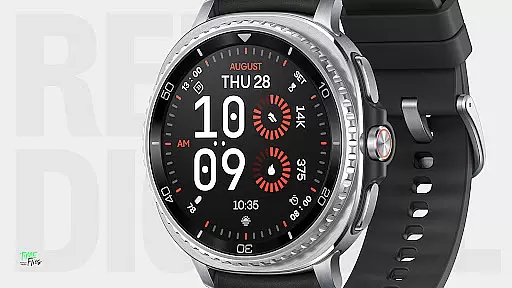
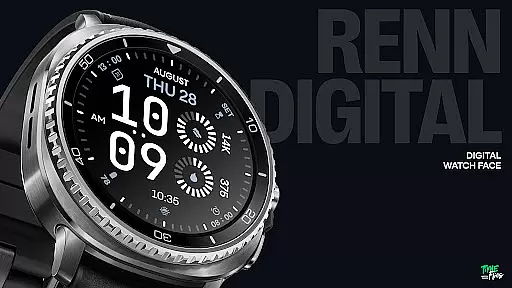
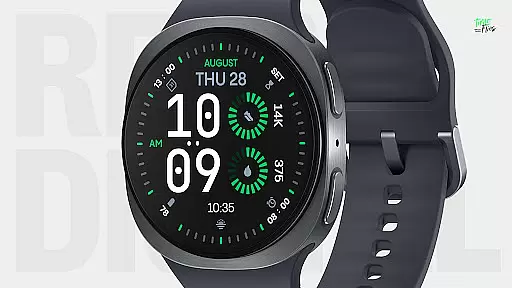
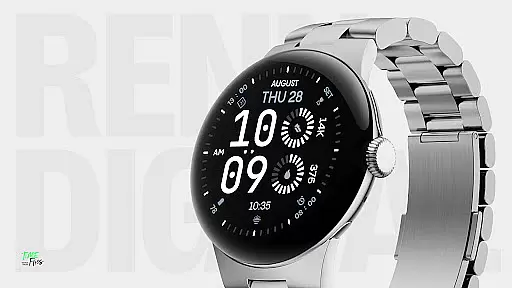
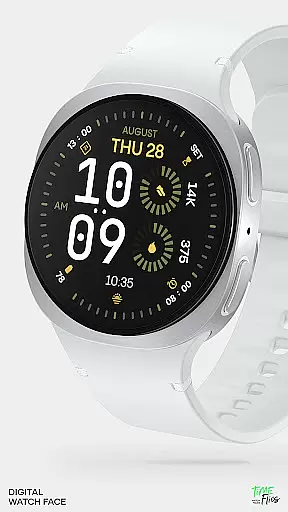
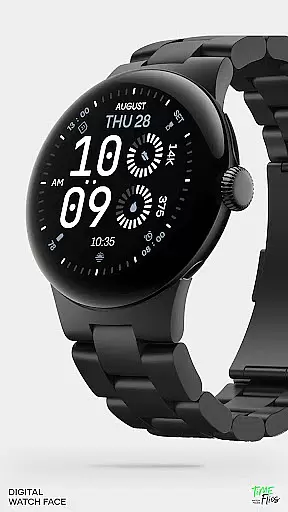
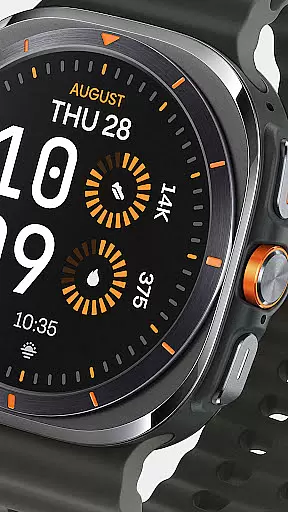
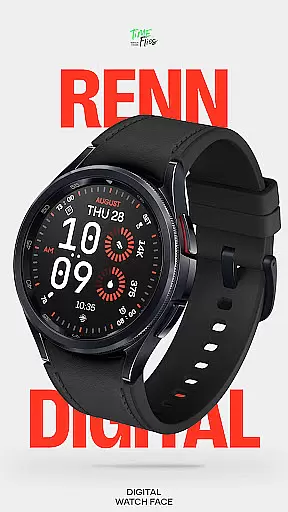
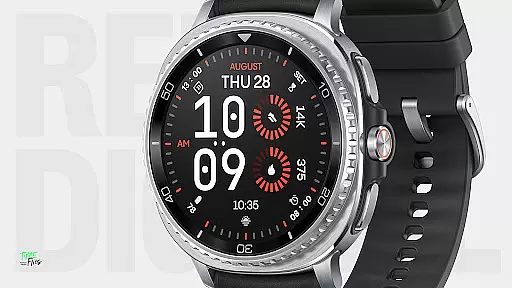
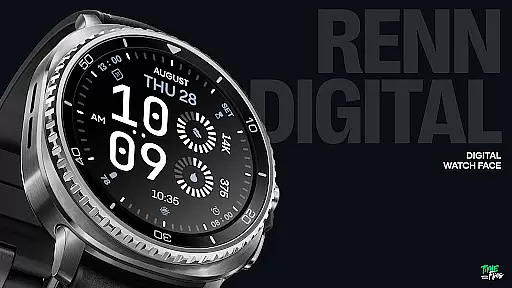
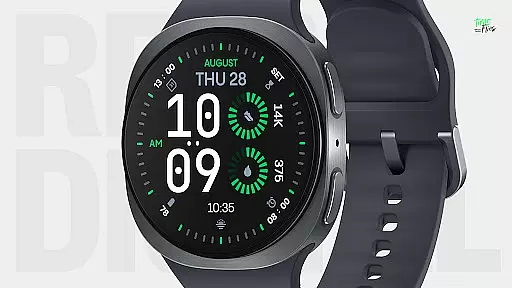
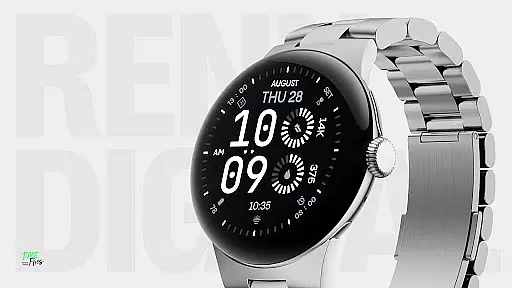
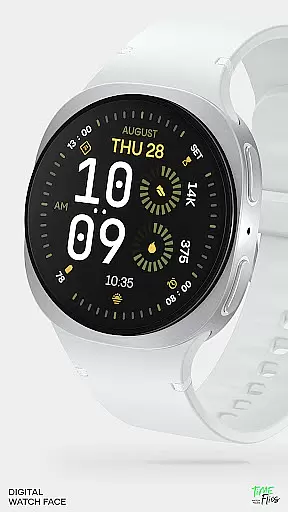
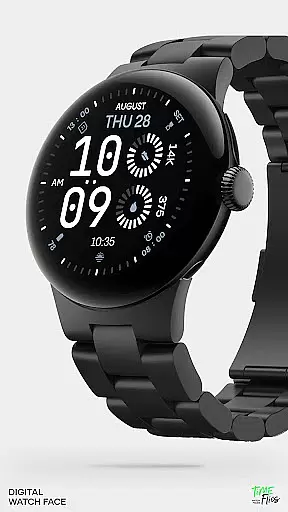
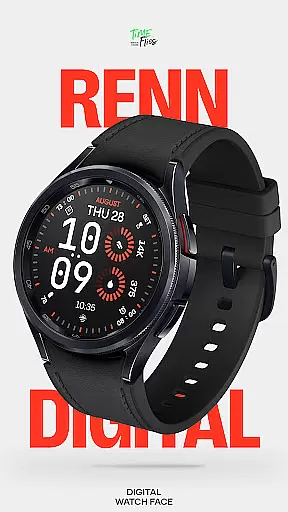
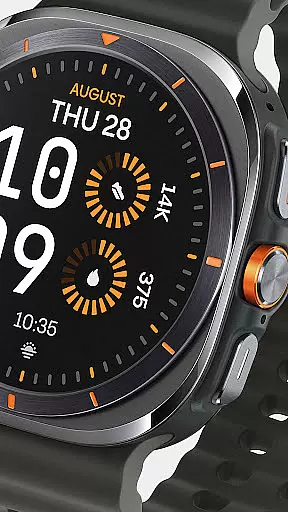
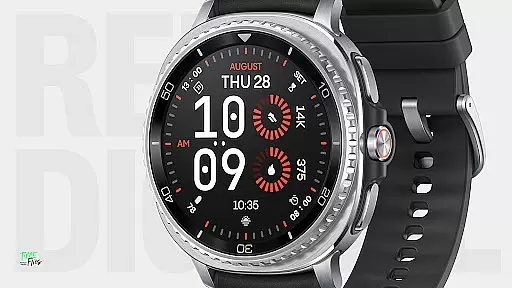
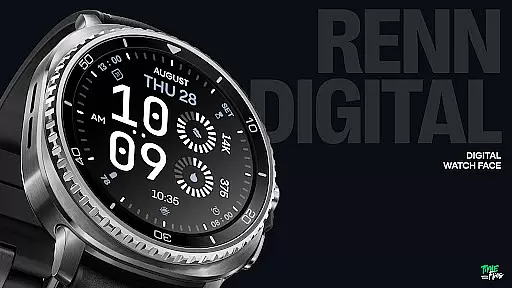
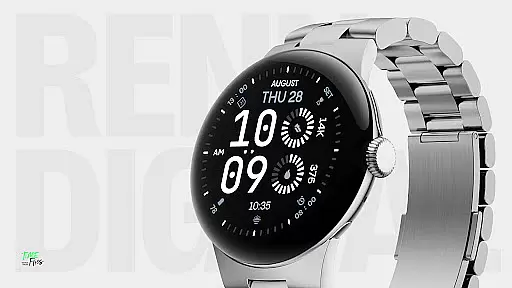
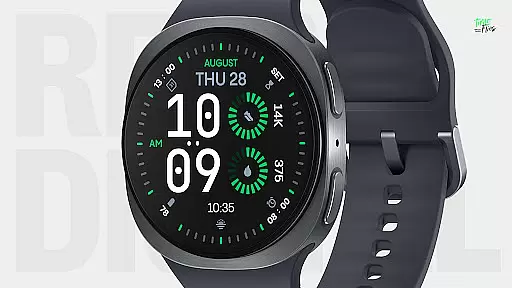
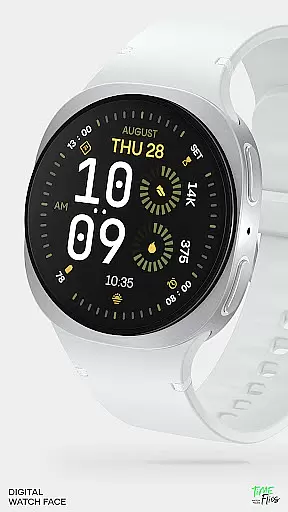
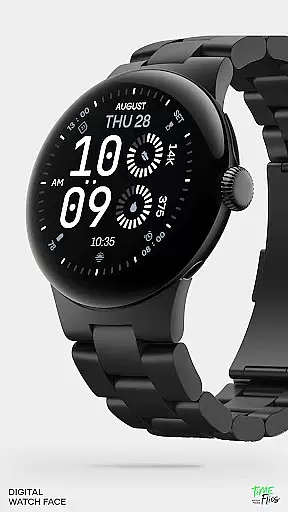
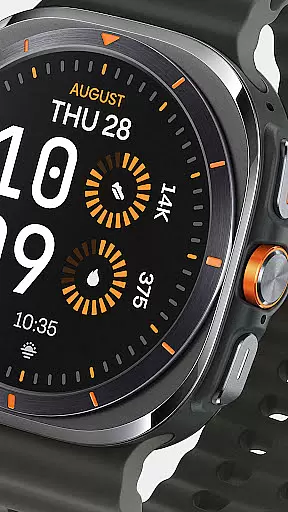
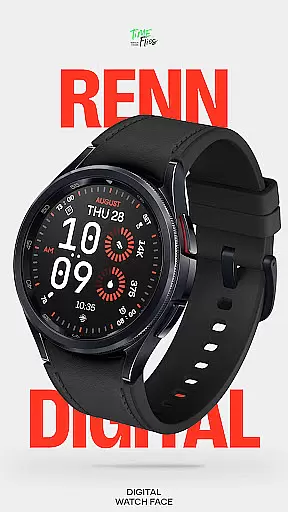
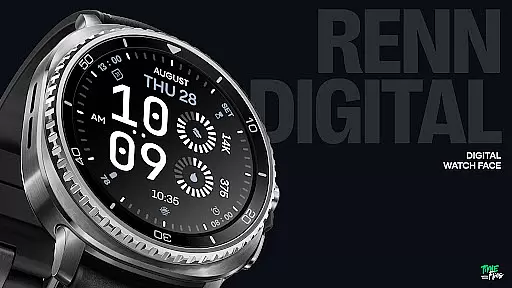
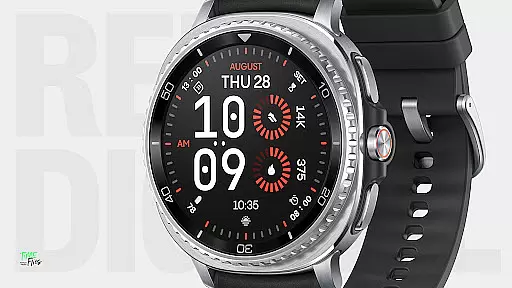
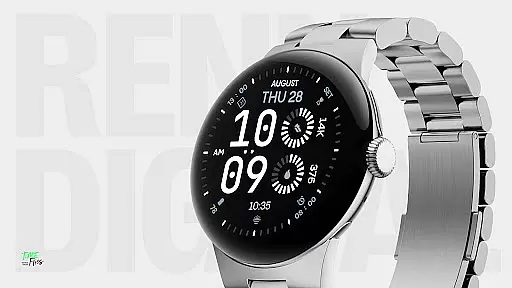
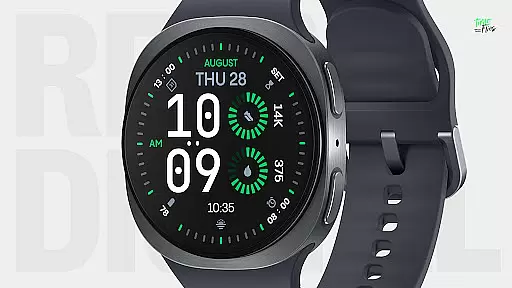
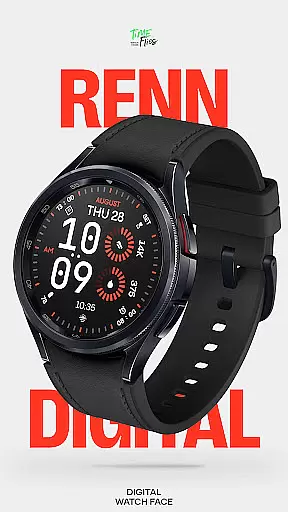
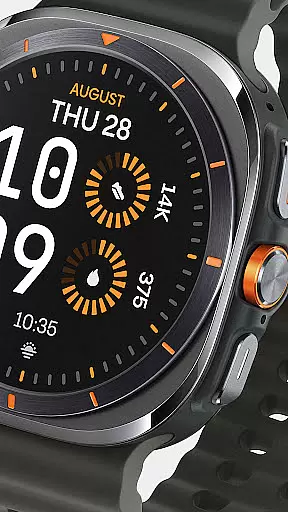
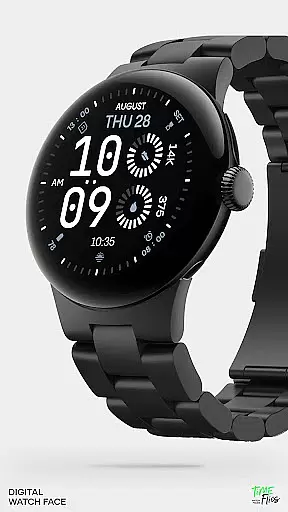
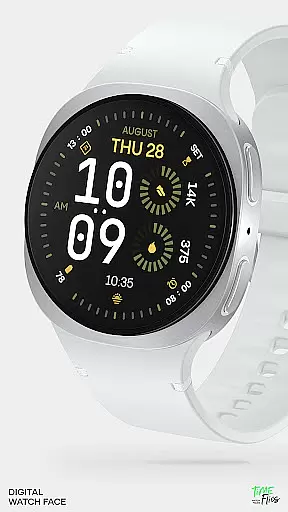
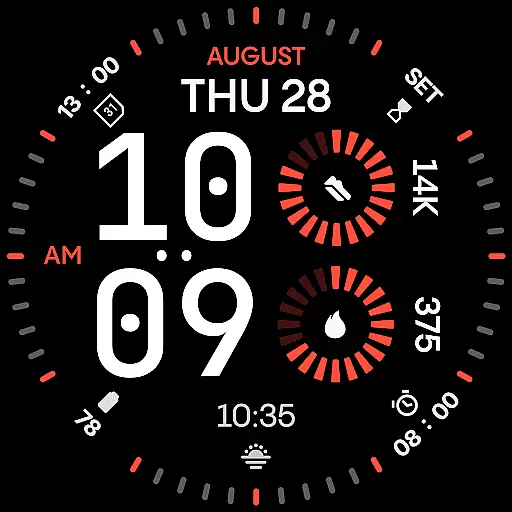
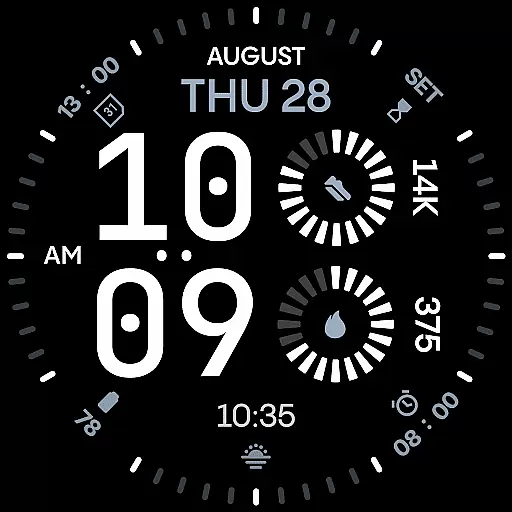
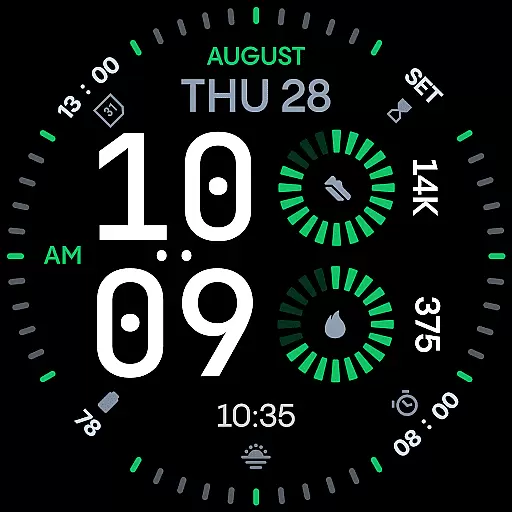
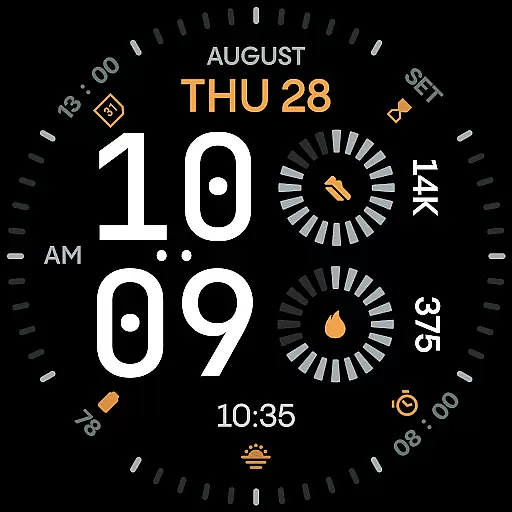
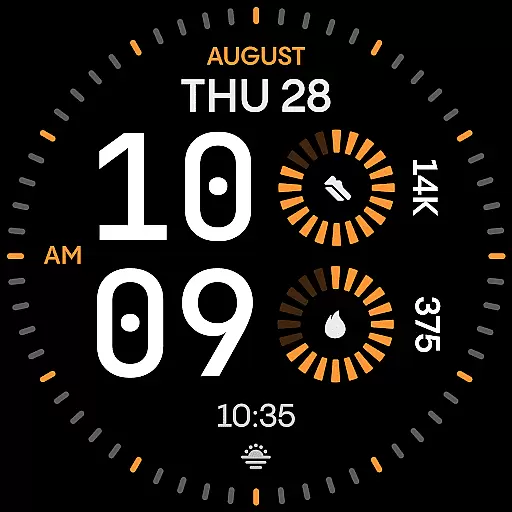
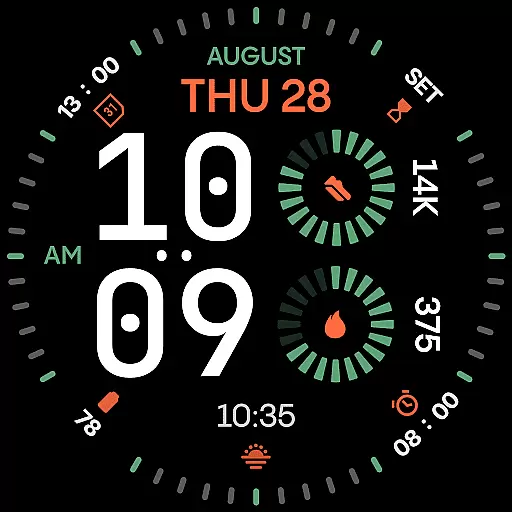
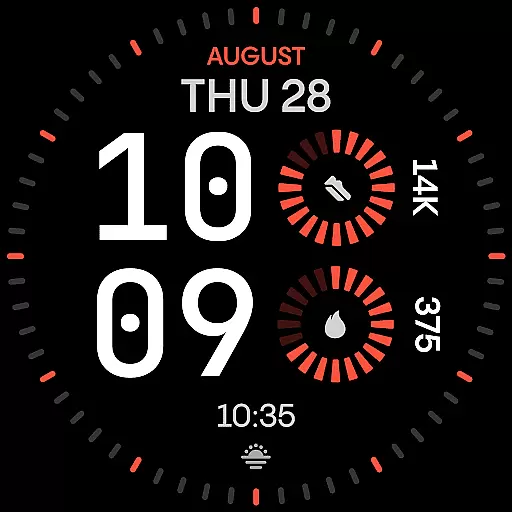
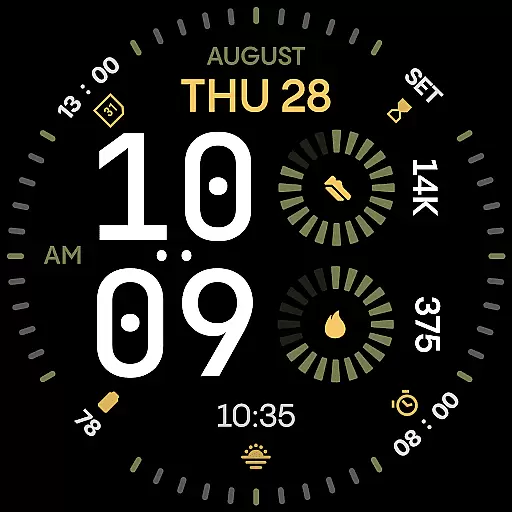
Renn Digital Watch Face is a modern digital watch face designed specifically for Wear OS smartwatches. It features bold, geometric typography and a clean layout optimized for clarity and legibility. The design emphasizes large numerals and radial progress complications, ensuring users can quickly access essential information at a glance.
With 30 customizable color themes and optional outer dial tic marks, the watch face offers extensive personalization options while maintaining a sleek, minimalist aesthetic. Key functionalities include seven fully customizable complication slots, AM/PM indicators, and five Always-On Display (AoD) modes that balance visibility with battery efficiency. Built using the latest Watch Face File format, Renn Digital ensures smooth performance and reduced power consumption.
This watch face is ideal for users seeking a stylish yet functional digital display on their smartwatch. Whether you're monitoring fitness stats, checking notifications, or simply telling time, Renn Digital provides a perfect blend of form and function.
Renn Digital Watch Face stands out with its strong digital-first design approach. The oversized geometric numerals create a striking visual impact while ensuring maximum readability in various lighting conditions. This makes it particularly suitable for active lifestyles where quick glances at the wrist are crucial.
The watch face includes seven customizable complications, allowing users to display real-time data such as steps, heart rate, battery status, calendar events, and weather information. These complications utilize both radial progress indicators and short text formats, providing clear and concise information without cluttering the display.
Advanced customization options include 30 high-contrast color themes, optional outer dial tic marks, and multiple Always-On Display modes. Users can toggle the blinking colon and adjust AM/PM indicators according to their preferences. The implementation of the latest Watch Face File format ensures optimal performance and energy efficiency, making Renn Digital a reliable choice for everyday wear.
Companion app integration is a crucial feature for smartwatch applications as it enhances the overall user experience by enabling seamless interaction between the wearable and its paired mobile device. For Renn Digital Watch Face, this integration allows users to access additional functionalities and customization options that are otherwise unavailable directly on the smartwatch.
The Time Flies companion app serves as a bridge, providing users with the ability to discover new watch faces, receive timely update notifications, and manage installations effortlessly. This ensures that users always have access to the latest features and improvements without needing to manually check for updates within the Google Play Store.
By leveraging the companion app, users can easily customize their watch faces according to their preferences. The app offers an intuitive interface where users can adjust settings such as color themes, complications, and other personalization options. This level of control empowers users to tailor their smartwatch experience to fit their unique style and needs.
Ultimately, the companion app integration adds significant value to Renn Digital Watch Face by extending its capabilities beyond the confines of the smartwatch itself. Users benefit from enhanced functionality, convenience, and personalization, making their wearable device an even more integral part of their daily lives.
Wear OS and device compatibility are essential considerations when choosing a smartwatch application, ensuring that the software runs smoothly across various devices and operating system versions. Renn Digital Watch Face has been meticulously designed to work seamlessly with Wear OS, providing users with a reliable and consistent experience regardless of their specific smartwatch model.
This compatibility is achieved through the use of the latest Watch Face File format, which optimizes performance and energy efficiency. By adhering to these standards, Renn Digital ensures smooth interactions, intelligent refresh behavior, and reduced power consumption, all without compromising on visual appeal or functionality.
Moreover, the application supports a wide range of Wear OS devices, allowing users to enjoy the same high-quality experience whether they own a flagship model or a more budget-friendly option. This broad compatibility means that users do not need to worry about whether their particular device will support the watch face, as Renn Digital is built to adapt to different screen sizes and resolutions.
In summary, the robust Wear OS and device compatibility of Renn Digital Watch Face guarantee that users can take full advantage of its features without concern for technical limitations. This commitment to accessibility and performance makes it a versatile choice for anyone looking to enhance their smartwatch experience.
Excellent legibility
Highly customizable
Battery efficient
Modern aesthetics
Versatile complications
Limited analog appeal
No advanced widgets
Premium cost
Complex setup
Fewer AoD options

Watch the sharpness of the sky on your wrist..
 3.70
3.70
A watch face that fuses motorsport precision with contemporary smartwatch design
4.4
Digital watch face. For Wear OS devices.
4.40
Kia Access makes getting your vehicle information easier than ever
4.60
Locate your family members by GPS phone location tracker everywhere and anytime
4.30
Premium hybrid watch face with many customizations for Wear OS devices.
4.40
Daily Weather forecast with 15 weather images for Day & Night plus Big Bold time
4.10
Back up your contacts & access them anywhere
4.30
Download full tracks, listen to music offline, make unlimited playlists.
4.80
Hybrid watch face for Wear OS with customizable complications by Matteo Dini MD
4.70
The most customizable minimal watch face. For Wear OS 5.0, API 34+ and later
4.70
Rose gold watch face with festive lights & customizable features.
4.60
Real-time results, stats, schedules and player profiles for all leagues
4.60
A customizable Christmas watch face for Wear OS with a countdown.
4.20
Watch face for Wear OS.
4.20
Let's celebrate Thanksgiving - Wear Os watch face
4.20
Your music, your playlists, and more—offline and unlimited.
4.20
Structured watch face with seven complications and modular UI elements
3.90
an Analog Watch Face for winter season with freeze winter background for Wear OS
4.1


User Reviews