
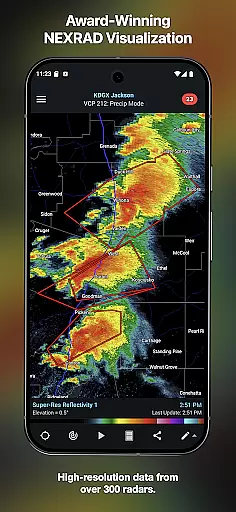
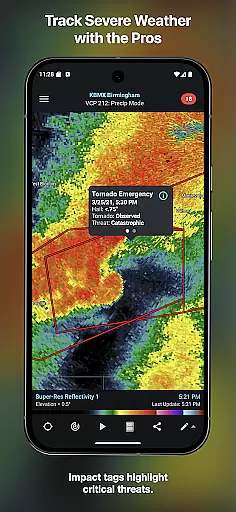
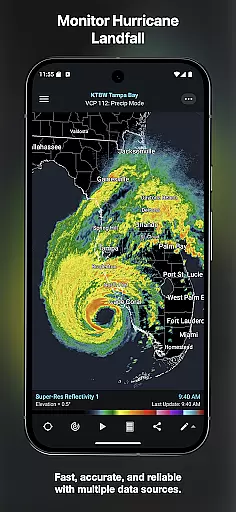
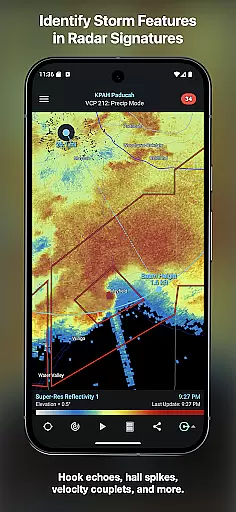
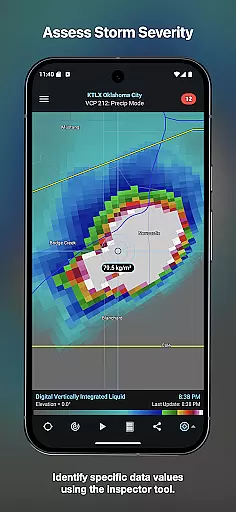
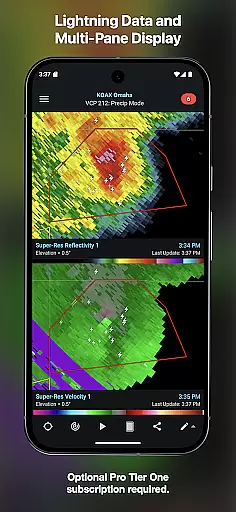
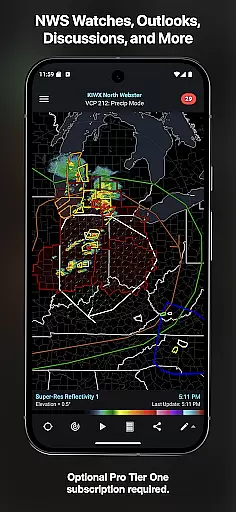
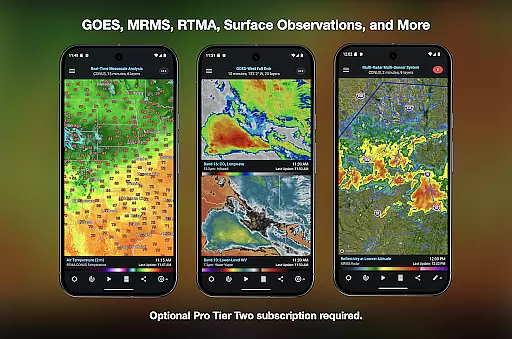
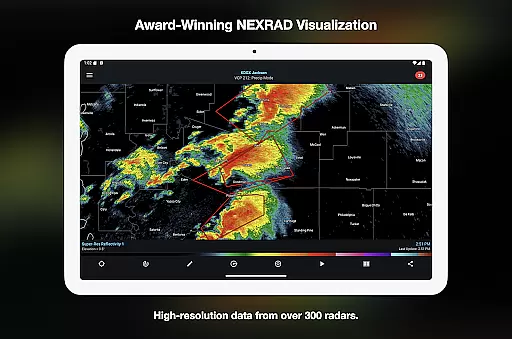
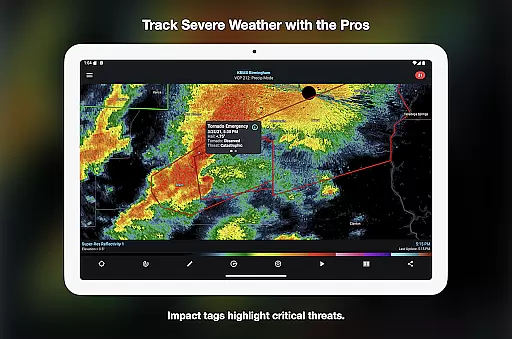
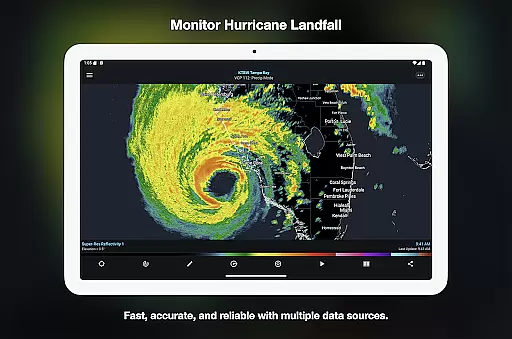
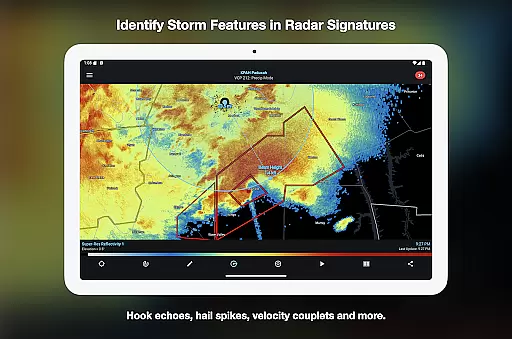
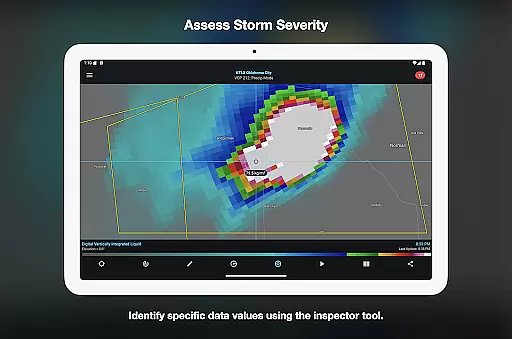

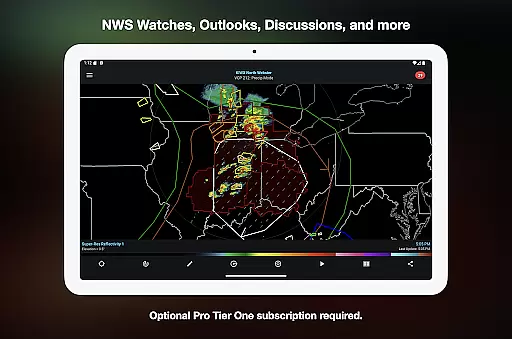
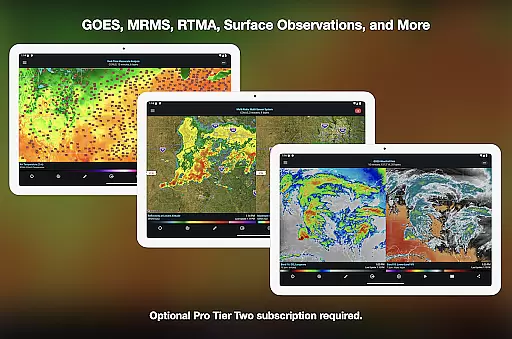
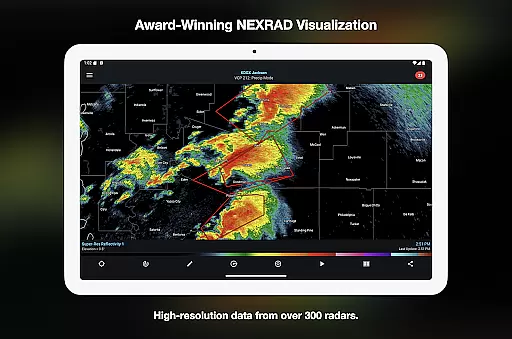
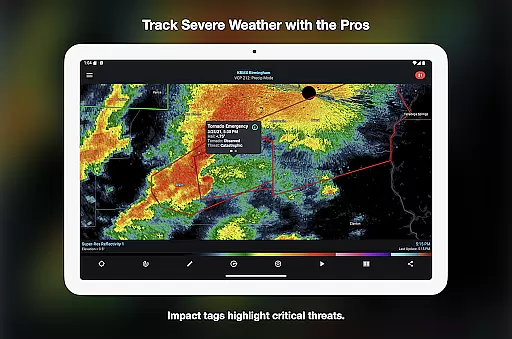
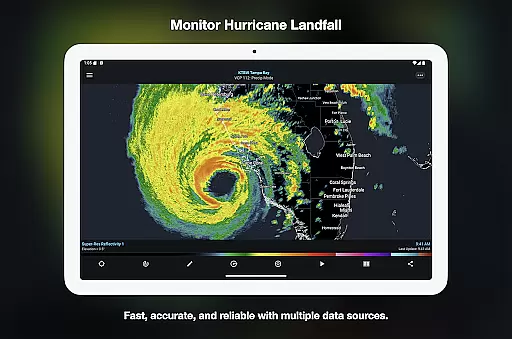
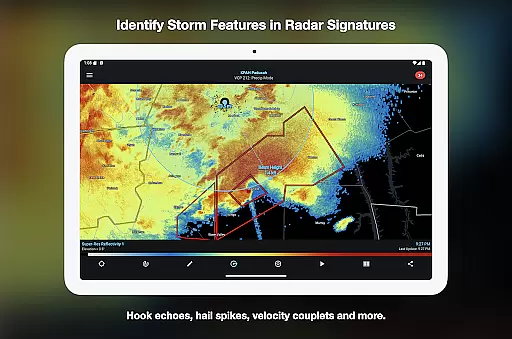
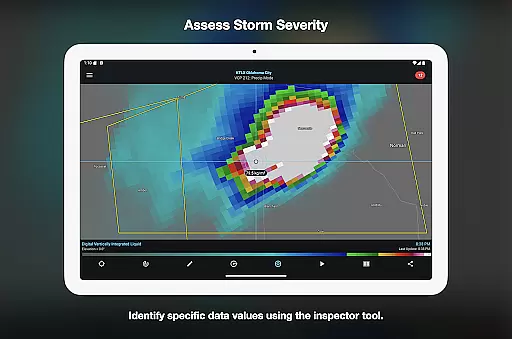
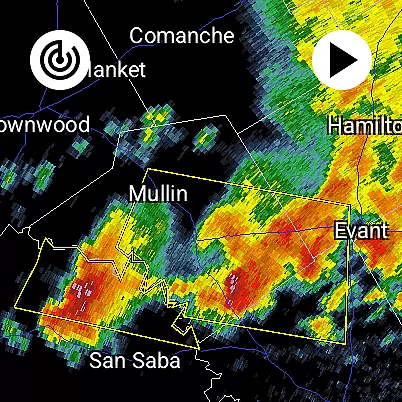
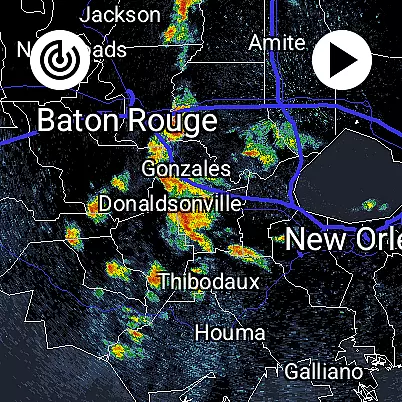
RadarScope is a professional weather visualization tool designed for meteorologists and weather enthusiasts. It provides real-time access to a comprehensive suite of single-site radar data and severe weather products across multiple countries. The app displays native radar data in its original radial format, offering users precise and timely weather information with updates every two to ten minutes.
The initial purchase includes essential features such as 6-frame radar loops, tornado and thunderstorm warnings, storm tracks, and various mapping tools. Optional RadarScope Pro subscriptions unlock advanced capabilities like longer radar loops, lightning strike data, satellite imagery, and historical weather archives. Available on Android and Wear OS, this universal app ensures seamless weather tracking across devices.
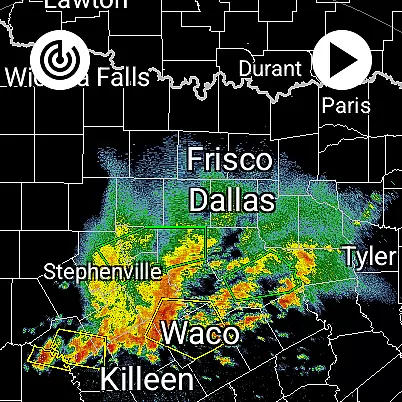
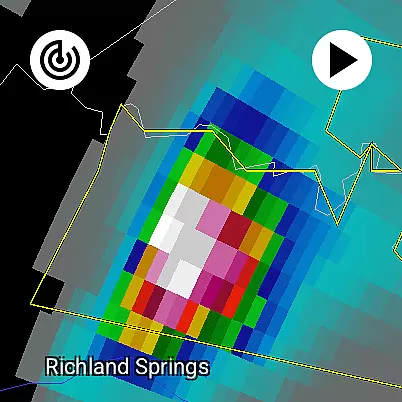
RadarScope stands out with its robust feature set tailored for detailed weather analysis. The app offers professional-grade radar visualization, displaying radar data in its native radial format without any alterations. This allows users to view critical weather patterns such as mesocyclones, hurricane eye walls, and hail spikes with precision.
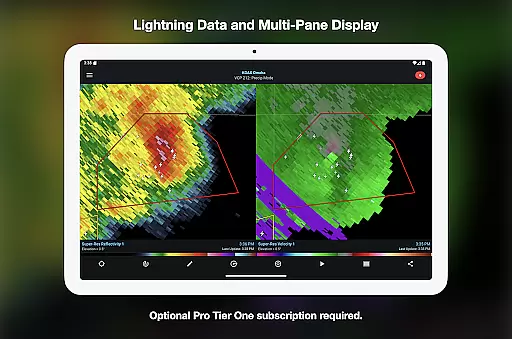
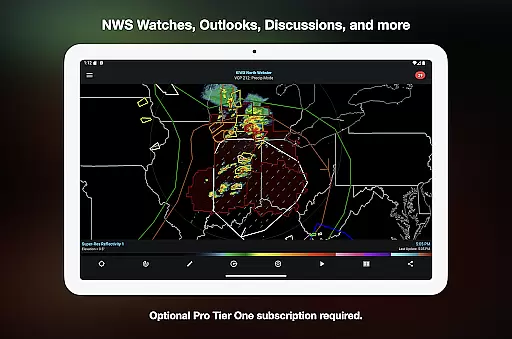
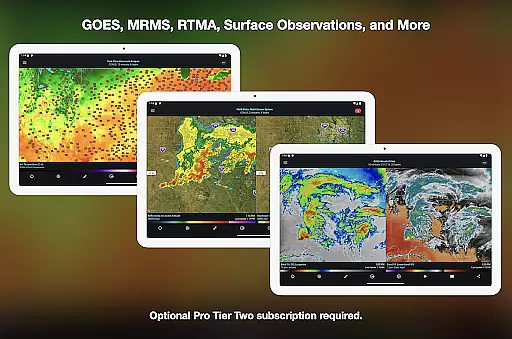
For power users, RadarScope Pro tiers provide enhanced functionalities. Tier One adds 30-frame radar loops and severe weather watches, while Tier Two includes NEXRAD Level II data, GOES satellite imagery, and MRMS products. Additional features like custom color palettes, multi-pane displays, and server-sent event updates make it an indispensable tool for serious weather monitoring.
The app also integrates with third-party services like AllisonHouse and Spotter Network, enabling advanced reporting capabilities. With support for widgets, bundled maps optimized for low-bandwidth use, and cross-platform subscription sharing, RadarScope delivers a complete weather visualization solution for both casual users and professionals.
Companion app integration is essential for Android Wear applications as it ensures seamless data sharing and functionality between the wearable device and its primary mobile counterpart. RadarScope excels in this area by offering a unified experience across both Android and Wear OS platforms.
The application provides meteorologists and weather enthusiasts with the ability to access critical radar data directly on their smartwatches. This feature proves invaluable when users are outdoors or in situations where handling a phone might be inconvenient, ensuring they remain updated with real-time weather conditions.
RadarScope's companion app integration includes support for widgets, which enhances usability by allowing quick access to frequently used features right from the home screen of the wearable device. Users can efficiently monitor ongoing weather events without needing to navigate through multiple menus.
Furthermore, RadarScope supports cross-platform subscription sharing on up to five devices, making it easy for users to manage their subscriptions and enjoy premium features regardless of whether they're using a smartphone or a smartwatch. This comprehensive integration significantly boosts user convenience and productivity.
Device compatibility is crucial for any Android Wear application, determining how well the software performs across various Wear OS devices. RadarScope stands out by delivering consistent performance and functionality optimized for different smartwatch models.
The universal design of RadarScope ensures that all users, regardless of their specific Wear OS device, can access professional-grade radar visualization tools. This inclusivity allows meteorologists, public safety officials, storm spotters, and weather enthusiasts to utilize the full suite of single-site radar products effectively.
In addition to supporting a wide range of devices, RadarScope offers specialized features tailored for larger screens such as tablets while maintaining optimal performance on smaller devices like smartwatches. The multi-pane display option available in RadarScope Pro Tier One further enhances usability on bigger devices by allowing simultaneous viewing of multiple radar loops and other relevant data.
By prioritizing Wear OS/device compatibility, RadarScope guarantees an uninterrupted and high-quality user experience, empowering professionals and hobbyists alike to stay informed about severe weather conditions no matter what device they use.
Real-time radar updates
Historical weather data
Multi-platform support
Advanced storm tracking
Customizable color palettes
Subscription costs
Complex for beginners
Limited free features
High data usage
Specialized audience

Diet tracker for weight loss - track calories, food and macros. Simple and easy!
 4.70
4.70
Wear Os Watch Face - Animated Snow - Sesonal for Christmas & Winter
4.1
A full-featured Amazon Alexa voice assistant that can show you things.
3.70
MyNISSAN® lets you remotely control your car from your phone.*
4.50
Contemporary digital watch face with five complications
4.3
Bold, Modern Hybrid Watch Face for Wear OS. 10 Colors, Rich Info Display.
4.30
Period, ovulation & pregnancy tracker. Fertility insights & menstrual calendar.
4.90
Retro digital watch face with customizable colors and a unique lighting effect
4.60
A modern hybrid informative watch face for Wear OS designed by BALLOZI
4.80
A modern premium sporty hybrid watch face for Wear OS by Ballozi
4.70
Highly customizable hybrid watch face for Wear OS, perfect for everyday use.
4.60
Gym & home workout plans with strength training, exercise tracking, HIIT & more.
4.60
Bold weather Digital watchface with forecast & optional animated background
4.40
A white realistic classic analog watch face with many customization options.
4.40
Calming & relaxing sounds for sleeping and stress relief. Stay focused all day!
4.20
"PER27 Galaxy Digital" is a digital Wear OS watch face designed by PERSONA
4.10
Connect, create, and collaborate with Gmail, part of Google Workspace.
4.10
Stay in touch with your friends and family using LINE!
3.40
Simple Analog-Digital Watchface For Wear OS 3.0 and Up Smartwatches
4.1


User Reviews