
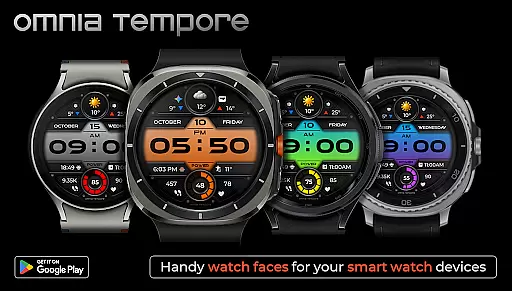
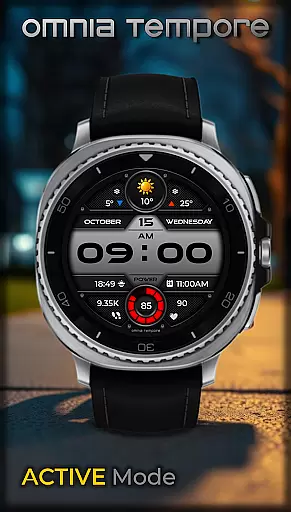
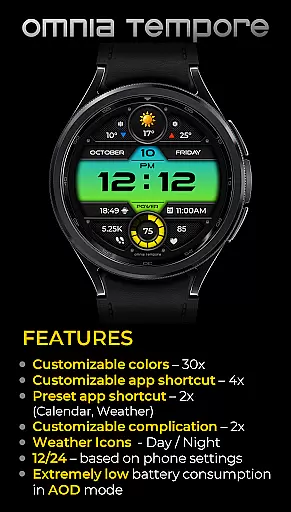
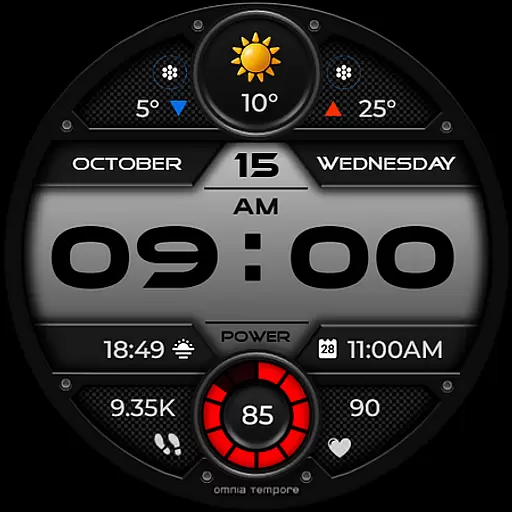
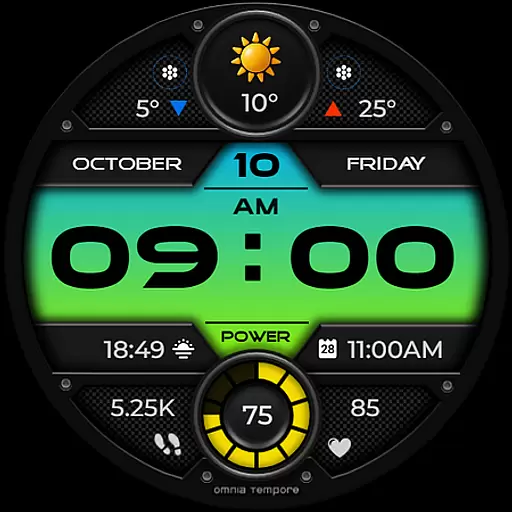
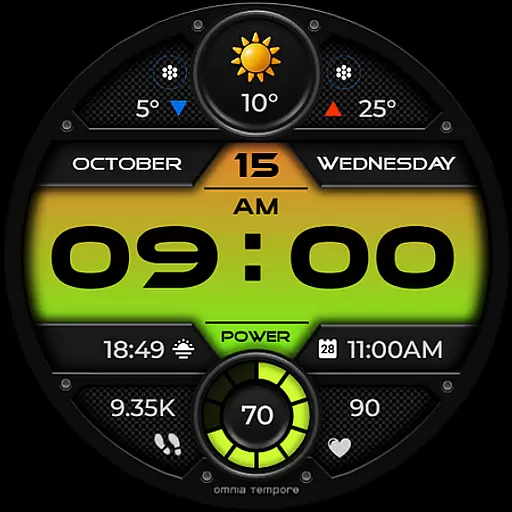
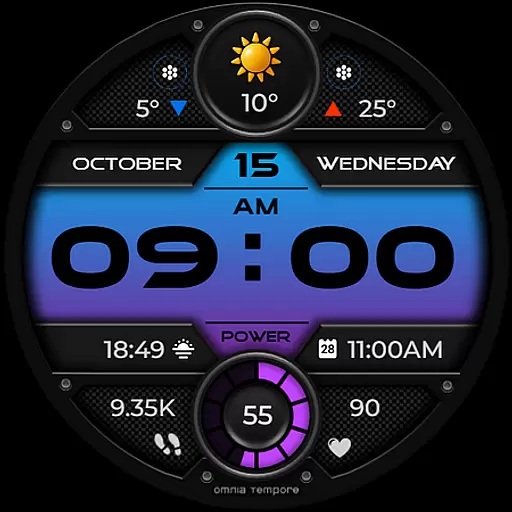
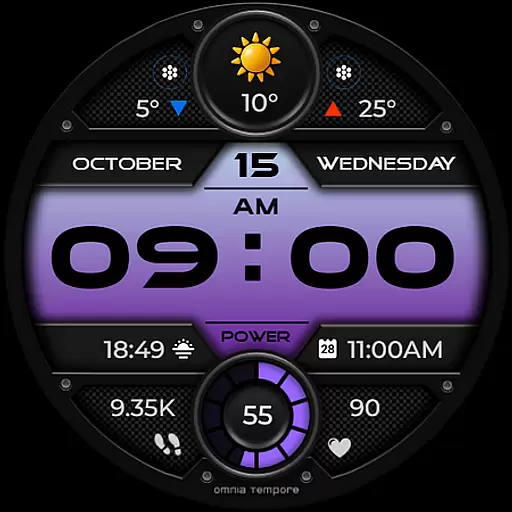
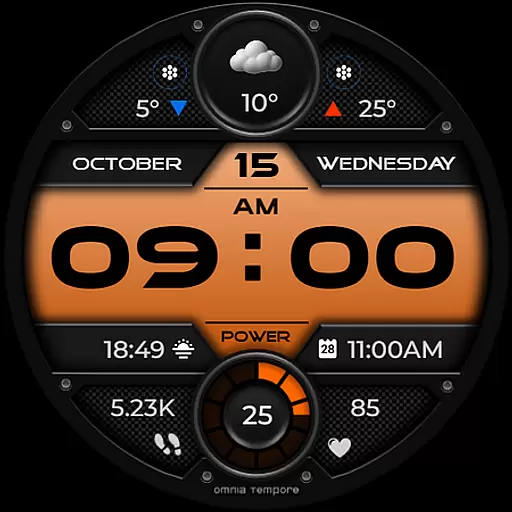
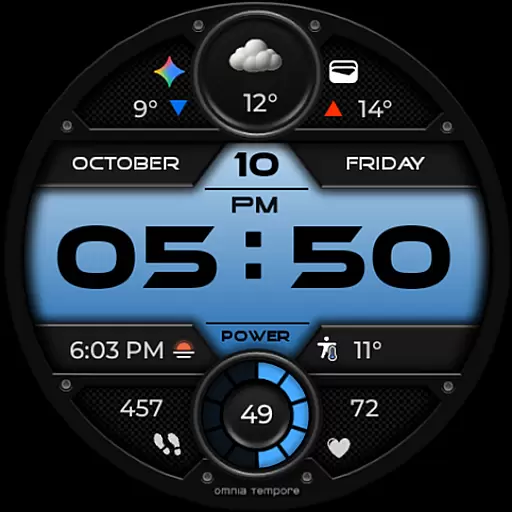
OT is a feature-rich digital watch face designed for Wear OS devices running version 5.0 and above. This stylish timepiece combines sleek aesthetics with practical functionality, offering users real-time weather updates, step counting, and heart rate monitoring. The design ensures you stay connected to both the world around you and your personal well-being.
With customizable complications and app shortcuts, OT provides a personalized experience that adapts to your lifestyle. Whether you're managing your schedule or tracking fitness goals, this watch face keeps essential information at your fingertips while maintaining a modern and sophisticated appearance.
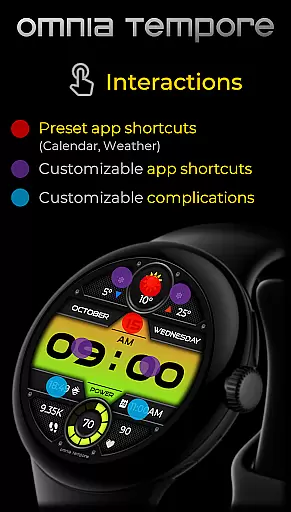
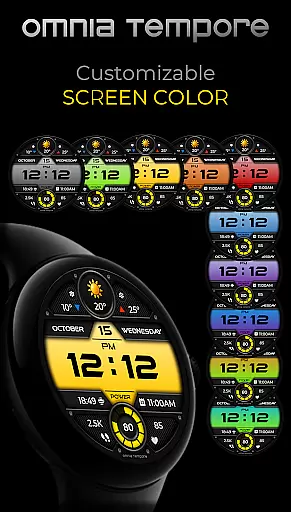
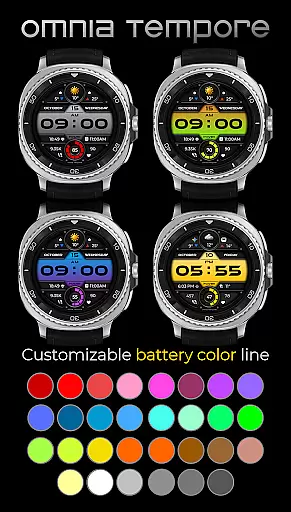
OT stands out with its comprehensive feature set tailored for the tech-savvy user. The watch face offers two customizable complications and six app shortcut slots, allowing quick access to frequently used apps like Calendar and Weather. With ten color display options and thirty battery status colors, personalization is effortless.
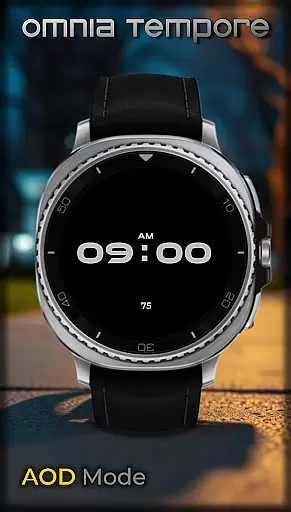
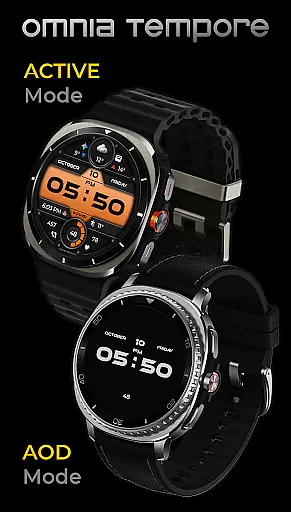
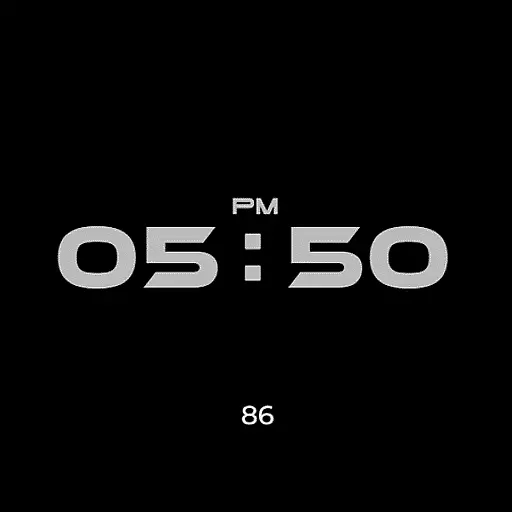
Designed for efficiency, OT ensures low power consumption in Always-On Display (AOD) mode, extending battery life without sacrificing functionality. Its real-time weather updates, step counter, and heart rate tracker provide valuable insights into your daily activities and health metrics, making it an indispensable tool for an active lifestyle.
Companion app integration is crucial for Android Wear devices as it ensures seamless synchronization between the watch and smartphone. OT achieves this by offering real-time updates and customizable features directly on your wrist.
This stylish digital watch face connects to your phone, providing instant access to important information such as weather updates, step counting, and heart rate tracking. The integration allows users to stay informed about their well-being and surroundings without missing a beat.
With two preset app shortcuts (Calendar, Weather) and four app shortcut slots, launching favorite tools becomes effortless. Users can customize complications that reflect their priorities, ensuring they have quick access to the most relevant apps and data.
The ability to sync with a companion app enhances user experience by offering 10 color versions of the display and 30 color options for battery status. This level of personalization ensures that the watch face not only meets functional needs but also aligns with individual style preferences.
Compatibility with Wear OS and various devices is essential for a versatile smartwatch experience. OT is designed for Wear OS devices (5.0+), ensuring broad compatibility and an optimal performance across different models.
This stylish digital watch face combines sleek design with smart features, making it suitable for a range of Wear OS devices. Whether you're using a newer model or an older version, OT provides a consistent and reliable experience tailored to your device's capabilities.
Low power consumption in AOD mode exemplifies its efficiency, extending battery life while maintaining functionality. This feature is particularly beneficial for users who rely on their smartwatches throughout the day without frequent charging.
Regardless of whether youu2019re heading to a meeting or hitting the gym, OT offers clarity, control, and confidence wrapped in a modern aesthetic. Its compatibility ensures that all users can enjoy a harmonious blend of style and technology, enhancing everyday activities with convenience and sophistication.
User-friendly interface
Customizable display options
Real-time health tracking
Low power consumption
Sleek and modern design
Limited to Wear OS
Requires version 5.0+
Some features may drain battery
Premium customization locked
Not all shortcuts visible at once

Calming & relaxing sounds for sleeping and stress relief. Stay focused all day!
 4.20
4.20
Embrace the holiday spirit with this magical animated watch face!
4.40
Christmas and New Year - Themed Watchface
4.2
MyNISSAN® lets you remotely control your car from your phone.*
4.50
Embrace the festive spirit with our Christmas Countdown watchface for Wear OS
4.10
Artistic Digital Watchface
4.4
Hyperlocal rain alerts by MyRadar using patent-pending technology, radar & more
4.80
Hyper-Realistic Airplane Dashboard Watch Face With 10 Skins and Custom AOD
4.00
Toyota app currently supports 2010 or newer vehicles (2018 or newer for Hawaii).
4.50
Christmas Theme Watch Face for Wear Os
5.00
WTW M17 is a premium and luxurious hybrid watch face
4.70
Easy Voice Recorder is your everyday companion to record important moments.
4.70
Hybrid watch face for Wear OS with customizable complications by Matteo Dini MD
4.70
Rose gold watch face with festive lights & customizable features.
4.60
Deck out your Wear OS Watch face with a beautifully decorated pine wreath!
4.50
Current temperature, weather hourly, weather radar by the weather forecast app
4.40
Beautiful artistic animated digital watch face, with a customizable layout!
4.40
Premium hybrid watch face with many customizations for Wear OS devices.
4.40
Find EV charging stations
4.30


User Reviews