
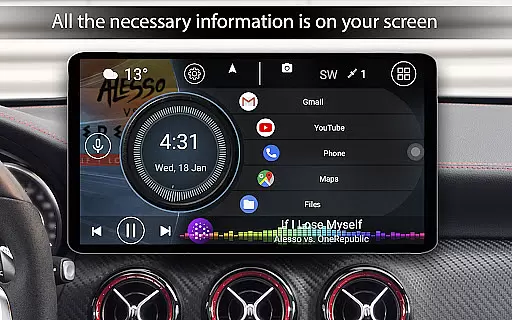
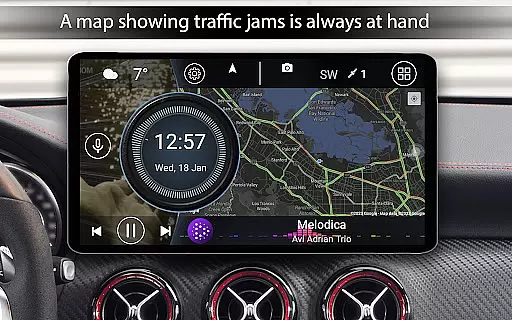
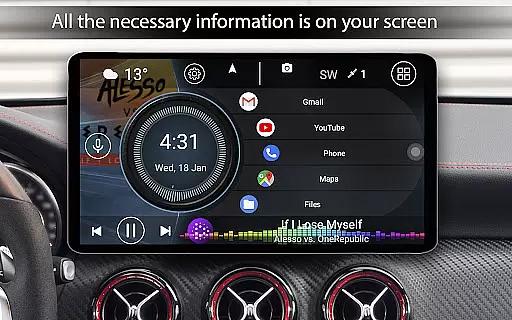

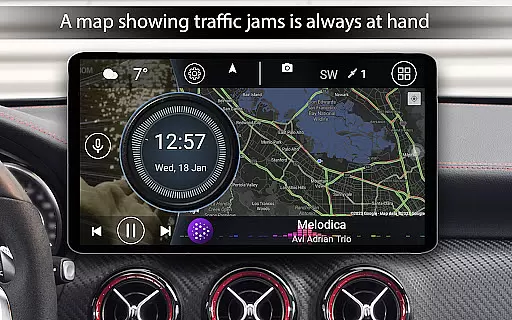
Car Launcher Pro is a specialized application designed for automotive use, enabling seamless control of Android-based car systems. It combines essential vehicle functions with user-friendly interface features.
The app provides an intuitive platform to manage apps, view real-time vehicle data, and customize the user experience. Its GPS-based speed display and trip computer make it invaluable for drivers seeking enhanced vehicle insights.
Ideal for road trips or daily commutes, Car Launcher Pro transforms your car's infotainment system into a comprehensive driving assistant, offering both practical utility and personalized configuration options.
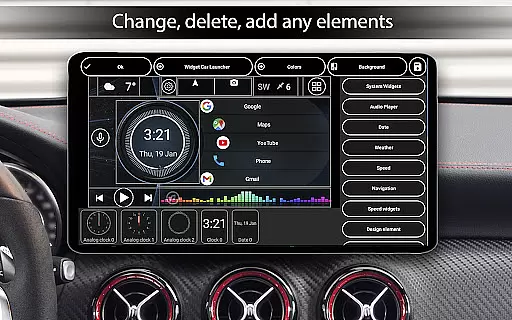
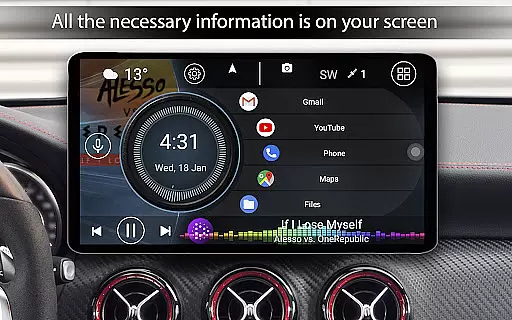
Car Launcher Pro offers an extensive feature set that enhances in-car device usage. The app allows users to create customizable home screens with quick-access app folders and widgets.
Its onboard computer functionality tracks essential driving metrics including speed, distance, acceleration times, and fuel efficiency. Users can monitor these parameters through various timeframes and reset trip data instantly.
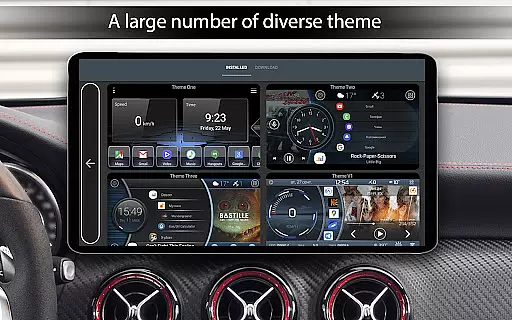
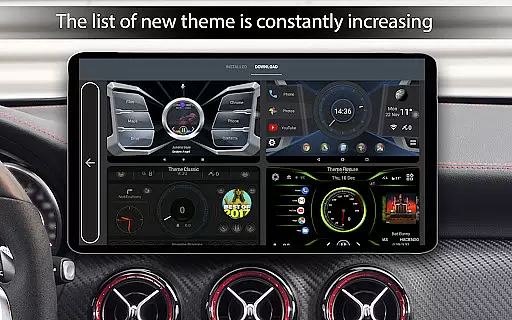
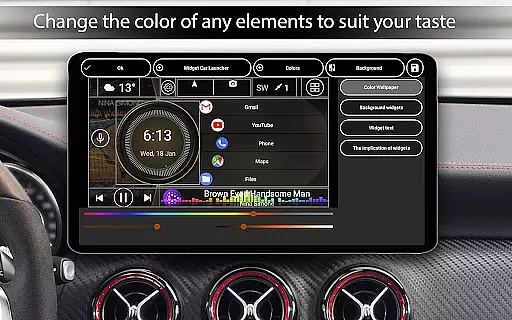
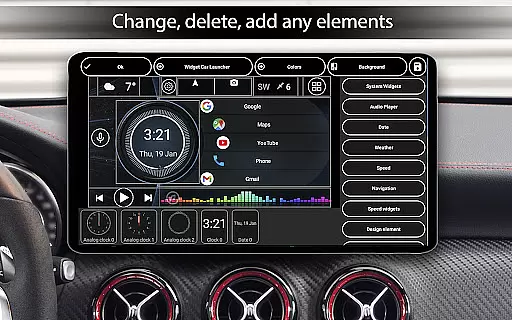
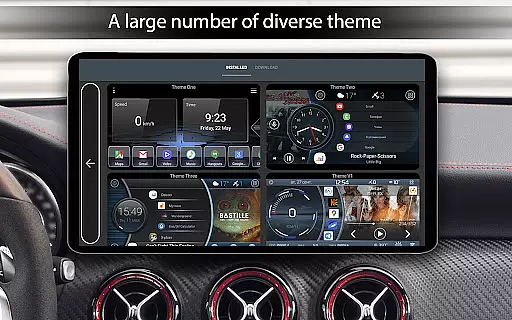
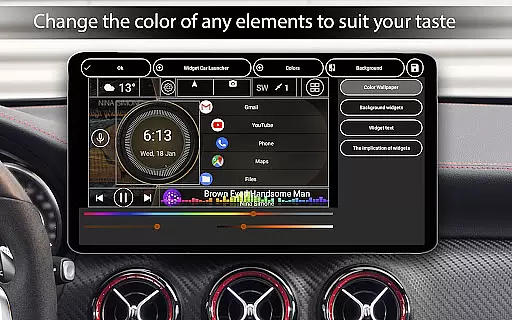
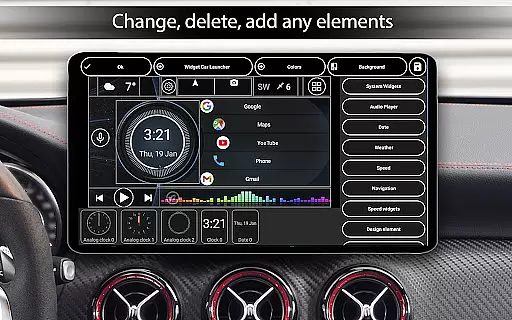
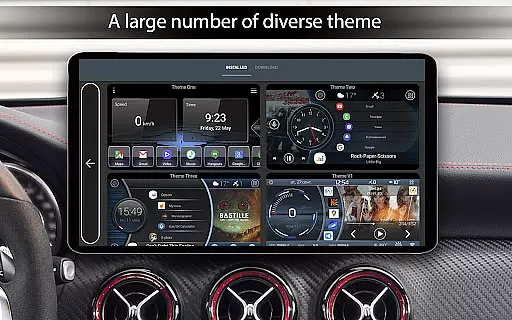
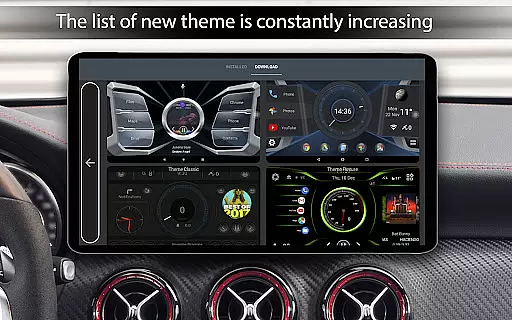
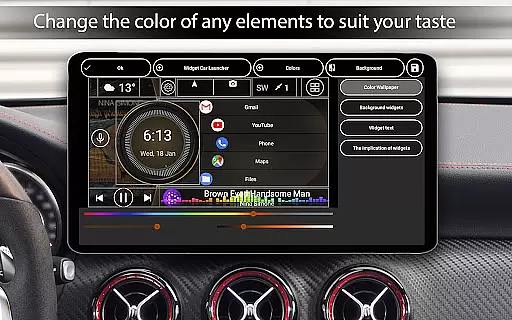
The application supports advanced customization options including themes, color schemes, and widget modifications. These features, combined with automatic brightness control and sophisticated screensaver settings, provide unparalleled personalization capabilities.
Car Launcher Pro offers a comprehensive suite of tools designed to provide detailed vehicle information directly on your device. This includes real-time speed tracking based on GPS data, which is prominently displayed on the home screen for easy access while driving.
The app goes beyond basic speed monitoring by integrating an onboard computer that calculates trip distances for various time periods. Users can view statistics such as average speed, total operating time, maximum speed, and even acceleration metrics from 0km/h to different speed thresholds like 60km/h, 100km/h, and 150km/h.
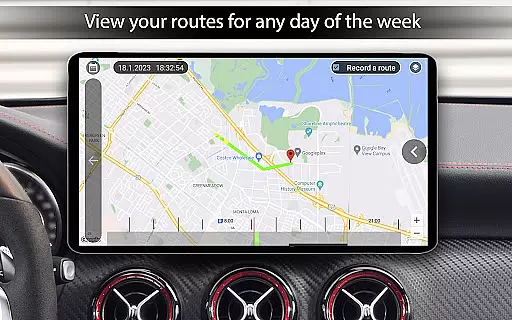
What sets this application apart is its ability to display these metrics not just for current trips but also for specific durations including daily, weekly, monthly, or since the last reset. This feature allows drivers to maintain accurate records of their vehicle's performance over time.
Additionally, users have the flexibility to switch between metric and imperial units, ensuring compatibility with different regional standards. The combination of these features provides an unparalleled level of detail about vehicle performance, making it an essential tool for both casual drivers and automotive enthusiasts.
While Car Launcher Pro focuses primarily on vehicle information, it maintains price transparency through its clear distinction between free and premium features. The free version offers substantial functionality, including the ability to set the app as the default launcher and add numerous applications for quick access on the main screen.
For users seeking advanced customization options, the PRO version unlocks additional capabilities such as creating multiple folders for selected applications and easily switching them on the principal screen. These enhanced organizational features are clearly outlined, allowing users to make informed decisions about upgrading.
The app's pricing structure is straightforward, with no hidden fees or in-app purchases beyond the initial PRO upgrade. Users can preview all available features within the app description, ensuring they understand exactly what they're getting before committing to any purchase.
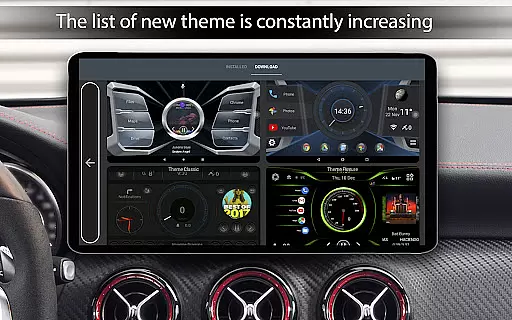
This transparent approach extends to the app's support of third-party themes and widgets, where any additional costs associated with premium customization options are clearly communicated. By maintaining clear distinctions between free and paid features, Car Launcher Pro ensures users can budget effectively while customizing their automotive experience.
User-friendly interface
Comprehensive vehicle data
Highly customizable
Real-time GPS tracking
Multiple widget options
Complex setup process
Background GPS drains battery
Premium features locked
Occasional glitches reported
Steep learning curve

Monitor specific TOYOTA parameters by adding this plugin to Torque Pro.
 2.00
2.00
Wonder how much horsepower and torque your car/truck makes? Look no further.
3.40
App Mirroring for Tesla Car's Browser
2.80
Play what you want through Android Auto
4.90
Better fuel to help keep you on the road
3.20
Buy and sell your boat
4.70
Digital Car Key/Launcher, Screen Mirror, Android Dashboard, Remote Wireless Link
4.40
AI Powered - Automotive Mechanic Assistant
4.30
Your Path to Driving Licensing Success Begins Here! Develop your driving skills.
4.40
1M+ high-quality auto parts at your fingertips. Fitment guaranteed.
4.70
Browse millions of cars, track vehicle listings or sell your car today
4.70
Listings of Tesla's with FSD - Included package
4.60
myAudi offers users services and Audi connect services for Audi drivers
4.10
OBD diagnostics, Live Data, DPF regeneration for BMW
4.00
Boost profits and hit your goals faster with GigU's amazing tools for gigworkers
4.00
By enthusiasts, for enthusiasts
4.00
Blink Charging Mobile app makes finding an EV charger an intuitive experience.
3.80
Easily notify car owners in urgent situations, safe, fast, multilingual.
4.5
Theme for Car Launcher
4.3


User Reviews