
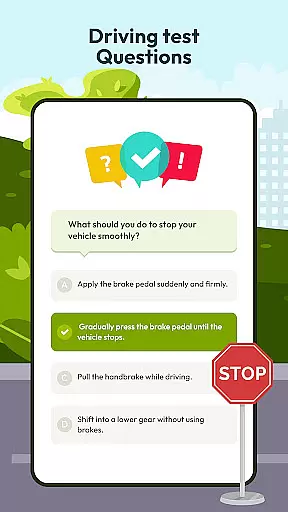
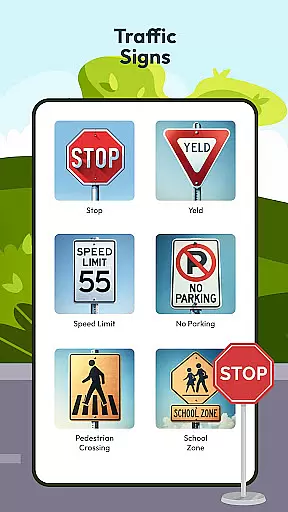
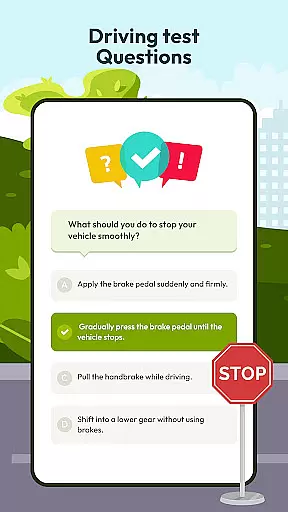
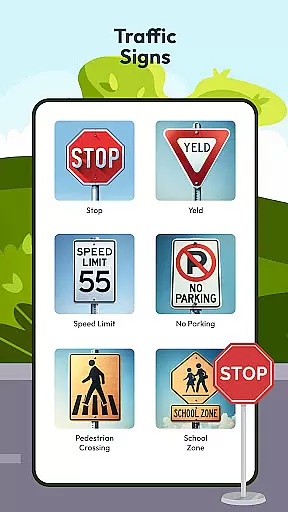
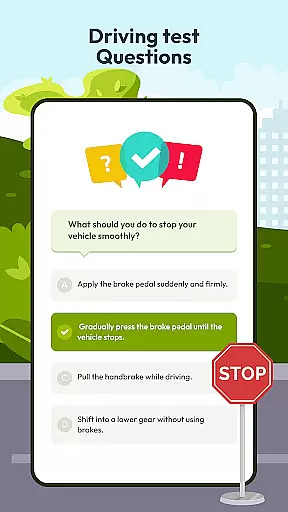
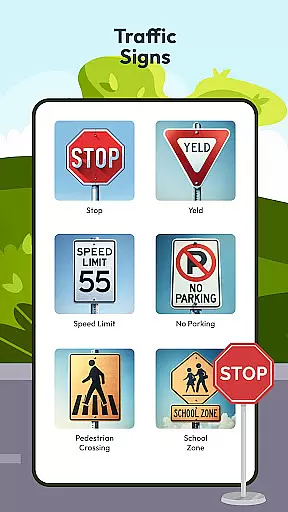
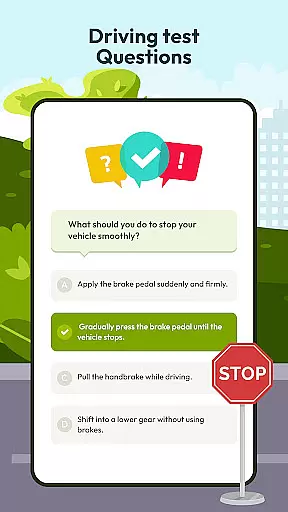
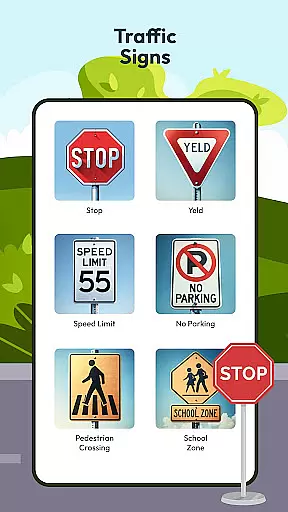
Driving Instructor-Theory Test is a comprehensive traffic app designed to enhance driving skills and knowledge. This app serves as an essential tool for both beginner and experienced drivers, offering features that cover all critical areas of driving education. With its extensive question bank for theory test preparation, users can fine-tune their vehicle knowledge and feel confident for both their driving test and real-world scenarios.
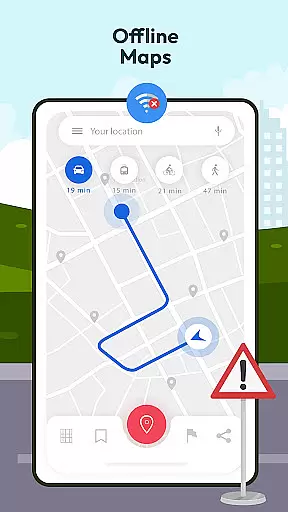
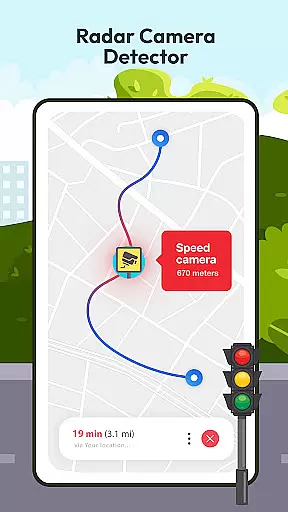
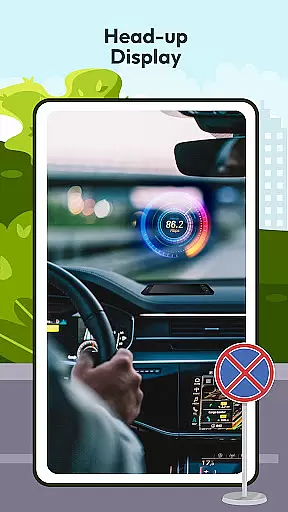
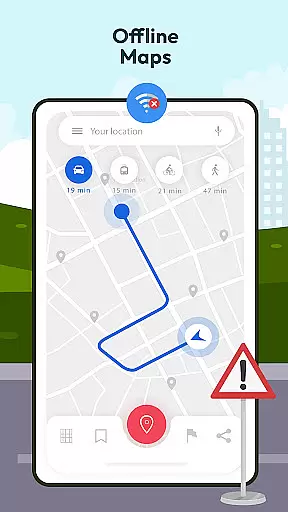
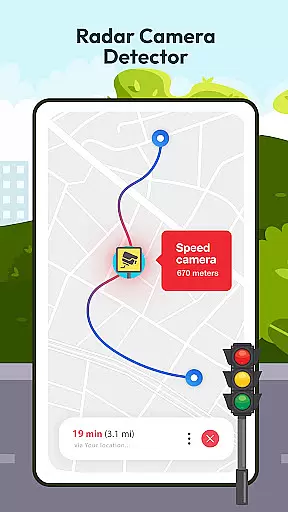
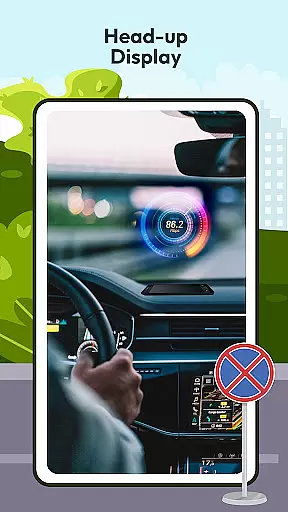
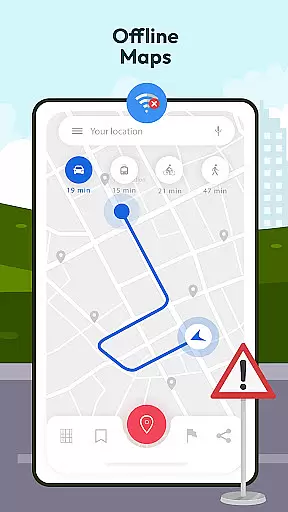
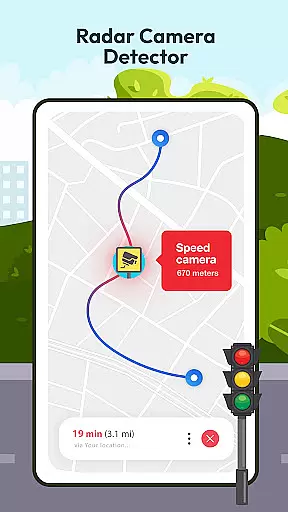
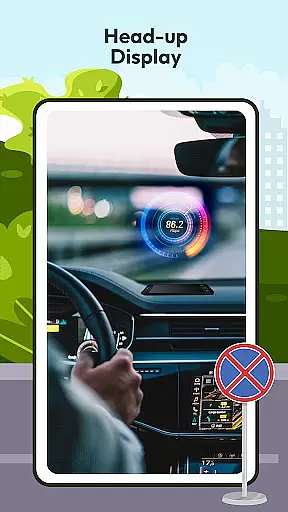
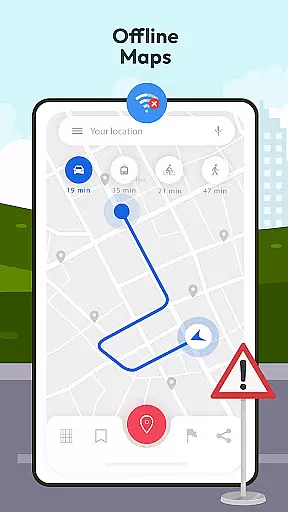
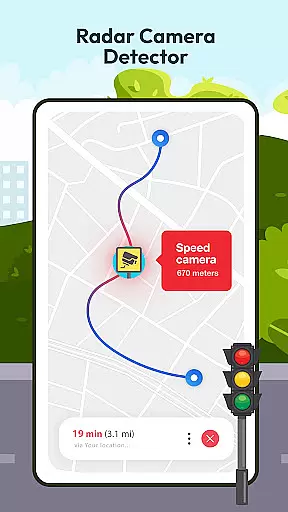
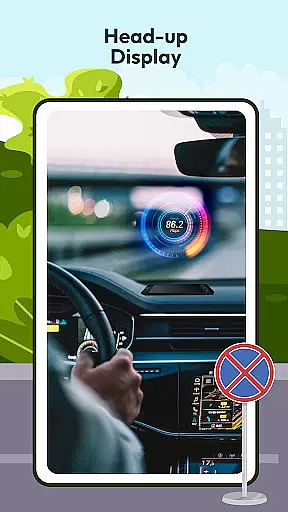
The app includes advanced safety features such as radar and speed camera detectors, ensuring adherence to speed limits and promoting safe driving practices. The innovative HUD (Head Up Display) projects vital information onto the windshield, allowing drivers to maintain focus on the road. Additionally, the offline map and GPS functionality provides reliable navigation without requiring an internet connection, making it an invaluable resource for drivers everywhere.
Driving Instructor-Theory Test offers an array of practical features tailored to improve driving proficiency. One standout feature is the extensive selection of test drive questions covering all crucial driving areas, preparing users not just for their driving test but also for various real-world situations they may encounter.
Safety is prioritized with the inclusion of radar, speed checks, and camera detectors, which help drivers avoid penalties and adhere to traffic regulations. The HUD (Head Up Display) enhances the driving experience by projecting important information directly within the driver's line of sight. Furthermore, the offline map and GPS functionality ensures that navigation assistance is available at all times, regardless of internet connectivity, providing peace of mind when traveling through unfamiliar areas.
Understanding your vehicle's specifications and performance metrics is crucial for safe driving. The Driving Instructor App provides comprehensive details about various car controls, ensuring drivers are well-acquainted with their vehicle's mechanisms. This feature covers everything from basic dashboard indicators to advanced systems like HUD (Head Up Display), which projects vital information onto the windshield.
The app goes beyond just listing vehicle parameters. It offers in-depth explanations of international traffic signs and what they mean for the driver. By understanding these signs, users can navigate roads worldwide with increased confidence and safety. Additionally, the integrated speedometer feature helps drivers monitor their speed accurately, promoting better speed management.
What sets this app apart is its dedication to enhancing practical knowledge. Users can access detailed descriptions of radar, speed, camera, and detector functionalities. These tools not only keep drivers informed about their surroundings but also help them adhere to speed limits and avoid penalties. Such insights ensure that drivers are always aware of critical driving conditions.
Ultimately, the Detailed Vehicle Information section empowers drivers to handle their vehicles more effectively. By mastering these features, users can expect a safer and more controlled driving experience. This makes the Driving Instructor App an invaluable resource for both novice and experienced drivers looking to improve their skills.
Price transparency in any driving-related app is essential for user trust and satisfaction. The Driving Instructor App ensures that all costs associated with using the app are clear and upfront. This includes detailing any potential fees for additional features or premium content, allowing users to make informed decisions about their purchases.
In addition to transparent pricing, the app offers a variety of free resources. These include extensive test drive questions, traffic sign explanations, and guideline tips that enhance the driving experience without any hidden charges. Users can access these resources offline, making it convenient and cost-effective for drivers who need reliable information on the go.
The app also provides insights into maintaining speed limits and avoiding penalties through its radar and speed camera detector feature. While this feature is designed to promote safe driving practices, it indirectly contributes to cost savings by helping drivers avoid unnecessary fines. This level of transparency reassures users that the app is designed with their financial and practical needs in mind.
By focusing on price transparency, the Driving Instructor App builds a trustworthy relationship with its users. Drivers can rely on the app for accurate and helpful information without worrying about unexpected expenses. This commitment to openness enhances the overall value proposition of the app, making it a dependable choice for anyone looking to improve their driving skills.
User-friendly interface
Comprehensive question bank
Advanced safety features
Offline map availability
Innovative HUD technology
Limited vehicle compatibility
Occasional inaccuracies
Subscription fees apply
Heavy on memory usage
Complex for beginners

OBD2 car scanner and diagnostics: read Check Engine, DTC, economy....
 4.30
4.30
Monitor specific TOYOTA parameters by adding this plugin to Torque Pro.
2.00
Realtime Charts is a plugin for the Torque Pro App (OBD 2 & Car)
4.20
* This app needs an adapter cable and a certain OBD2 adapter to work *
4.20
AlfaOBD software for Fiat Group cars native diagnostic
3.70
Discover new and used cars in Syria easily! Browse ads and connect with sellers.
3.70
Blink Charging Mobile app makes finding an EV charger an intuitive experience.
3.80
Automotive Electrical Wiring Diagrams
4.40
Shop cars & see your financing
4.60
Lexus app currently supports 2010 or newer vehicles (2018 or newer for Hawaii).
4.80
View your car’s service records and find out when maintenance is due.
4.70
Launcher for use in the car
4.40
Secure mobile payments & fuel savings at Phillips 66®, Conoco® and 76® stations
4.40
Your car is talking. Start listening.
4.30
Monitor your behind-the-wheel behavior to become a safer driver and save.
4.10
OBD diagnostics, Live Data, DPF regeneration for BMW
4.00
Available in select states.
4.00
DIY Vehicle Wheel Alignment
4.0
Theme for Car Launcher
4.5


User Reviews