
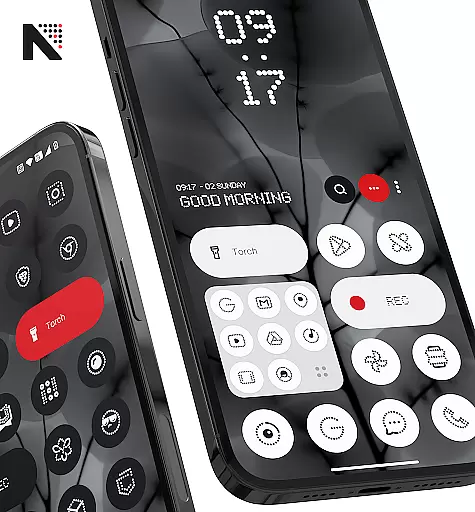
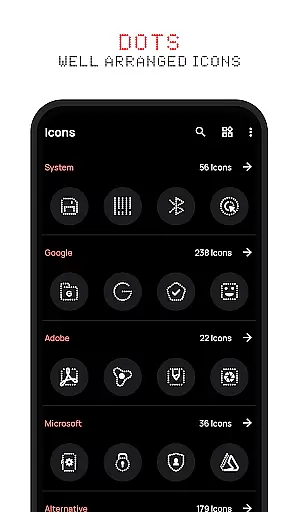
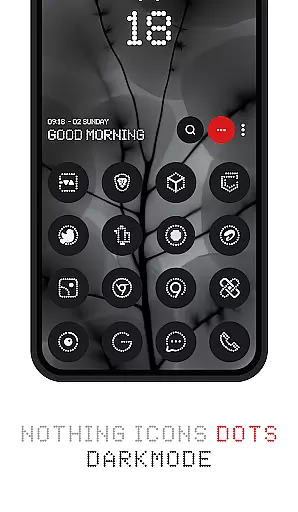
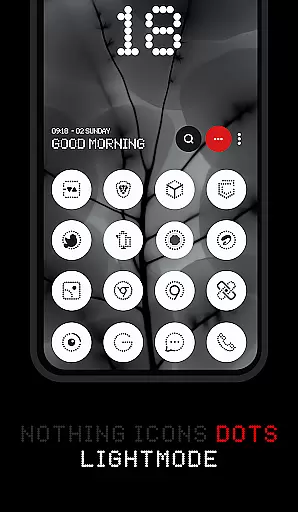


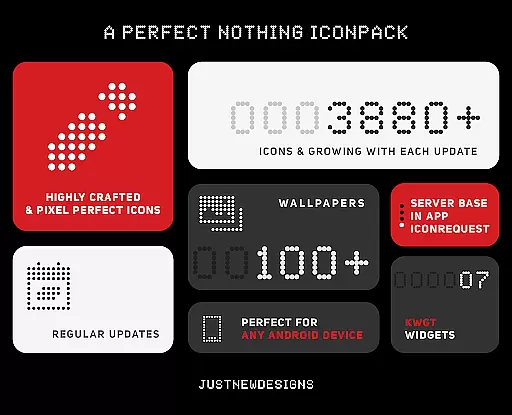
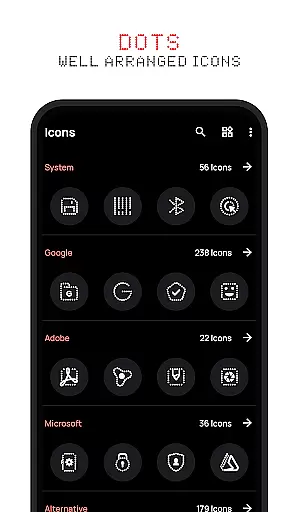
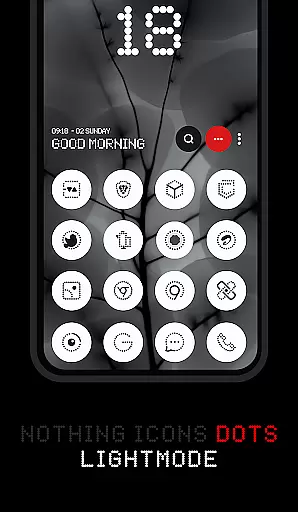
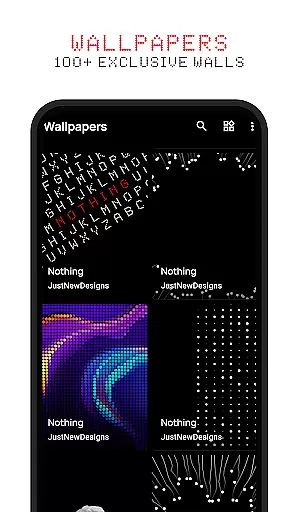
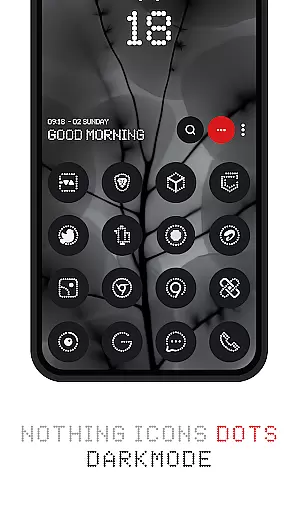


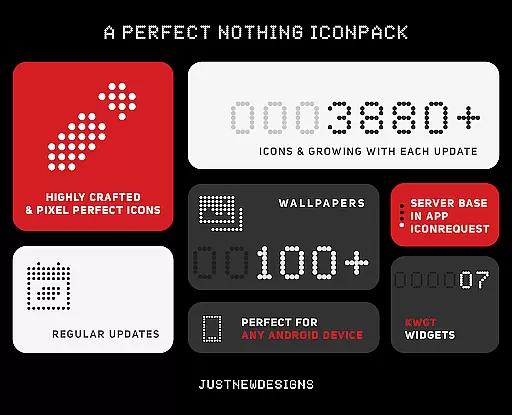
Dots : Adaptive Icon Pack is a premium icon pack designed for users who appreciate minimalist and modern aesthetics. The icons combine a distinctive dot design with white color accents, inspired by the Nothing Brand's signature style. With over 3000 themed icons, this pack ensures extensive coverage for popular apps, while also adapting to your device's theme settings. Whether you're using a dark or light theme, the icons dynamically adjust their appearance, offering a cohesive look that enhances your device's interface.
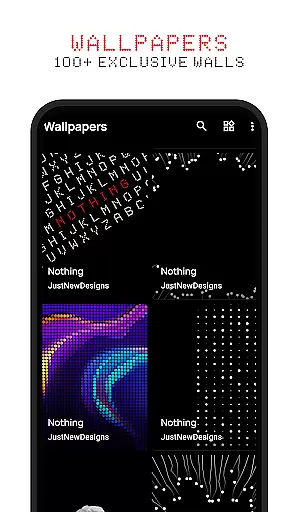
One of the standout features of Dots is its adaptive icon shapes, which allow customization based on your launcher preferences. Additionally, the pack includes 100+ matching wallpapers, providing a complete theming solution for your device. This makes it an ideal choice for users seeking a sleek, AMOLED-friendly home screen experience.
Dots : Adaptive Icon Pack stands out with its comprehensive feature set tailored for personalization enthusiasts. The pack offers over 3000 meticulously designed icons, ensuring compatibility with a wide range of apps. These icons are not static; they adapt to your device's theme settings, switching between dark and light modes seamlessly. This dynamic functionality ensures that your home screen maintains a consistent appearance regardless of your system settings.
Beyond its adaptive capabilities, the icon pack supports various icon shapes depending on your launcher. This flexibility allows users to tailor their home screens to their exact preferences. To complement the icons, Dots provides 100+ custom-created wallpapers that harmonize with the design language of the icons. These wallpapers are crafted to enhance the overall aesthetic, making your device truly unique. With regular updates and a focus on quality, Dots delivers both style and substance.
Customization is at the heart of Dots : Adaptive Icon pack, offering users a versatile way to personalize their device's appearance. With over 3000 themed icons, this icon pack provides an extensive selection that caters to various tastes and preferences.
The adaptive nature of these icons allows them to seamlessly integrate with different launchers that support icon shape theming, ensuring a consistent look across devices regardless of manufacturer or model. This flexibility empowers users to tailor their home screens precisely as they envision.
In addition to its vast icon library, Dots includes 100+ matching wallpapers specifically crafted for this collection. These high-quality images complement the minimalist design language of the icons, enhancing the overall aesthetic appeal and providing complete customization freedom.
Dots : Adaptive Icon pack excels in theme compatibility by dynamically adjusting its color scheme based on the deviceu2019s current theme settings. Whether you prefer a sleek dark mode or a bright light mode, these icons adapt accordingly, maintaining visual harmony throughout your interface.
This intelligent adaptation extends beyond mere color changes; it ensures that each icon remains visually striking and recognizable against any background. Such attention to detail guarantees an uninterrupted user experience without compromising functionality for style.
Furthermore, the pack's design draws inspiration from popular brands known for their clean aesthetics, making it not only functional but also fashionable. Users can enjoy peace of mind knowing their chosen icons will blend perfectly into their personalized digital environment while reflecting contemporary design trends.
Over 3000 icons
Adaptive themes
AMOLED friendly
Regular updates
Matching wallpapers
Limited niche appeal
Requires compatible launcher
No widget support
Premium price
Learning curve

3D, live, and moving wallpapers & themes in 4K and HD for your device.
 4.50
4.50
Add cute Shimeji pets to screen, interact with them and relax with cute motions
4.60
Customizable screen pets that play, climb, and keep you company.
4.50
Transfer your live wallpapers from Windows to Android using Wallpaper Engine!
4.00
Aesthetic Widgets, HD Wallpapers, Themes in Mico Widget for Home and Lock Screen
4.50
Vibrant Adaptive Icons with Material You and Enhanced Monet Colors.
4.50
Design your screen with unique, vibrant clocks
3.80
One 8 icons glass color version
4.80
Cool custom fonts & keyboard themes! Symbols & font changer for Instagram
4.50
Gun Chase - Let the chase begin.
4.80
Customizable Glass widgets. Over 360+ stunning widgets and more!
4.70
A retro cartoon style watch face and a punch right in the face of the copyright
4.60
Beautiful realistic hybrid watch face with numerous customization options.
4.50
Turn text & photos into stunning AI videos, art, and creative visual stories.
4.50
200+ Material Inspired Widgets
4.50
Unique Fonts, typefaces and stylish text. Fonts for Instagram, Whatsapp & others
4.20
More than 3000+ themes and 9000+ wallpapers for everybody!
4.10
Turn your lock screen into fun with smile live wallpapers & animated wallpapers!
2.50
⭐ OneUI inspired Fluffy Icon Pack – Soft. Stylish. Standout. ⭐
4.4


User Reviews