
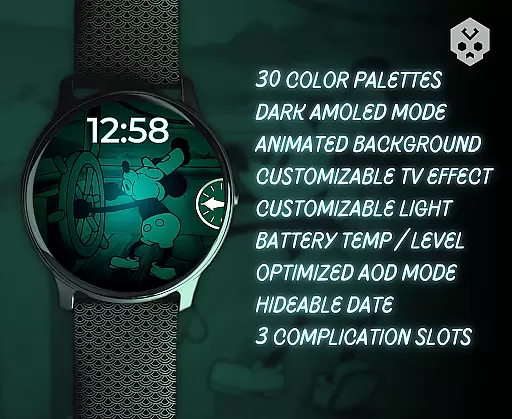
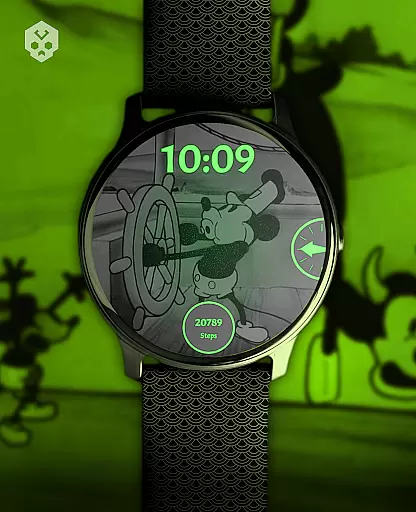
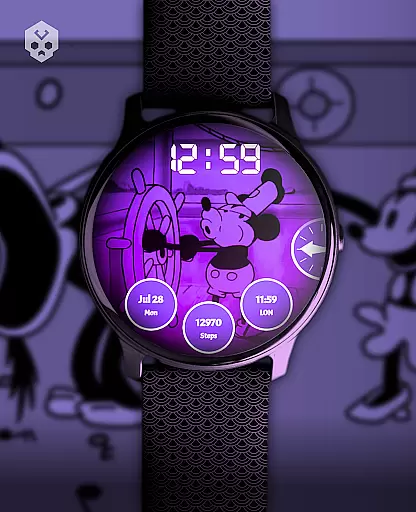
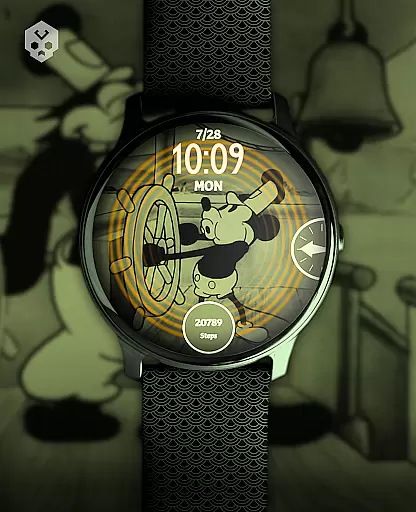
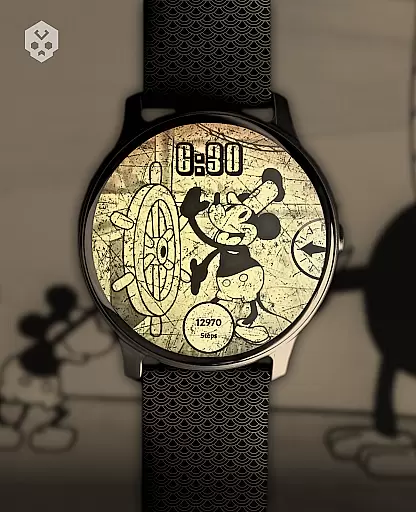
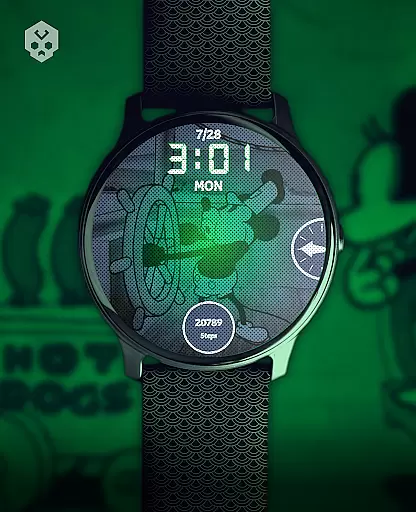
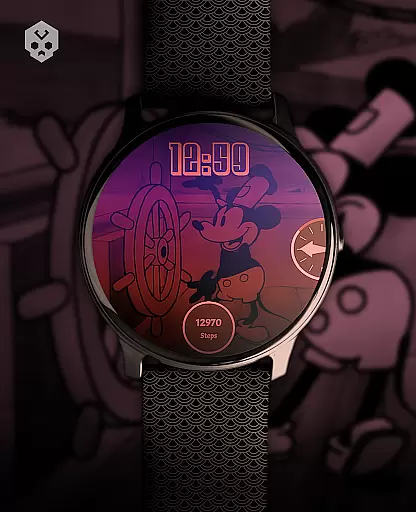
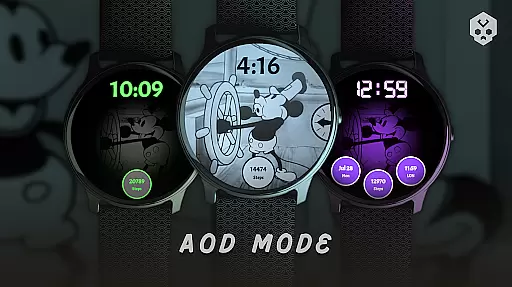
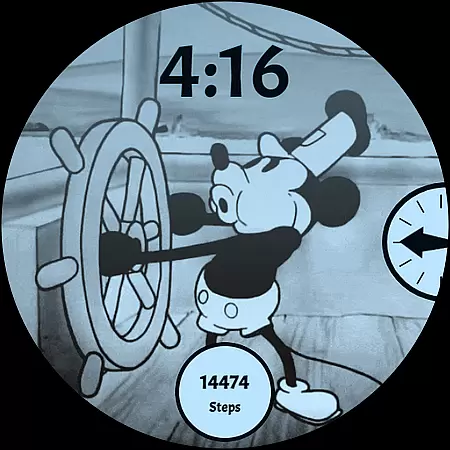
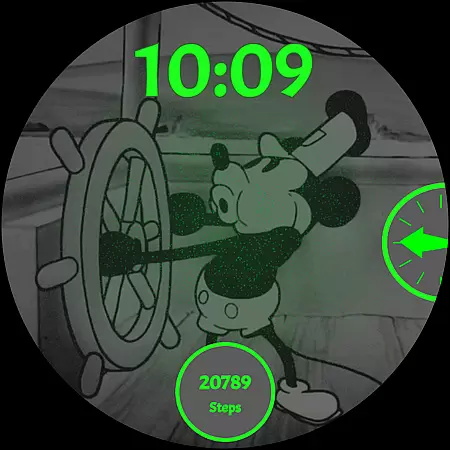
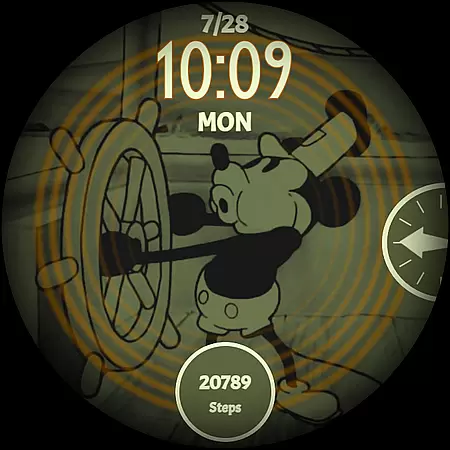
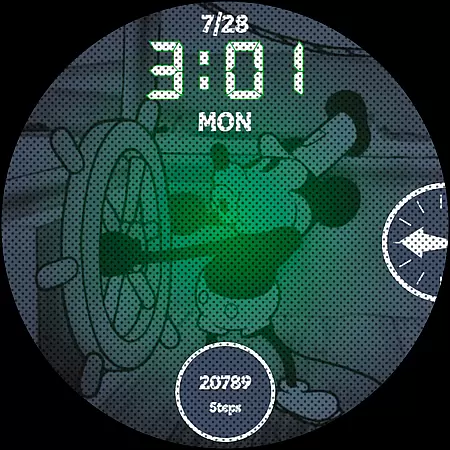
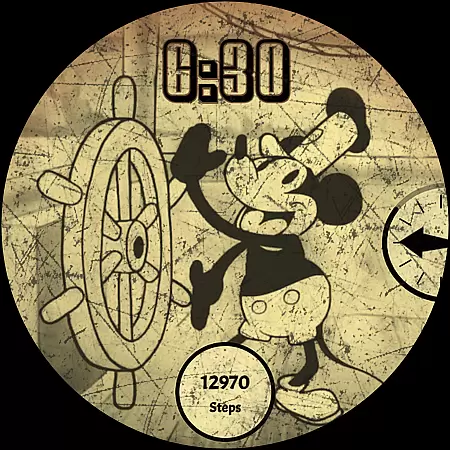
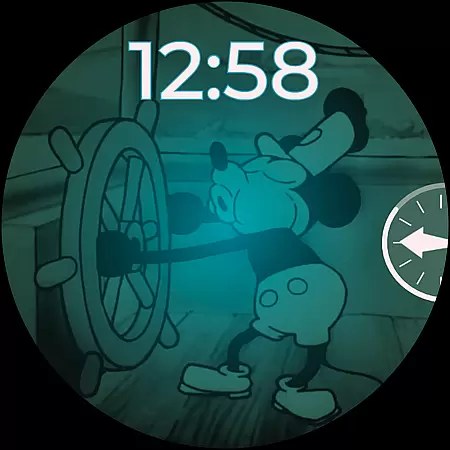
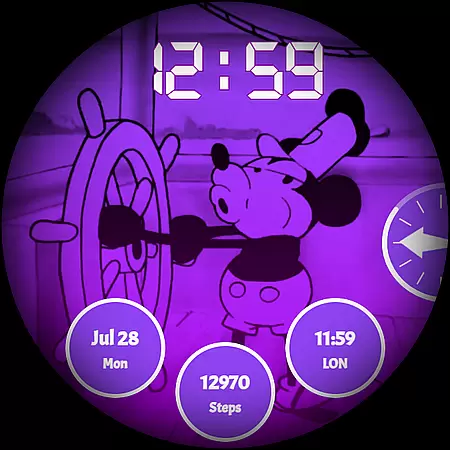
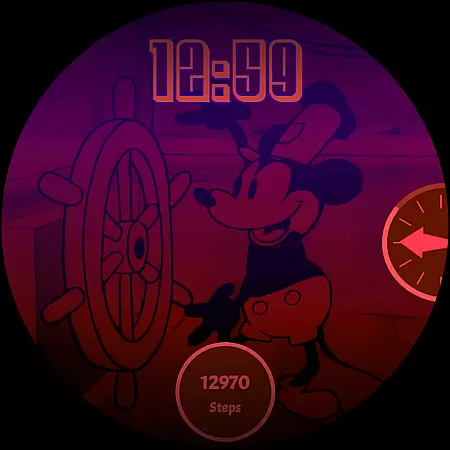
Steamboat Mouse Watch Face brings the iconic Steamboat Willie character to your Wear OS smartwatch with a retro cartoon-inspired design. This highly customizable watch face offers 30 color schemes, high readability modes, and battery status indicators, making it both functional and stylish. Compatible with Samsung, Mobvoi Ticwatch, Fossil, Oppo, Xiaomi, and more, it provides users with a unique vintage aesthetic while delivering essential timekeeping features.
The watch face supports 12/24 hour formats, customizable overlays, and three complications for personalized utility. Its easy-to-use companion app simplifies installation and management. Whether you're a fan of classic animation or seeking a distinctive smartwatch look, this watch face combines nostalgia with modern functionality.
Steamboat Mouse Watch Face stands out with its array of customization options. Users can choose from 30 color schemes to match their personal style, switch between 12/24 hour formats, and enable high readability modes for optimal visibility. The watch face also reacts to low battery levels, providing users with crucial information at a glance.
With three customizable complications, wearers can tailor their watch face to display the data most important to them. The companion app streamlines the installation process and allows for easy adjustments. Designed for Wear OS, this watch face ensures compatibility across various smartwatch brands, offering a seamless blend of vintage charm and contemporary convenience.
Customization is at the heart of the Steamboat Mouse Watch Face, offering users an extensive array of options to tailor their smartwatch experience. With 30 color schemes available, users can select a look that best suits their style or mood, ensuring their watch face remains personal and unique.
In addition to color customization, the watch face supports both 12 and 24-hour time formats, catering to user preference and enhancing readability. The inclusion of a high readability mode ensures that time and other critical information are accessible even under challenging lighting conditions.
Users also have the ability to customize overlays and backgrounds, allowing for further personal expression. This level of customization not only enhances aesthetic appeal but also enables users to prioritize information display according to their needs, such as battery status and temperature at a glance.
The availability of three customizable complications adds another layer of functionality, letting users integrate their most-used features directly on the watch face. This comprehensive suite of customization options empowers users to create a truly personalized and efficient wearable experience.
The Steamboat Mouse Watch Face stands out in its seamless integration with Wear OS devices, ensuring broad theme compatibility across a range of smartwatches including Samsung, Mobvoi Ticwatch, Fossil, Oppo, and the latest Xiaomi models. This compatibility underscores the versatility of the design, making it accessible to a wide audience seeking a retro cartoon-inspired aesthetic.
Being a native standalone Wear OS application, this watch face does not rely on external dependencies to function correctly. Its handcrafted design guarantees uniqueness while maintaining system coherence, which is crucial for ensuring smooth performance and visual consistency across different devices.
Moreover, the companion app facilitates easy installation and management, reinforcing the watch face's compatibility with the operating systemu2019s ecosystem. Users can effortlessly install, customize, and if necessary, uninstall the app without affecting their smartwatch's integrity.
This harmonious blend of form and function highlights the Steamboat Mouse Watch Face's commitment to delivering a visually appealing yet technically compatible product, enriching the overall user experience within the Wear OS environment.
Highly customizable
Vintage aesthetic
Wide device compatibility
Battery status indicator
Easy-to-use companion app
Paid app
Requires Wear OS
Limited modern features
No automatic updates
Installation issues possible

Capture moments that pass like a storm, second by second.
 4.4
4.4
Customizable flower power digital watch face for Wear OS watches.
4.00
Winter's Journey: digital watch face for Galaxy Watch & Wear OS
4.80
Art & Emoji Keyboard with Cool Fonts, Cute Themes and Custom Designs.
4.40
Ultimate widget creator. Design custom widgets for a truly unique home screen!
3.90 4.50
4.50
Color phone with cool effects for call screen, flash alert & ringtones music
4.50
Launcher OS™ Pro without ads help make your phone simple and pretty
4.30
A minimalist productivity launcher. One-hand-friendly. Zero ads.
4.70
A launcher for Samsung Good Lock and Good Guardians modules without ads
4.70
Bring adorable pets to life on your screen. Playful, interactive and full of fun
4.60
Over 28,000 high quality icons to bring color & homogeneity to your phone.
4.60
Ultimate Gallery Lock App - Hide Pictures, Videos and Lock Apps Instantly!
4.60
Customize your home screen with stunning themes, blur, widgets & icons.
4.60
Stylish Pink Cute Hippo keyboard with 10000+ customized keyboard themes!
4.60
300+ widgets inspired by Material You and Material 3 expressive design.
4.60
Ultra realistic gold analog watch face with lots of customization options.
4.50 4.50
4.50
More than 3000+ themes and 9000+ wallpapers for everybody!
4.10


User Reviews