
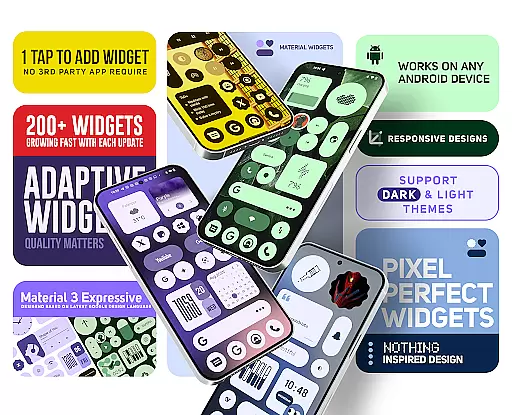
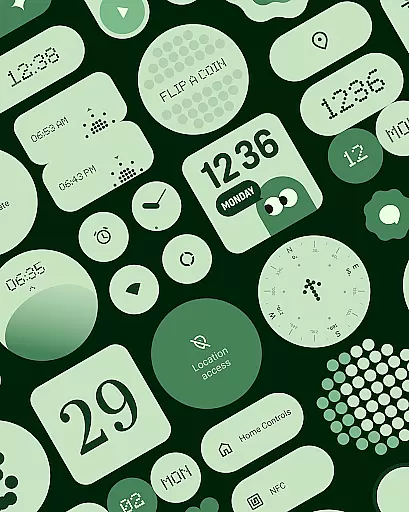
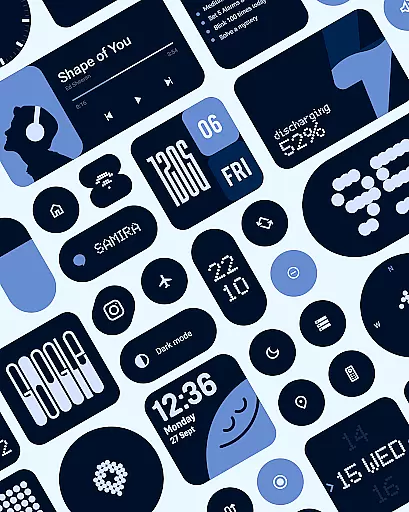
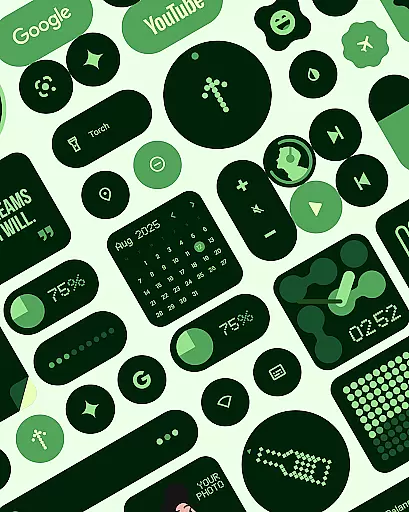
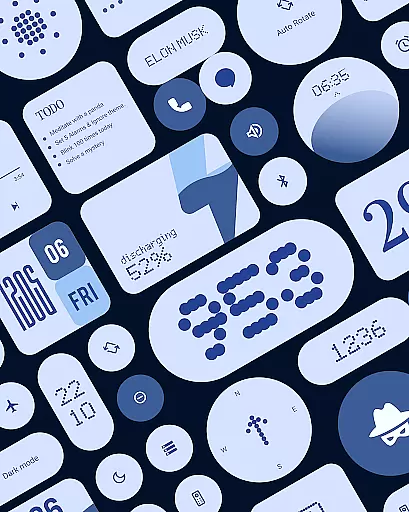
Material Widgets is a personalization app that brings Google's Material 3 design to your home screen. With over 200 widgets, it offers dynamic theming that adapts to your wallpaper and system colors, ensuring a fresh and unique look.
The app provides resizable widgets for clocks, calendars, weather, battery indicators, and more, all designed with modern shapes and bold typography. It eliminates the need for third-party apps, allowing users to personalize their Android devices natively.
Whether you want to enhance productivity or add aesthetic value, Material Widgets allows seamless integration of functionality and style, making it an ideal choice for users seeking a vibrant, adaptive home screen experience.
Material Widgets stands out with its native functionality, eliminating the need for additional apps like KWGT. The app automatically adjusts to dark and light modes, providing a consistent user experience.
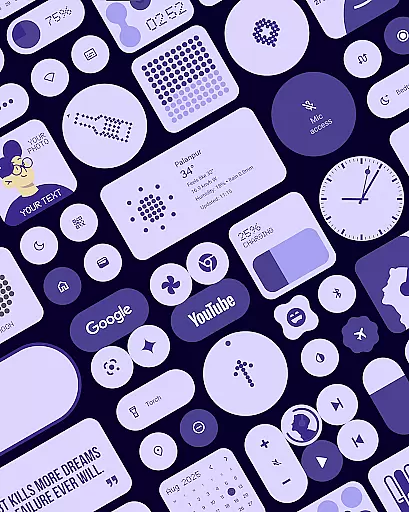
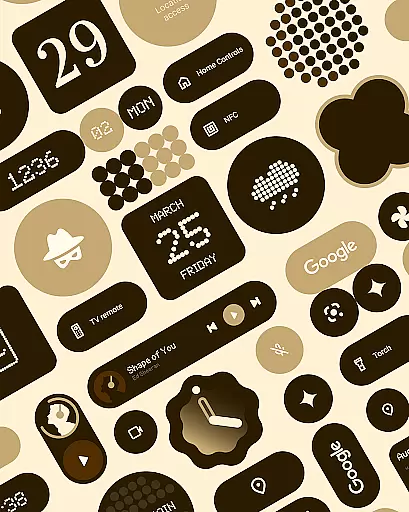
Each widget is fully resizable, from compact sizes to full-screen layouts, offering flexibility in home screen customization. With over 200 widgets, including clock, calendar, weather, and quick settings, users can control WiFi, Bluetooth, and more directly from their home screen.
Included are also matching wallpapers that complement the widgets, enhancing the overall visual appeal. This comprehensive approach ensures users have everything they need to create a personalized and functional home screen.
Customization is at the heart of Material Widgets, offering users a wide array of options to tailor their home screens. With over 200 widgets available, the app covers everything from clocks and calendars to weather and battery indicators, all designed with Googleu2019s Material 3 guidelines.
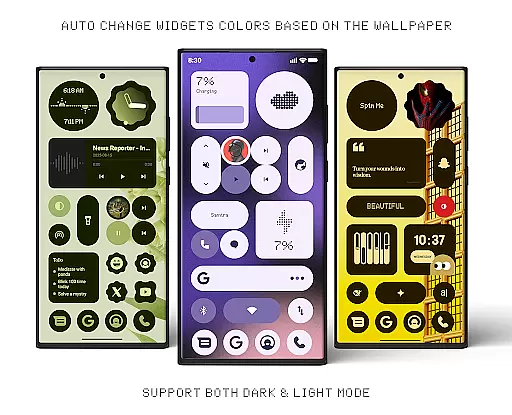
Each widget not only serves a functional purpose but also adapts its colors to match your wallpaper, ensuring a seamless blend with your device's aesthetics. This dynamic theming extends to both dark and light modes, making your home screen feel fresh and uniquely yours at all times.
The ability to resize and adjust widgets gives you complete control over your setup. Whether you prefer compact widgets or full-screen layouts, Material Widgets scales beautifully to fit your needs. This flexibility ensures that your home screen is not just personalized in appearance but also optimized for usability.
Material Widgets excels in theme compatibility, automatically adjusting to your system colors and wallpaper. This feature ensures that every widget feels like a natural extension of your device's existing design language, providing a cohesive look across your home screen.
The app's deep integration with Material You means that it doesn't just stop at color matching; it embraces modern shapes and bold typography to enhance the overall aesthetic. As a result, whether you're using a digital clock or a weather forecast widget, each element aligns perfectly with your chosen theme.
Moreover, the inclusion of 100+ Material You-inspired wallpapers allows for an even more harmonious setup. These wallpapers are crafted to pair seamlessly with the widgets, completing the personalization process and letting your wallpaper set the mood for your entire device interface.
Native widget support
Dynamic color adaptation
Extensive widget variety
Regular updates
User-friendly design
Limited iOS compatibility
Design preference subjective
Feature learning curve
Battery usage concerns
Premium feel pricing

Classic analogue watch face. For wear os devices.
 4.60
4.60
AI-powered Copilot. Personalized keyboard with gifs, stickers & themes
4.40
Customizable screen pets that play, climb, and keep you company.
4.50 4.10
4.10
300+ Beautifully crafted widgets inspired by OneUI.
4.60
Create unique, fun emojis with Funny Emoji Maker! Unlimited creativity!
4.00
Amazing letter fonts in your messages and social statuses
4.70
Create stunning widgets with Widget 2026: Aesthetic Widgets for Android!
4.60
Cool custom fonts & keyboard themes! Symbols & font changer for Instagram
4.50
Only for Wear OS devices!
4.90
Winter's Journey: digital watch face for Galaxy Watch & Wear OS
4.80
Personalize your phone with stunning HD and 4K wallpapers!
4.70
Embrace the Night. Unleash the power of darkness with Raven Dark Icon Pack
4.60
300+ widgets inspired by Material You and Material 3 expressive design.
4.60
Beautiful realistic hybrid watch face with numerous customization options.
4.50
Your home screen, just the way you like it.
4.30
Adult video chat, dating, making friends, random matching
4.20
Adorable pets roam and play right on your phone screen!
3.30
Modern Glass Icon Pack with glossy icons, clean minimal theme & aesthetic style
4.4


User Reviews