
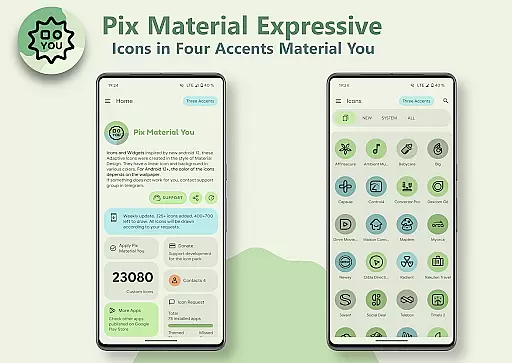
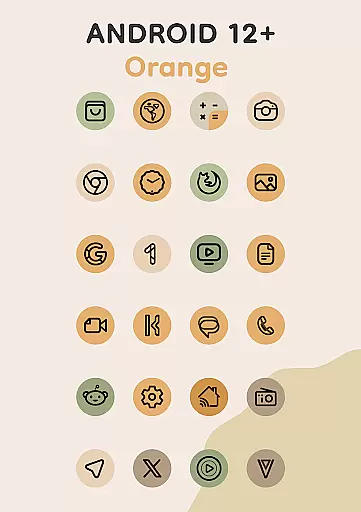
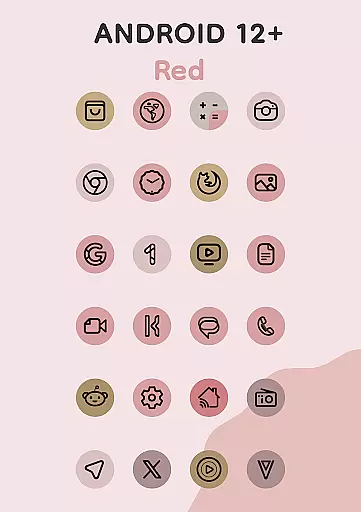
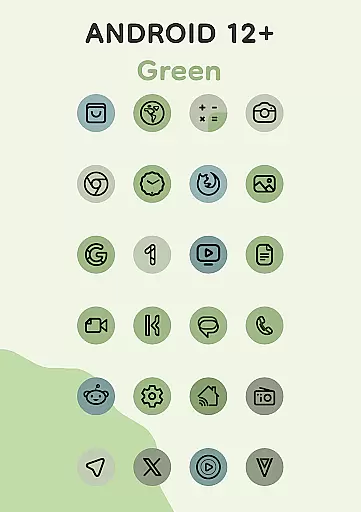
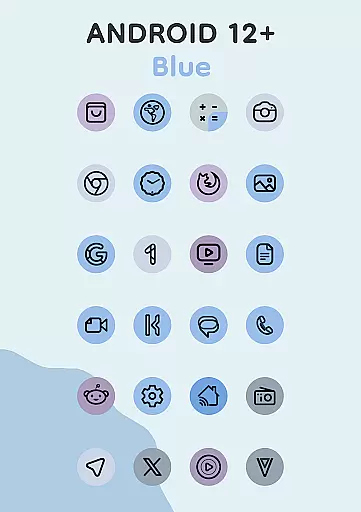
Pix Material Expressive Icons is a dynamic icon pack that fully supports Material You design, offering users an enhanced personalization experience for their Android devices. With adaptive icons that change shape and color based on the device's wallpaper, it provides next-level customization options.
The app includes over 24,000 adaptive icons, clock and music widgets, and a unique Icon-Widget feature. These elements allow seamless integration with various launchers, especially optimized for Google Pixel devices. The emphasis on expressive accent colors ensures that your icons stand out while maintaining harmony with the system's color scheme.
This icon pack stands out due to its full support for Material You, which allows for dynamic color changes based on the device's wallpaper. It enhances the Monet palette by adding four expressive accent colors, ensuring each icon has a modern, clean linear style.
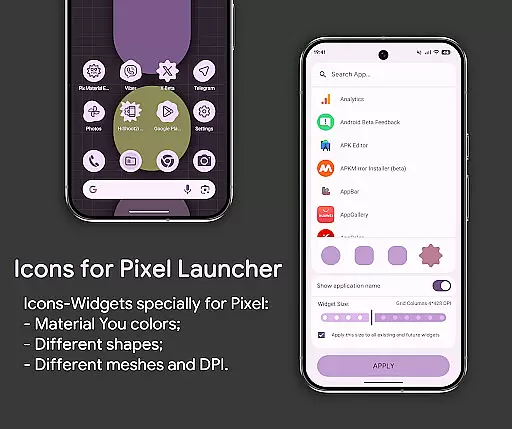
Key features include adaptive nature for supported custom launchers, icon shape-shifting capabilities, and compatibility with both light and dark themes. Additionally, the Icon-Widget functionality offers extensive interaction with the icon pack, including various shapes, animations, and sizes depending on the grid and DPI settings.
Users can enjoy a harmonious and unique style with seamless integration into their system's color scheme, making it ideal for those seeking a personalized yet cohesive look across their device.
Customization is at the heart of Pix Material Expressive Icons, offering users a wide array of options to tailor their device's appearance. With full support for Material You, this icon pack allows for dynamic color changes based on your wallpaper, ensuring that your device's aesthetic is not only personalized but also harmoniously integrated with your system's color scheme.
The adaptive nature of these icons means they can change shape when used with supported custom launchers, providing even more ways to customize your home screen. This feature goes beyond the standard Monet palette by introducing four expressive accent colors, which make the icons stand out while still maintaining a modern and clean linear style.
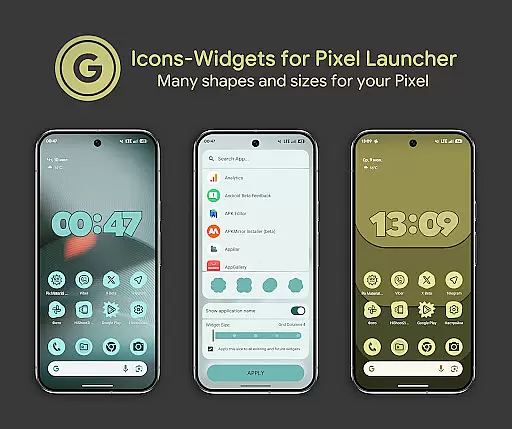
For users seeking next-level personalization, the Icon-Widget feature offers unprecedented control. Available primarily for Google Pixel but compatible with other devices, it allows you to choose from various icon shapes, sizes depending on the grid and DPI, and even select an animation for each widget. This flexibility ensures that widgets can closely resemble themed icons in Pixel Launcher, creating a seamless and visually cohesive experience across your device.
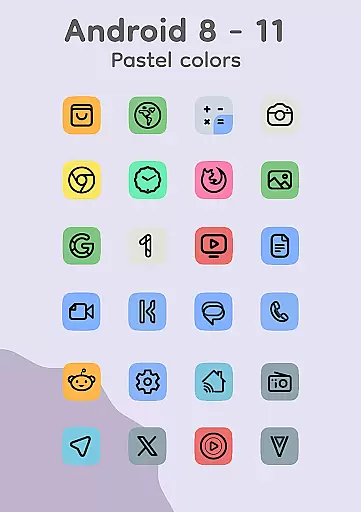
Pix Material Expressive Icons excel in theme compatibility, ensuring that whether you're using Android 8-11 or Android 12+, your icons will maintain visual consistency with your deviceu2019s theme. For older versions where Monet support isn't available, icons display in pastel colors; meanwhile, newer Android versions benefit from vibrant colors that shift according to both wallpaper and system settings.
One of the key aspects of theme compatibility is how well the icons adapt to light or dark themes based on the deviceu2019s settings or wallpaper. The Icon-Widget implementation takes this further by allowing individual widgets to change color dynamically, matching the Material You design language and adapting to different grid sizes and DPIs for optimal display quality.
To enhance user experience, applying the icon pack after changing wallpapers or accent systems refreshes the colors of the icons automaticallyu2014except on launchers that handle this process autonomously. This ensures ongoing compatibility and visual harmony, regardless of updates or changes made to your deviceu2019s overall look and feel.
Full Material You support
Dynamic color adaptation
Extensive icon library
Unique Icon-Widget feature
Compatibility with multiple launchers
Limited to Android 8+
Complex setup for beginners
Requires reapplication after wallpaper changes
Some features need specific launchers
Pastel colors on older Android versions

Beautiful realistic hybrid watch face with numerous customization options.
 4.50
4.50
Customizable flower power digital watch face for Wear OS watches.
4.00
Winter's Journey: digital watch face for Galaxy Watch & Wear OS
4.80
A launcher for Samsung Good Lock and Good Guardians modules without ads
4.70
Launcher OS™ Pro without ads help make your phone simple and pretty
4.30
Your go to Weather App & Home Screen. Get your weather at a swipe of a finger!
3.80
Adorable pets roam and play right on your phone screen!
3.30
Modern Glass Icon Pack with glossy icons, clean minimal theme & aesthetic style
4.0
A minimalist productivity launcher. One-hand-friendly. Zero ads.
4.70
100+ Stylish Fonts, Emojis, Symbols keyboard for Instagram & TikTok!
4.80
Classic analogue watch face. For wear os devices.
4.60
Make your phone look simple & luxury, like iDevice
4.60
Handcrafted pixel art icons, widgets & wallpapers
4.60
Fingerprint Lock Screen & Live Animations with 4K Wallpapers as Live Wallpaper
4.40
Yandex Browser — stylish and secure, with voice search and data compression
4.40
Run multiple accounts of the same app on a single device
4.10
Ultimate widget creator. Design custom widgets for a truly unique home screen!
3.90
Emoji Maker app - Design custom emojis and effortlessly blend them with Mixer
3.80
Turn your lock screen into fun with smile live wallpapers & animated wallpapers!
2.50


User Reviews