
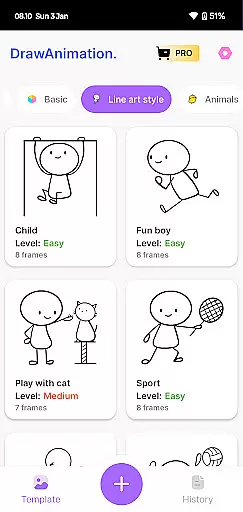
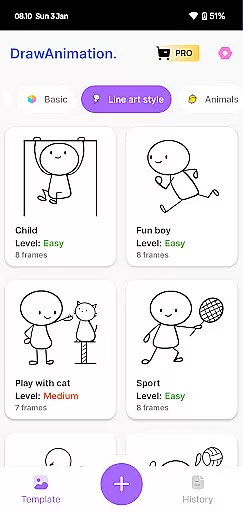
Draw Animation Maker is an innovative app that transforms simple doodles into captivating animations. Designed for both beginners and experienced animators, this tool offers a complete suite of features to create frame-by-frame animations with ease.
The app provides users with intuitive drawing tools and animation controls, allowing them to craft unique flipbook-style animations directly on their mobile devices. Whether you're looking to create humorous shorts or detailed animated stories, Draw Animation Maker has the functionality to bring your ideas to life.
Perfect for creative professionals, educators, and hobbyists, this application enables users to save their creations as GIFs or MP4 files for easy sharing across various platforms. The app's user-friendly interface makes animation accessible to everyone, while its robust feature set satisfies more advanced creative needs.
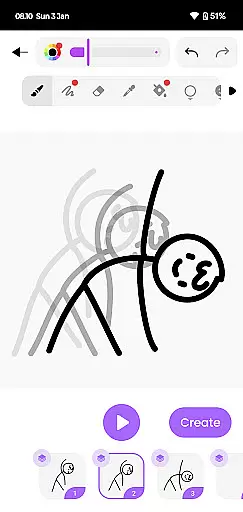
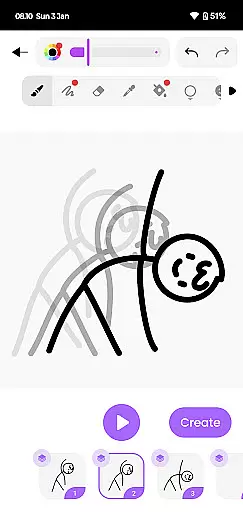
Draw Animation Maker stands out with its comprehensive set of animation tools. The app allows users to create frame-by-frame animations using precise drawing instruments and customizable settings. Each frame can be meticulously crafted and adjusted, giving animators complete control over their work.
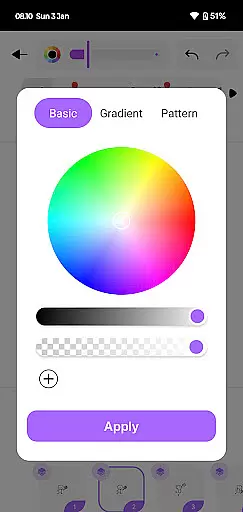
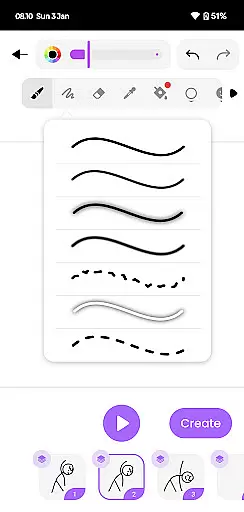
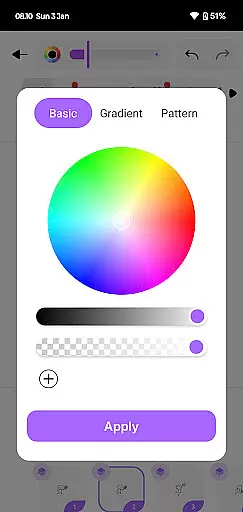
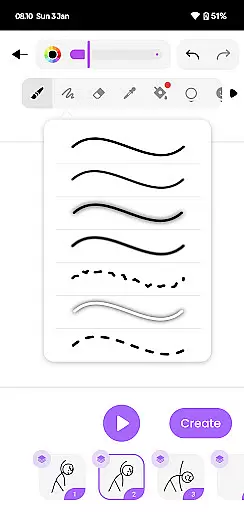
One of the key features is its powerful layer management system, enabling users to organize complex animations efficiently. The app also includes onion skinning functionality, which helps maintain consistency between frames. Additionally, users can utilize various brush styles and color palettes to enhance their creations.
The application supports multiple export options, including high-quality GIF and MP4 formats. Users can adjust frame rates and resolution settings before exporting, ensuring their final animations meet professional standards. These features make Draw Animation Maker suitable for both casual creators and professional animators seeking a mobile solution.
In the realm of digital artistry, having a comprehensive suite of creative tools is paramount. Draw Animation Maker stands out by offering an extensive array of features that cater to both budding and seasoned animators. The app provides everything from basic drawing tools to advanced frame-by-frame animation capabilities.
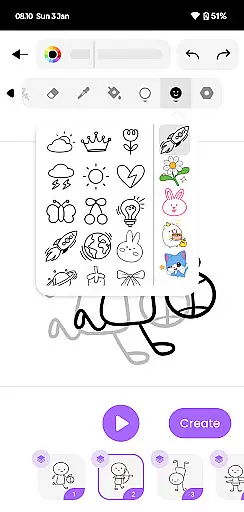
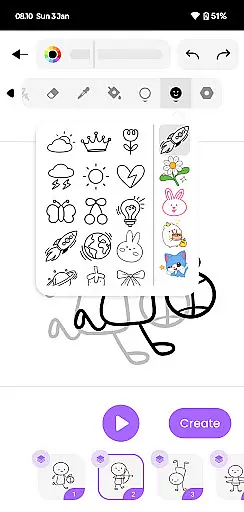
Users can access a variety of brushes, colors, and drawing aids that make the process of creating animations not just possible, but enjoyable. This includes specialized tools for crafting flipbooks, allowing artists to draw each frame with precision, much like in traditional anime movies.
The true value of Draw Animation lies in its ability to transform simple doodles into dynamic animated stories. By empowering users with these complete creative tools, the app ensures that no vision is too complex to bring to life. Artists can focus on unleashing their creativity without being limited by the technology.
Ultimately, the app's robust toolkit supports the entire animation workflow, from initial sketch to final export. Creators can save their work as GIFs or MP4 files, making it easy to share their animated masterpieces with a wider audience. This holistic approach solidifies Draw Animation Maker as an essential companion for anyone serious about animation.
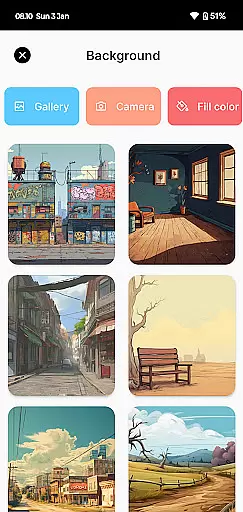
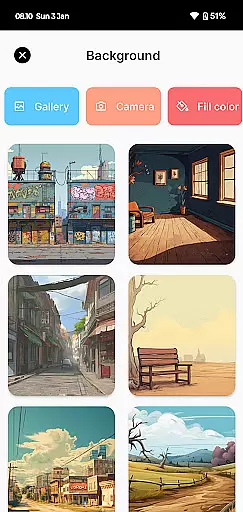
Flexibility in canvas and format options is crucial for artists who wish to explore various styles and mediums within their animations. Draw Animation - Anim Creator excels in providing users with adaptable canvas settings that can be customized to fit any project requirement.
Artists have the freedom to choose from multiple canvas sizes and resolutions, ensuring that their animations maintain high quality regardless of the intended platform or output. Whether creating content for social media or professional portfolios, users can tailor their workspace to meet specific needs.
This flexibility extends to file formats as well. Draw Animation supports exporting animations in both GIF and MP4 formats, giving creators control over how they present their work. Such versatility allows for seamless integration into different platforms, enhancing the sharing experience.
By prioritizing canvas and format flexibility, Draw Animation Maker enables artists to push boundaries without technical constraints. Users can experiment with diverse storytelling techniques, knowing that the app will support their creative ambitions at every turn. This adaptability makes the app a valuable asset for anyone looking to expand their artistic repertoire.
User-friendly interface
Frame-by-frame control
Layer management system
Onion skinning feature
Multiple export options
Limited free features
Occasional performance lag
Advanced tools locked behind paywall
Steep learning curve
Subscription required for full access

Vidu is an AI video generator made for creators and aspiring makers.
 3.30
3.30
The ultimate tool for creating animations
4.60
Digital Drawing: Draw & Paint
4.10
Text to Image, Image to Video & AI Chat
4.20
Remove Background, Magic Eraser, Photo Enhancer, Story Templates, Collage Maker
4.30
Convert image to JPG PNG HEIC PDF, support almost all kinds of image formats
4.70
Minecraft & Roblox Clothes
4.70
Experience next-gen icons with a modern liquid glass look.
3.60
Kling AI is an image and video generation and editing studio powered by AI.
4.50
See Color, Paint Color
4.90
2D animation studio for Android tablets - unlimited layers, infinite timeline
4.70
Castle is social media for creating and playing games!
4.60
Image resizer to resize, crop, rotate, flip, change dpi photo or picture in bulk
4.60
Create neon drawing with magic doodle and fun doodle art effects!
4.50
Draw Trace image sketch by, AR art projector app, Easy to trace any image.
4.50
AR Anime Drawing: How to draw anime with AR drawing & sketching apps!
4.00
Design unique, funny and adorable cat stickers that reflect your own style!
3.80
Apply cartoon, caricature, and portrait effects to make your photos stand out!
3.60
Art of Combination Wear OS Watch faces (for Wear OS 5+ devices)
3.00


User Reviews