
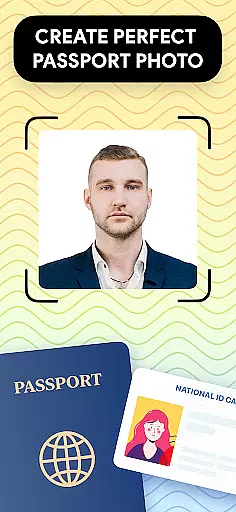
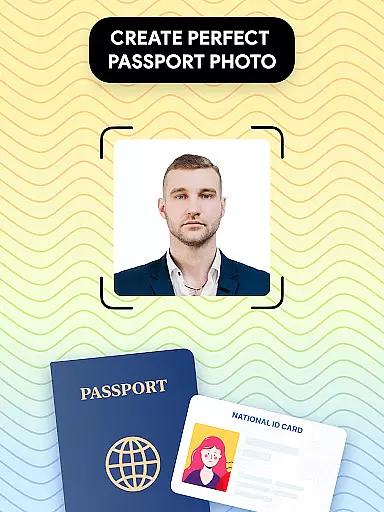
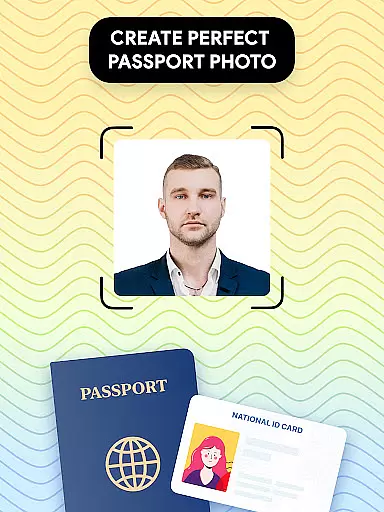
Passport Photo - ID Photo Print is a professional passport photo editor designed to help users create high-quality passport, visa, and ID photos from the comfort of their homes. The app offers advanced features that ensure your photos meet all government requirements while providing quick access to essential editing tools.
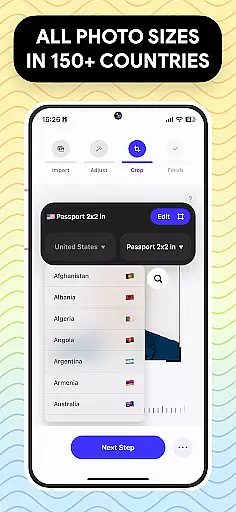
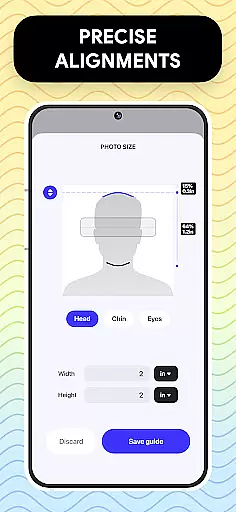
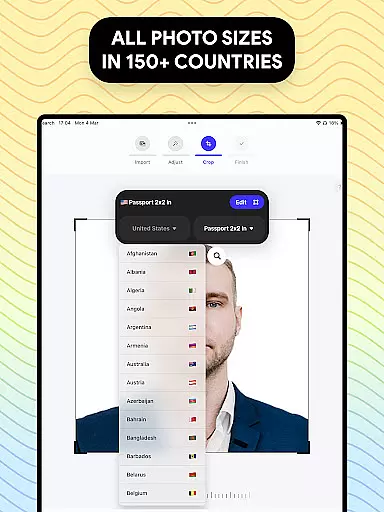
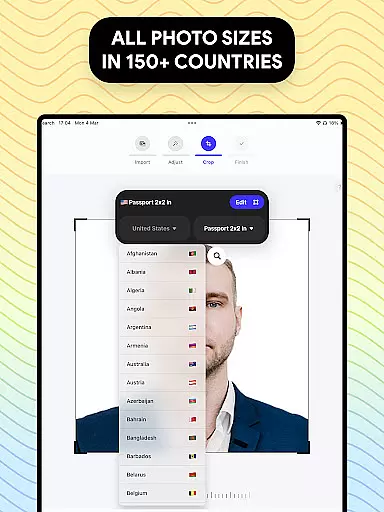
With this app, you can easily adjust your photo size to various dimensions such as 3x4, 4x4, 4x6, 5x7, or 2x2 inches, making it suitable for different types of IDs and visas. Additionally, the app provides a comprehensive database of photo requirements for different countries, ensuring your photos comply with specific regulations. Whether you need a US passport photo or a visa photo for another country, this app has got you covered.
The app's value lies in its convenience and versatility. It allows users to take, edit, and print passport photos directly from their smartphones, saving time and money. With features like background removal and photo touch-ups, Passport Photo - ID Photo Print ensures that your photos are not only compliant but also look great.
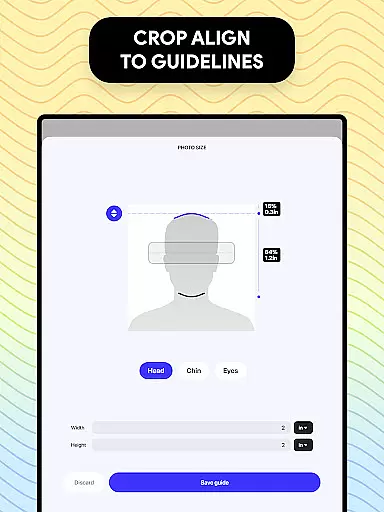
Passport Photo - ID Photo Print stands out due to its rich set of features tailored specifically for creating passport and visa photos. One of its key features is the ability to adjust photo sizes quickly and accurately. Users can resize their photos to standard dimensions like 3x4, 4x4, 4x6, 5x7, or 2x2 inches, ensuring they meet the specific requirements of various IDs and visas.
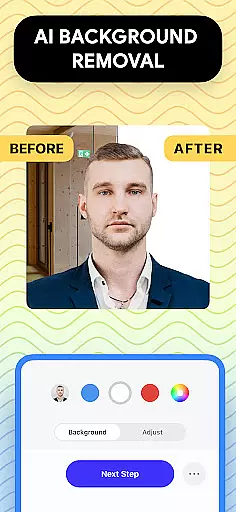
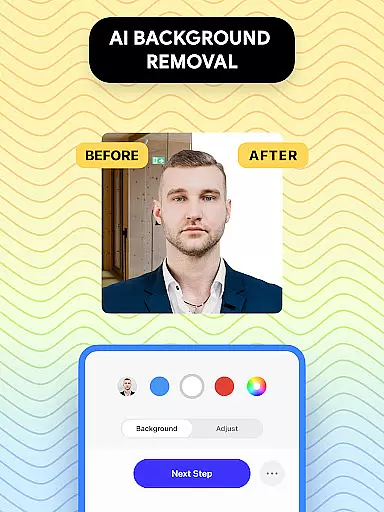
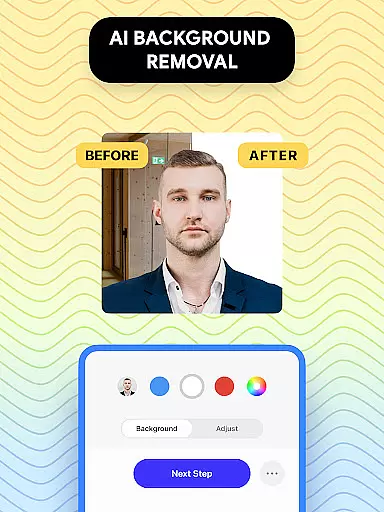
Another notable feature is the app's extensive database of photo requirements for different countries. This database helps users create photos that comply with the regulations of the US and other nations, making it an ideal tool for international travelers. The app also includes a background remover tool, which allows users to create a white background or any colored background needed for their photos.
Additionally, the app offers a variety of photo editing tools. Users can adjust brightness, temperature, and sharpness, ensuring their photos look professional and polished. These features collectively provide a seamless and efficient experience, allowing users to produce high-quality passport photos that meet all necessary standards.
Passport Photo - ID Photo Print offers a comprehensive suite of creative tools designed to meet all your passport and visa photo requirements. This powerful passport photo editor allows you to adjust your photos to the correct size, ensuring they meet government standards.
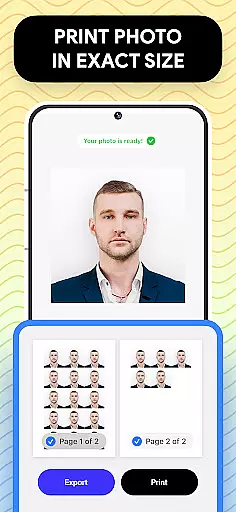
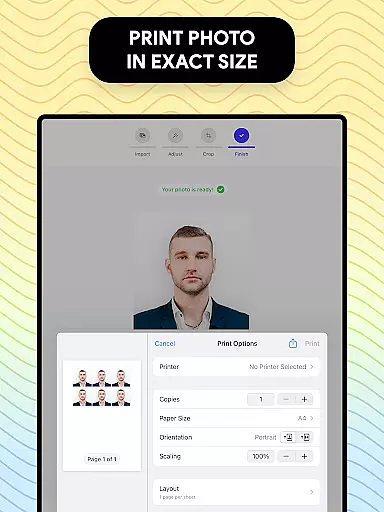
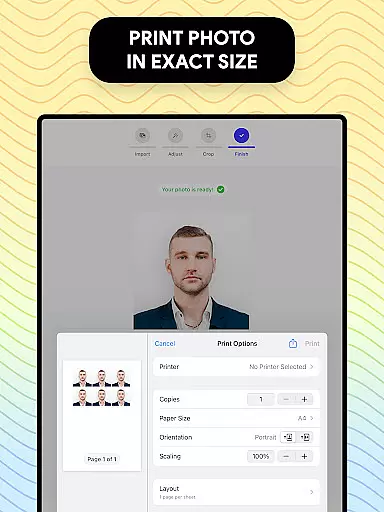
The app provides an array of editing features that make it easy to customize your passport photos. You can access a database of international passport requirements, remove backgrounds to create images with a white background, and export or print your visa photos directly from your phone in just a few seconds.
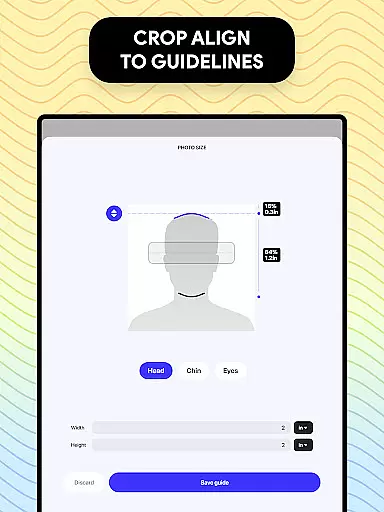
Understanding the varying passport size requirements across different countries, this app simplifies the process by allowing you to change aspect ratios and crop photos to exact dimensions. It also includes touch-up tools for adjusting brightness, temperature, and sharpness, ensuring your photos are perfect for any ID, visa, or passport application.
With Passport Photo - ID Photo Print, you have unparalleled canvas and format flexibility. The app supports various photo sizes such as 3x4, 4x4, 4x6, 5x7, and 2x2, making it versatile for different identification needs.
You can easily take a passport photo at home and adjust its size within seconds. The app's customization features allow you to modify your ID photos effortlessly, ensuring they fit specific requirements for IDs, visas, or passports.
Additionally, the app offers a background remover feature, enabling you to choose a white or colored background. This flexibility ensures that finding a suitable background is no longer a concern, providing convenience and ease when capturing your passport photo at home.
User-friendly interface
Comprehensive size options
Global requirement database
Quick background removal
Advanced editing tools
Limited free features
Occasional ads
Premium subscription cost
Requires internet
Learning curve for tools

Vidu is an AI video generator made for creators and aspiring makers.
 3.30
3.30
Premium version of Shimeji-ee app with no ads & no limit active shimeji
4.2
Download now for a stylish and functional timepiece
4.5
Pose and morph realistic male and female models! 3D poser app
3.00
Remove Background, Magic Eraser, Photo Enhancer, Story Templates, Collage Maker
4.30
Android 14 style widgets and wallpapers app.
4.5
AI Tattoo Generator: Create Tattoo Designs & Get Ideas! Ink & Stencil Maker
4.50
Draw, make movies & animate cartoons easily with our 2D animation maker app
4.40
All-in-One art, logo & collage maker. Design photos and edit video backgrounds
4.80
2D animation studio for Android tablets - unlimited layers, infinite timeline
4.70
Draw glowing spinners, relax, and spin your creative art
4.60
Get an overview over all your embroidery threads, projects and more.
4.60
Draw anime & manga drawing, art with templates to create stunning picture!
4.50
The perfect place to start sketching! Use Sketchbook to draw and paint sketches.
4.50
Painting, drawing, & sketching
4.50
Share the joy of painting with ibis Paint! Drawing anime and manga art.
4.50
Text to Image, Image to Video & AI Chat
4.20
Create stunning video, photo & magic from text with FlixAI GPT video generator.
3.10
Your Essential Color Theory Guide: Red, Yellow, Blue (RYB)
4.2


User Reviews