
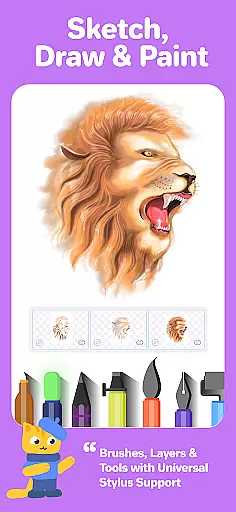
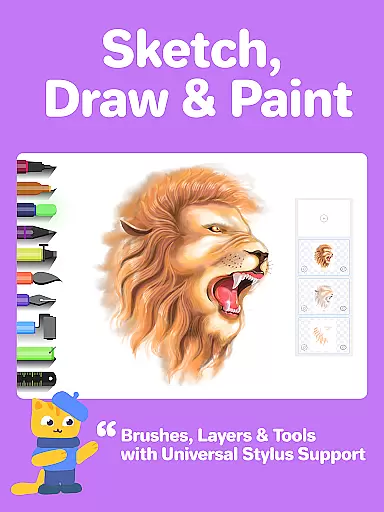
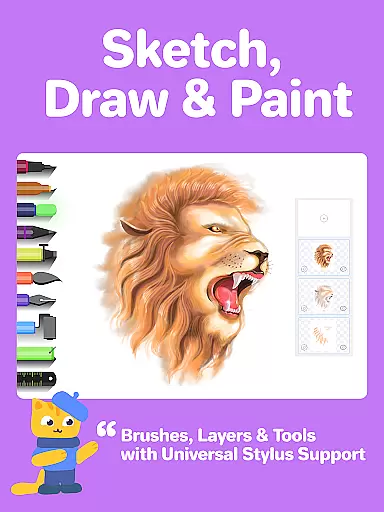
Drawing Desk is a premier digital art application designed for both beginners and advanced artists. With over 70 million users globally, this app offers an extensive suite of drawing and painting tools including pencils, crayons, watercolor brushes, and more. It stands out as one of the best platforms to learn and practice art skills.
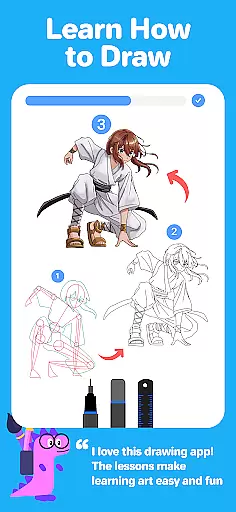
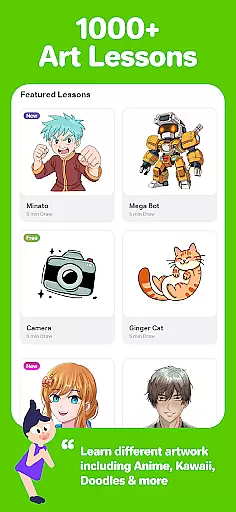
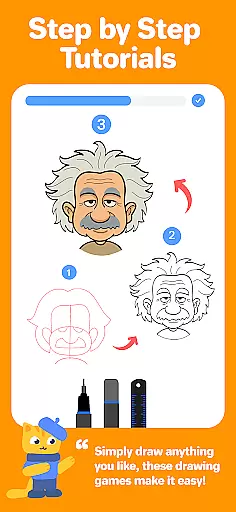
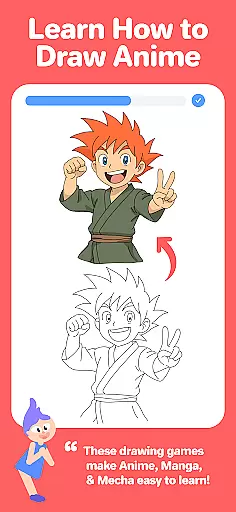
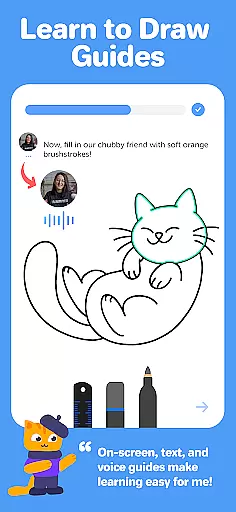
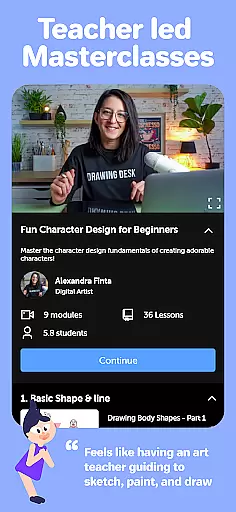
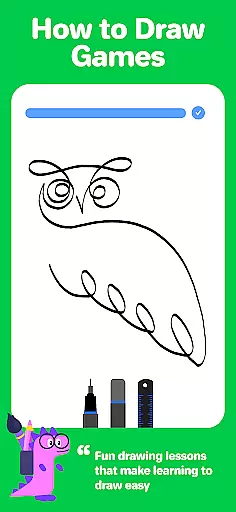
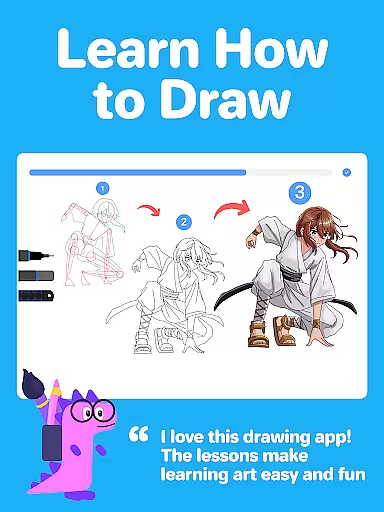
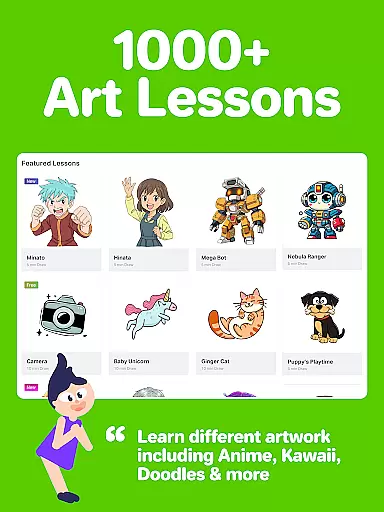
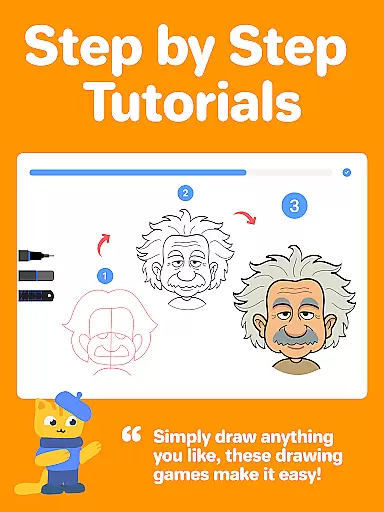
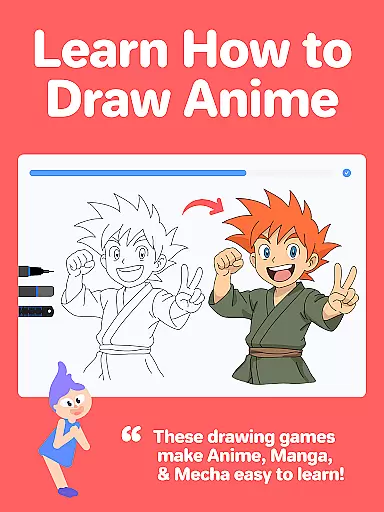
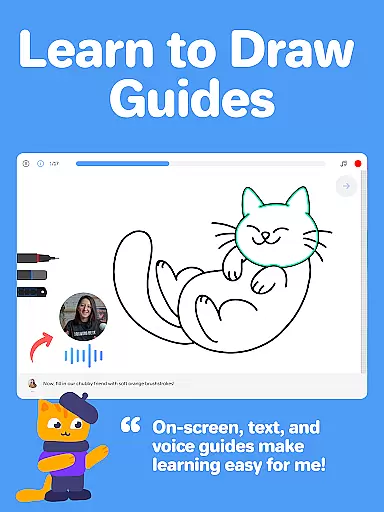
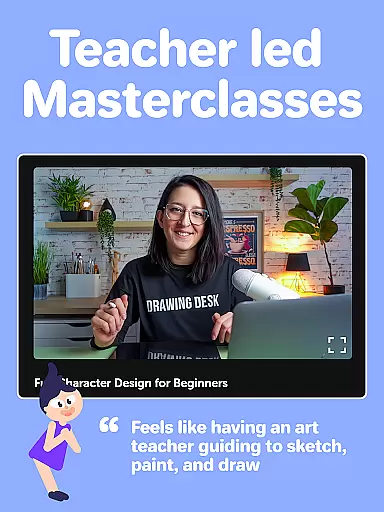
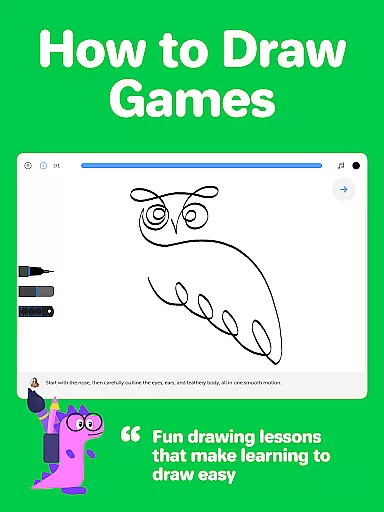
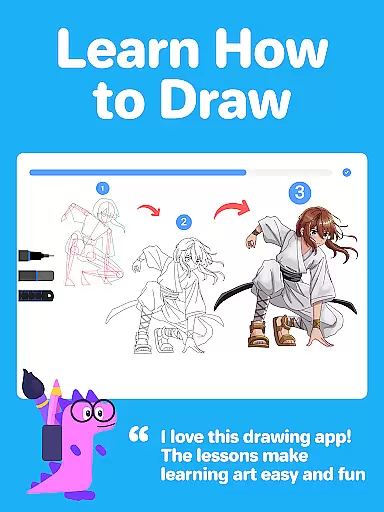
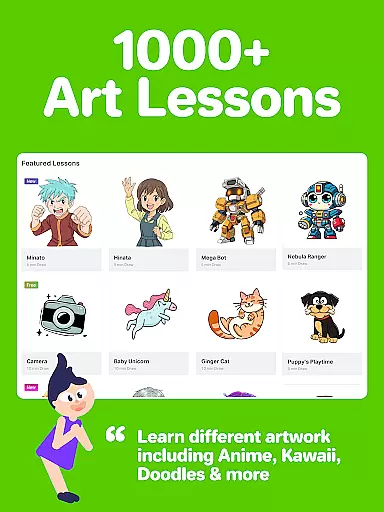
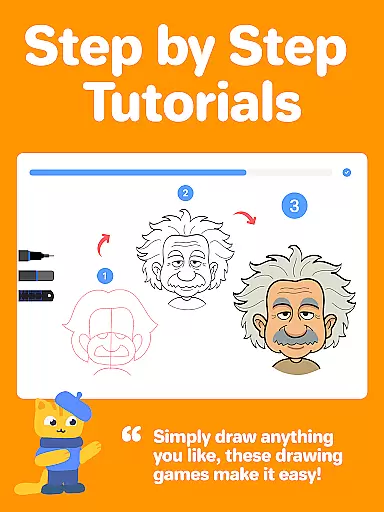
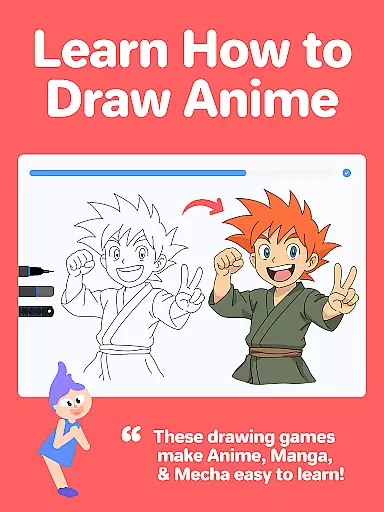
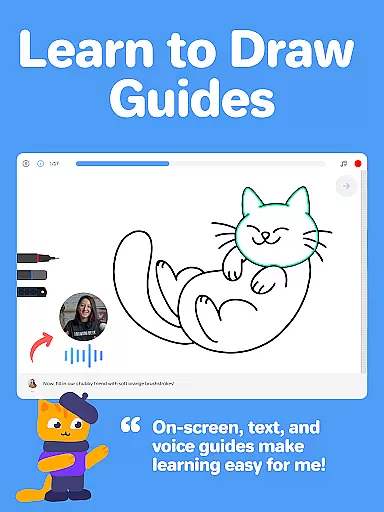
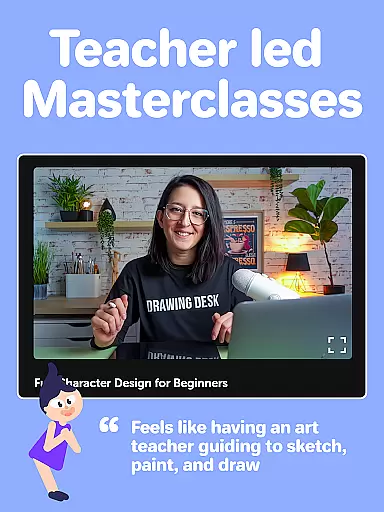
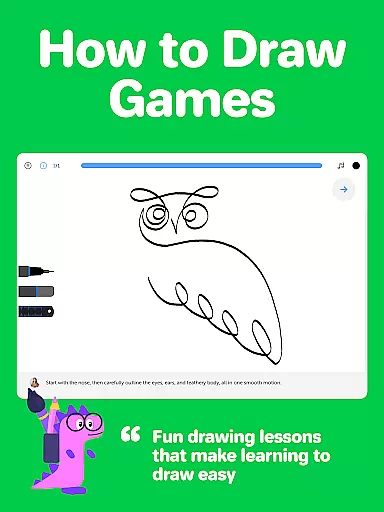
The app provides structured learning paths through 1000+ step-by-step drawing lessons covering various styles like Anime, Manga, and Kawaii. Additionally, Drawing Desk Masterclasses offer professional guidance with video tutorials, text, and voice instructions, making it ideal for anyone looking to refine their artistic abilities.
Whether you're sketching on your phone or creating detailed illustrations on a tablet, Drawing Desk supports unlimited layers, quick shapes, symmetry tools, and AI-powered features such as Sketch to Art and Auto Colorize. This makes it not only versatile but also innovative in enhancing creativity.
Drawing Desk boasts an impressive array of features tailored for artists of all levels. The app includes 25+ sketch tools such as pens, pencils, crayons, neon markers, watercolor brushes, ink, smudge tools, erasers, and fill buckets. These tools allow users to experiment with different mediums and techniques within a digital space.
For those interested in structured learning, Drawing Desk offers personalized lesson plans based on individual goals. Each lesson incorporates interactive guides, text, and voice instructions, ensuring comprehensive understanding. Furthermore, the inclusion of AI-powered tools like Auto Colorize and background removal enhances productivity and creativity.
Additional features include unlimited layers, various canvas sizes, symmetry tools, instant shapes, color palettes, gradients, and texture options via the fill bucket tool. These functionalities make Drawing Desk a robust platform for creating professional-grade digital illustrations and artwork efficiently.
Creative tools are the backbone of any digital art application, and Drawing Desk excels in this area. The app offers over 25 sketch tools including options like pen, pencil, crayon, neon, watercolor brush, ink, smudge, eraser, and fill bucket. These tools mimic real-world art supplies, providing artists with a familiar yet versatile digital canvas.
One of the standout features is the ability to work with unlimited layers, allowing for complex compositions and non-destructive editing. Artists can also draw quick shapes and use the symmetry tool to create balanced designs effortlessly. With more than 200 instant shapes available, users have a vast array of creative possibilities at their fingertips.
The inclusion of color palettes, gradients, and a fill bucket tool with 125+ textures further enhances the painting experience. These features ensure that artists can achieve the exact look they envision, whether they're going for realistic textures or smooth gradients.
Drawing Desk's comprehensive suite of creative tools ensures that both amateur and professional artists can find everything they need within a single platform. This completeness not only saves time but also enhances productivity by eliminating the need to switch between different applications for various artistic tasks.
Flexibility in canvas size and format options is crucial for digital artists who need to adapt their work for different mediums and platforms. Drawing Desk addresses this need by offering various canvas sizes, particularly in its Pad app version. This allows artists to choose the perfect dimensions for their projects, whether they're creating small sketches or large-scale illustrations.
The app's support for unlimited layers adds another dimension of flexibility, enabling artists to build complex artworks without constraints. This feature is particularly beneficial when working on detailed pieces that require separation of different elements or when experimenting with new ideas without affecting the base artwork.
Drawing Desk also provides users with the ability to work in different formats through its diverse toolset. From traditional pencil sketches to vibrant watercolor effects, the app supports multiple artistic styles and techniques. This versatility ensures that artists can maintain their unique style while taking advantage of digital conveniences.
Furthermore, the app's AI-powered tools add an extra layer of flexibility by automating certain processes. Features like auto-colorization and background removal help streamline workflows, making it easier for artists to focus on their creative vision rather than technical details. This combination of manual control and automated assistance makes Drawing Desk a powerful tool for artists seeking both precision and convenience.
User-friendly interface
Extensive drawing tools
Interactive learning modules
AI-powered enhancements
Professional masterclasses
Some features may require purchase
Advanced tools can be complex
Occasional performance lags
Limited offline functionality
Subscription model

Premium version of Shimeji-ee app with no ads & no limit active shimeji
 4.4
4.4
Art of Combination Wear OS Watch faces
4.3
Trace, draw, and create art with AR - from memes to masterpieces!
4.30
Create color palette from Image, RGB & RYB Color wheel harmonies, Color Scheme
4.50
Unleash Your Creativity with Draw Cartoon - AR Drawing App
4.10
OneUI 8.5 icons ✨ Smooth, modern & based on the latest Play Store design ??
4.10
Share the joy of painting with ibis Paint! Drawing anime and manga art.
4.50
Video AI: Revolutionize Your Content Creation with Advanced Video Generation
4.50
How to draw anime step by step for beginner easily by AR drawing sketch & paint.
3.60
Novices can also easily complete diamond painting masters
4.70
Photo editor for art, avatars, filters & fun transformations.
4.60
Image resizer to resize, crop, rotate, flip, change dpi photo or picture in bulk
4.60
Nano Banana AI Image Generator, Anime Filter, AI Portrait, AI Photo Generator
4.30
Custom Character Creator & PFP Maker!
4.20
Text to Image, Image to Video & AI Chat
4.20
Design your dream room with AI. Get decor ideas & plan home interiors
3.90
AI Art Generator transforms your words into AI generated art & paintings.
3.70
Art of Combination Wear OS Watch Faces
3.30
Android 14 style widgets and wallpapers app.
4.3


User Reviews