
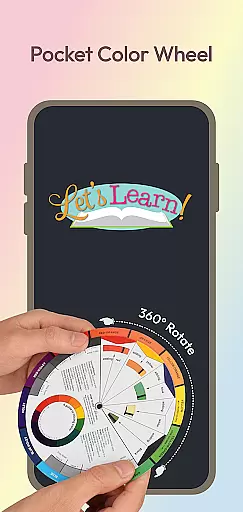
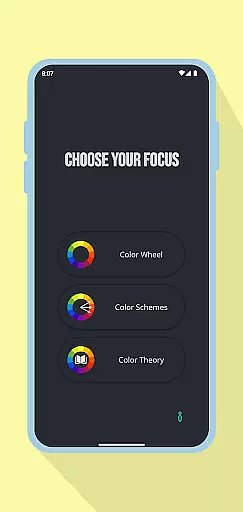
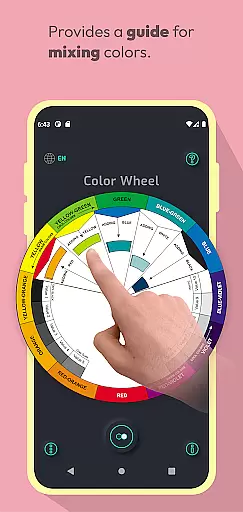
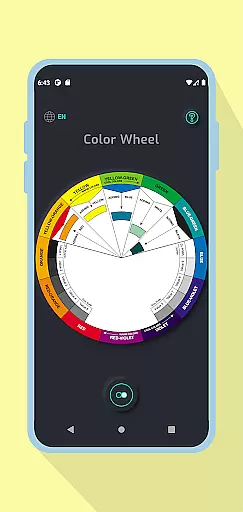
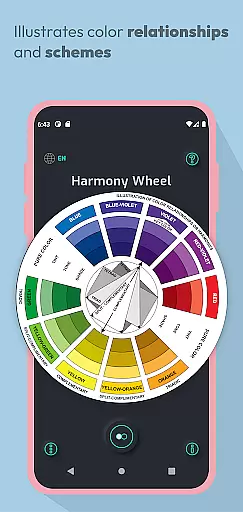
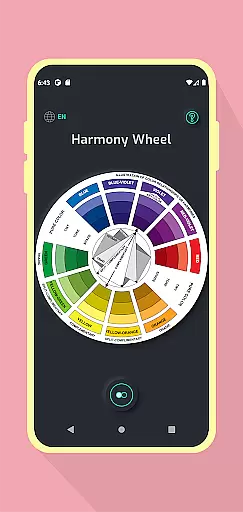
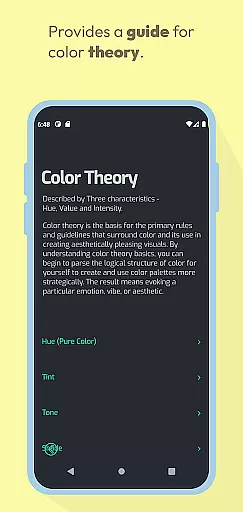
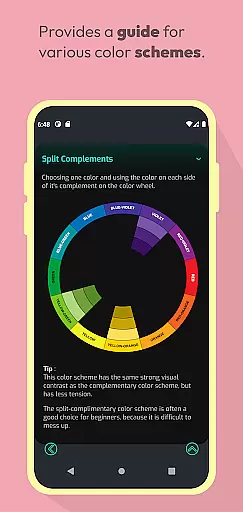
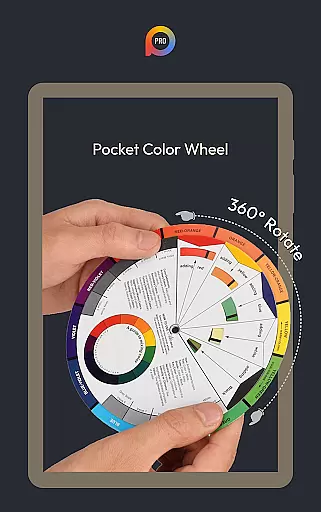
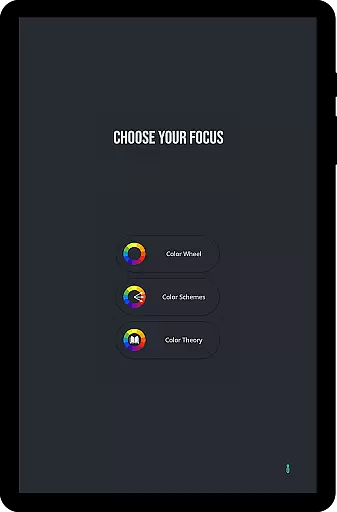
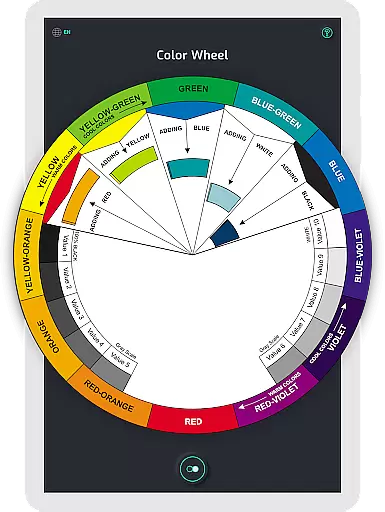
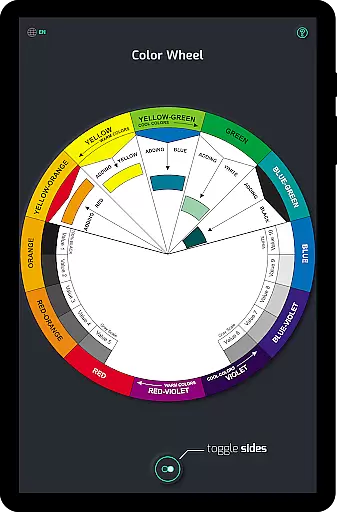
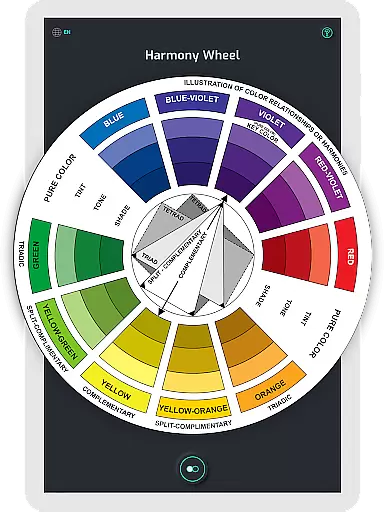
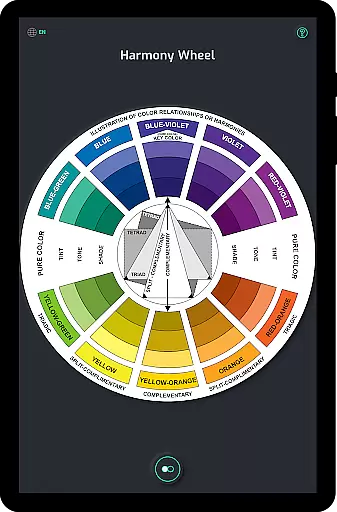
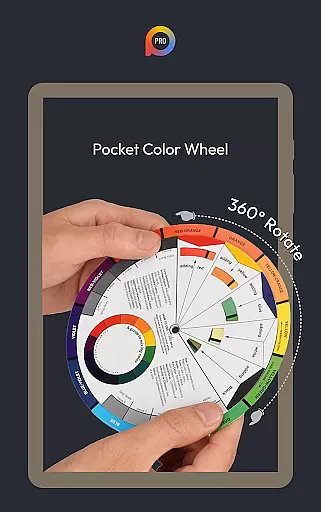
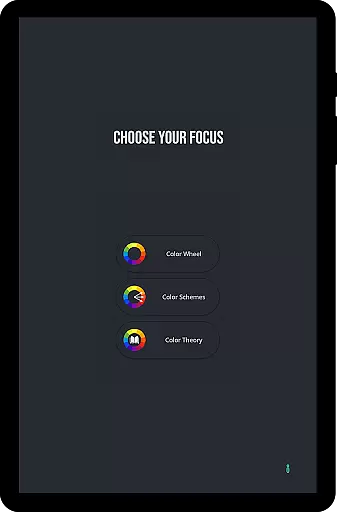
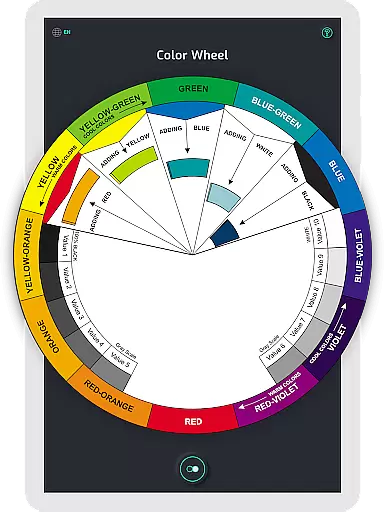
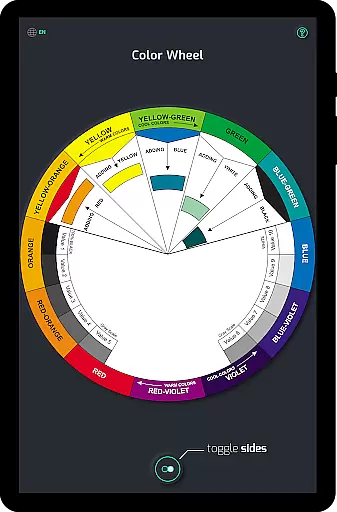
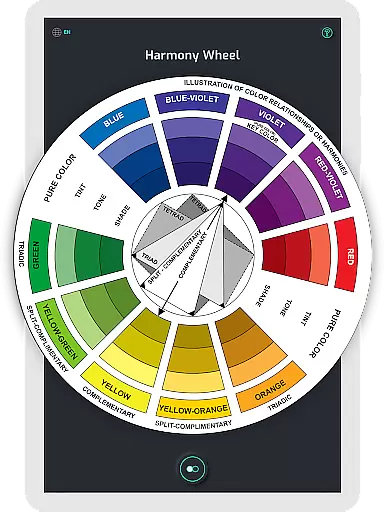
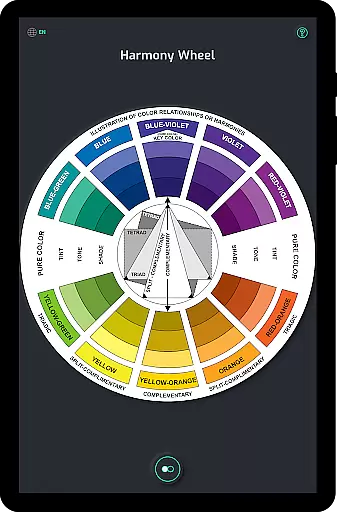
Pocket Color Wheel Pro is an advanced mobile application designed specifically for artists, designers, and students who want to deepen their understanding of color theory. This app serves as a portable reference tool that simplifies the complexities of color mixing, relationships, and harmonies. With its interactive features, users can easily rotate the color wheel to explore complementary, triadic, and analogous color combinations.
The Pro version offers enhanced capabilities such as offline access, allowing users to utilize all features without an internet connection. Whether you're traveling or in areas with limited connectivity, Pocket Color Wheel Pro ensures uninterrupted access. Additionally, it provides 12 or 18 color wheel options, enabling more nuanced exploration of hues and blends, making it ideal for both learning and professional design work.
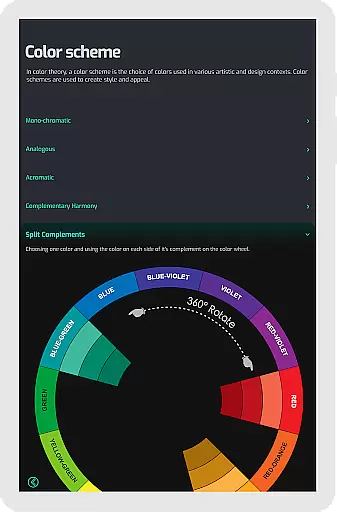
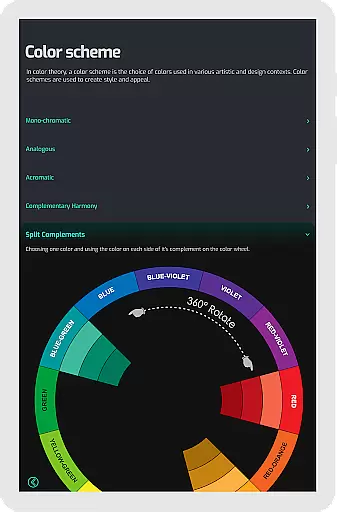
Pocket Color Wheel Pro stands out with its comprehensive set of tools tailored for color enthusiasts. The app includes a sophisticated Color Schemes Tool that supports various color schemes like monochromatic, analogous, complementary, split-complementary, triadic, and tetradic. Users can choose between 12 or 18 color wheel configurations, offering flexibility in exploring different shades and harmonies.
Another notable feature is the complete offline functionality, ensuring that all tools and visual guides are accessible without an internet connection. The app also simplifies color mixing by providing instant feedback on the wheel, helping users understand tints, tones, and shades through clear examples. Furthermore, it incorporates a grey scale and essential color terms, making it a holistic resource for mastering color theory.
In the realm of digital art and design, having a comprehensive set of creative tools is paramount. Pocket Color Wheel Pro offers an extensive suite of features that cater to artists, designers, and students alike. The app includes an advanced Color Schemes Tool, which allows users to choose between 12 or 18 color wheel options, opening up a world of hues and blends for more vibrant designs.
Additionally, the app simplifies the process of colour mixing and understanding relationships through its Interactive Colour Wheel. Users can rotate the wheel to explore complementary, triadic, and analogous colours, making it easier to discover harmonious combinations. This hands-on approach not only aids in learning but also enhances the creative workflow by providing instant visual feedback on colour choices.
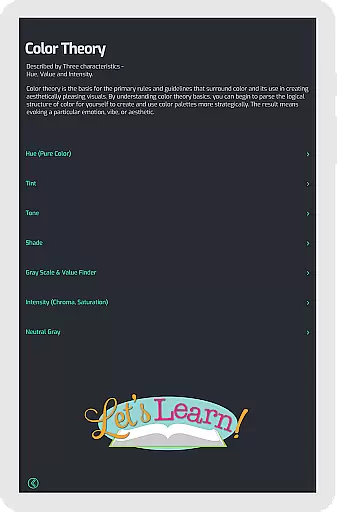
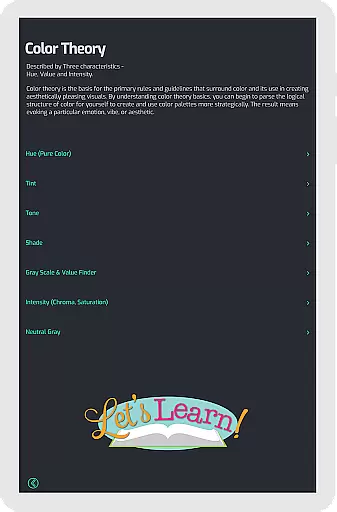
The inclusion of Tone & Shade Variations along with a Grey Scale ensures that users have access to clear examples of tints, tones, and shades, as well as neutral tones. These features collectively contribute to a complete toolkit that supports both beginners who are just starting to learn color theory and professionals seeking precision in their work.
Flexibility in canvas and format options is crucial for accommodating various project requirements and personal preferences. Pocket Color Wheel Pro addresses this need by offering versatile design capabilities that ensure users can work within their preferred parameters. Whether it's adjusting the canvas size to fit specific design dimensions or choosing between different color formats, the app provides the necessary controls to tailor the workspace.
Moreover, the app's ability to function seamlessly without an internet connection adds another layer of flexibility. Artists and designers can continue their work uninterrupted, regardless of location or connectivity status. This offline access feature guarantees that creative processes are not hindered by external factors, allowing for a consistent and reliable user experience.
By combining these flexible canvas and format options with robust functionality, Pocket Color Wheel Pro empowers users to create beautiful designs, artwork, or explore the world of colors with confidence. The app stands out as an indispensable companion for all creative projects, ensuring that users have the freedom to express their artistic vision without limitations.
Comprehensive color schemes
Offline functionality
Interactive color wheel
Instant color mixing results
Tone and shade variations
Limited free version
No advanced tutorials
Basic UI design
Occasional bugs
Higher price point

Sketch, plan, take notes and illustrate on an infinite canvas.
 4.20
4.20
AI Face Swap, Video Effects Editor, Realtime Morph, Funny Video FX,AI Filters
3.70
Unleash Your Creativity with Draw Cartoon - AR Drawing App
4.10
Resize photos and print photos in exact size with our powerful photo printer!
3.80
Art of Combination Wear OS Watch faces (for Wear OS 5+ devices)
3.90
OneUI 8.5 icons ✨ Smooth, modern & based on the latest Play Store design ??
4.10
Unleash the artist in you with our AR drawing and tracing tool for photo drawing
4.10
Kling AI is an image and video generation and editing studio powered by AI.
4.50
Turning simple sketches into captivating tales filled with life and motion
3.90
Convert image to JPG PNG HEIC PDF, support almost all kinds of image formats
4.70
Digital, Abstract, Classic - all types of color wheels in one app!
4.60
Draw glowing spinners, relax, and spin your creative art
4.60
Share the joy of painting with ibis Paint! Drawing anime and manga art.
4.50
800+ Drawing, Painting Lessons App to Practice, Sketch & Paint Art.
4.30
AR Anime Drawing: How to draw anime with AR drawing & sketching apps!
4.00
Design your dream room with AI. Get decor ideas & plan home interiors
3.90
Experience next-gen icons with a modern liquid glass look.
3.60
Create trending AI photos & videos with powerful effects and 3D styles.
3.20
Art of Combination Wear OS Watch Faces
4.0


User Reviews