
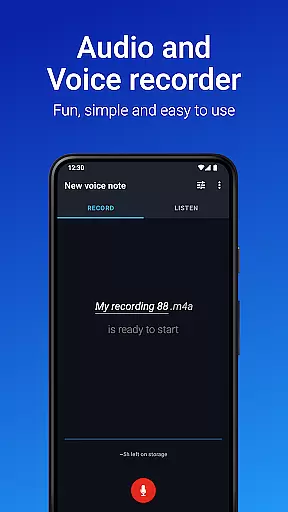
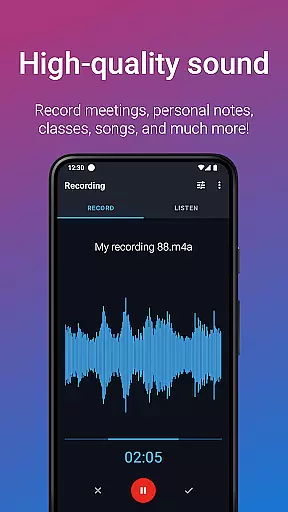
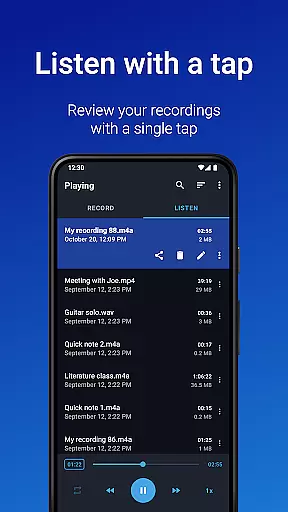
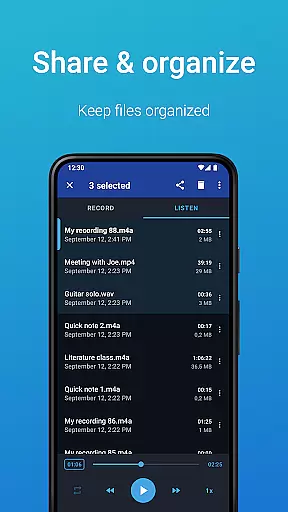
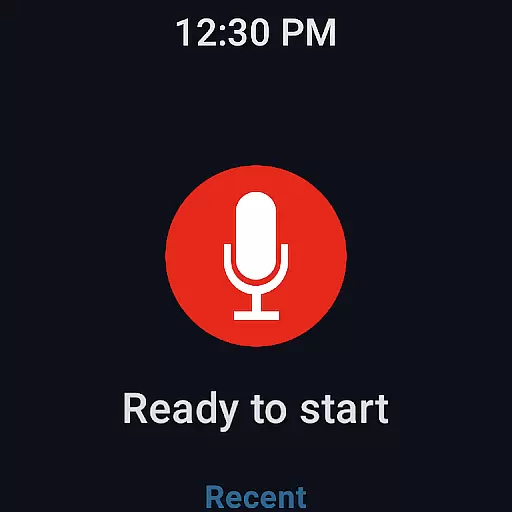
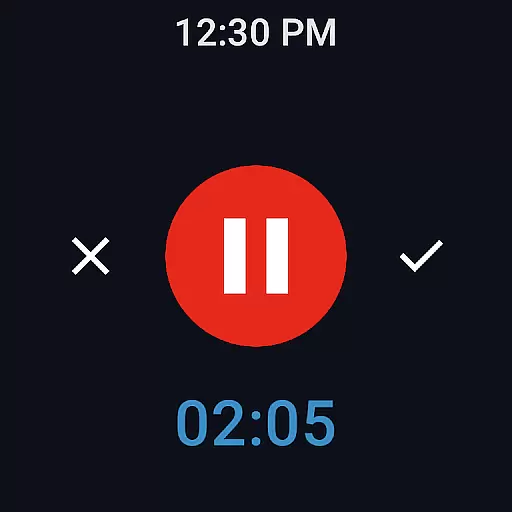
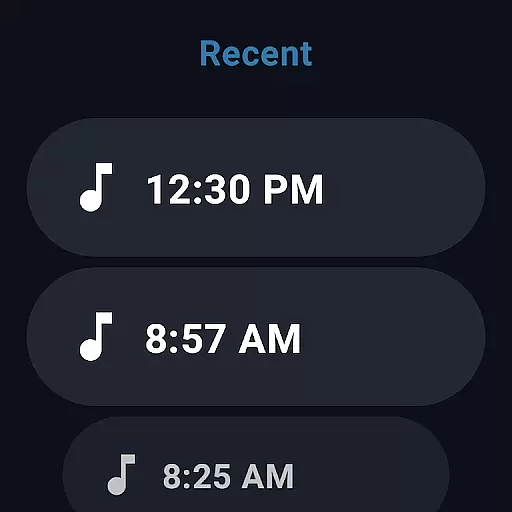
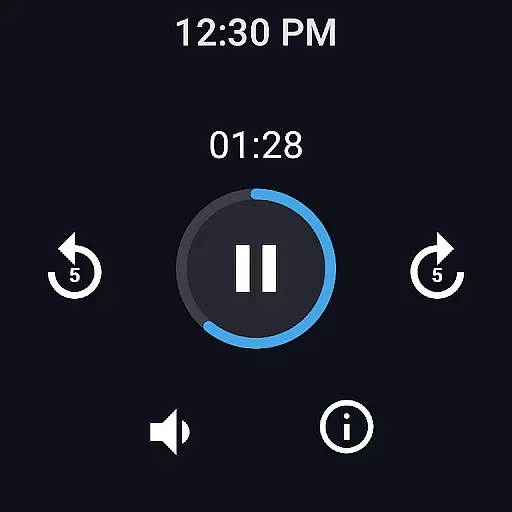
Easy Voice Recorder is a versatile audio recording app designed for Android Wear and mobile users. It allows you to capture important moments such as meetings, classes, and music without any time restrictions. The app offers high-quality PCM and MP4 recording formats, ensuring clarity in every recording. With its intuitive interface, it caters to students who need lecture recordings, professionals capturing interviews, and musicians experimenting with new ideas.
The application provides powerful features including customizable recording settings, playback speed adjustments, and background recording. Its seamless integration with Wear OS enables smartwatch-based recording, making it convenient for users on the go. Whether you're a student revising for exams or a business professional sharing meeting notes, Easy Voice Recorder adapts to various needs while maintaining ease of use.
Easy Voice Recorder stands out with its comprehensive feature set tailored for diverse recording needs. The app supports multiple recording formats like PCM, MP4, and AMR, allowing users to choose based on quality or storage preferences. Advanced functionalities include automatic uploads to Google Drive or Dropbox in the Pro version, which enhances accessibility and backup options.
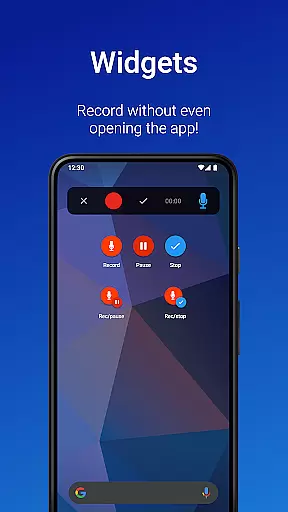
For enhanced usability, the app includes widgets and shortcuts for quick access to start new recordings. Users can share files via email or messaging apps directly from the interface. Additional Pro features offer MP3, FLAC, and AAC formats, Bluetooth microphone support, and an Edit mode for trimming recordings. These capabilities ensure that Easy Voice Recorder remains flexible and powerful, catering to both casual and professional users.
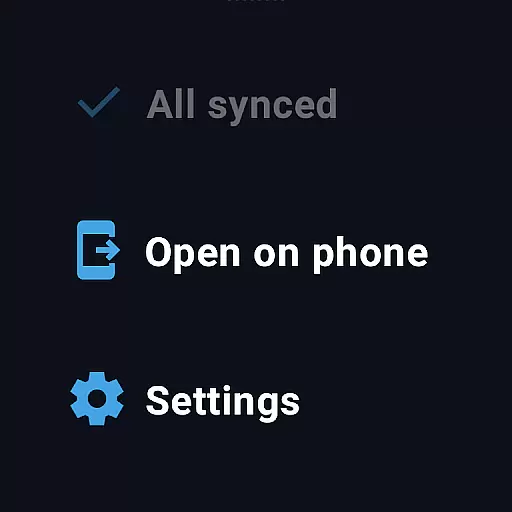
Easy Voice Recorder offers seamless companion app integration, allowing users to record directly from their Wear OS smartwatches. This feature ensures that you can capture important moments without needing your phone nearby.
The app's watch tile provides quick access to start a new recording, making it convenient for users who are on the go. Whether you're attending a meeting or capturing a melody, the ability to control recordings from your wrist enhances accessibility and ease of use.
Recordings made on the smartwatch are automatically synced with the main app on your phone, ensuring all your audio files are centralized and easily accessible. This synchronization simplifies file management and sharing across devices.
By integrating with Wear OS, Easy Voice Recorder extends its functionality beyond smartphones, offering a versatile recording solution that adapts to various user scenarios and device preferences.
Easy Voice Recorder boasts extensive compatibility with Wear OS devices, ensuring a wide range of smartwatch users can take advantage of its features. This compatibility allows for an uninterrupted recording experience, whether using a standalone smartwatch or paired with a smartphone.
The app supports high-quality PCM and MP4 formats, even on smartwatches, providing clear and crisp audio recordings. Users can choose between different recording formats based on their storage needs and quality preferences, enhancing flexibility.
In addition to basic recording, the app offers advanced features like automatic uploads to Google Drive or Dropbox, available in the Pro version. These features ensure that recordings from your smartwatch are securely stored and easily accessible from other devices.
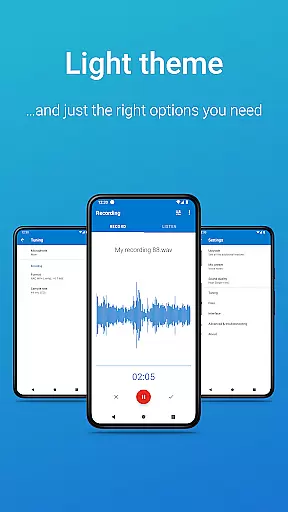
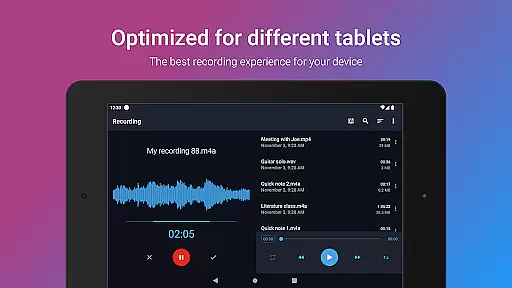
With support for both light and dark themes, Easy Voice Recorder provides a visually comfortable interface on all compatible devices. This attention to detail highlights the app's commitment to delivering a comprehensive and user-friendly experience across different platforms.
User-friendly interface
High-quality recording formats
Background recording option
Wear OS compatibility
Customizable settings
Limited free features
No automatic call recording
Pro version requires purchase
Interface may feel outdated
Occasional bugs reported

Gym Log & Workout Tracker | Fitness Journal, Training & Weight Lifting Planner
 4.90
4.90
Diet tracker for weight loss - track calories, food and macros. Simple and easy!
4.70
A modern premium sporty hybrid watch face for Wear OS by Ballozi
4.70
Bold, Modern Hybrid Watch Face for Wear OS. 10 Colors, Rich Info Display.
4.30
Kia Access makes getting your vehicle information easier than ever
4.60
Find EV charging stations
4.30
Get helpful reminders, take progress photos and find answers to your questions.
3.90
Funny animated watch face for Thanksgiving
4.0
Connect, create, and collaborate with Gmail, part of Google Workspace.
4.10
Walking app for weight loss: walk & step tracker, pedometer, indoor treadmill
4.60
Highly customizable hybrid watch face for Wear OS, perfect for everyday use.
4.60
Monitor health with the stress test and pulse checker in the heart rate app.
4.60
A white realistic classic analog watch face with many customization options.
4.40
Christmas watch face. For Wear OS devices.
4.30
A customizable Christmas watch face for Wear OS with a countdown.
4.20
Watch face for Wear OS.
4.20
"PER27 Galaxy Digital" is a digital Wear OS watch face designed by PERSONA
4.10
Daily Weather forecast with 15 weather images for Day & Night plus Big Bold time
4.10
Watch face designed for Thanksgiving Day. 7 Background Styles included.
3.20


User Reviews