
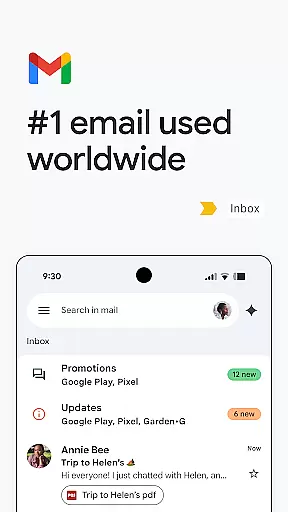
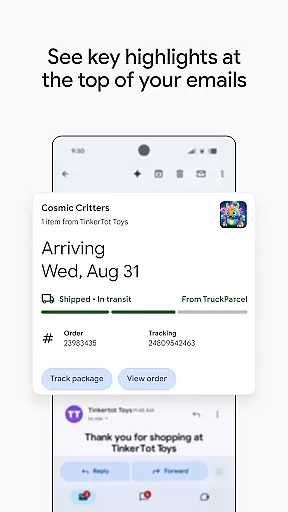
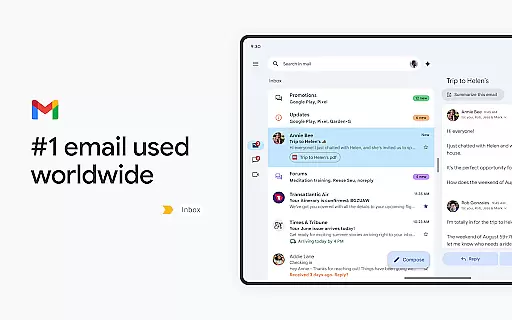
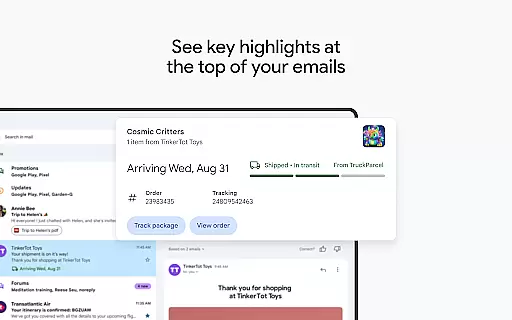
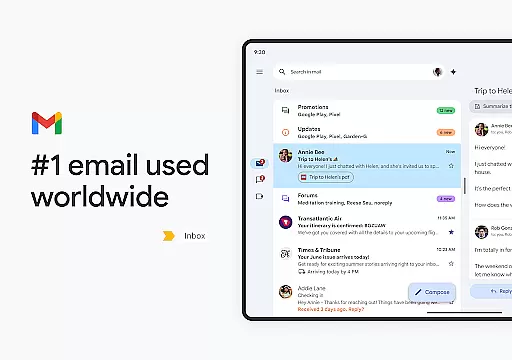
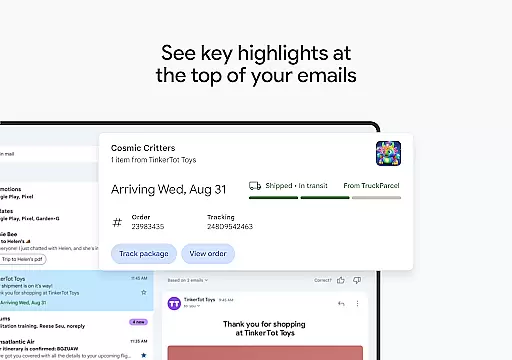
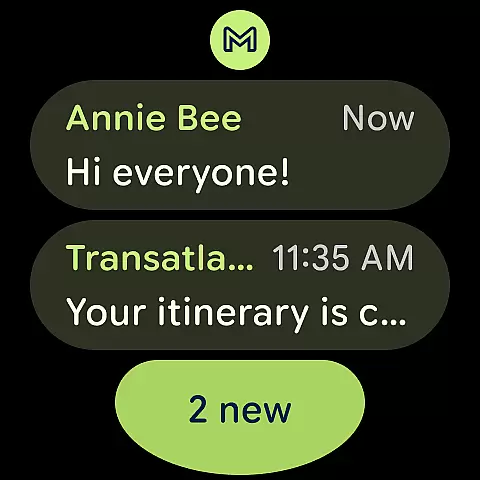
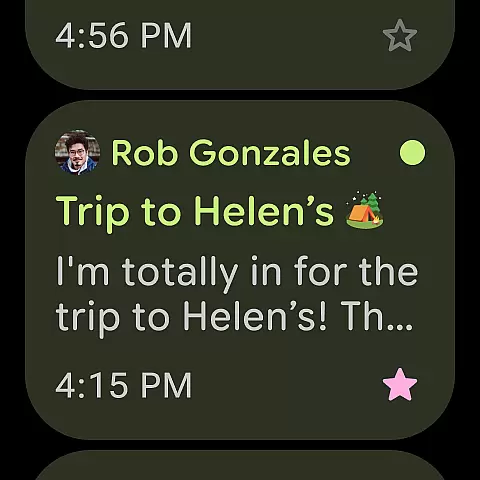
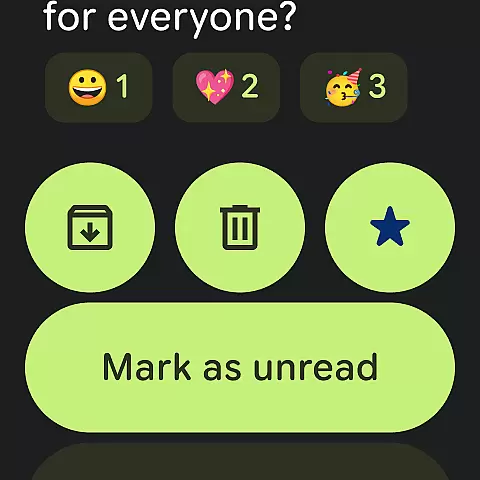
Gmail is the official email application by Google, designed to bring a seamless emailing experience to Android devices with advanced security features and AI-powered tools. The app supports multiple accounts across different providers while offering powerful search capabilities and inbox organization.
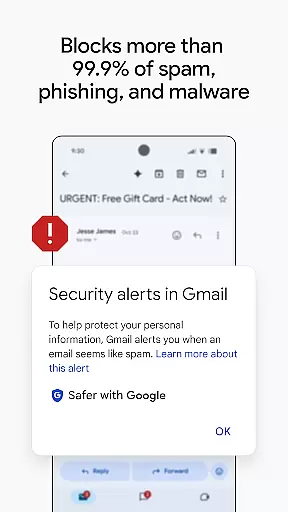
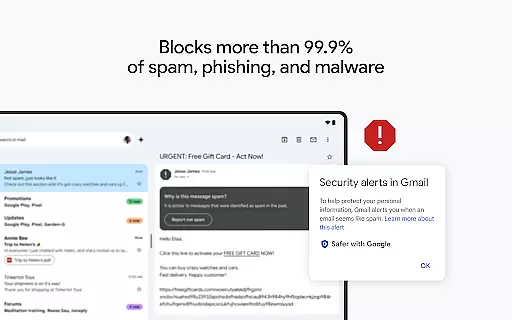
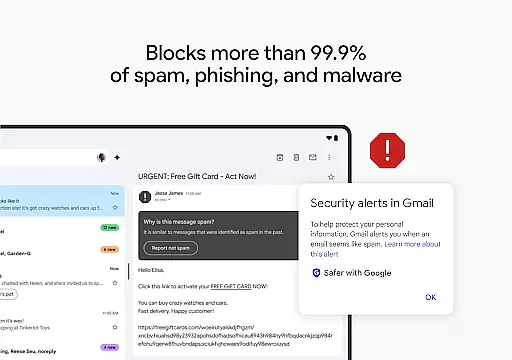
With Wear OS integration, Gmail ensures you stay connected and productive directly from your smartwatch. Key functionalities include summary cards for quick email previews, AI assistance through Gemini for writing and searching, and robust spam protection that blocks over 99.9% of malicious emails.
Whether managing personal or business emails, Gmail's intuitive interface and intelligent features make it an essential tool for efficient communication and task management on the go.
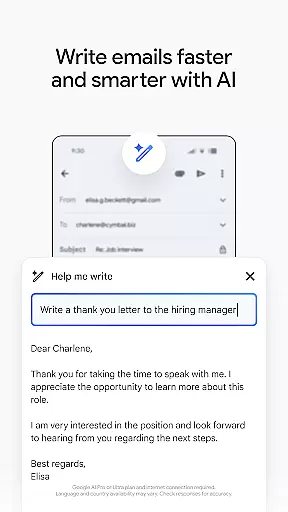
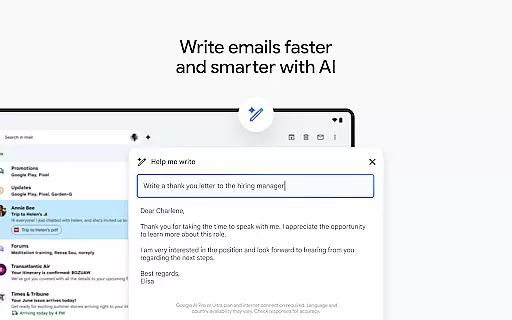
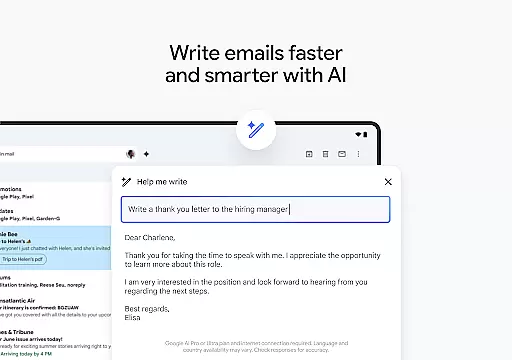
Gmail stands out with its innovative use of Google AI to enhance user productivity. The 'Help me write' feature assists in composing emails faster, while contextual Smart Reply offers relevant response suggestions based on email content.
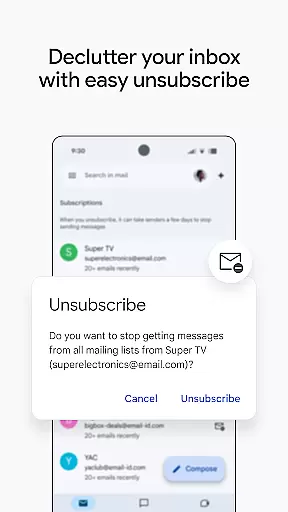
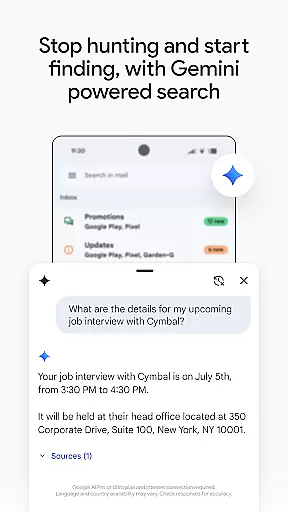
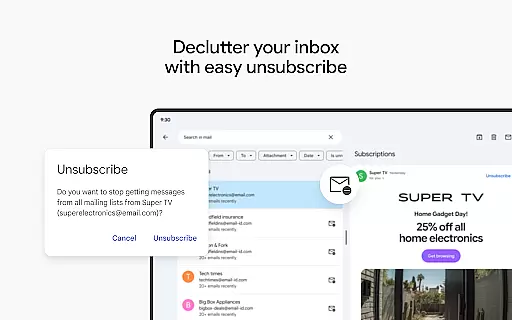
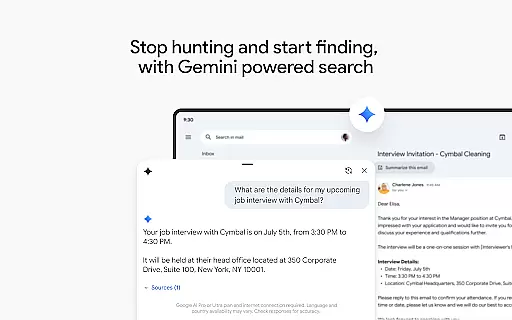
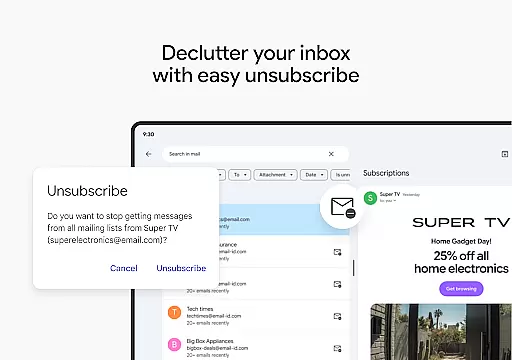
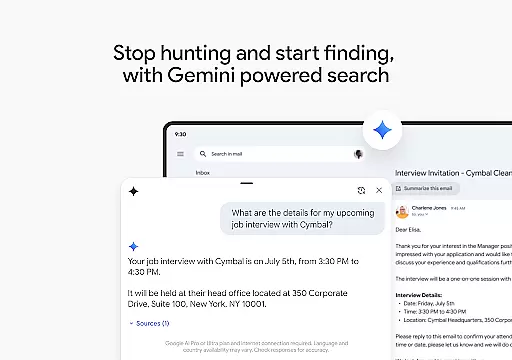
The app provides advanced search functionality allowing users to locate specific information not only within their inbox but also across Google Drive files using Gemini. Additionally, the Unsubscribe option helps declutter your mailbox by easily opting out of unwanted newsletters.
For professionals, Gmail integrates smoothly into Google Workspace, enabling real-time collaboration via Google Meet, Chat, and shared calendars. Enhanced security measures ensure enterprise-level protection, making it ideal for both individual and corporate use.
Companion app integration is essential for users who want a seamless experience across multiple devices. Gmail excels in this area by offering robust synchronization between your Android phone or tablet and Wear OS devices. This ensures that your emails, labels, and folders are consistently updated, providing you with real-time access to your data regardless of the device you're using.
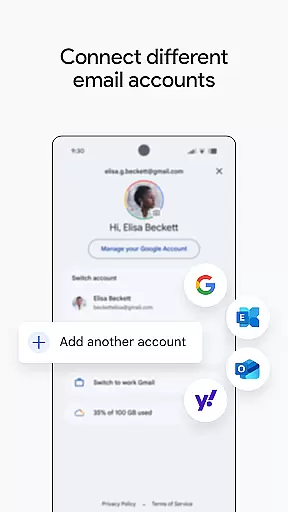
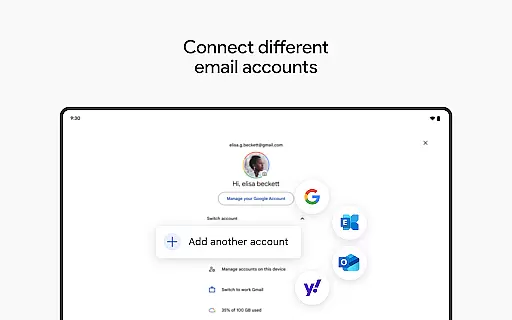
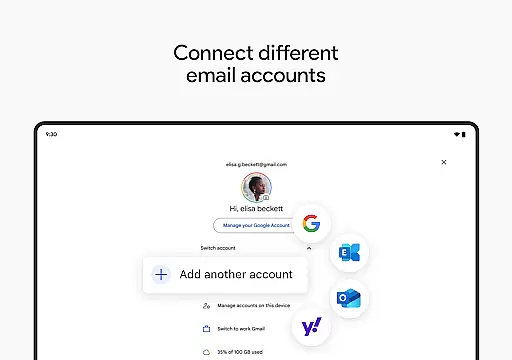
The Gmail app allows you to switch between multiple accounts from different email providers effortlessly. This feature is particularly beneficial for professionals managing work and personal emails. By maintaining a unified interface, Gmail simplifies the process of checking and responding to emails, ensuring that you never miss an important message.
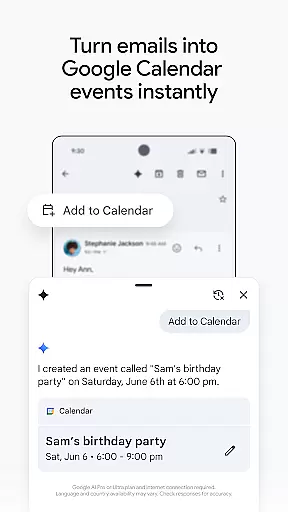
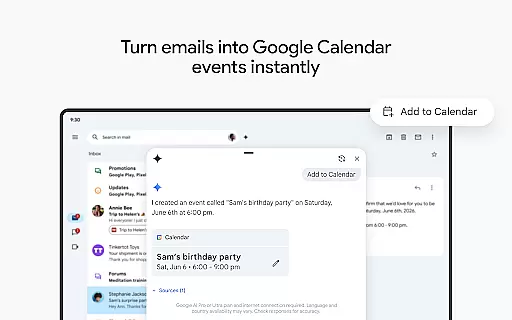
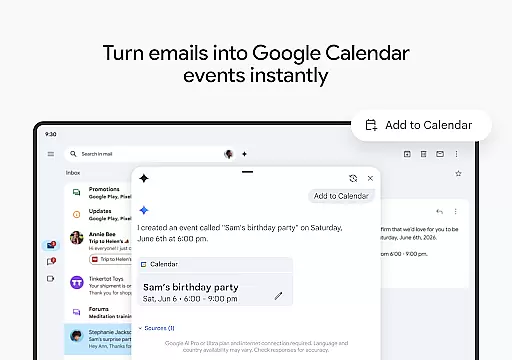
Moreover, Gmail's integration with Google Calendar and other Workspace tools enhances productivity. With features like 'Add to Calendar,' you can create Google Calendar invites instantly, streamlining your workflow. The ability to connect with coworkers via Google Meet or Chat without leaving Gmail further exemplifies its commitment to providing a cohesive ecosystem.
In summary, Gmail's companion app integration offers a comprehensive solution for managing emails across various platforms. Its ability to sync data in real-time, support multiple accounts, and integrate with other productivity tools makes it an indispensable asset for users seeking efficiency and convenience.
Wear OS compatibility is crucial for users who rely on smartwatches to stay connected and productive. Gmail addresses this need by offering a dedicated Wear OS app that allows you to manage emails directly from your wrist. This feature is particularly useful for quick overviews and managing urgent communications without needing to pull out your phone.
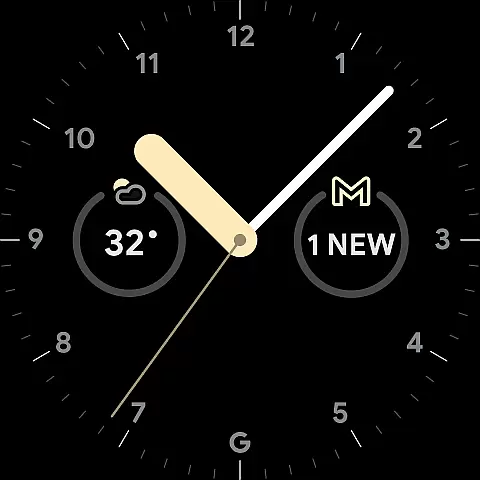
The Gmail app includes a complication and tile for Wear OS, providing a snapshot of your inbox at a glance. This functionality enables you to prioritize your tasks and respond to critical emails promptly. Additionally, the ability to add a Gmail complication ensures that you have constant access to your email notifications, enhancing your overall productivity.
Gmail's Wear OS compatibility extends beyond basic email management. It integrates seamlessly with other Google services, such as Google Calendar, allowing you to create events and reminders directly from your watch. This interconnected ecosystem ensures that you can manage your schedule and communications efficiently, even when you're on the go.
In conclusion, Gmail's Wear OS/device compatibility offers a streamlined and efficient way to handle emails and other tasks from your smartwatch. By providing essential features like complications and tiles, along with seamless integration with other Google services, Gmail ensures that you remain productive and connected, no matter where you are.
Advanced AI features
Multi-account support
Robust security
Seamless integrations
Wear OS compatible
Premium AI requires subscription
Limited offline functionality
Occasional sync issues
Interface can feel cluttered
Dependent on Google services

A customizable Christmas watch face for Wear OS with a countdown.
 4.20
4.20
Deck out your Wear OS Watch face with a beautifully decorated pine wreath!
4.50
Artistic Digital Watchface
4.5
Beautiful, colorful and practical watch face. For Wear OS devices.
5.00
Digital, flexibly customizable watch face. For Wear OS 5.0, API 34+ and later.
5.00
Structured watch face with seven complications and modular UI elements
3.90
Hyperlocal rain alerts by MyRadar using patent-pending technology, radar & more
4.80
Funny animated watch face for Thanksgiving
4.5
Hybrid Vibrant Health Watch Face for Wear OS
4.2
Diet tracker for weight loss - track calories, food and macros. Simple and easy!
4.70
Kia Access makes getting your vehicle information easier than ever
4.60
Current temperature, weather hourly, weather radar by the weather forecast app
4.40
Locate your family members by GPS phone location tracker everywhere and anytime
4.30
Embrace the festive spirit with our Christmas Countdown watchface for Wear OS
4.10
A digital watch face that celebrates Christmas.
4.00
Viewer for Wyze/Yi/Eufy/Arlo/ONVIF/RTSP/P2P IP cams w/ adv. features & DIY DVR
4.00
Wear Os Watch Face - Animated Snow - Sesonal for Christmas & Winter
4.1
A heartwarming Christmas scene featuring a cute image of Santa and Rudolf
4.3
3 Complications. All shadow on/off. 30 Themes color palette...
4.5


User Reviews