
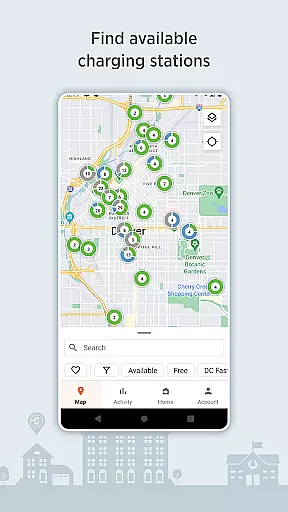
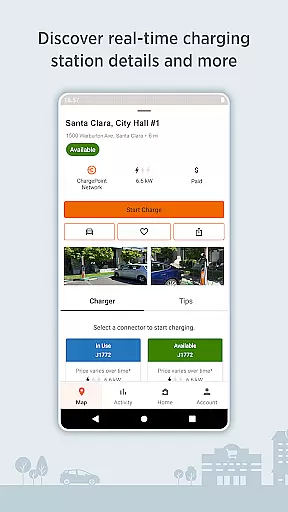
ChargePoint is the ultimate app for electric vehicle (EV) drivers, offering seamless access to the world's largest EV charging network. With hundreds of thousands of stations and roaming partners like FLO, EVgo, and Greenlot, it provides real-time station availability, customizable filters, and essential information including pricing and driver tips.
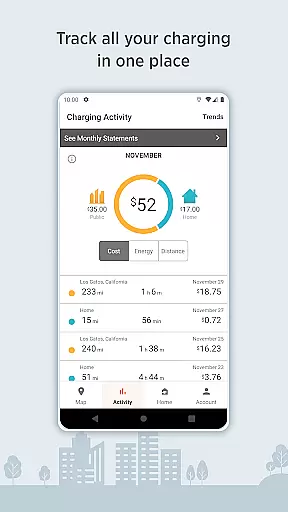
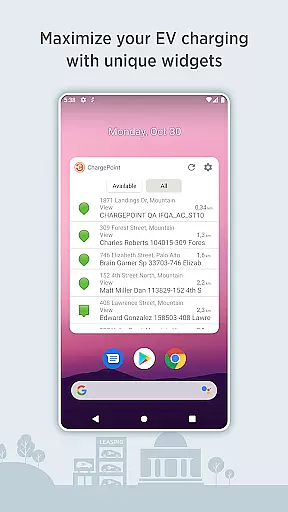
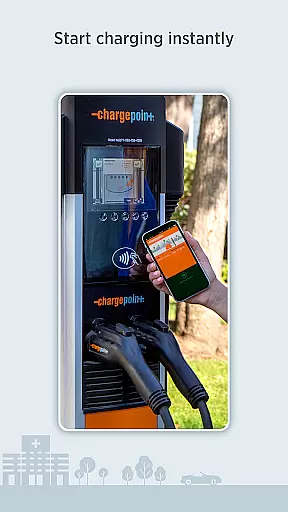
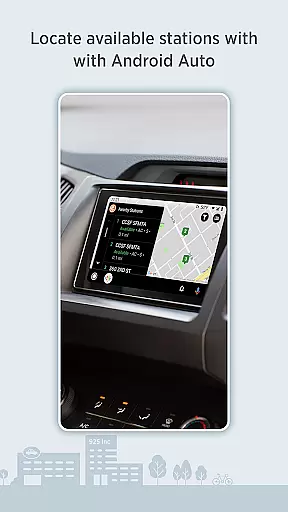
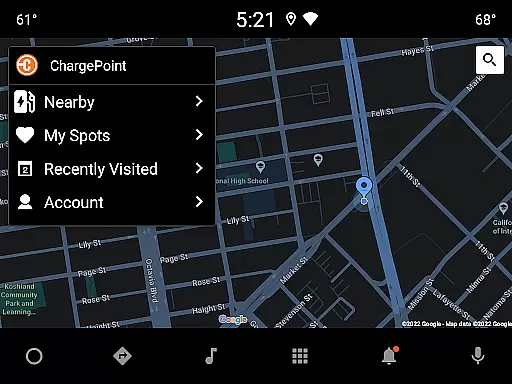
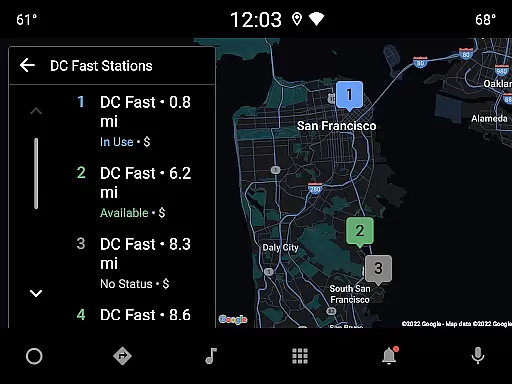
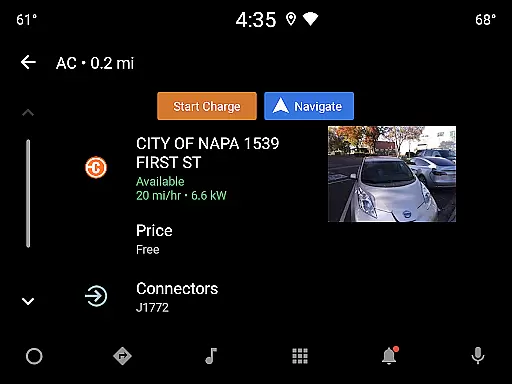
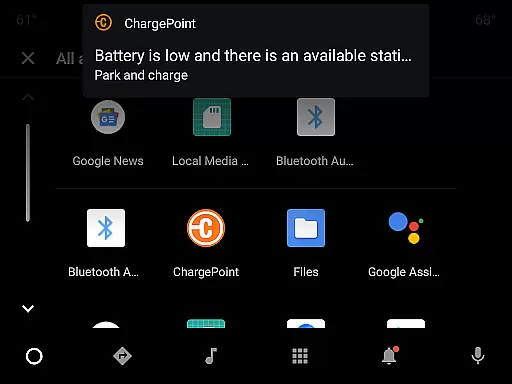
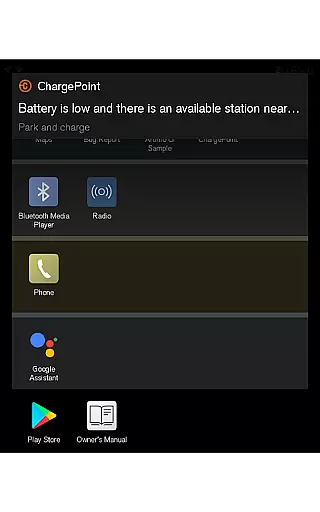
The app allows instant charging through Tap-to-Charge or RFID cards, while also enabling users to track their complete charging history, control home charging, and receive live updates about charging status. Additional features include Android Auto integration, Wear OS support, and convenient widgets that enhance accessibility without needing to open the app.
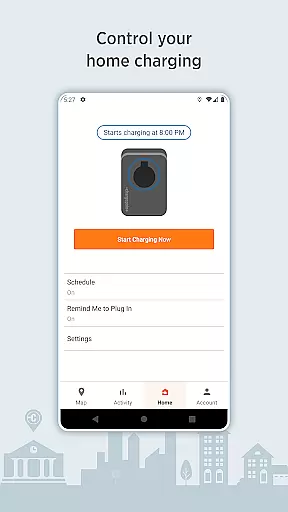
Designed for maximum convenience, ChargePoint lets drivers charge at home with scheduled reminders and usage tracking via ChargePoint Home Flex. It’s an all-in-one solution that simplifies EV charging, making it easier than ever to manage payments, find stations, and optimize your charging experience.
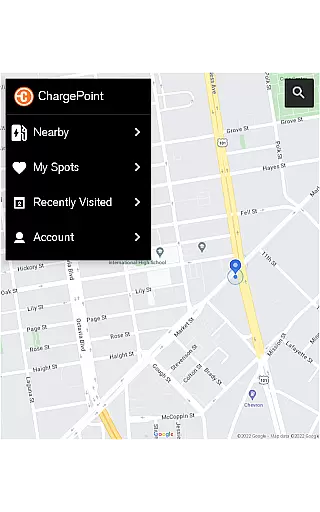
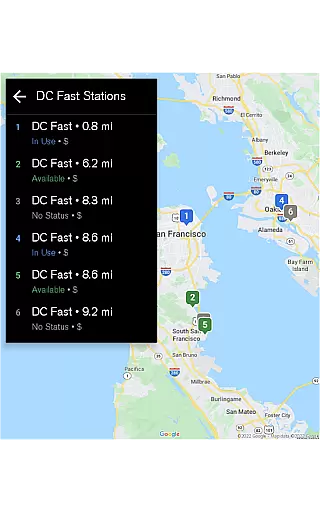
ChargePoint stands out with its comprehensive suite of features tailored for EV drivers. The app integrates advanced mapping technology to display real-time station availability and allows filtering by AC or DC fast chargers, ensuring compatibility with your vehicle. Roaming partner support extends usability across networks such as FLO and EVgo, creating a unified charging experience.
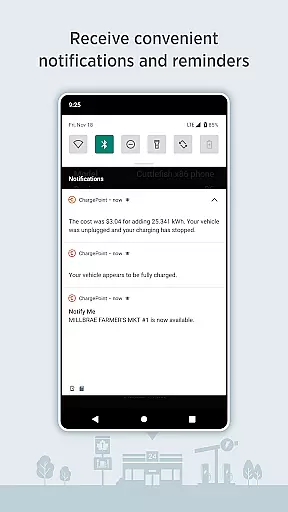
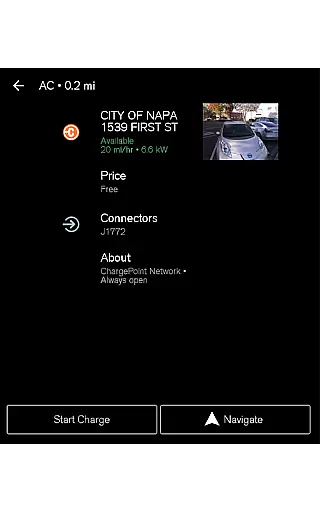
Premium functionalities include detailed station info like pricing, popular charging times, and driver tips, alongside instant Tap-to-Charge capabilities. Users can track their charging activity, view trends in costs and miles added, and even manage home charging schedules. Live notifications keep drivers informed about station availability and session costs.
Additional innovations include Android Auto and Wear OS integrations, virtual Waitlist reservations, and intuitive widgets for quick access to key features. These tools collectively ensure that ChargePoint remains a versatile, user-friendly solution for modern EV drivers.
Companion app integration is essential for a seamless user experience across multiple devices. The ChargePoint app excels in this area by offering comprehensive functionality that syncs effortlessly with its Wear OS counterpart.
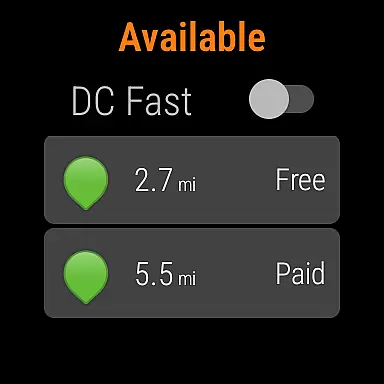
Users can initiate charging sessions directly from their Wear OS smartwatches, allowing them to start charging instantly without needing to take out their phones. This feature not only enhances convenience but also saves time, especially when users are in a hurry or multitasking.
The integration extends beyond just initiating charges; it provides real-time updates on charging status and miles added to the vehicle's range right on the wearable device. This ensures drivers stay informed about their EV's charging progress without having to check their phones constantly.
By leveraging companion app integration, ChargePoint delivers a cohesive ecosystem where users can manage all aspects of their EV charging experience efficiently, whether they're using their smartphones or smartwatches.
Ensuring compatibility with Wear OS devices is crucial for providing a unified and accessible user experience. The ChargePoint app stands out by offering robust support for Wear OS, enabling users to interact with the app seamlessly from their smartwatches.
With full Wear OS compatibility, users can tap to charge directly from their smartwatches, streamlining the process of starting and monitoring charging sessions. This compatibility eliminates the need to carry additional devices or cards, making the entire charging process more streamlined and user-friendly.
Beyond just initiating charges, the app provides detailed information such as miles added to the vehicle's range directly on the wearable interface. This level of detail empowers users to make informed decisions about their charging needs while on the go.
ChargePointu2019s commitment to Wear OS/device compatibility ensures that users enjoy a consistent and reliable experience, regardless of which device they choose to interact with the app. This flexibility enhances overall user satisfaction and engagement with the platform.
User-friendly interface
Extensive charging network
Real-time station updates
Convenient payment options
Advanced smart integrations
Limited offline functionality
Subscription fees apply
Occasional connectivity issues
Regional availability varies
Higher energy rates at peak times

Gym Log & Workout Tracker | Fitness Journal, Training & Weight Lifting Planner
 4.90
4.90
Calming & relaxing sounds for sleeping and stress relief. Stay focused all day!
4.20
Christmas is near, let's count together the days left until Santa comes
4.0
MyNISSAN® lets you remotely control your car from your phone.*
4.50
Let's celebrate Thanksgiving - Wear Os watch face
4.20
Period, ovulation & pregnancy tracker. Fertility insights & menstrual calendar.
4.90
Bold weather Digital watchface with forecast & optional animated background
4.40
Hybrid Vibrant Health Watch Face for Wear OS
4.3
Your music, your playlists, and more—offline and unlimited.
4.20
Real-time weather radar with temperatures, warnings, hurricanes, and widgets
4.80
Your second brain for organizing your life: to-do, calendar, reminder.
4.70
Embrace the holiday spirit with this magical animated watch face!
4.40
Current temperature, weather hourly, weather radar by the weather forecast app
4.40
Reliable phone calls with spam protection, caller ID and more helpful features
4.40
Connect, create, and collaborate with Gmail, part of Google Workspace.
4.10
Your local weather forecast, storm tracker, radar maps & live weather news
3.40
Christmas and New Year - Themed Watchface
4.5
Analog watch face with 8 complications and expedition styling
4.4
Stunning modern digital watch face with 7 complications and strong contrast
4.3


User Reviews