
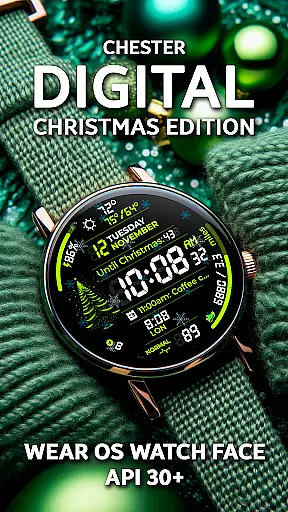
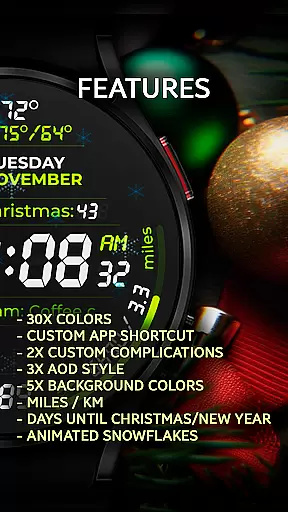
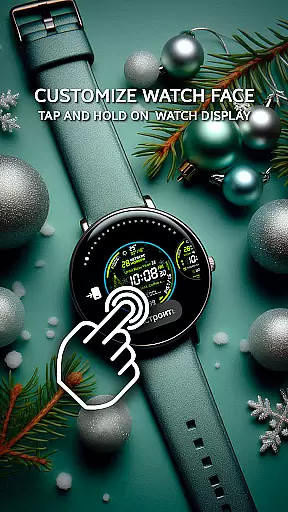
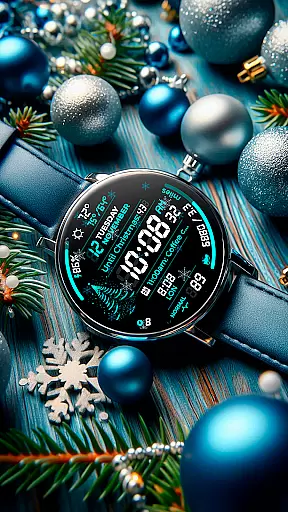
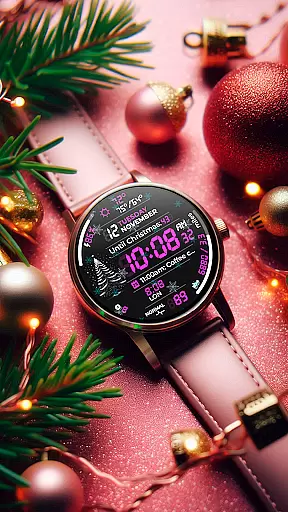
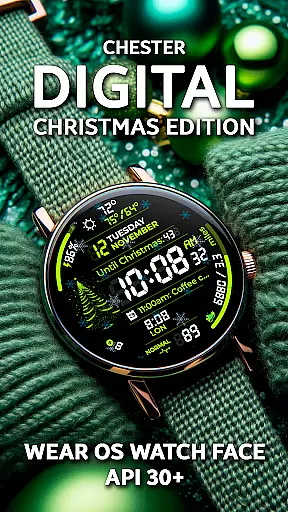
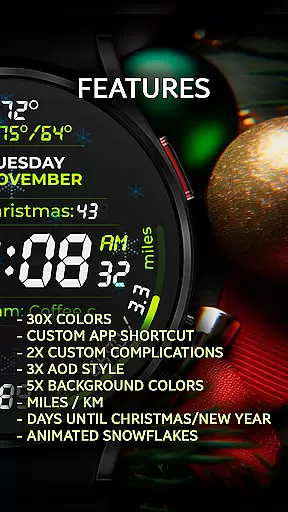
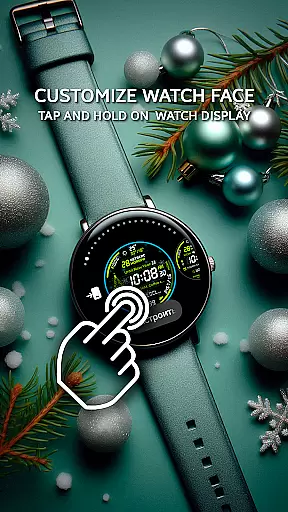
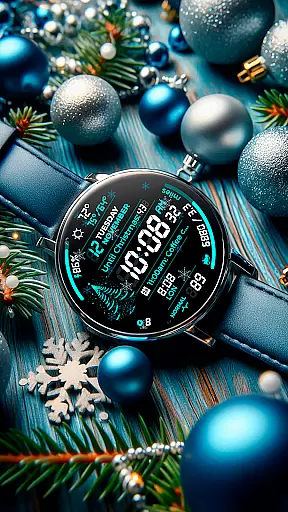
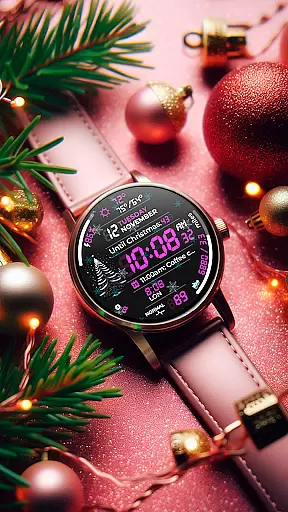
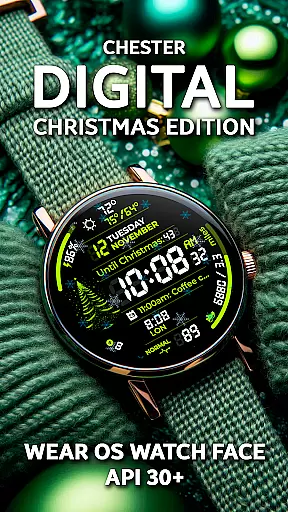
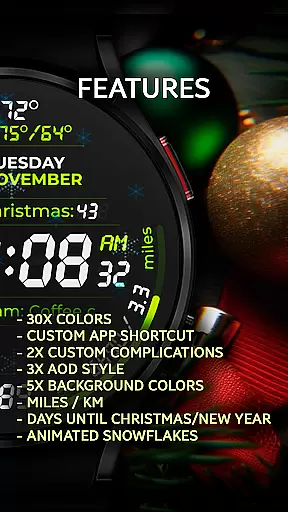
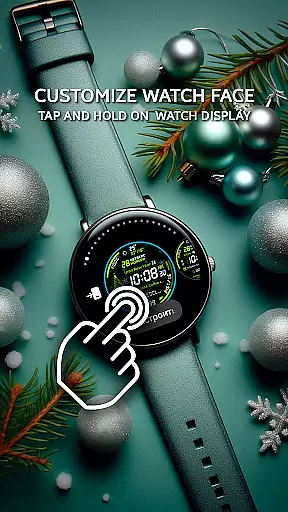
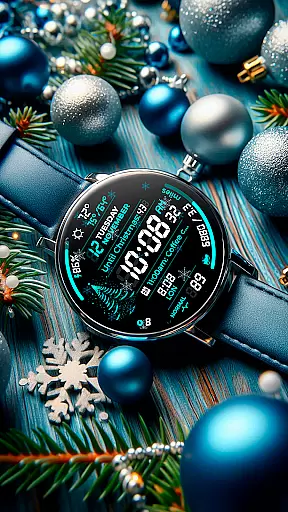
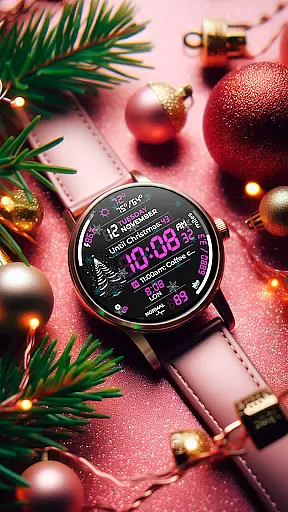
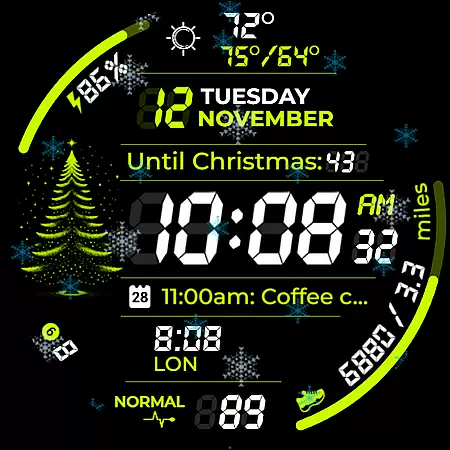
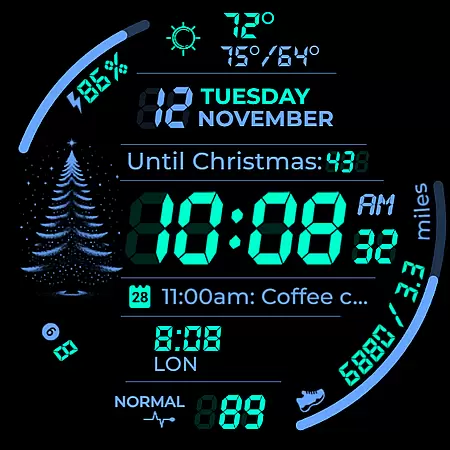
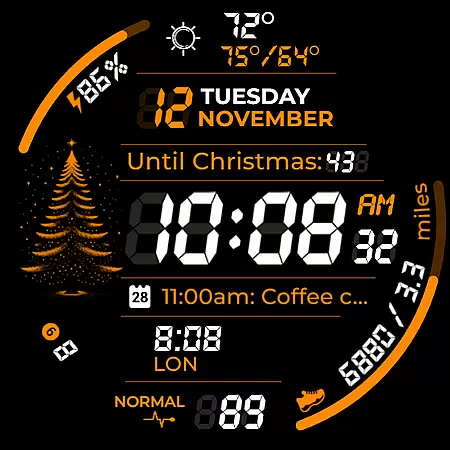
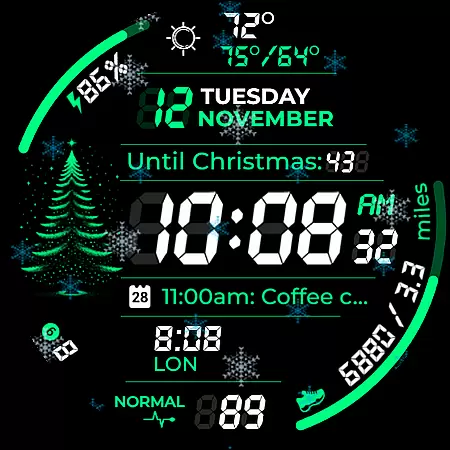
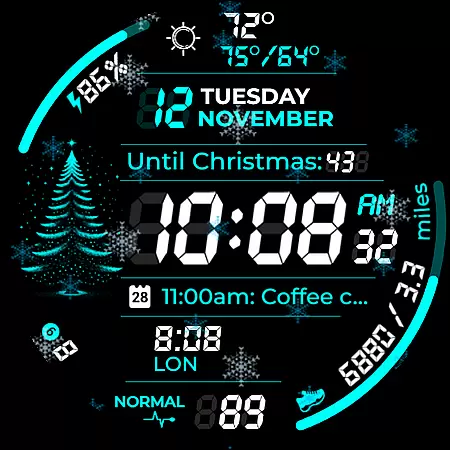
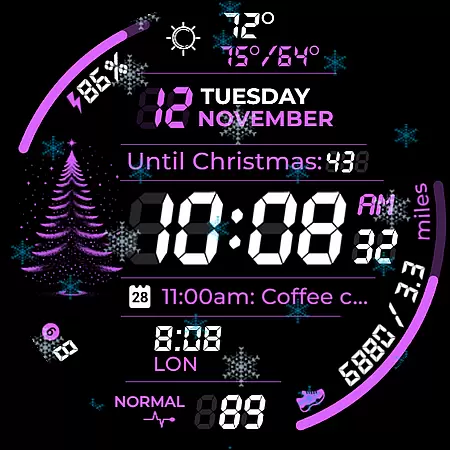
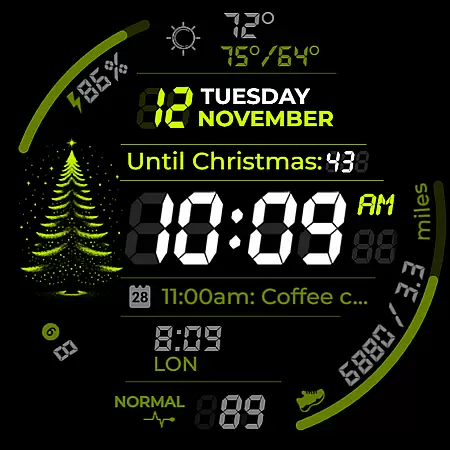
Chester Digital: Christmas is a festive watch face designed for Wear OS, offering users an engaging and customizable experience. With 30 color schemes, app shortcuts, and interactive tap zones, it provides both style and functionality. The watch face also features holiday-themed elements like snowflake animations and countdowns to Christmas and New Year, making it perfect for embracing the holiday spirit while staying connected.
Compatible with all Wear OS API 30+ devices, including Google Pixel Watch and Galaxy Watches, this watch face supports various features such as Always-On Display styles, background color options, and full calendar reminders. Whether you're tracking your weekly progress or monitoring weather updates, Chester Digital: Christmas ensures that practicality meets festivity on your wrist.
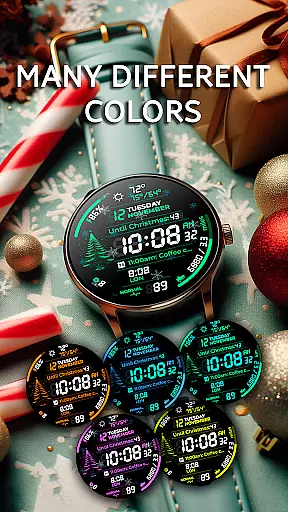
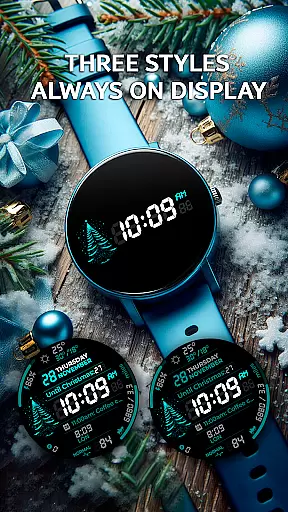
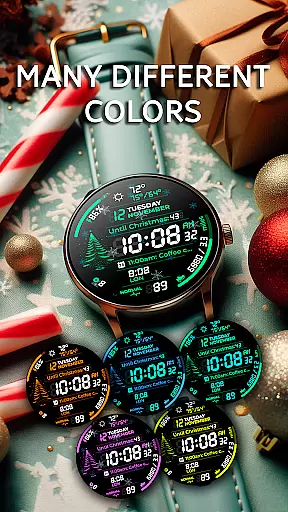
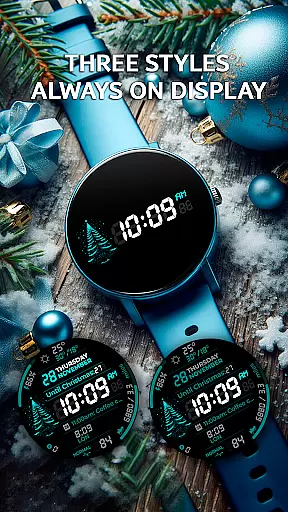
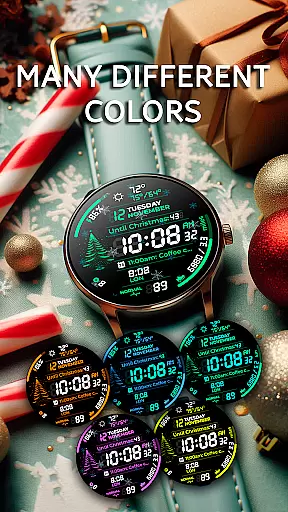
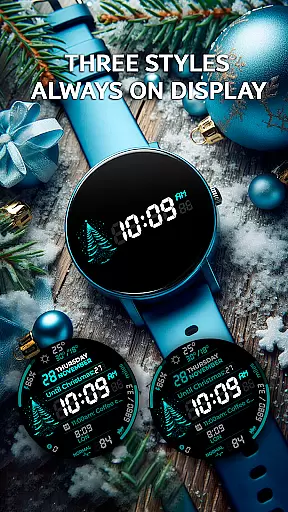
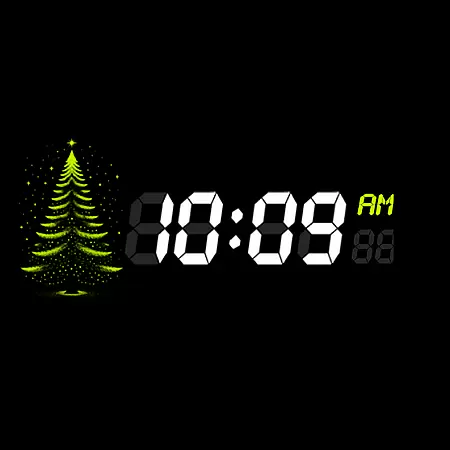
This watch face stands out with its extensive customization options. Users can choose from 30 vibrant color schemes and five different background colors to personalize their watch face. Two complication zones allow for tailored information display, while app shortcuts provide quick access to favorite functions. The inclusion of three Always-On Display styles ensures continuous connectivity without sacrificing battery life.
Additional features include distance tracking in miles or kilometers, weekly and yearly tracking, and full calendar reminders showing event names and times directly on the screen. Weather updates with maximum and minimum temperatures keep users informed. Unique to this watch face are the animated snowflakes and countdowns to major holidays, adding a touch of seasonal cheer to daily wear.
Companion app integration is essential for a seamless smartwatch experience. Chester Digital: Christmas ensures that users can easily synchronize and interact with their smartphone applications directly from the watch face. This functionality allows for real-time updates and notifications, ensuring that wearers are always connected.
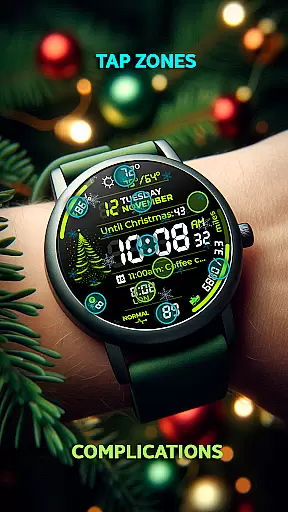
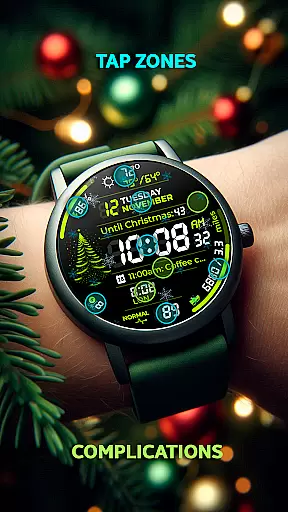
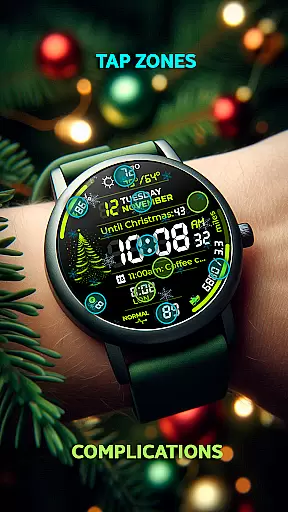
The watch face supports various app shortcuts, providing quick access to frequently used functions. Users can customize these shortcuts according to their preferences, streamlining daily tasks and interactions. Whether it's checking the weather, tracking fitness goals, or accessing messages, everything is just a tap away.
Additionally, the compatibility with Wear OS API 30+ devices guarantees that users enjoy the latest technological advancements. The integration extends to calendar reminders, unread notifications counters, and even festive features like the countdown to Christmas. These elements work together to create an interactive and personalized user experience.
By offering full compatibility with popular devices such as Google Pixel Watch and Galaxy Watches, Chester Digital: Christmas enhances convenience and connectivity. Users benefit from continuous access to vital information without needing to reach for their phones, making this watch face a perfect blend of style and functionality.
Device compatibility is crucial when selecting a smartwatch face, and Chester Digital: Christmas excels in this area. Designed specifically for Wear OS, this watch face supports all devices running API 30+, including models like Google Pixel Watch and Galaxy Watch series. This wide-ranging compatibility ensures that most Wear OS users can enjoy its festive features.
The watch face takes full advantage of Wear OS capabilities, offering functionalities such as customizable color schemes, Always-On Display styles, and interactive tap zones. These features are optimized to work seamlessly across supported devices, providing a consistent and high-quality user experience regardless of the specific model.
Moreover, the design accommodates different screen shapes, although it is not suitable for rectangular watches. With five background colors and multiple complication zones, users can tailor the appearance to match their personal style while enjoying accurate timekeeping and useful data displays.
Chester Digital: Christmas also incorporates practical tools like distance tracking and weekly/yearly progress indicators, which are compatible with the latest Wear OS versions. By focusing on broad device support and leveraging advanced operating system features, this watch face delivers both aesthetic appeal and functional utility to a diverse range of users.
Highly customizable
Festive holiday theme
Interactive tap zones
Always-On Display styles
Weather updates included
Not for rectangular watches
Limited compatibility
Premium features may cost extra
Complex setup process
Battery usage concerns

Watch the sharpness of the sky on your wrist..
 3.70
3.70
Christmas Theme Watch Face for Wear Os
5.00
3 Complications. All shadow on/off. 30 Themes color palette...
4.1
Your second brain for organizing your life: to-do, calendar, reminder.
4.70
The ultimate destination for kids ages 3-8 to explore the Marvel Universe!
4.30
The Chevron App allows you to pay for fuel from the comfort of your car!
4.80
Connect, create, and collaborate with Gmail, part of Google Workspace.
4.10
Track your active life in one place and share the journey with friends.
4.40
Back up your contacts & access them anywhere
4.30
Hyperlocal rain alerts by MyRadar using patent-pending technology, radar & more
4.80
Highly customizable hybrid watch face for Wear OS, perfect for everyday use.
4.60
Simple, helpful messaging by Google
4.60
MyNISSAN® lets you remotely control your car from your phone.*
4.50
Current temperature, weather hourly, weather radar by the weather forecast app
4.40
Christmas watch face. For Wear OS devices.
4.30
Find EV charging stations
4.30
Embrace the festive spirit with our Christmas Countdown watchface for Wear OS
4.10
Hyper-Realistic Airplane Dashboard Watch Face With 10 Skins and Custom AOD
4.00
A digital watch face that celebrates Christmas.
4.00


User Reviews