
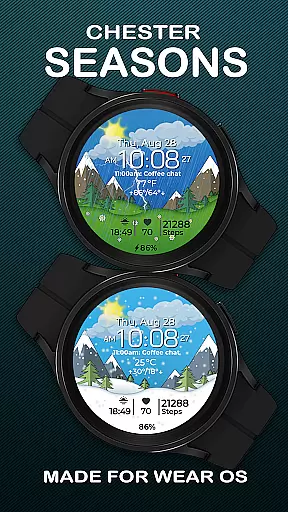
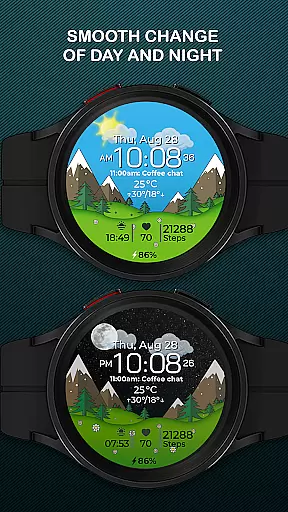
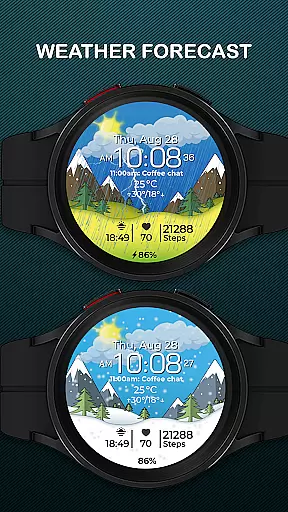
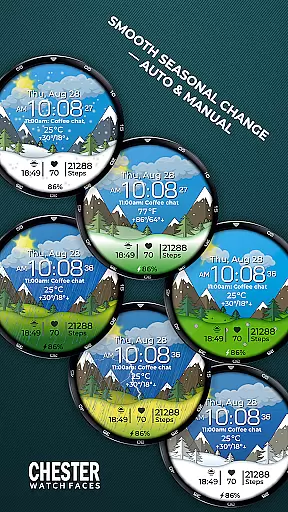
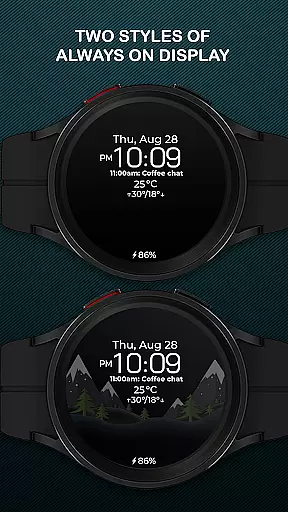
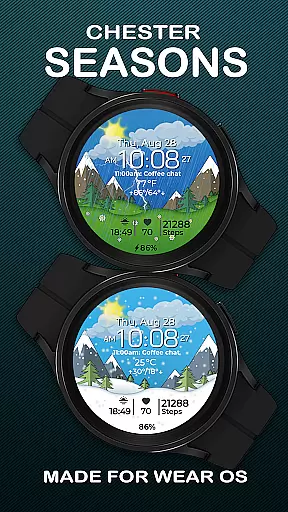
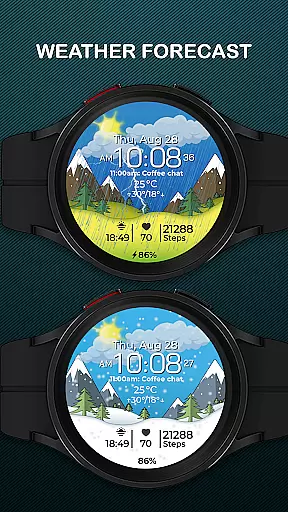
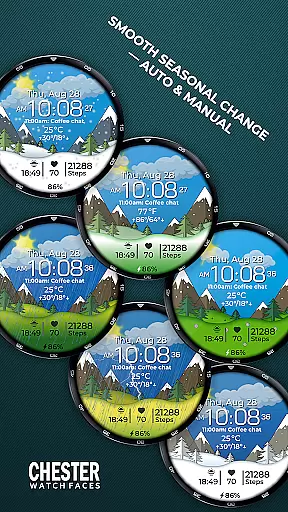
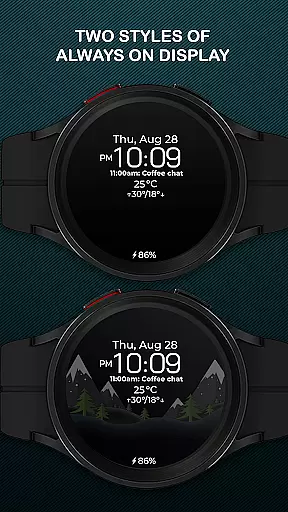
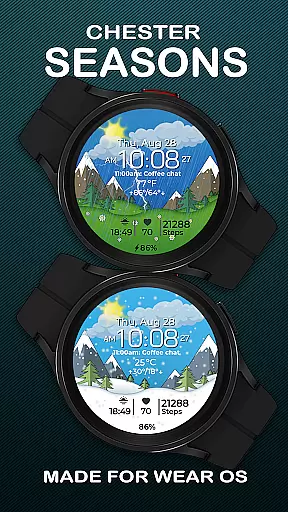
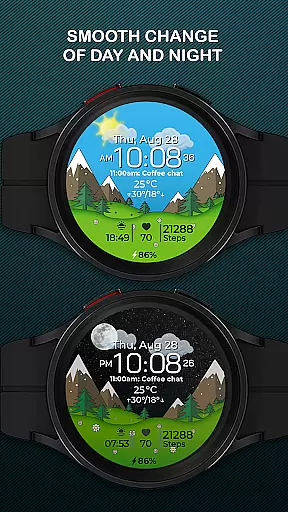
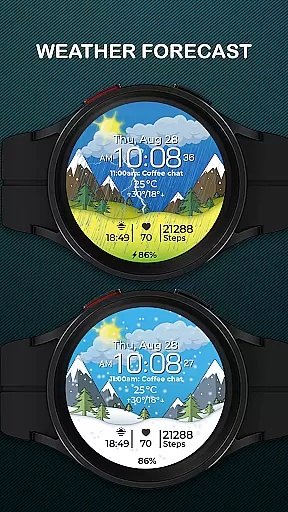
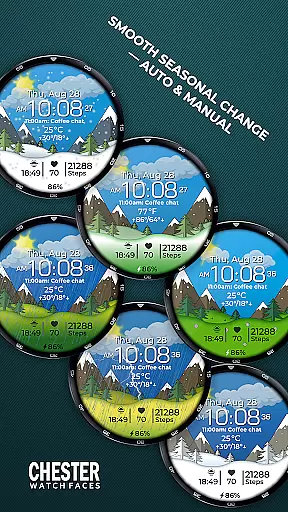
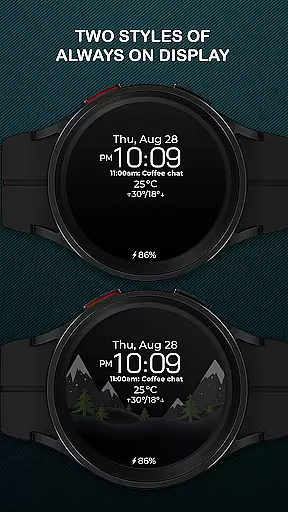
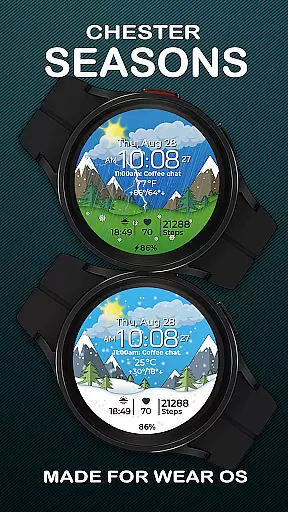
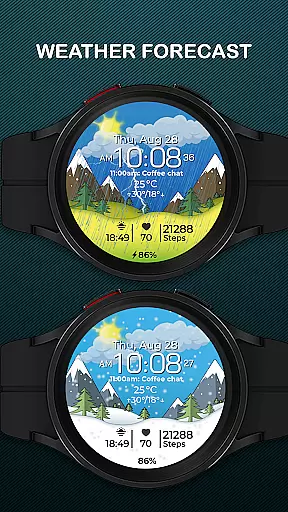
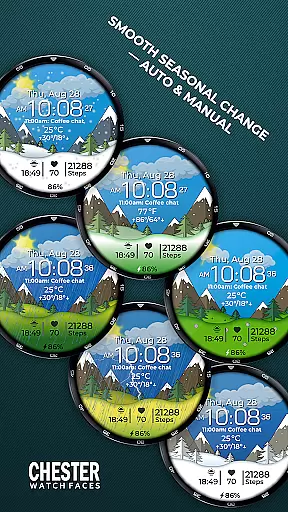
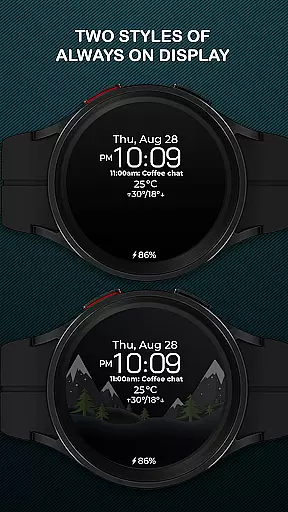
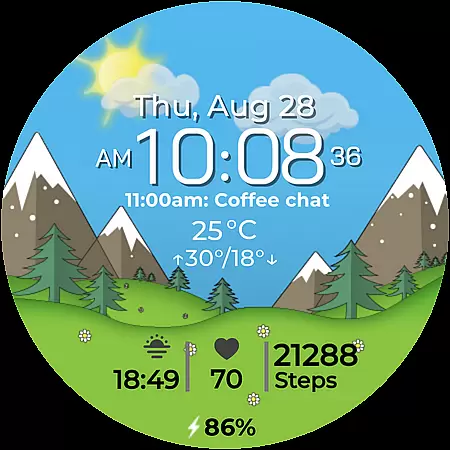
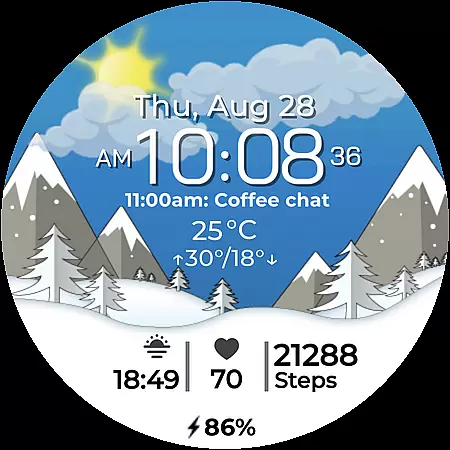
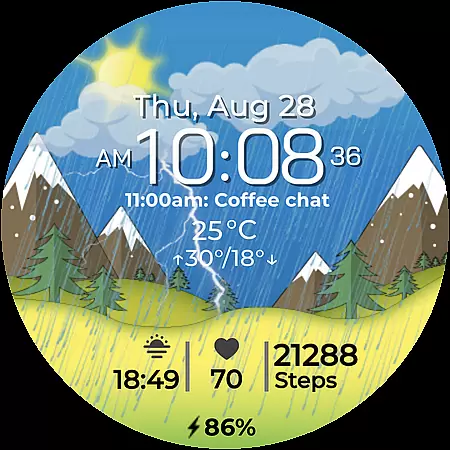
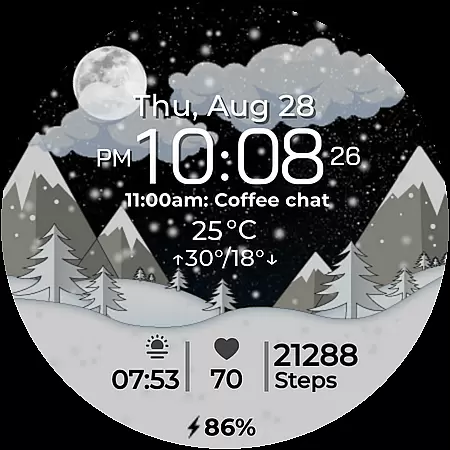
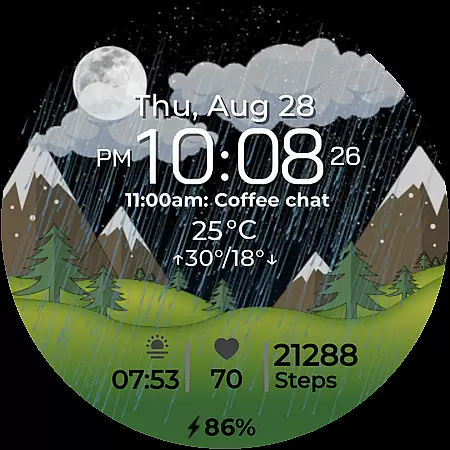
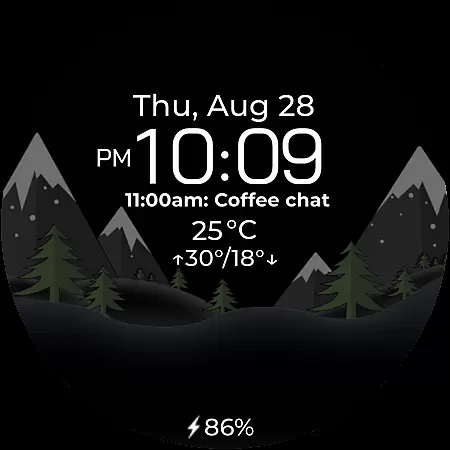
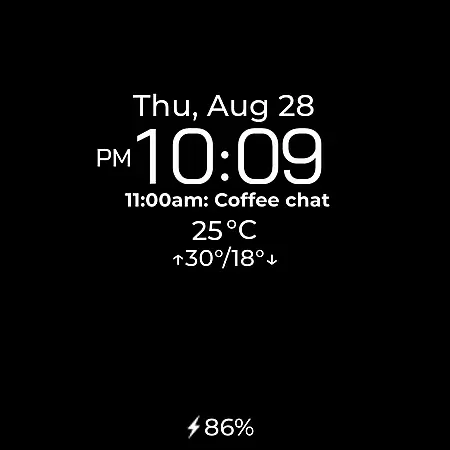
Chester Seasons is a dynamic and stylish watch face designed for Wear OS, offering both aesthetic appeal and practical functionality. This app transforms your smartwatch into a versatile accessory that adapts to seasonal changes and provides essential information at a glance.
Key features include time display, date and weather information, battery level indicator, and customizable complications. The smooth animations and interactive elements create an engaging user experience while the quick access zones allow efficient navigation to apps and workouts.
Ideal for users seeking a balance of style and utility, Chester Seasons is perfect for those who want their smartwatch to be both fashionable and functional. Compatible with Wear OS API 30+ devices, it brings your wristwear to life with dynamic seasonal themes and useful data displays.
Chester Seasons stands out with its rich feature set tailored for smartwatch users. The app offers a comprehensive time display along with date, month, and day indicators, ensuring you're always informed. Its battery level indicator helps manage device usage effectively.
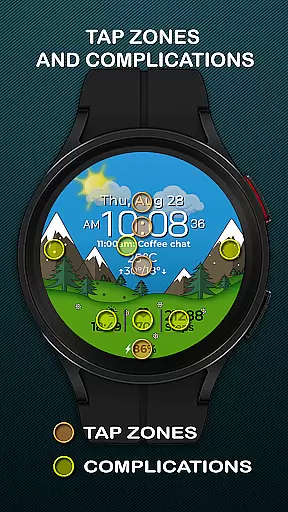
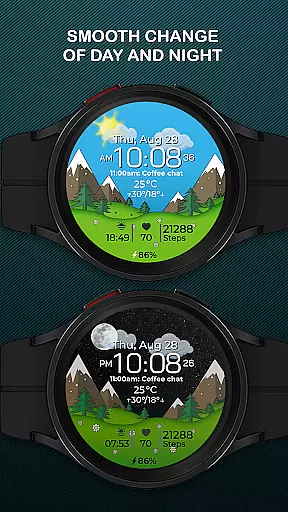
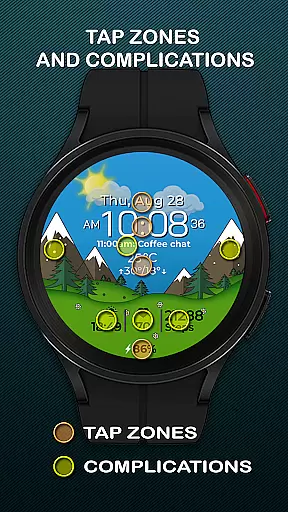
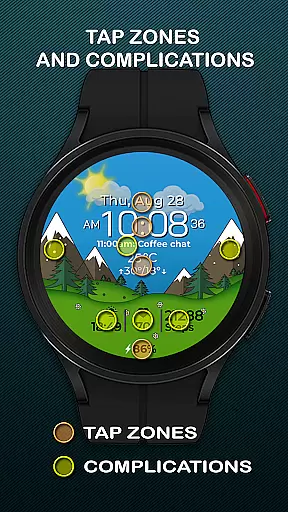
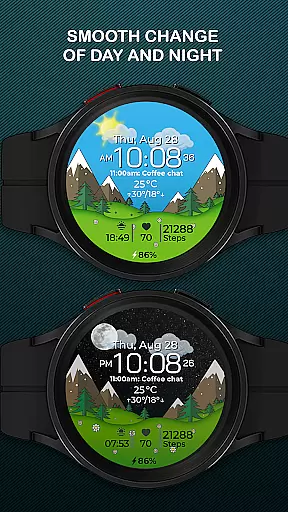
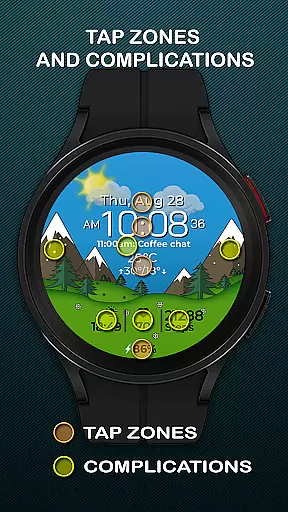
The watch face supports up to four customizable complications, allowing users to choose what information is displayed. Three interactive quick access zones provide shortcuts to frequently used apps and workout modes. Smooth transitions between day and night, as well as seasonal changes, enhance the visual experience.
Weather integration displays current conditions and temperature ranges in both Celsius and Fahrenheit. While devices running below Wear OS API 34 have limited functionality, Chester Seasons remains a top choice for users seeking a visually appealing and highly functional watch face.
Companion app integration is essential for a seamless wearable experience. Chester Seasons watch face ensures that your Wear OS device works in harmony with your smartphone, providing real-time updates and synchronization of data.
This watch face allows users to customize their display settings directly from the companion app, ensuring that all preferences are accurately reflected on the wearable. The ability to control complications and access zones through the companion app enhances user convenience.
By integrating smoothly with the companion app, Chester Seasons offers features like weather display, manual seasonal background changes, and quick access to favorite apps or workouts. This connectivity ensures that users have access to the most relevant information at a glance.
The synchronization between the companion app and the watch face guarantees that any changes made on one device are immediately reflected on the other, offering a cohesive and efficient user experience across devices.
Ensuring broad device compatibility is crucial for maximizing user accessibility. Chester Seasons is designed to work seamlessly with all Wear OS API 30+ devices, including popular models like Google Pixel Watch and Samsung Galaxy Watch series.
This compatibility extends the stylish and functional benefits of Chester Seasons to a wide range of smartwatch users. By supporting both circular and non-rectangular watch designs, it caters to diverse user preferences and device types.
With support for both Celsius and Fahrenheit temperature displays and multiple language options, this watch face adapts to individual user needs while maintaining high performance standards across different devices.
Device compatibility also means that users can enjoy consistent quality and functionality regardless of their specific Wear OS device, making Chester Seasons a versatile choice for enhancing smartwatch utility and aesthetics.
Stylish design
Customizable features
Interactive zones
Seasonal animations
Weather integration
No rectangular support
Limited on older OS
Weather not free
Manual season pay
Complication limit

Analog watch face with 8 complications and expedition styling
 4.3
4.3
Watch face designed for Thanksgiving Day. 7 Background Styles included.
3.20
Sleek, highly customizable watch face inspired by Galaxy Watch Circle Dashboard.
4.3
Let's celebrate Thanksgiving - Wear Os watch face
4.20
Connect to your Bluelink equipped Hyundai vehicle from your smartphone.
4.50
Get helpful reminders, take progress photos and find answers to your questions.
3.90
Stylish, Energizing and Modern Watch Face crafted by Dominus Mathias.
4.50
Track your active life in one place and share the journey with friends.
4.40
Spam call blocker and caller ID for automatic call protection!
4.40
Christmas - Festive - Christmas Village - Winter - Christmas lights
5.00
Gym Log & Workout Tracker | Fitness Journal, Training & Weight Lifting Planner
4.90
Monitor health with the stress test and pulse checker in the heart rate app.
4.60
Ideal for surviving in the wasteland left after nuclear fallout
4.50
Bold weather Digital watchface with forecast & optional animated background
4.40
Premium hybrid watch face with many customizations for Wear OS devices.
4.40
A white realistic classic analog watch face with many customization options.
4.40
Snowflake Rose Gold Watch Face - Digital, modern, & sleek with GYRO effect.
4.10
Wear Os Watch Face - Animated Snow - Sesonal for Christmas & Winter
4.4
Stunning modern digital watch face with 7 complications and strong contrast
4.0


User Reviews