
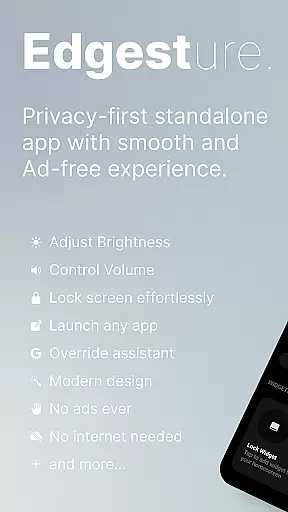
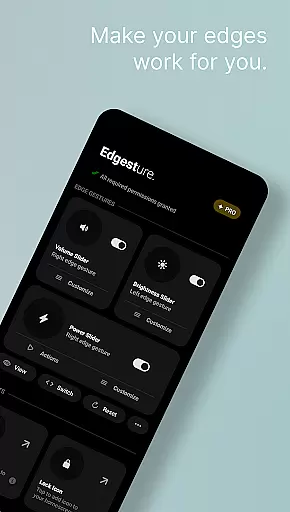
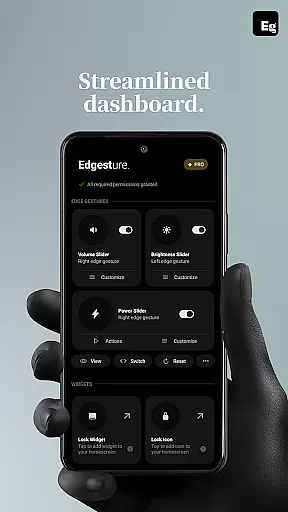
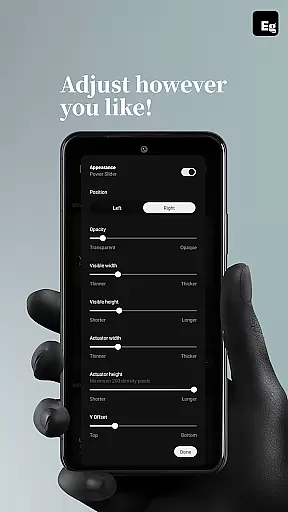
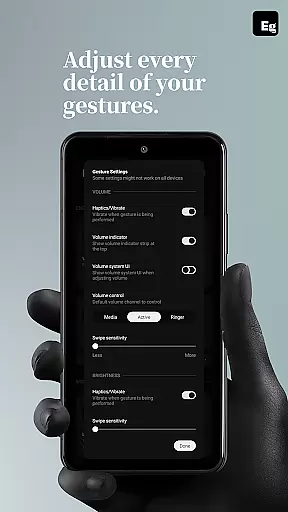
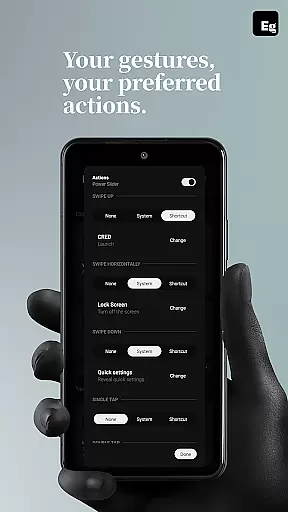
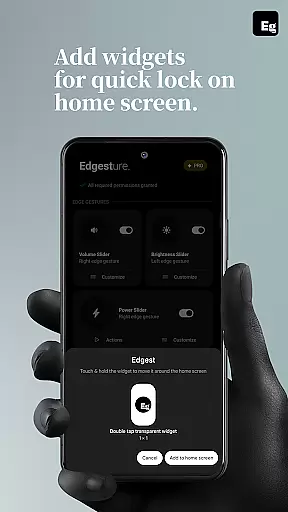
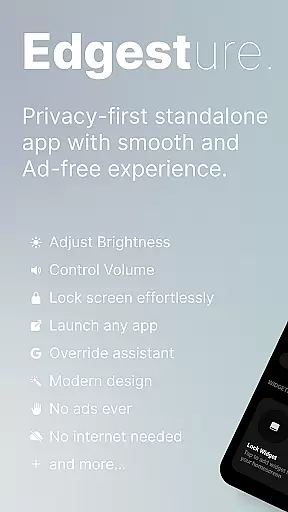
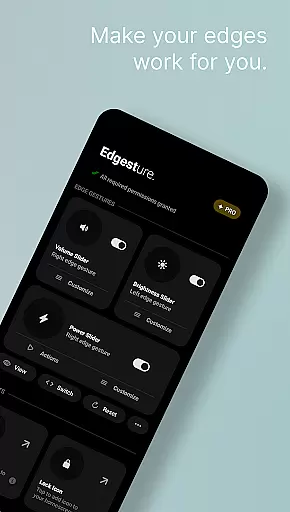

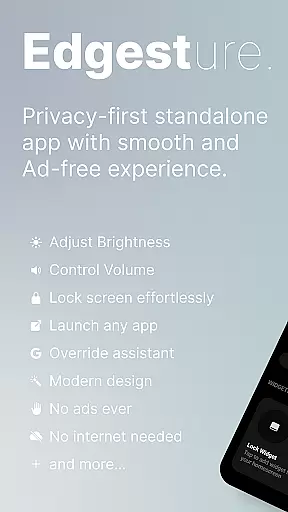
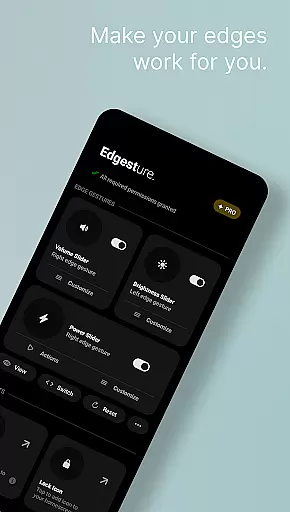
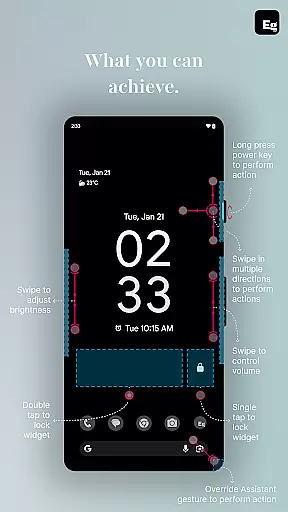
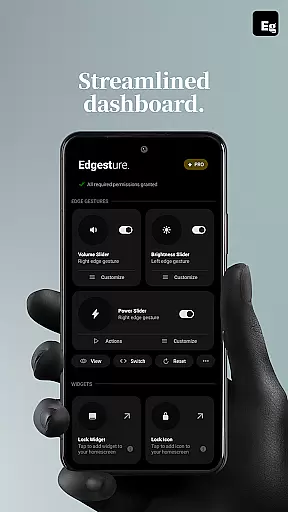
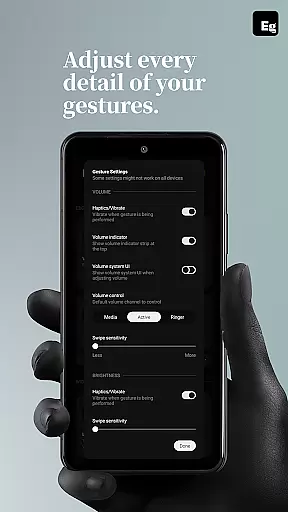
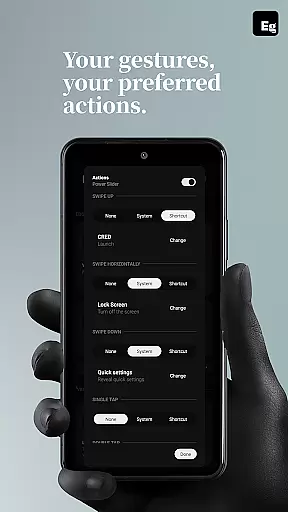
Edgest is a powerful personalisation tool designed to enhance your smartphone experience through intuitive gesture navigation and customisable shortcuts. The app allows users to take complete control of their devices by using edge gestures for quick access to favourite apps and essential functions.
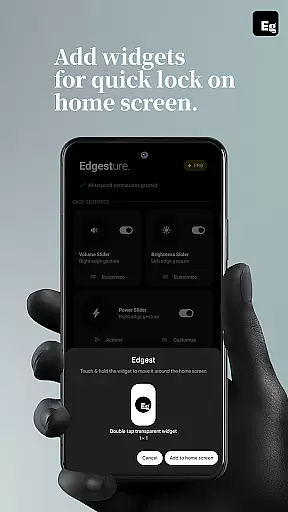
With features like volume and brightness control directly from the screen's edge, custom gestures for launching apps or triggering system actions, and lock screen widgets for effortless device locking, Edgest offers a highly personalised and efficient user experience. Built with simplicity in mind, it ensures no ads, tracking, or extra charges, making it an ideal choice for those seeking a seamless and customisable mobile experience.
Edgest stands out with its comprehensive set of features tailored for enhanced device control. The app provides edge gestures that allow users to navigate their smartphones effortlessly, including quick access to favourite apps and actions without opening menus.
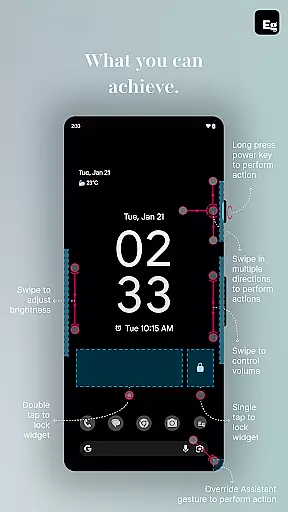
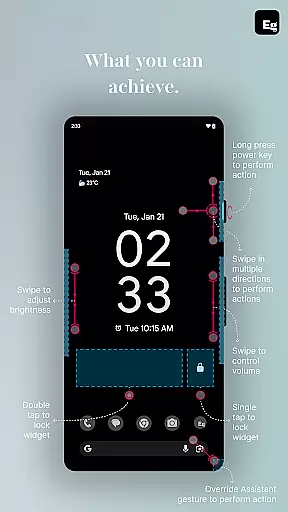
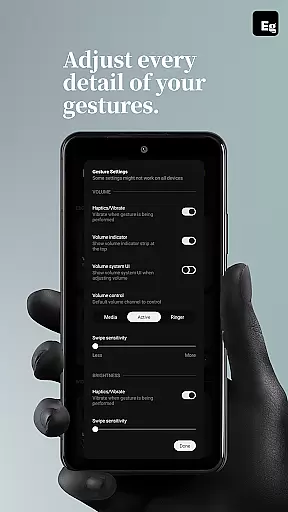
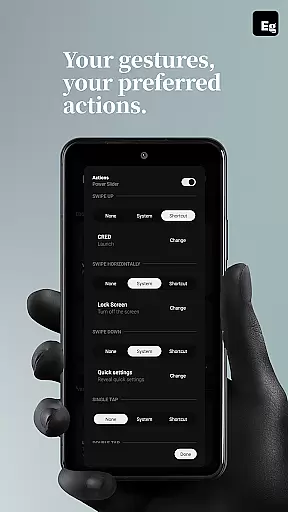
One of the key highlights is the ability to control volume and brightness instantly from the screen's edge. Additionally, users can create custom gestures to launch apps, open system menus, or trigger shortcuts. The inclusion of a quick settings tile adds another layer of convenience, enabling instant access to custom actions. With options like lock screen widgets and media control via gestures, Edgest ensures a highly customisable experience that adapts to individual needs.
Edgest Edge Gestures & Control offers a diverse range of customization options that allow users to tailor their device interaction according to personal preferences. The app supports edge gestures, custom gestures, and instant access shortcuts, making it highly versatile.
With features like volume control, brightness adjustment, and media playback control directly from the screen's edge, users can perform essential tasks without navigating through menus. This level of customization extends to creating personalized gesture shortcuts for launching apps or accessing system functions.
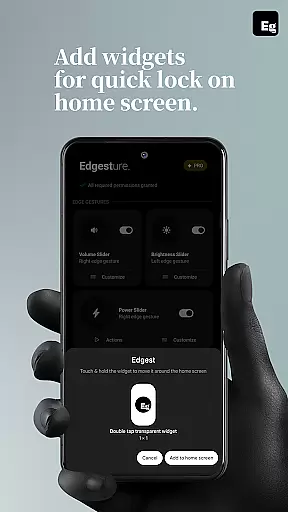
The ability to add quick settings tiles and lock screen widgets further enhances user experience by providing instant access to frequently used actions. These options ensure that users can streamline their smartphone interactions in a way that best suits their lifestyle.
Overall, Edgest empowers users with an unprecedented degree of control over their device navigation, making daily tasks faster and more intuitive while offering a personalized touch to the smartphone experience.
While Edgest Edge Gestures & Control focuses primarily on gesture-based navigation and shortcuts, its design ensures seamless theme compatibility across various devices and operating systems. This means users can enjoy a consistent experience regardless of their device's current visual theme.
The app is built with simplicity and user experience in mind, ensuring that its interface remains clean and unobtrusive. By avoiding unnecessary ads, tracking, and extra charges, Edgest maintains a lightweight presence that doesn't interfere with other themes or system settings.
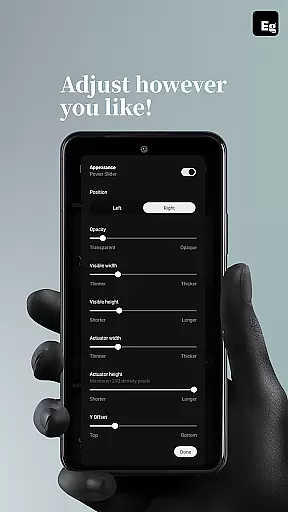
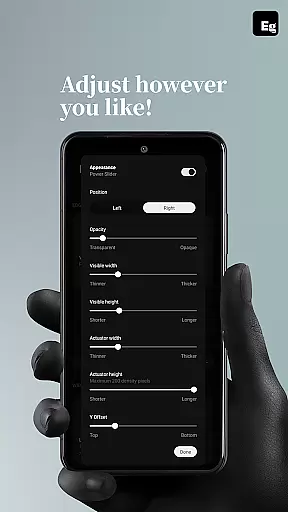
Moreover, the customizable nature of Edgest allows users to adjust gesture sensitivity, animation speed, and feedback, which contributes to maintaining visual harmony with any chosen theme. Users can personalize their gesture navigation exactly how they want while retaining the aesthetic integrity of their deviceu2019s appearance.
This thoughtful approach to theme compatibility ensures that Edgest integrates smoothly into any setup, enhancing functionality without compromising on style or consistency.
Intuitive gesture navigation
Customisable shortcuts
No ads or tracking
Lightweight and battery-friendly
Enhanced productivity tools
Limited to Android devices
Requires accessibility permissions
Some features may need technical knowledge
Premium version might be costly
Learning curve for new users

Glass style colourful icons with a One UI look and feel
 4.60
4.60
Ninja Turtles Cowabunga SE watch face for Wear OS
4.50
Wear Os Watch Face - Seasonal - Animated Snow Effect - 9 Animals
4.20
Interactive Miniature Painting Catalogue
3.30
App Icon Changer & Shortcut Creator. Customize your icons without any watermarks
4.30
Design your screen with unique, vibrant clocks
3.80
One 8 icons glass color version
4.80
Transform your device in a game console
4.40
350+ widgets with a premium glass-style finish, perfect for home & lock screens.
4.70
Wallpaper HD 4K Live - Thousands of high-quality Anime backgrounds for you.
4.80
Add cute Shimeji pets to screen, interact with them and relax with cute motions
4.60
Over 28,000 high quality icons to bring color & homogeneity to your phone.
4.60
Embrace the Night. Unleash the power of darkness with Raven Dark Icon Pack
4.60
Stylish Pink Cute Hippo keyboard with 10000+ customized keyboard themes!
4.60
Handcrafted pixel art icons, widgets & wallpapers
4.60
Try creating your own keyboard with "Keyboard theme for android" app now!
4.50
Color phone with cool effects for call screen, flash alert & ringtones music
4.50
A light in the dark, a unique style and an andless cutomization!
4.30
Run multiple accounts of the same app on a single device
4.10


User Reviews