
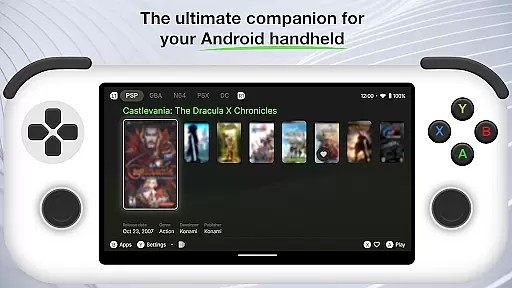
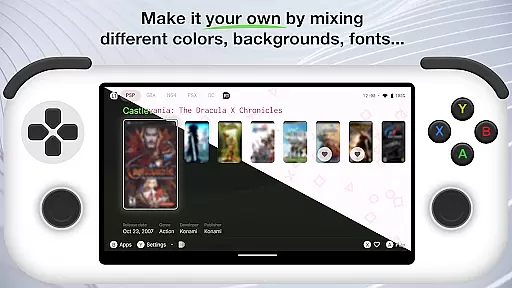
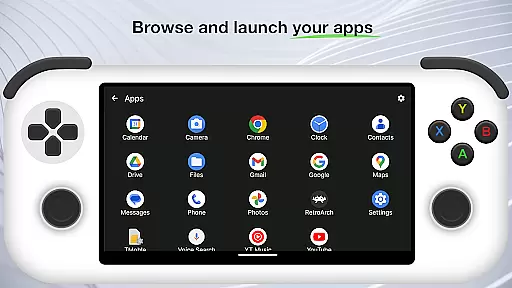
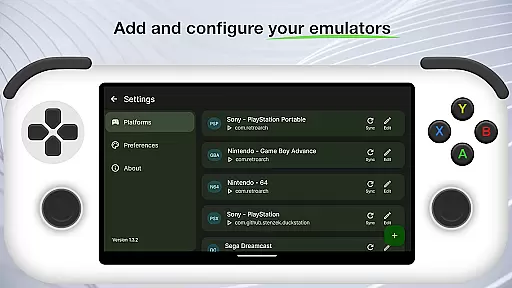
Beacon Game Launcher is an innovative Android launcher that elevates your retro gaming experience. Designed for classic game enthusiasts, this app allows users to organize and launch their favorite retro games with ease.
The app's core functionality lies in its ability to integrate with various emulators, enabling gamers to curate a personalized collection of retro games. By automatically scraping cover art and metadata, Beacon enhances the presentation of your game library, making it more visually appealing and organized.
Ideal for nostalgic gamers, Beacon Game Launcher provides a seamless way to relive the classics while maintaining a modern and efficient organizational structure for your gaming collection.
Beacon Game Launcher offers a range of features designed to enhance the retro gaming experience. One of its standout capabilities is the automatic scraping of cover art and metadata, which enriches the user's game library with visually appealing details.
The app supports integration with multiple emulators, allowing users to add their preferred emulation software and manage their entire retro game collection from a single interface. This feature streamlines the process of launching games directly from the app.
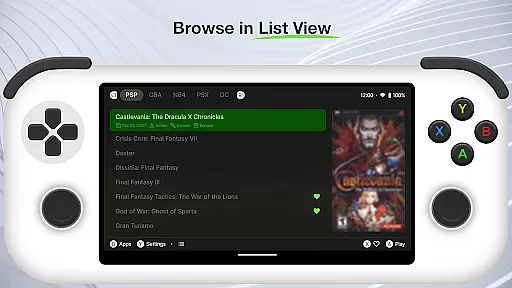
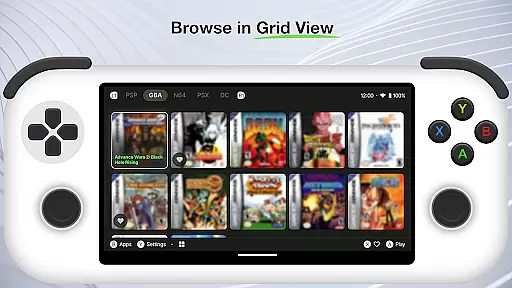
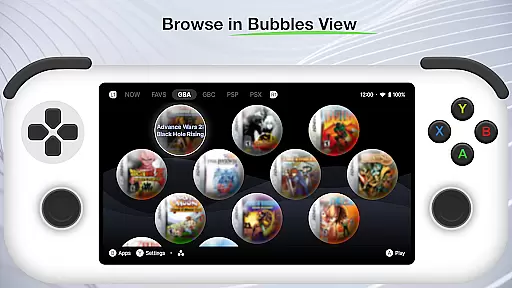
Additionally, Beacon provides customization options for organizing and displaying your game library, ensuring that each user can tailor the launcher to fit their personal preferences and optimize their gaming sessions.
Customization is at the heart of Beacon Game Launcher, allowing users to tailor their gaming interface to individual preferences.
This Android launcher supports adding preferred emulators, giving retro gaming enthusiasts the freedom to choose how they interact with their classic game collections.
Users can curate their game library by organizing titles and enriching them with metadata and cover art, enhancing both functionality and visual appeal.
The ability to launch games directly from the app adds a layer of convenience, making it an essential tool for personalizing and streamlining the classic gaming experience.
Beacon Game Launcher ensures seamless theme compatibility, enabling users to apply visual themes that match their personal style or mood.
The app's design supports the integration of various aesthetic elements, ensuring that users can maintain a consistent look and feel across their retro gaming library.
By automatically scraping cover art and metadata, the launcher not only enriches the useru2019s library but also ensures that all visual content aligns with the chosen theme.
This attention to visual harmony makes the gaming experience more immersive while preserving ease of navigation and usability.
User-friendly interface
Automatic metadata scraping
Supports multiple emulators
Customizable game library
Enhances visual appeal
No built-in games
Limited to Android
Requires setup time
Dependent on third-party emulators
Metadata scraping may fail

Prank your friends with realistic broken screen and cracked HD effects!
 4.2
4.2
Art & Emoji Keyboard with Cool Fonts, Cute Themes and Custom Designs.
4.40
Over 28,000 high quality icons to bring color & homogeneity to your phone.
4.60
Run multiple accounts of the same app on a single device
4.10
Zip lock screen with magic wallpaper to decorate your phone with fun zipper lock
4.60
Choose your keyboard with RGB colors effect, themes, fonts, emojis.
4.60
Your go to Weather App & Home Screen. Get your weather at a swipe of a finger!
3.80
Your home screen, just the way you like it.
3.80
Install amazing sticker packs: endless styles, always cool.
4.70
Only for Wear OS devices!
4.90
Dark icon pack based on One 8
4.80
Make your phone look simple & luxury, like iDevice
4.60
Yandex Browser — stylish and secure, with voice search and data compression
4.40
A light in the dark, a unique style and an andless cutomization!
4.30
The definitive Icon pack maker and editor
4.30
Magic fluids wallpaper 4D: Relax with stunning fluid simulation wallpaper app
4.20
Realistic animated snow on your wrist, with 10 images landscapes to choose from
4.00
Crystal-clear, square icon provides a sleek and sophisticated visual upgrade
4.00
Struggling to find apps? Use this app to locate and open any app on your phone!
2.20


User Reviews