
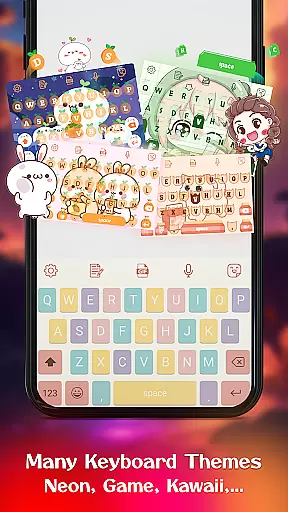
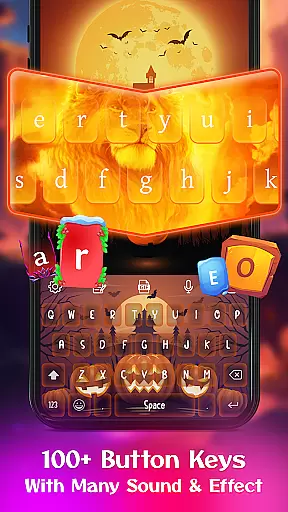
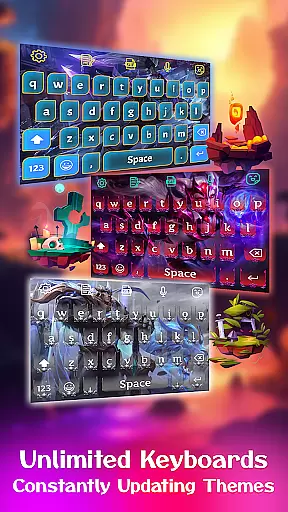
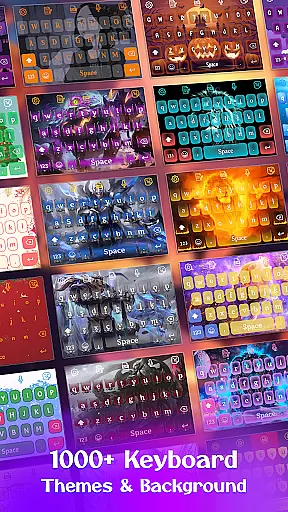
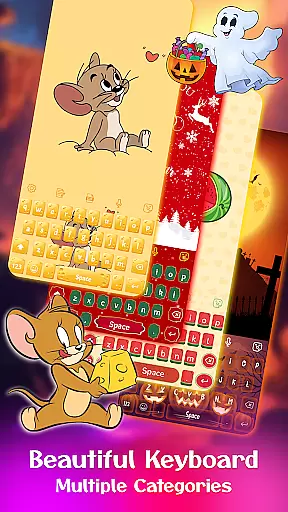
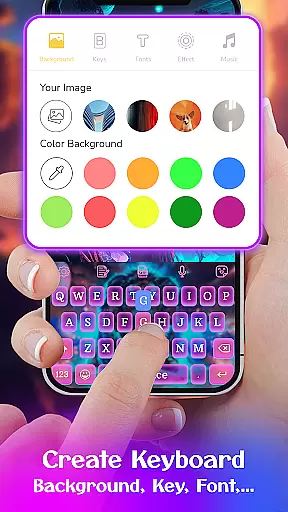
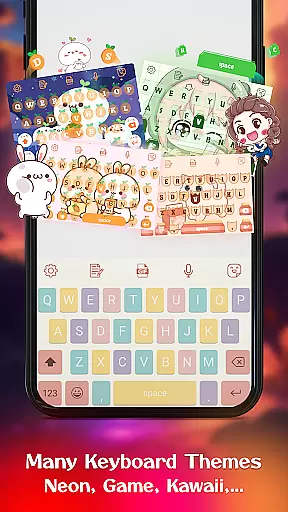
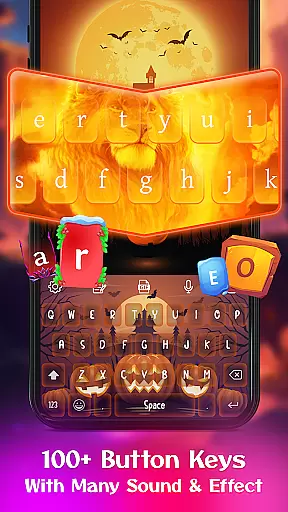
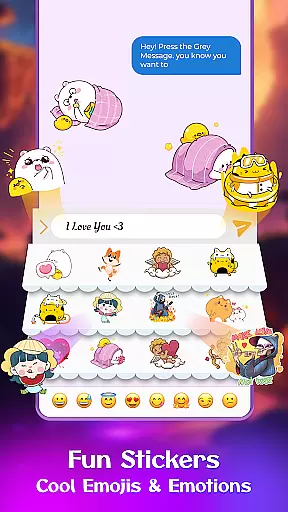
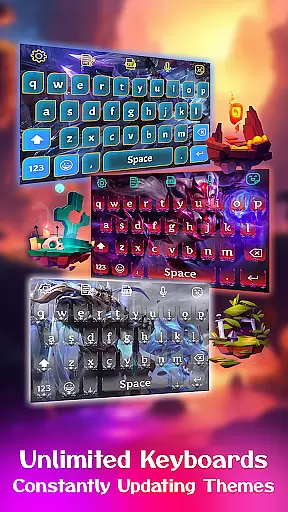
Keyboard Maker is a feature-rich keyboard application designed to enhance your typing experience on Android devices. This app offers a wide range of customization options, including free keyboard themes, wallpapers, and backgrounds. Users can choose from various themes such as iOS, LED, Neon, RGB, Emoji, Black, and Kawaii keyboards. Additionally, the app supports multiple languages and provides personalized features like creating your own keyboard theme with custom images.
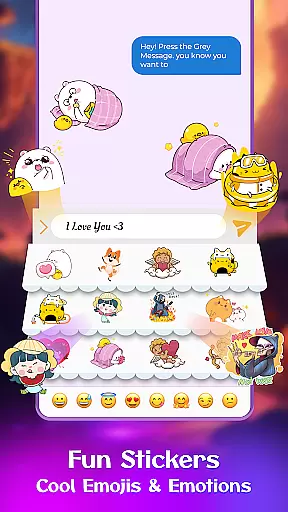
The app stands out with its smart autocorrect, word prediction, voice input, and gesture typing capabilities. It also includes an emoji keyboard with thousands of emojis, emoticons, cool fonts, trending GIFs, and smileys. With support for 150+ languages and additional functions like clipboard for fast copy-paste, vibration feedback, auto-capitalization, and suggestions, Keyboard Maker ensures a versatile and efficient typing experience tailored to individual preferences.
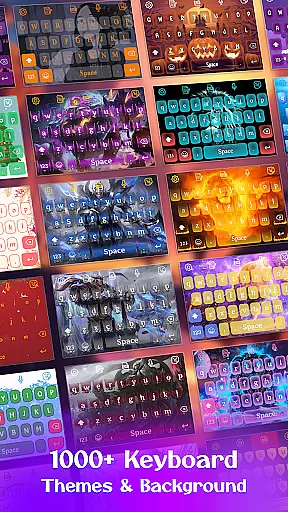
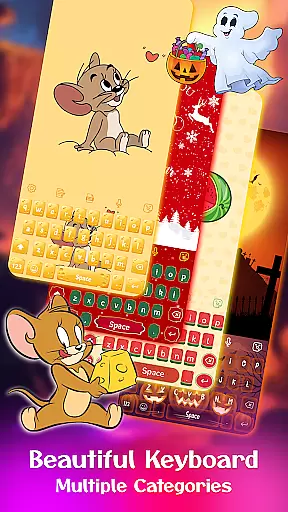
Keyboard Maker offers an extensive array of features that cater to diverse user needs. One of its standout features is the ability to customize the keyboard extensively. Users can select from over 500 free keyboard themes categorized into simple, colorful, LED, anime, love, cute, and custom themes. This allows users to personalize their typing experience according to their mood or style preference.
In addition to aesthetic customizations, Keyboard Maker provides practical functionalities such as smart autocorrect and word prediction which improve typing speed and accuracy. The app also supports voice input, gesture typing, and multiple keyboard layouts suitable for different devices. Furthermore, it includes a photo keyboard feature where users can set personal images as keyboard backgrounds, making each typing session uniquely theirs. These comprehensive features ensure that users have both an enjoyable and efficient typing experience.
Keyboard Maker offers an extensive range of customization options that allow users to personalize their typing experience. With over 500 free keyboard themes, including Led, Neon, and Anime themes, users can select a style that suits their personality or mood.
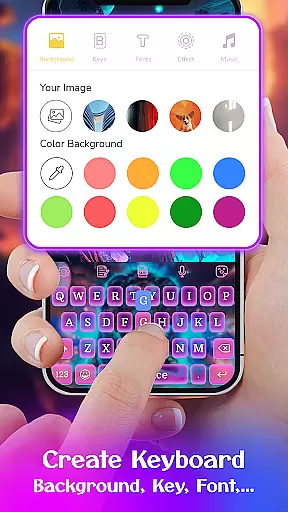
In addition to pre-designed themes, the app provides a feature called 'My Photo Keyboard,' which enables users to set personal images as keyboard backgrounds. This level of personalization ensures that each user's keyboard is unique to their preferences.
The app also includes various font choices and the ability to adjust keyboard layouts, catering to different devices and user needs. Such comprehensive customization not only enhances aesthetic appeal but also improves the overall usability of the keyboard.
By offering diverse customization options, Keyboard Maker empowers users to create a personalized and comfortable typing environment, ultimately leading to a more enjoyable and efficient communication experience.
Theme compatibility in Keyboard Maker ensures that all selected themes display correctly across different devices and screen sizes. The app supports a wide array of themes, from Simple and Colorful to Love and Cute themes, maintaining visual consistency and functionality on any Android device.
Users can instantly apply and switch between themes without experiencing layout issues or loss of quality. This seamless integration is vital for preserving the intended look and feel of each theme, regardless of the device being used.
Moreover, the app's support for multiple languages and customizable keyboard layouts guarantees that international users can enjoy localized themes without compromising on compatibility. This global accessibility broadens the app's reach and utility.
With reliable theme compatibility, Keyboard Maker delivers a cohesive and adaptable user experience, allowing individuals worldwide to express themselves through their keyboards while retaining optimal performance.
Highly customizable
Supports 150+ languages
Smart autocorrect and prediction
Voice input capability
Free keyboard themes
May consume more memory
Complex for beginners
Ads may appear frequently
Limited advanced font options
Potential privacy concerns

Winter's Journey: digital watch face for Galaxy Watch & Wear OS
 4.80
4.80
Romantic Kiss Stickers App. Start romantic messaging now!
4.30 4.50
4.50 4.10
4.10 3.50
3.50
Adaptive Dot Style IconPack with Light & Dark Theme.
3.70
One 8 icons glass color version
4.80
Customize phone with anime themes, 3D icons, aesthetic widgets & wallpapers
4.80
Custom ringtones songs, music ringtones for Android phones
4.60
A launcher for Samsung Good Lock and Good Guardians modules without ads
4.70
A retro cartoon style watch face and a punch right in the face of the copyright
4.60
Customize your home screen with stunning themes, blur, widgets & icons.
4.60
Ultra realistic gold analog watch face with lots of customization options.
4.50
3D, live, and moving wallpapers & themes in 4K and HD for your device.
4.50
Aesthetic Widgets, HD Wallpapers, Themes in Mico Widget for Home and Lock Screen
4.50 4.50
4.50
AI-powered Copilot. Personalized keyboard with gifs, stickers & themes
4.40
Adult video chat, dating, making friends, random matching
4.20
Crystal-clear, square icon provides a sleek and sophisticated visual upgrade
4.00


User Reviews