
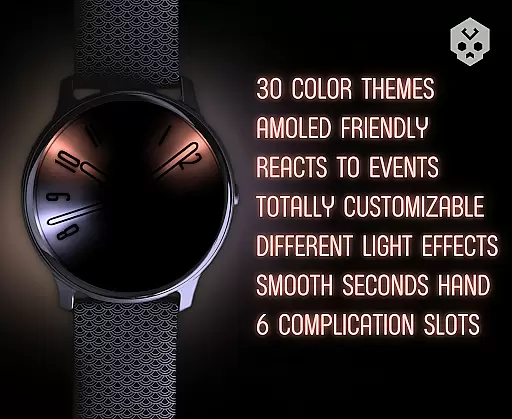
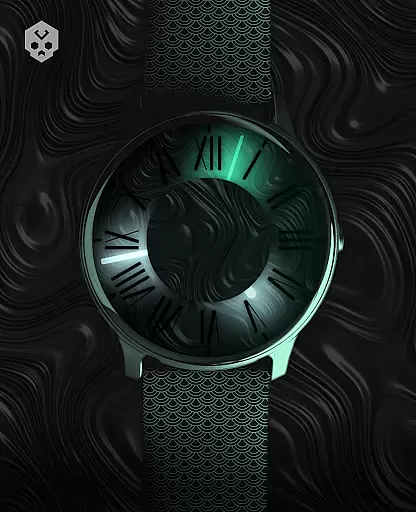
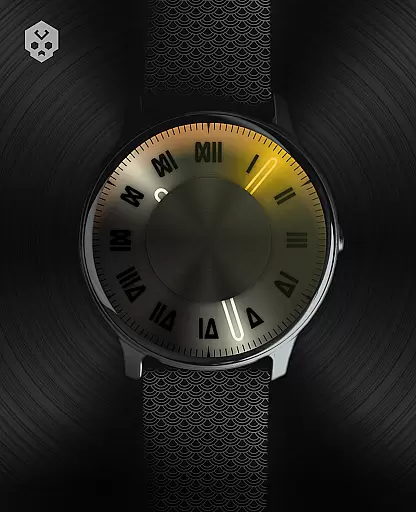

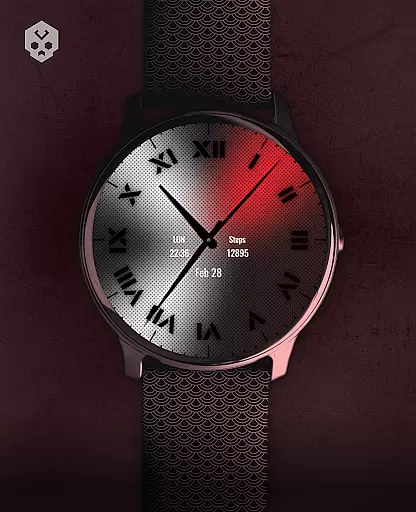
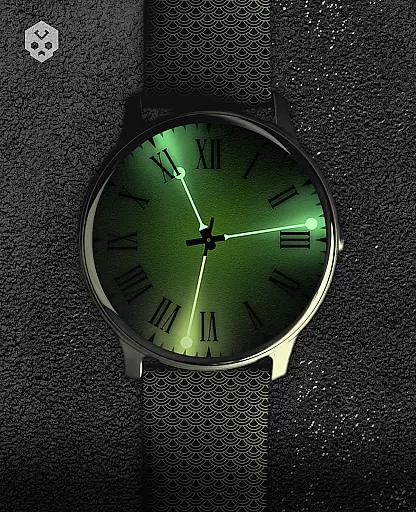
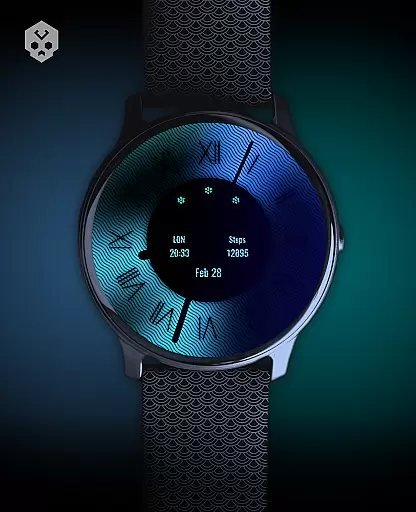
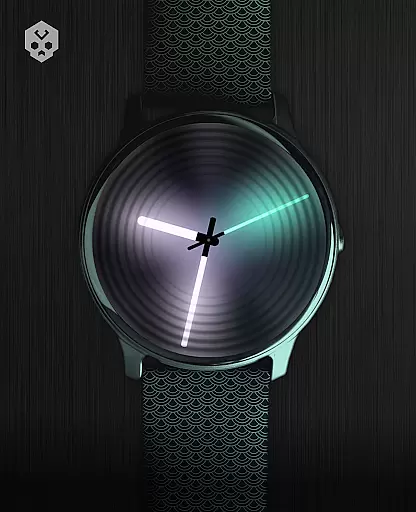
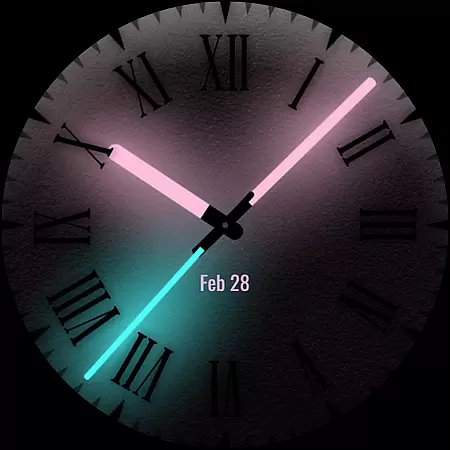
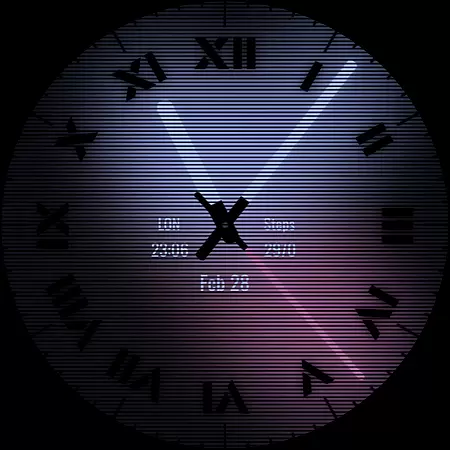
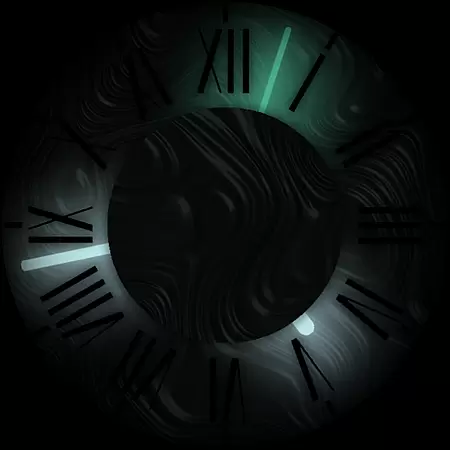

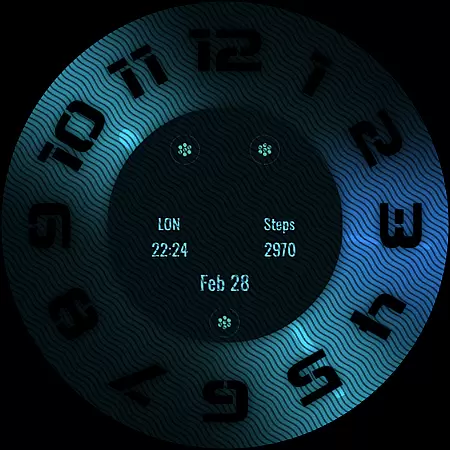
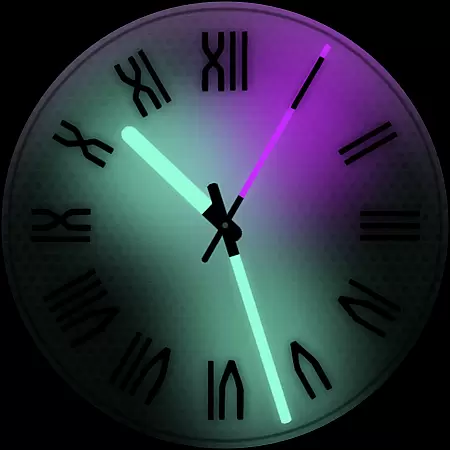
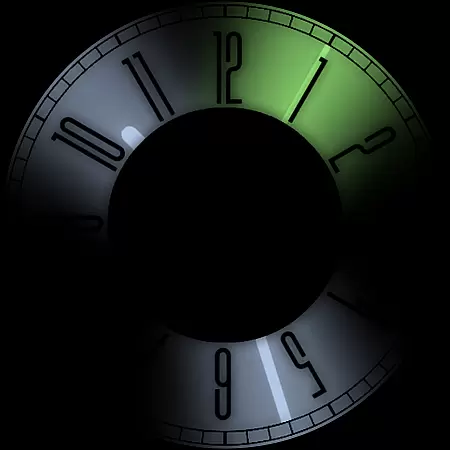
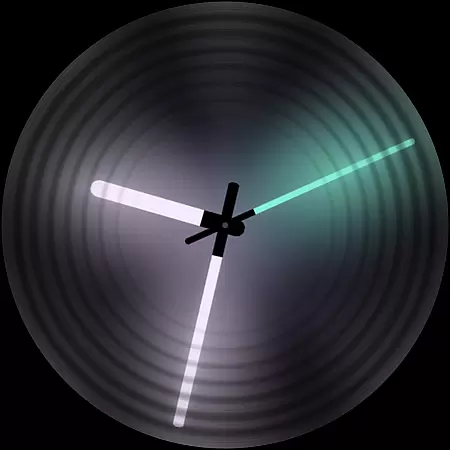
Dark Metal Saber Watch Face is a highly customizable Wear OS watch face designed for style-conscious users. It offers 30 color schemes and numerous customization options including clock hands, index, decorator, and more.
This standalone app works on various smartwatches like Samsung, Mobvoi Ticwatch, Fossil, Oppo, and Xiaomi devices running Wear OS. Its unique handcrafted design reacts to low battery, notifications, and charging states.
The watch face features 5 customizable complications in different sizes and includes an easy-to-use companion app for installation and setup. Ideal for users seeking both aesthetics and functionality in their smartwatch display.
This premium watch face stands out with its extensive customization capabilities. Users can personalize color schemes, clock hands, index styles, decorators, overlays, backlight effects, logos, and backgrounds.
Practical features include battery status indicators, notification responses, and charging alerts. The companion app simplifies installation while supporting 5 customizable complications in various sizes.
Unlike basic watch faces, this application maintains its uniqueness through handcrafted design elements that work seamlessly across multiple Wear OS devices, ensuring consistent performance and style.
Customization is at the heart of Dark Metal Saber Watch Face, offering users an extensive range of personalization options to suit their unique style. With 30 color schemes available, this watch face ensures that you can tailor your smartwatch's appearance to match your mood or outfit.
Beyond just colors, the application provides numerous customization features including adjustable clock hands, index decorators, and even darkness settings. Users can modify overlays, backlighting, logos, and backgrounds, ensuring a personalized experience that goes beyond superficial changes.
The ability to react to low battery, notifications, and charging status adds another layer of functionality, making sure that your watch face is not only stylish but also practical. This level of customization empowers users to create a truly individualized and dynamic wearable experience.
Dark Metal Saber Watch Face stands out with its seamless compatibility across a wide array of Wear OS devices. Whether you own a Samsung, Mobvoi Ticwatch, Fossil, Oppo, or the latest Xiaomi smartwatch, this standalone app promises a consistent and high-quality performance.
Its handcrafted design guarantees uniqueness while maintaining theme compatibility with various devices. The easy-to-use companion app facilitates smooth installation and management, allowing users to effortlessly switch between different themes without losing functionality or aesthetic appeal.
Moreover, the app supports five customizable complications in different sizes, enhancing user interaction without compromising on design integrity. This balance of form and function ensures that no matter which Wear OS device you use, Dark Metal Saber will deliver a cohesive and engaging experience.
Highly customizable
Wide device compatibility
Unique handcrafted design
Responsive support
Regular updates
Paid application
Complex setup process
Requires Wear OS
Limited free options
Account sync needed

Ninja Turtles Cowabunga SE watch face for Wear OS
 4.50
4.50
Gun Chase - Let the chase begin.
4.80
The definitive Icon pack maker and editor
4.30
Yandex Browser — stylish and secure, with voice search and data compression
4.40
300+ Stunning and well-designed widgets inspired by NOTHING.
4.70
Enjoy a variety of amazing live wallpapers and colorful EDGE lighting borders!
4.80
Magic fluids wallpaper 4D: Relax with stunning fluid simulation wallpaper app
4.20
Fast SMS & group chat - use GIFs and emojis from your home screen launcher.
4.50
Install amazing sticker packs: endless styles, always cool.
4.70
Vertically oriented rectangular icons
4.70
A retro cartoon style watch face and a punch right in the face of the copyright
4.60
Customize your home screen with stunning themes, blur, widgets & icons.
4.60
300+ widgets inspired by Material You and Material 3 expressive design.
4.60
Transform your phone with Launcher iOS 26 - Smooth & elegant iOS experience
4.50
Aesthetic Widgets, HD Wallpapers, Themes in Mico Widget for Home and Lock Screen
4.50
Color phone with cool effects for call screen, flash alert & ringtones music
4.50
Run multiple accounts of the same app on a single device
4.10
Capture moments that pass like a storm, second by second.
4.3
⭐ OneUI inspired Fluffy Icon Pack – Soft. Stylish. Standout. ⭐
4.1


User Reviews