
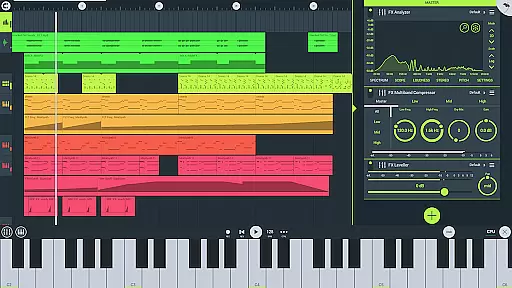
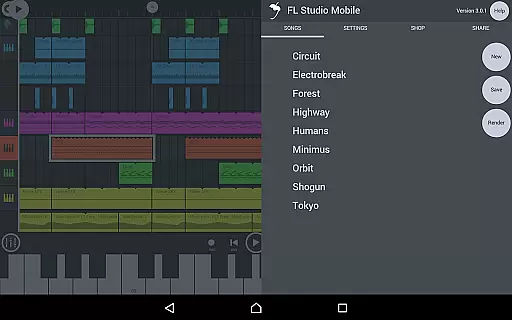
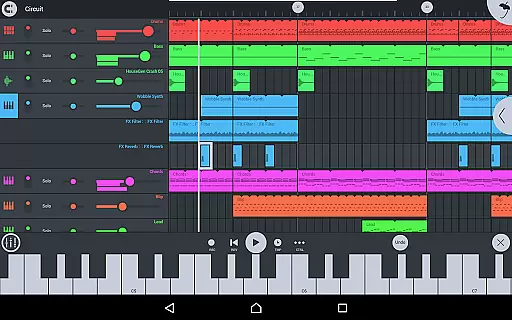
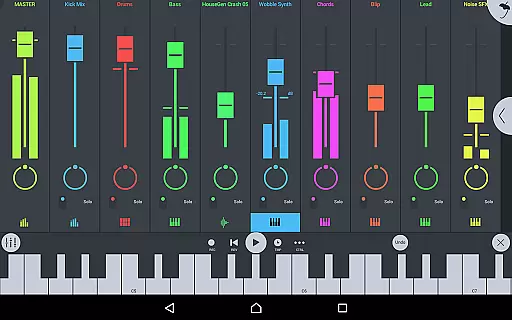
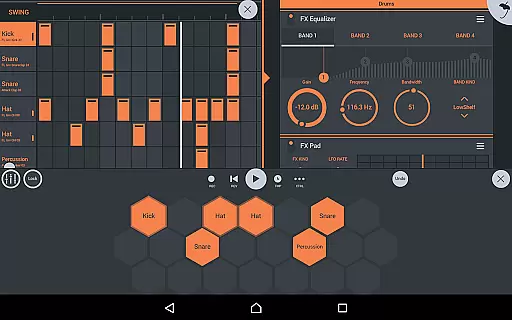
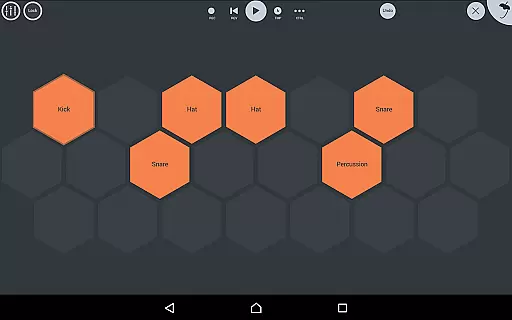
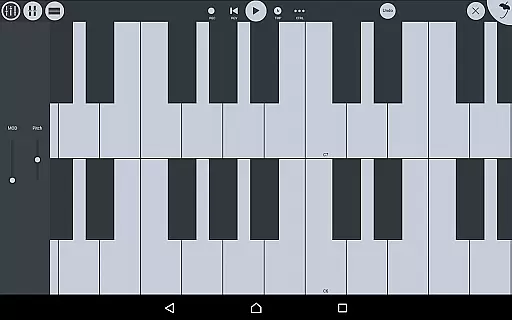
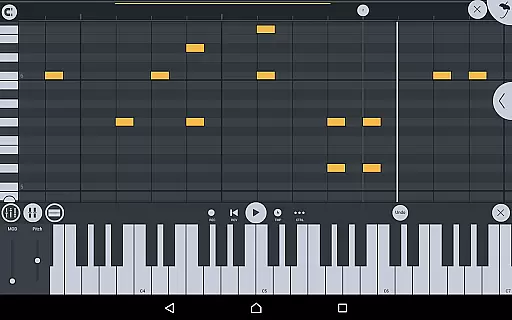
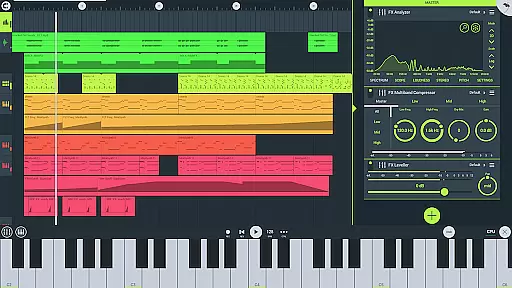
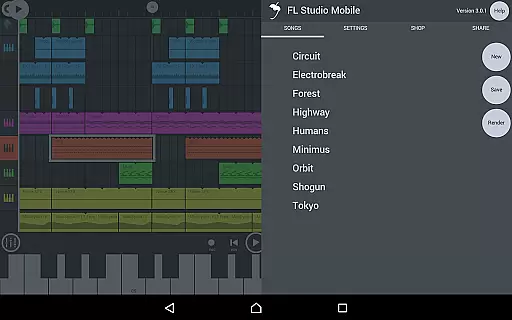
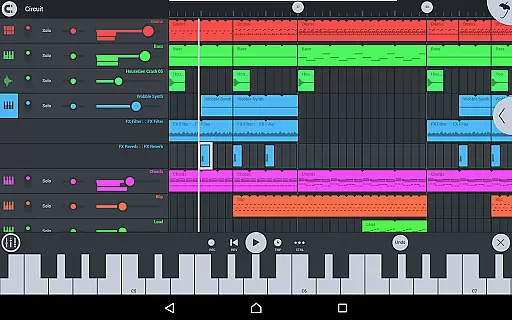
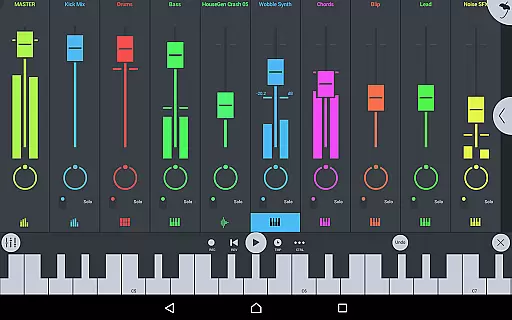
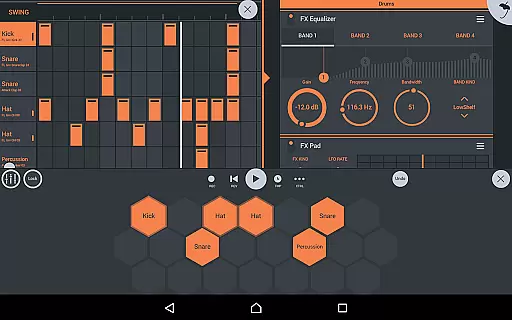
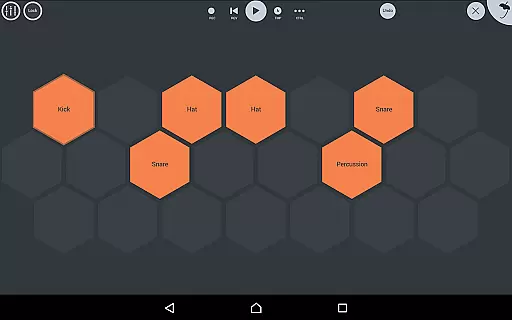
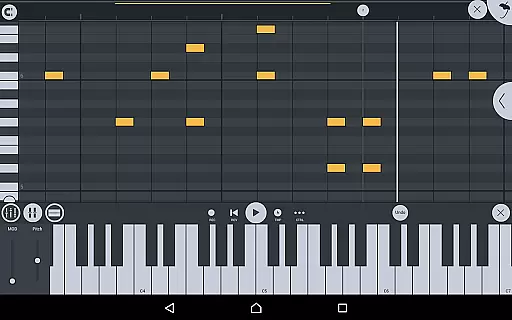
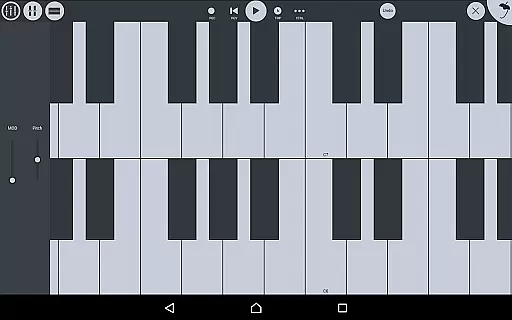
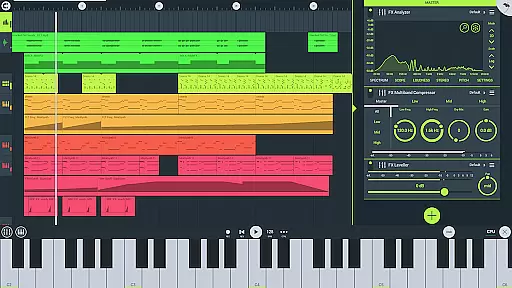
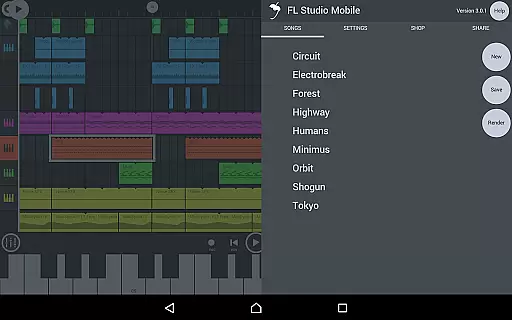
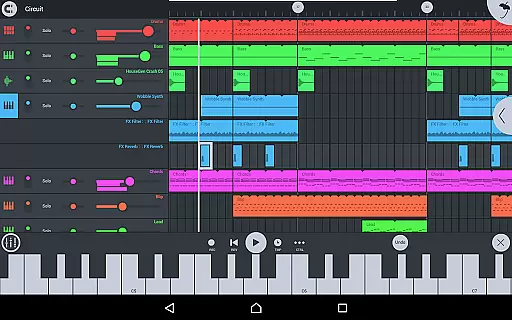
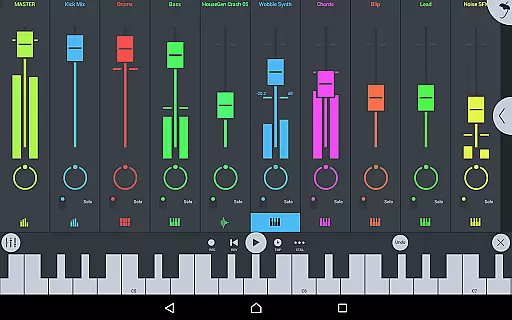
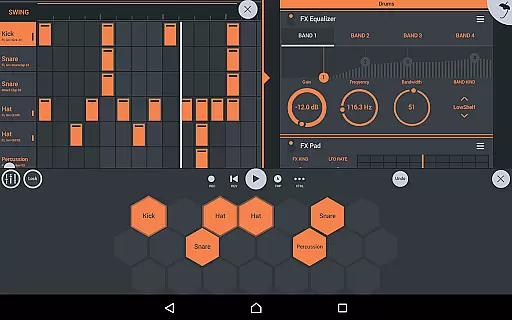
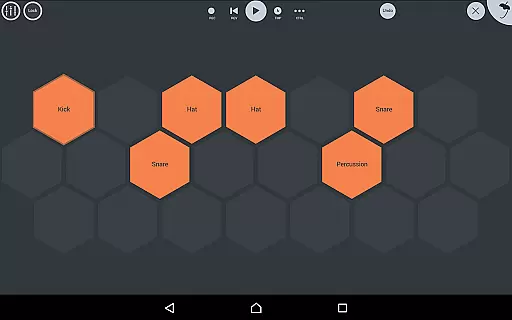
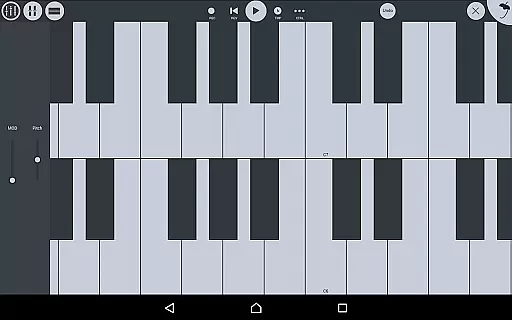
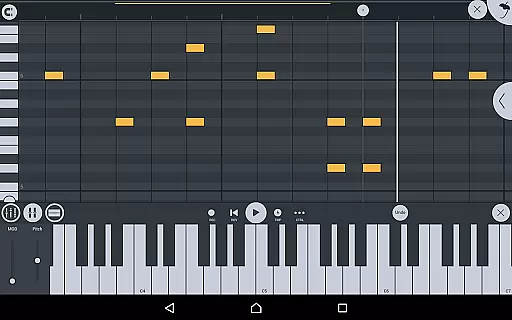
FL STUDIO MOBILE is a comprehensive music production application that allows users to create and save complete multi-track music projects on their mobile devices. The app supports audio recording, MIDI file import and export, and includes high-quality synthesizers, drum kits, and effects modules.
With features like full-screen DeX support, automation capabilities, and a configurable user interface, it caters to both amateur enthusiasts and professional musicians. Whether you're looking to record live instruments, sequence beats, or mix tracks, FL STUDIO MOBILE provides the tools necessary for producing high-quality music directly from your phone or tablet.
FL STUDIO MOBILE offers an extensive array of features including audio recording, track-length stem/wav import, and browsing samples with preview. It also boasts a wide range of built-in instrument modules such as Drum Sampler, DirectWave Sample Player, GMS, and more.
The app includes all effect modules like Chorus, Compressor, Limiter, and Reverb among others, ensuring that users have everything they need to edit, mix, and render complete songs. Additionally, its compatibility with various screen resolutions and sizes makes it versatile for different devices.
FL Studio Mobile offers an extensive music library that caters to a wide range of musical genres and styles. The app includes high-quality synthesizers, drum kits, sliced-loop beats, and a variety of instrument modules such as the Drum Sampler, DirectWave Sample Player, and more. These features ensure that users have access to a vast array of sounds and samples that can be used to create professional-grade music.
In terms of copyright authenticity, FL Studio Mobile provides assurance by including licensed content within its library. This means that all the instruments, drum samples, and presets are legally cleared for use, giving musicians peace of mind when creating tracks. Users can also import their own WAV files or purchase additional sample packs through in-app purchases, further expanding their creative possibilities while maintaining legal integrity.
The significance of having a large and authentic music library cannot be overstated. It allows artists to experiment with different sounds without worrying about infringing on copyrights. With FL Studio Mobile, users can focus on their creativity, knowing that they are working with legitimate, high-quality audio resources.
FL Studio Mobile stands out in the realm of audio production apps due to its commitment to delivering superior audio quality options. The application supports saving and loading projects in various formats including WAV, MP3, AAC, FLAC, and MIDI. This versatility ensures that no matter what the end goal isu2014whether it's sharing a track online or integrating it into a larger projectu2014the output will meet professional standards.
Moreover, the app boasts a suite of effect modules designed to enhance the audio experience. From parametric equalizers and graphic equalizers to reverbs and compressors, these tools allow for detailed sound shaping and mixing. Each effect has been crafted to provide clarity and depth, ensuring that every note and beat resonates with precision.
For those who demand even higher fidelity, FL Studio Mobile does not disappoint. Its support for FLAC format guarantees lossless audio quality, preserving every nuance of the original recording. Whether you're producing electronic dance music or laying down acoustic guitar tracks, the app's robust feature set empowers creators to achieve studio-level results directly from their mobile devices.
User-friendly interface
Wide range of instruments
High-quality effects
Supports MIDI controllers
Comprehensive editing tools
Requires learning curve
In-app purchases can add up
Advanced features may overwhelm beginners
Occasional bugs reported
Location permission required for Bluetooth

Turn your phone into a musical instrument from the future!
 3.90
3.90
The Skullcandy App Experience
3.20
Pay Once, no monthly payment
4.60
Most Advanced AI Song Generator and Music Creator. Rap, Pop, Rock, Gospel & more
4.70
Make songs with AI! Any genre, custom lyric, song generator for music creation!
4.80
Slow music down without changing pitch.
3.70
PowerAudio is a powerful offline music player.
4.20
One-tap booster for max volume - enjoy powerful sound with this audio booster
4.50
Play your music offline without limits
4.80
Voice recorder - Audio recorder. Best recorder for recording
4.90
Responsive piano with great sounds, graphics, and songs
4.80
Bass Booster & Volume Equalizer Pro improves your music and video sound quality
4.60
SqueezePlayer turns your Android phone or tablet into a SqueezeBox on its own!
4.60
Fun & Easy Voice Changer – Record, Edit & Add Hilarious Effects!
4.50
Help you quickly get started with Shokz headphones
4.40
The Music Journey in Your Hands
4.30
The ultimate media player for Android devices
3.90
Background pads for your band
3.80
Control your MIDI USB or Bluetooth devices in app and avoid some trampling
3.30


User Reviews