
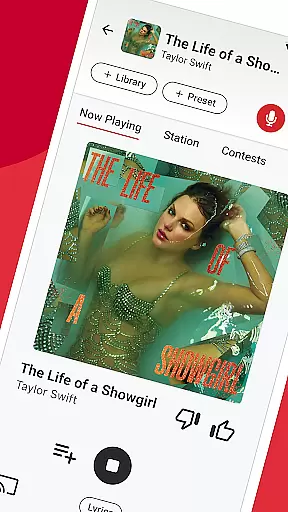

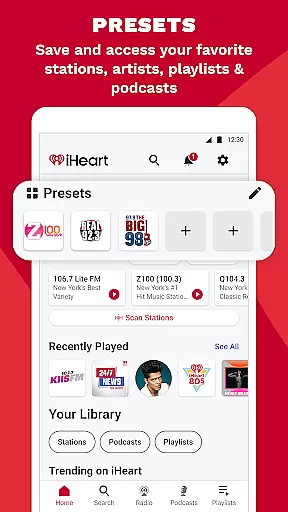
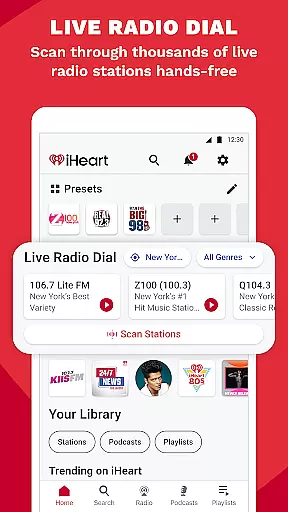

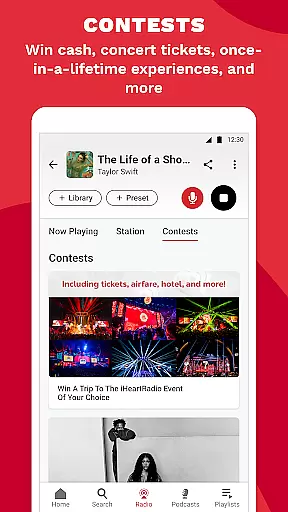
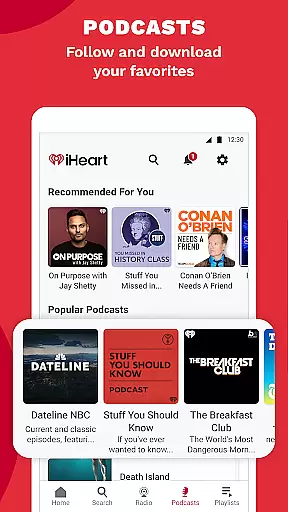
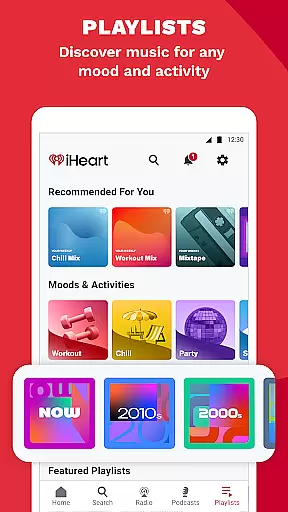
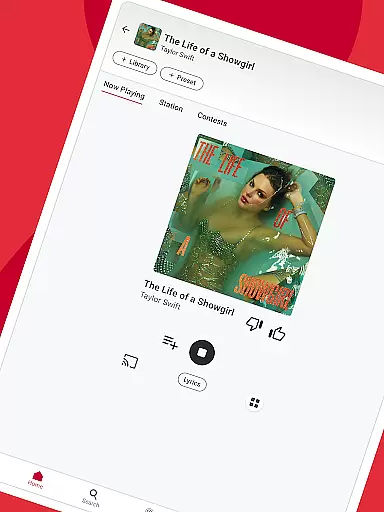
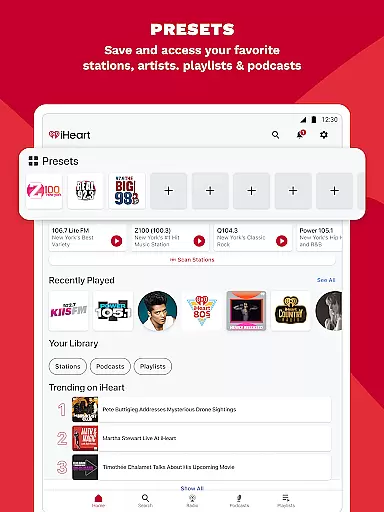
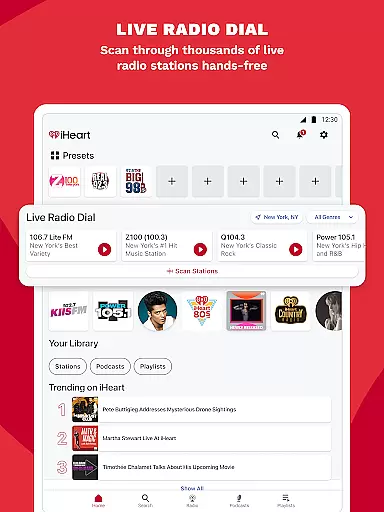
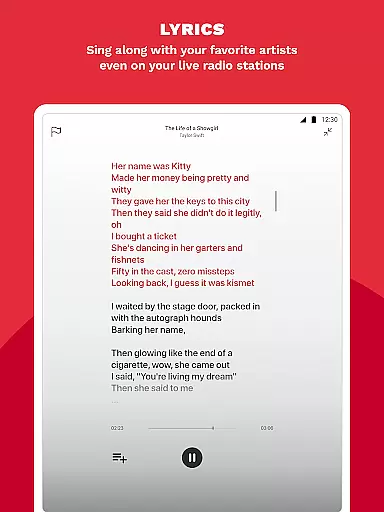
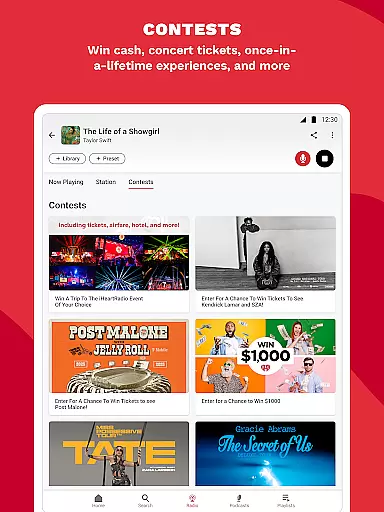
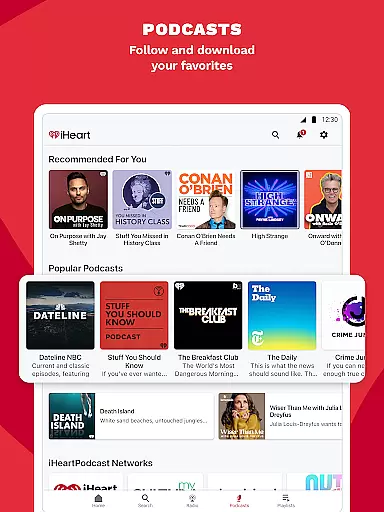
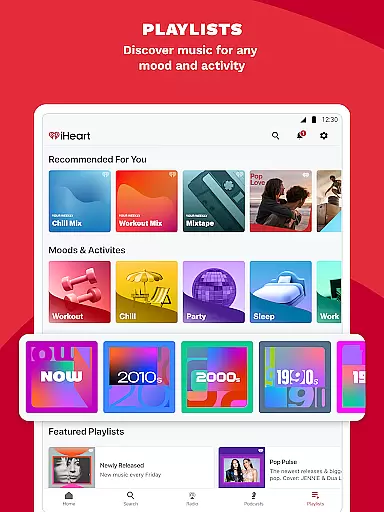
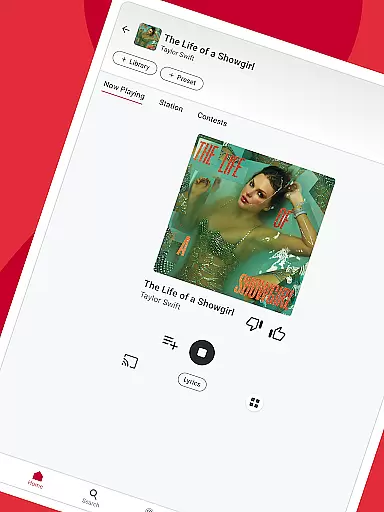
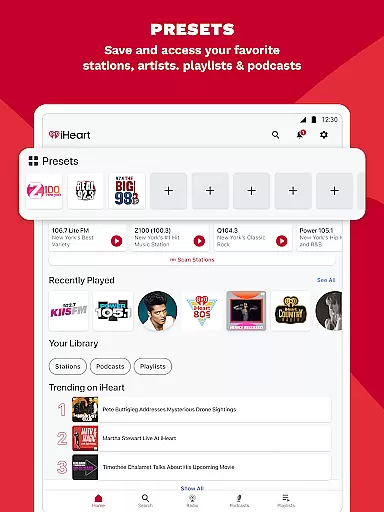
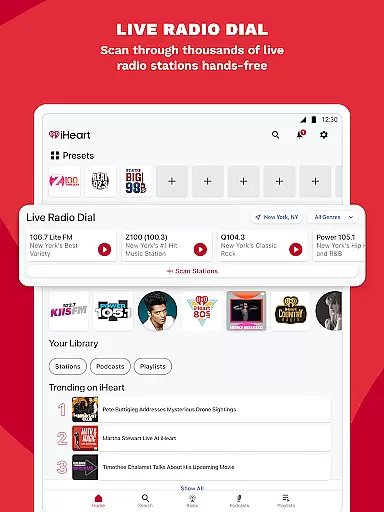
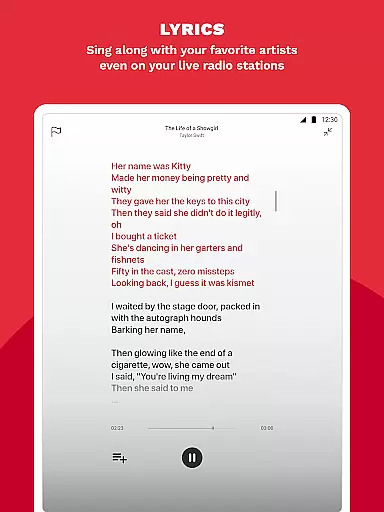
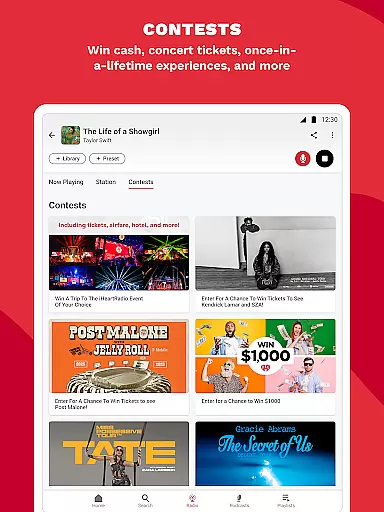
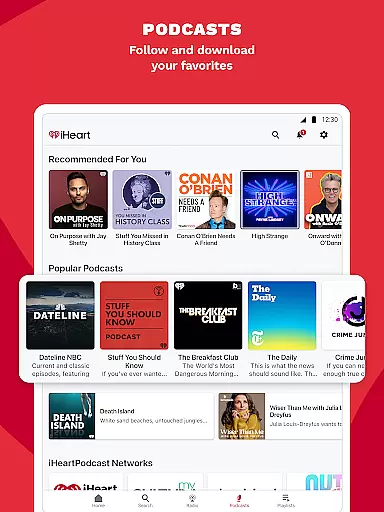
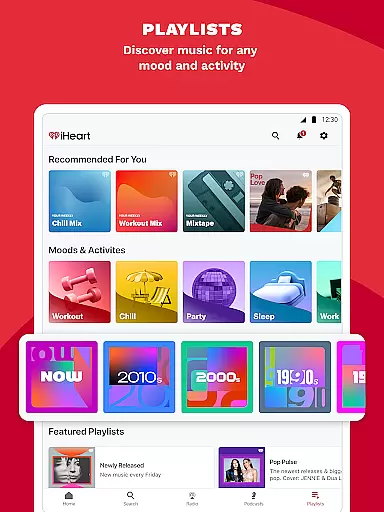
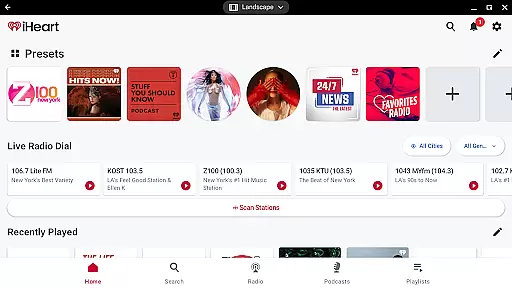
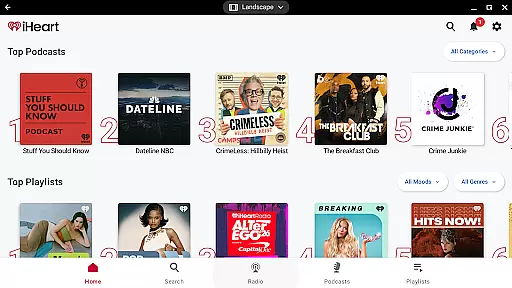
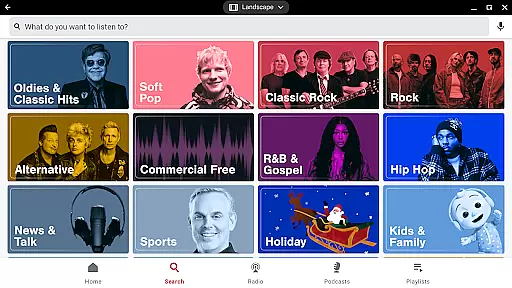
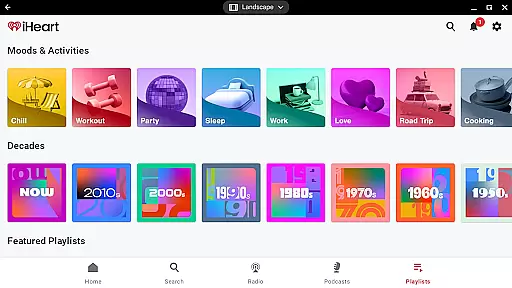

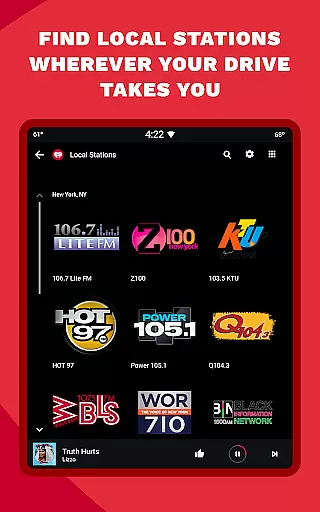
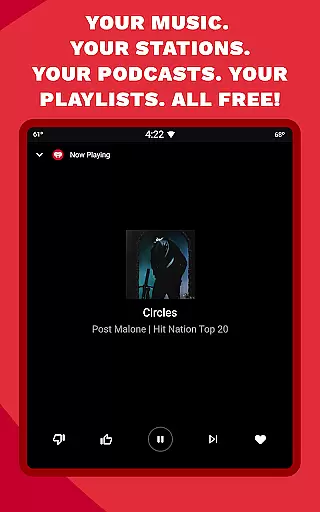
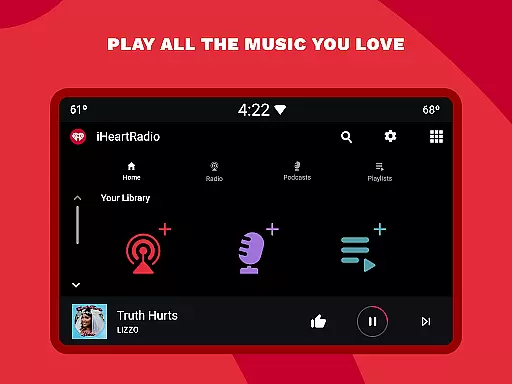

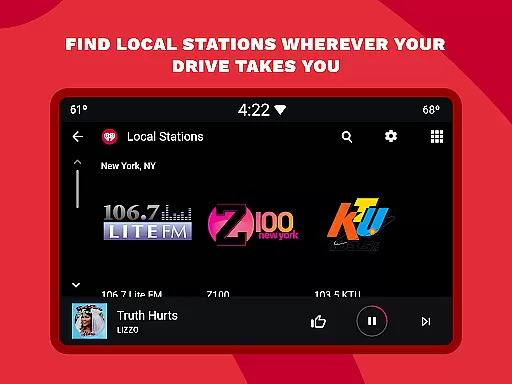
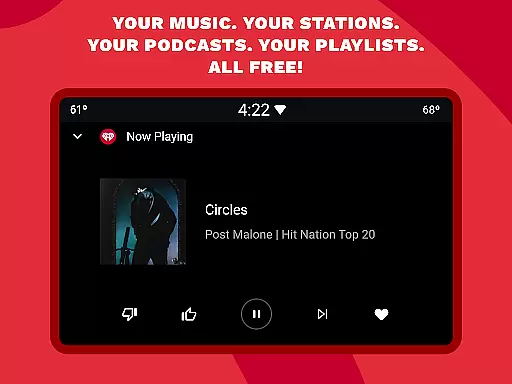
iHeartRadio is a versatile audio app that offers free access to thousands of live radio stations, curated music playlists, and top podcasts across various genres. The app serves as an all-in-one platform for streaming music, sports, news, and talk shows, making it ideal for users who want variety in their listening experience.
One of the standout features of iHeartRadio is its extensive selection of holiday-themed radio stations, perfect for creating a festive atmosphere during the holiday season. Whether you're at home or traveling, you can enjoy Christmas classics and other seasonal favorites with ease.
Beyond music, iHeartRadio provides access to popular podcasts and live sports commentary from major networks like ESPN and Fox Sports Radio. With compatibility across multiple devices, including Android Auto, this app ensures you stay connected to your favorite content wherever you go.
iHeartRadio stands out with its comprehensive range of features designed to cater to diverse listener preferences. The app includes live FM and AM radio stations, offering both local and global content. This makes it a suitable replacement for traditional radio tuners and satellite radio services.
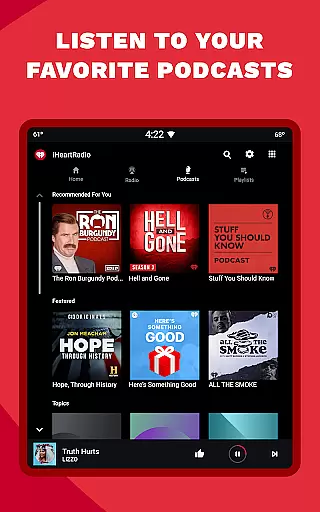
In addition to music, iHeartRadio delivers a rich selection of sports and news content. Users can tune into live sports broadcasts and get updates from top sports networks. The app also boasts a vast podcast library, featuring popular shows and allowing users to adjust playback speed for a personalized listening experience.
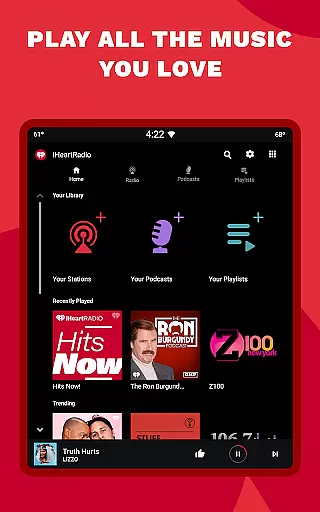
For music lovers, iHeartRadio offers personalized playlists based on mood, activity, or genre. Premium subscribers can enjoy ad-free music streaming, unlimited skips, and offline playback options. These features make iHeartRadio a flexible choice for enjoying music, podcasts, and radio shows on the go.
Companion app integration is essential for wearable devices to function seamlessly with smartphones. iHeartRadio ensures that its Android Wear application works in perfect harmony with its main mobile app, providing users with a unified experience across devices.
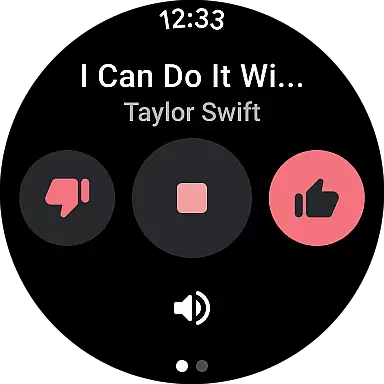
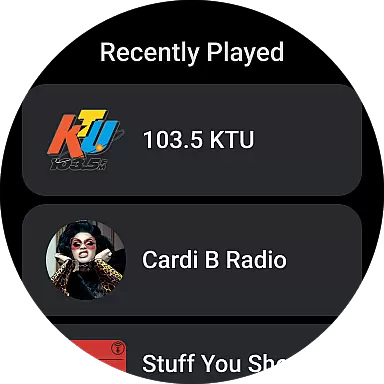
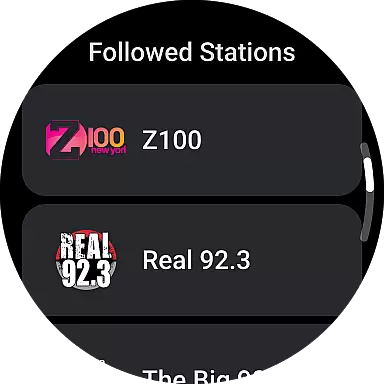
The iHeart app allows users to control music playback and manage podcasts directly from their smartwatch. This means you can easily pause, play, or skip tracks without needing to take your phone out of your pocket. The synchronization between the phone and watch apps is near-instantaneous, ensuring that your listening experience remains uninterrupted.
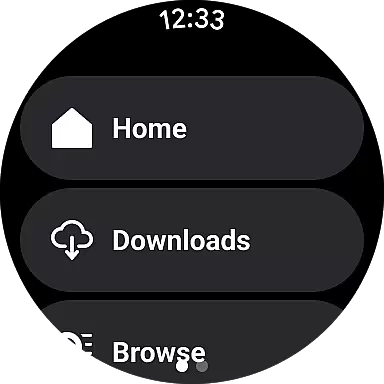
Furthermore, the companion app integration extends to downloading content for offline listening. Users can select their favorite stations or podcasts on their phone and have them available on their smartwatch when they're out for a run or at the gym. This feature enhances convenience and accessibility, making it easier than ever to enjoy your personalized radio stations wherever you are.
Ensuring broad device compatibility is crucial for any application targeting wearable technology. iHeartRadio's Android Wear app is designed to work flawlessly across a wide range of Wear OS devices, offering users consistent performance regardless of their chosen smartwatch brand.
The app takes full advantage of the Wear OS platform, optimizing its interface for smaller screens while maintaining all core functionalities. Whether you own a Samsung, Fossil, or any other Wear OS compatible device, you'll find that iHeartRadio provides an intuitive and responsive user experience tailored specifically for wrist-worn devices.
In addition to supporting various hardware models, iHeart also ensures regular updates to keep pace with Wear OS advancements. This commitment to compatibility guarantees that users will continue to enjoy new features and improvements as both the operating system and wearable technology evolve over time.
User-friendly interface
Extensive content library
Customizable playlists
Compatibility with multiple devices
Free access to core features
Limited offline functionality for free users
Ads between tracks
Premium subscription required for advanced features
Occasional connectivity issues
Interface can be overwhelming for new users

Watch the sharpness of the sky on your wrist..
 3.70
3.70
Animated Watch Face and Customizable with 24 Backgrounds. Perfect for Christmas!
3.90
Precision analog watch face with 7 complications and style options
4.3
Elegant animated Christmas tree with multiple customization options
4.20
Wear Os Watch Face - Animated Snow Effect & Magic Spark - 6 Scenes
4.10
Let's celebrate Thanksgiving - Wear Os watch face
4.20
Real-time results, stats, schedules and player profiles for all leagues
4.60
Funny animated watch face for Thanksgiving
4.1
Control your Samsung Smart TVs, appliances, and SmartThings-compatible devices
4.60
Monitor health with the stress test and pulse checker in the heart rate app.
4.60
Ideal for surviving in the wasteland left after nuclear fallout
4.50
Bold weather Digital watchface with forecast & optional animated background
4.40
Bold, Modern Hybrid Watch Face for Wear OS. 10 Colors, Rich Info Display.
4.30
A customizable Christmas watch face for Wear OS with a countdown.
4.20
A digital watch face that celebrates Christmas.
4.00
Get helpful reminders, take progress photos and find answers to your questions.
3.90
Analog watch face with 8 complications and expedition styling
4.5
Contemporary digital watch face with five complications
4.2
Simple Analog-Digital Watchface For Wear OS 3.0 and Up Smartwatches
4.4


User Reviews