
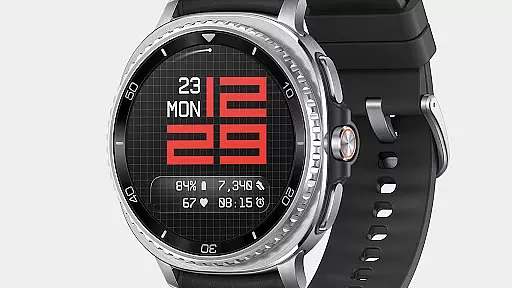
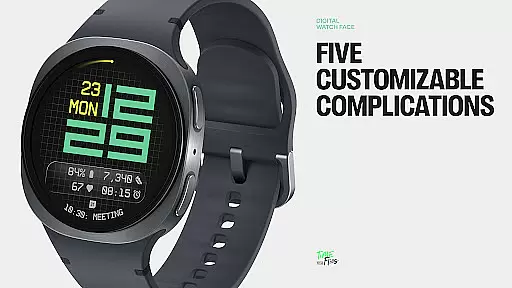
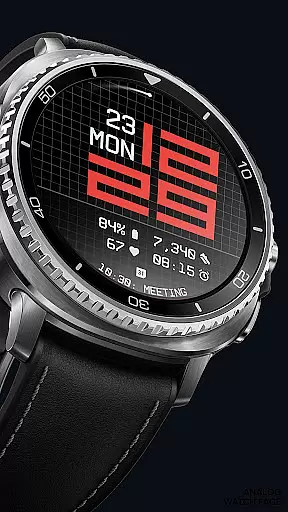
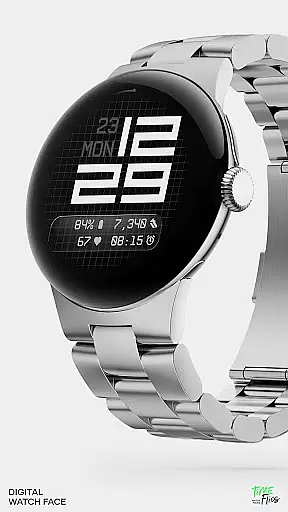
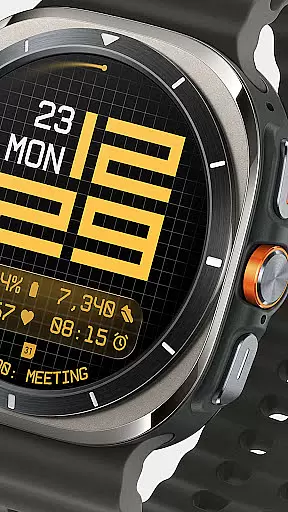
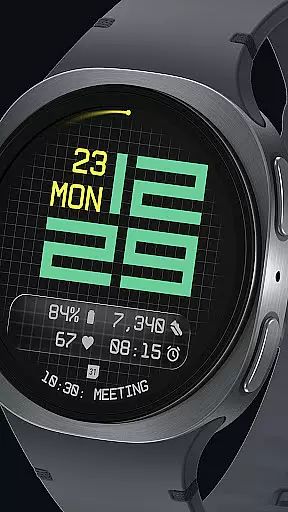
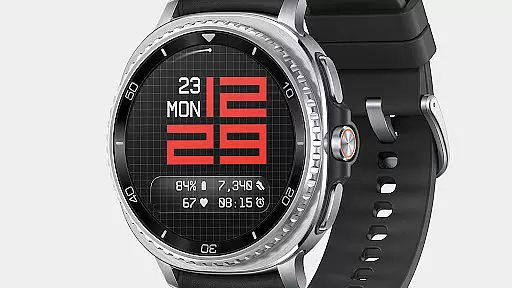
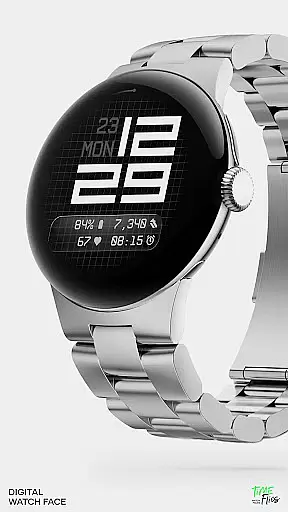
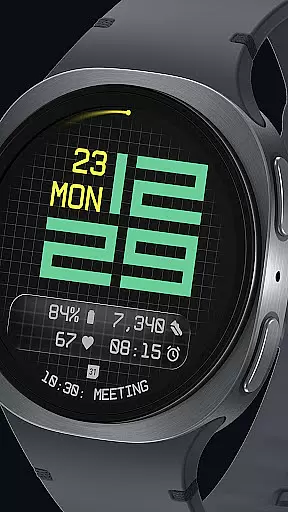
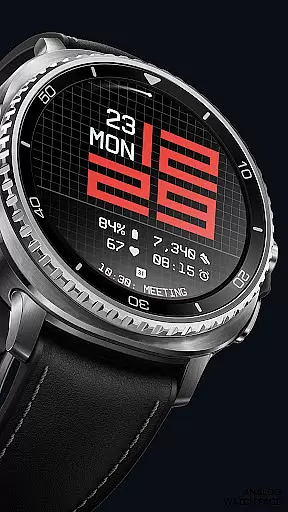
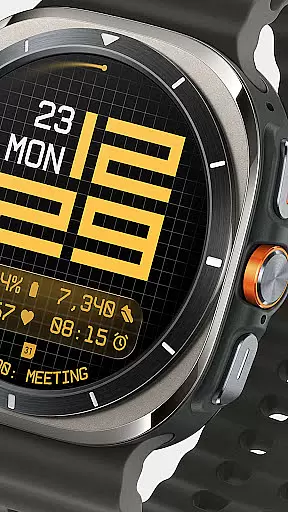
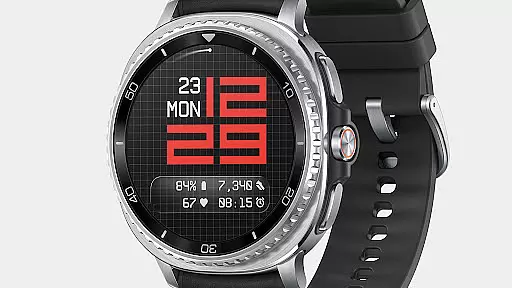
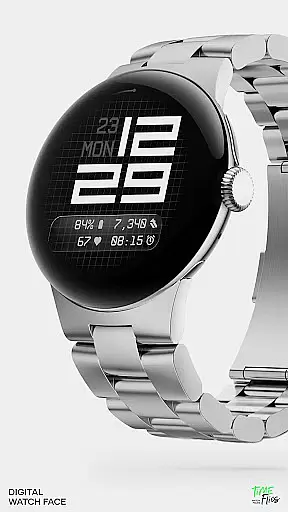
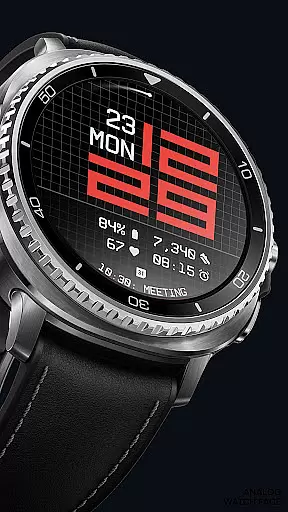
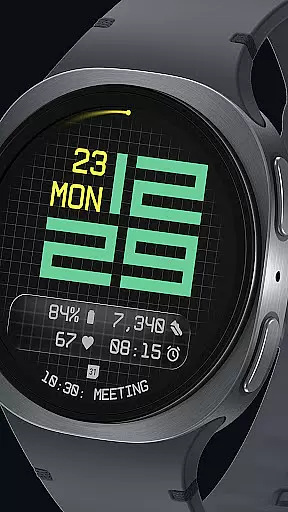

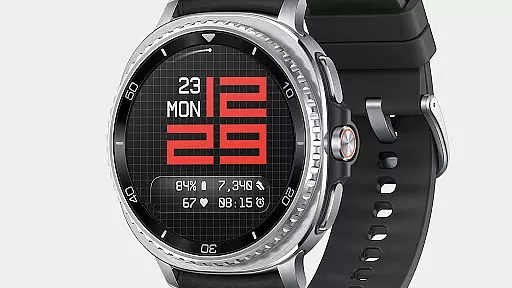
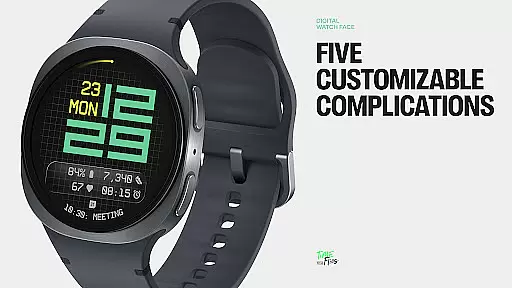
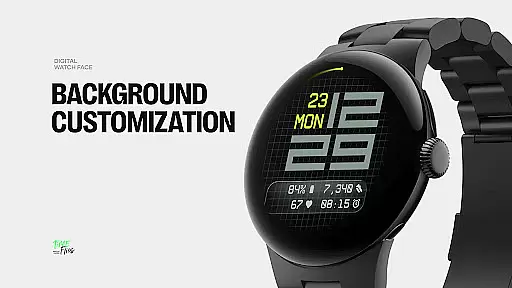
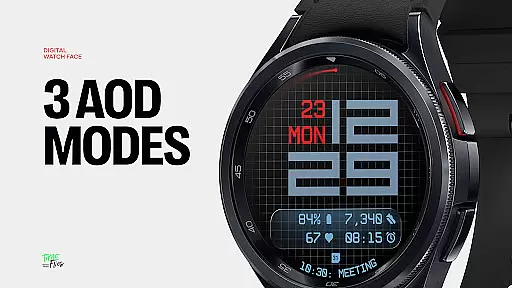
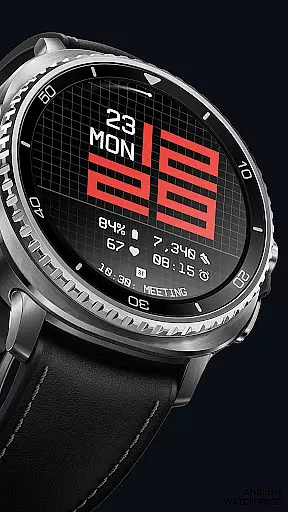
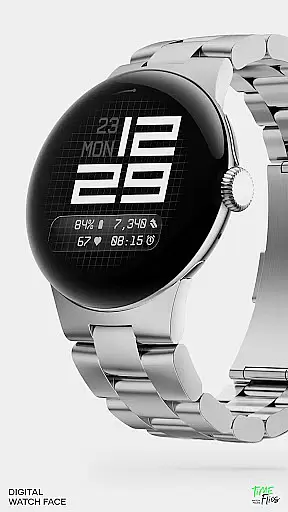
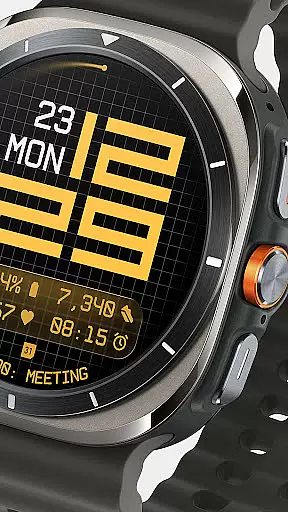
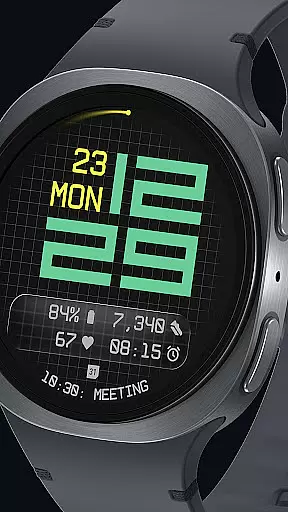
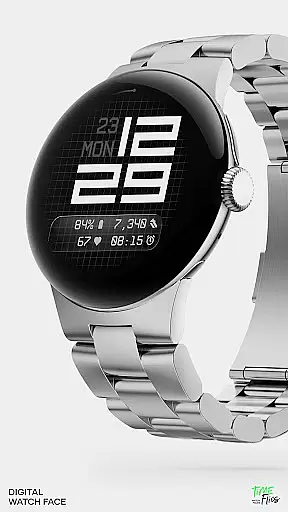
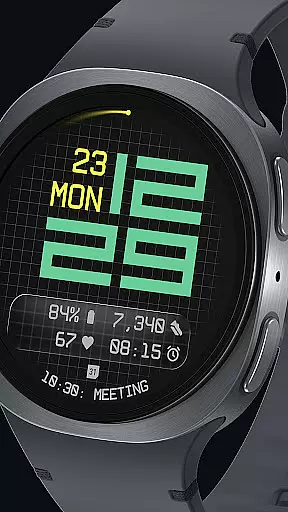
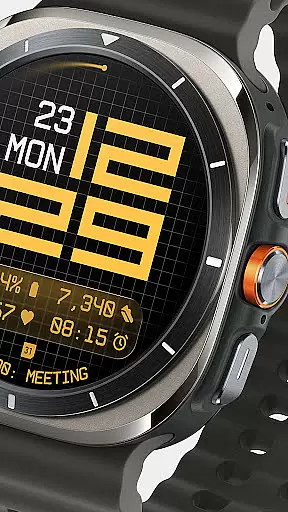
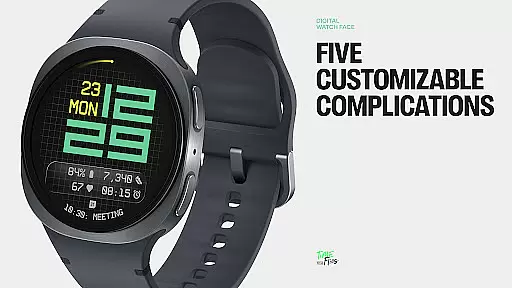
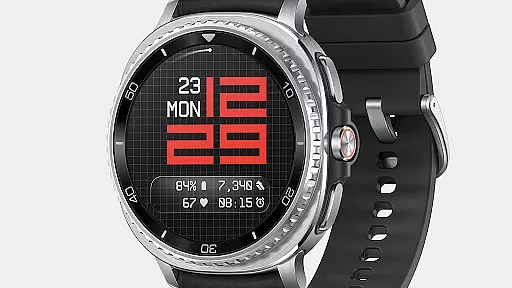
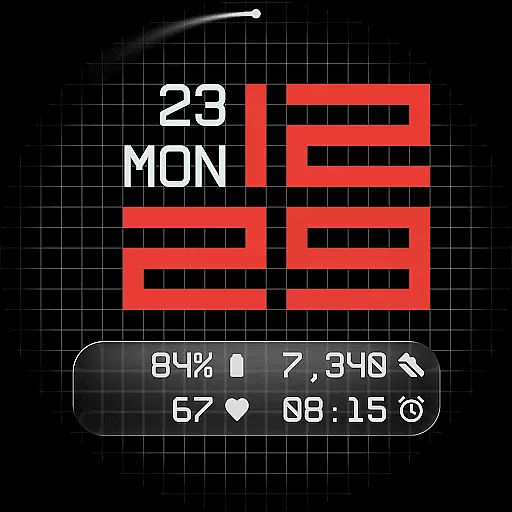
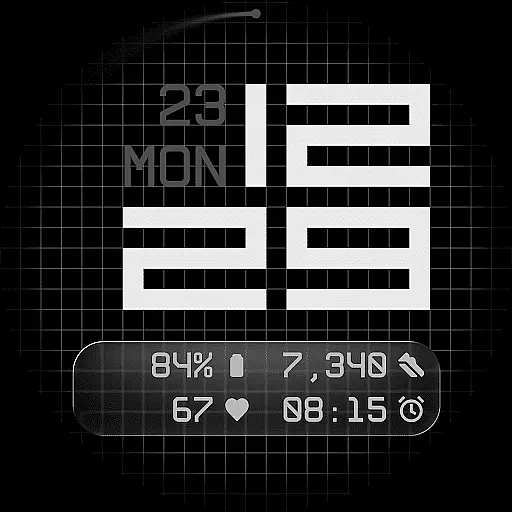
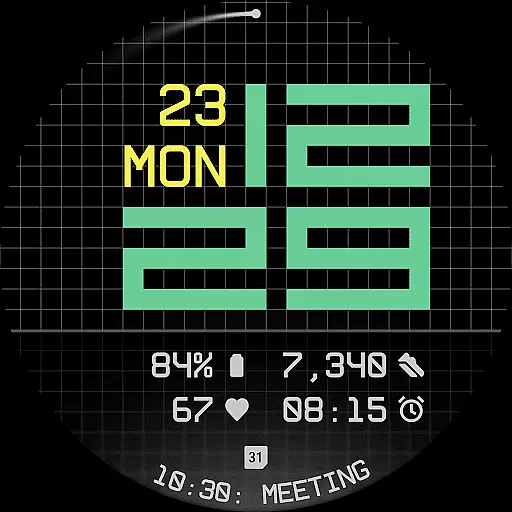
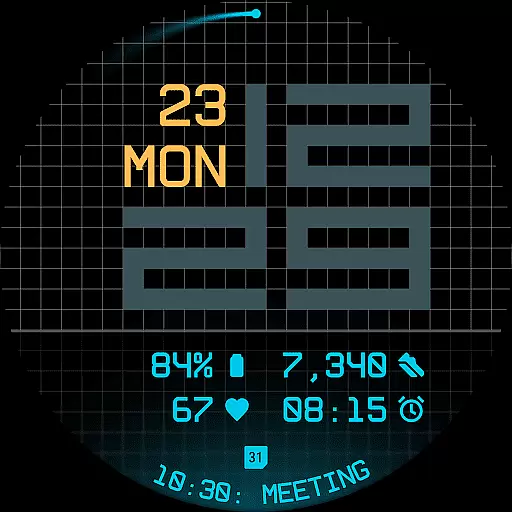
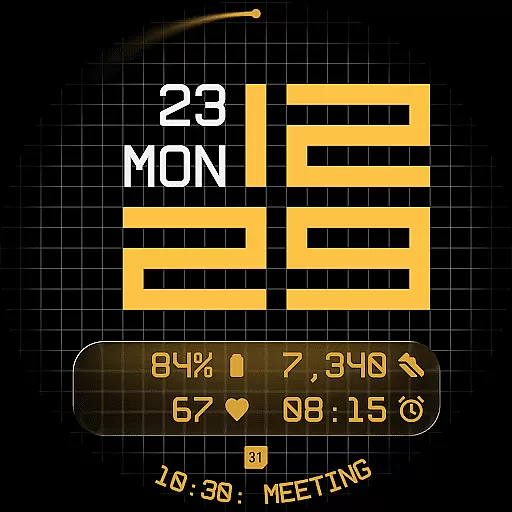
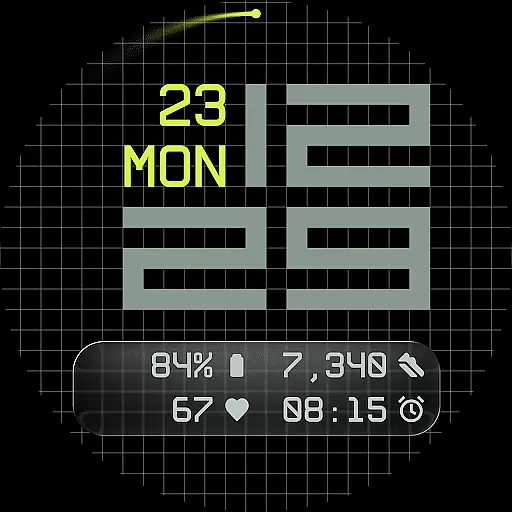
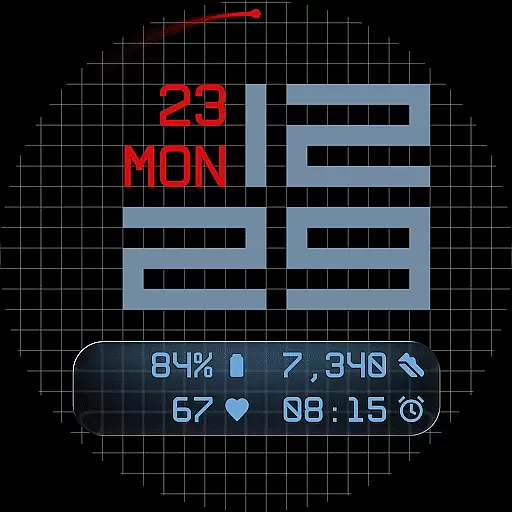
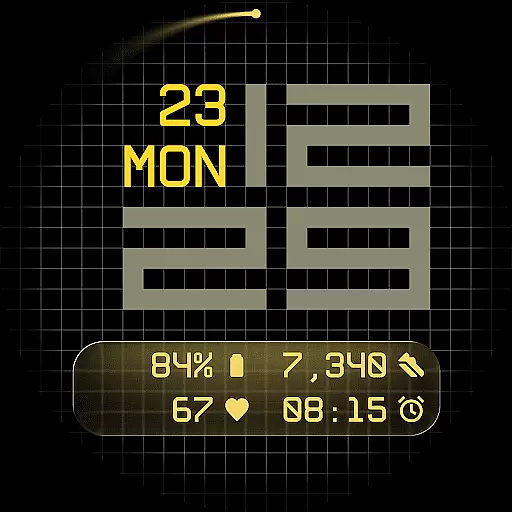
Fast Lane Watch Face is a contemporary digital watch face designed for Wear OS smartwatches, blending modern aesthetics with functional precision. It features a modular numerical time display inspired by automotive instrument panels, offering users a sleek and highly customizable experience.
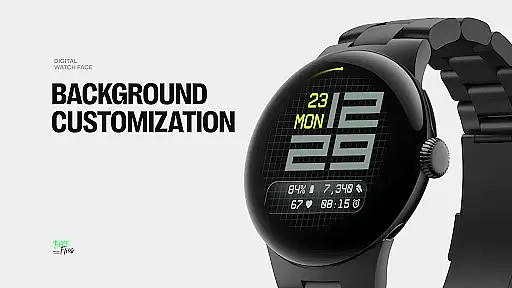
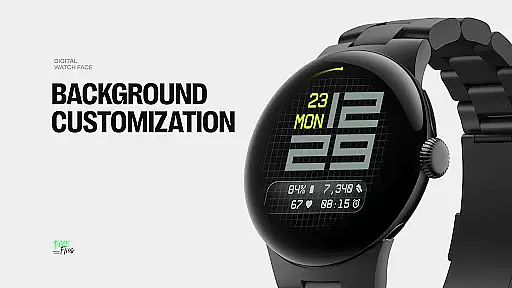
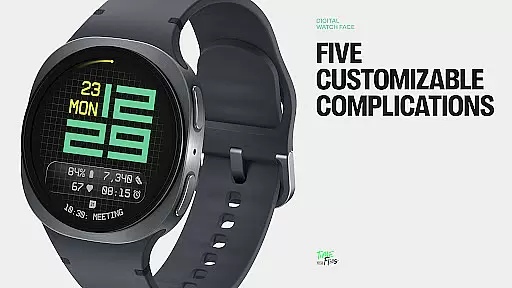
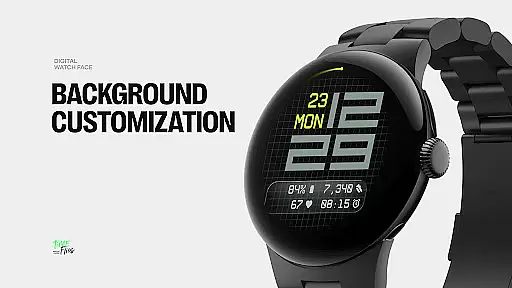
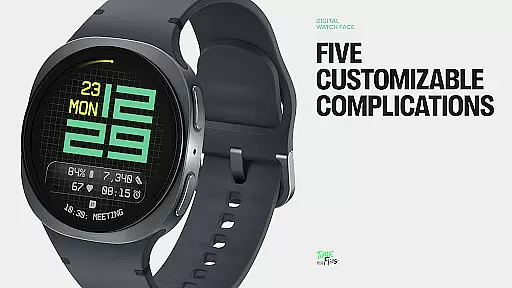
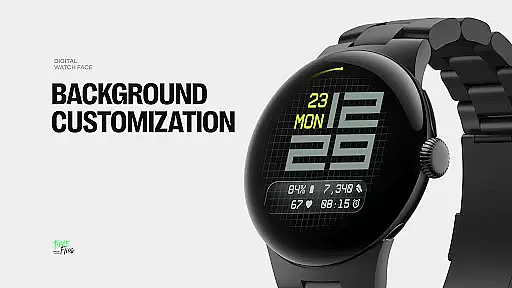
The design incorporates a refined grid system that adds structure and texture to the background while allowing users to choose from multiple display styles such as a minimal grid, blurred circular accents, or translucent UI-inspired glass islands. With five available complications, including four short-text slots and one long-text slot, Fast Lane ensures maximum information density without cluttering the interface.
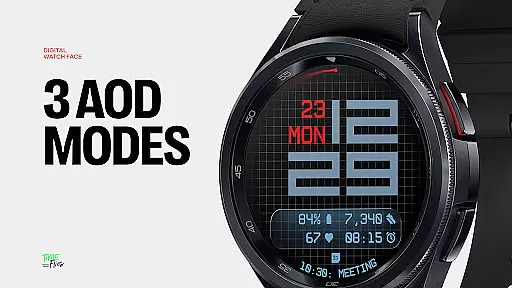
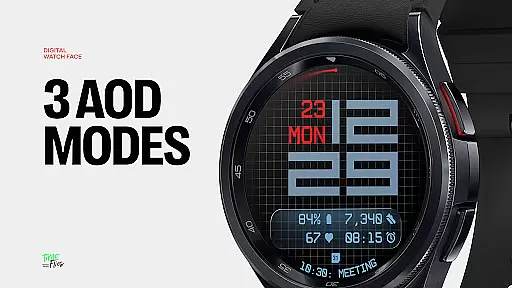
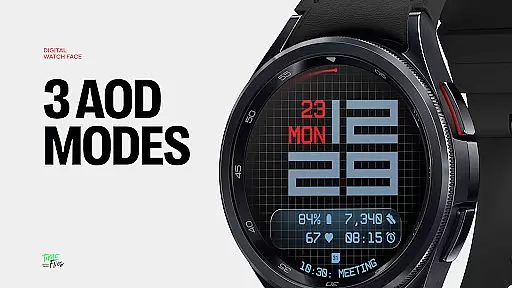
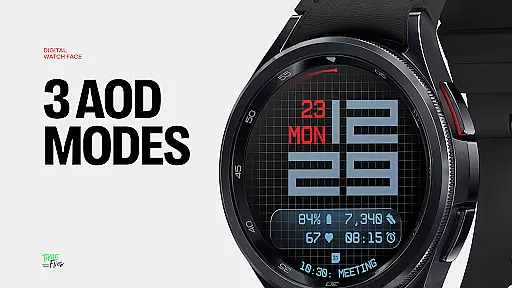
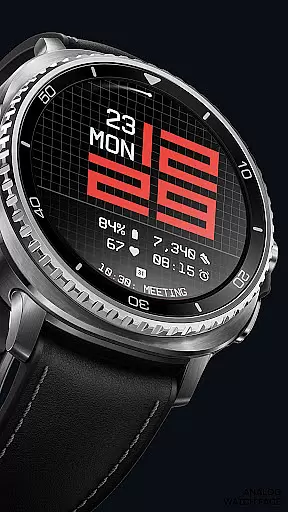
Ideal for users seeking both style and utility, this watch face supports 30 color themes, optional seconds indicators, and three Always-On Display modes, making it adaptable to various lighting conditions and personal preferences.
Fast Lane Watch Face stands out with its innovative features tailored for Wear OS users. The watch face offers five customizable complications, enabling users to display essential information such as calendar events, moon phases, or Google Assistant updates directly on their smartwatch.
Its modular UI layers allow users to personalize the background with options like a stylized grid, softly blurred segments, or a translucent UI plate hosting complications. This flexibility ensures visual coherence while maintaining high configurability. Additionally, the contemporary time display uses balanced typography that echoes speed and precision, providing an optimal viewing experience.
Other notable features include built-in day and date displays, 30 color themes for diverse customization, optional seconds indicators, and three energy-efficient Always-On Display modes. These elements collectively enhance usability and performance across all Wear OS devices.
Companion app integration is a crucial feature for Android Wear applications like Fast Lane Watch Face. This functionality allows users to seamlessly manage and customize their smartwatch experience directly from their mobile device.
The Time Flies companion app provides a centralized platform where users can browse the complete collection of watch faces, receive regular updates, and install new styles with ease. This ensures that users always have access to the latest designs and features without needing to manually search or download individual updates.
Through the companion app, users can efficiently personalize their Wear OS experience by adjusting settings, selecting preferred color themes from the 30 available options, and configuring up to five customizable complications. This level of control enhances user engagement and satisfaction.
The integration also optimizes performance by ensuring that all installed watch faces are built using the Watch Face File Format, which guarantees energy efficiency and consistent performance across different Wear OS devices.
Ensuring broad Wear OS and device compatibility is essential for any Android Wear application. Fast Lane Watch Face demonstrates exceptional versatility in this aspect, working seamlessly across various smartwatch models and Wear OS versions.
The watch face employs a modular UI design that adapts to different screen sizes and resolutions while maintaining visual coherence. Its structured grid system and typography-based time display ensure clear readability regardless of the device's physical dimensions or pixel density.
With support for multiple display styles including stylized grids, blurred segments, and translucent UI plates, Fast Lane maintains consistent performance and appearance across diverse hardware configurations. The inclusion of three Always-On Display modes further enhances device compatibility by providing power-efficient viewing options.
This universal compatibility is reinforced through development using the Watch Face File Format, which guarantees optimized performance and energy efficiency on all certified Wear OS devices, making Fast Lane Watch Face a reliable choice for users regardless of their specific smartwatch model.
Highly customizable
Modern aesthetic design
Optimized performance
Multiple display styles
Wide color palette
Limited to Wear OS
Complex setup required
Battery consumption
Premium feature costs
Learning curve

Embrace the holiday spirit with this magical animated watch face!
 4.40
4.40
an Analog Watch Face for winter season with freeze winter background for Wear OS
4.4
Wear Os Watch Face - Animated Snow - Sesonal for Christmas & Winter
4.2
A heartwarming Christmas scene featuring a cute image of Santa and Rudolf
4.2
Ideal for surviving in the wasteland left after nuclear fallout
4.50
Your second brain for organizing your life: to-do, calendar, reminder.
4.70
Gym & home workout plans with strength training, exercise tracking, HIIT & more.
4.60
Fast and smart typing with Emojis, GIFs, and more
4.50
Spam call blocker and caller ID for automatic call protection!
4.40
WTW M17 is a premium and luxurious hybrid watch face
4.70
The most customizable minimal watch face. For Wear OS 5.0, API 34+ and later
4.70
Highly customizable hybrid watch face for Wear OS, perfect for everyday use.
4.60
Rose gold watch face with festive lights & customizable features.
4.60
Snowflake Rose Gold Watch Face - Digital, modern, & sleek with GYRO effect.
4.10
The #1 source of faces for your smartwatch!
4.00
Viewer for Wyze/Yi/Eufy/Arlo/ONVIF/RTSP/P2P IP cams w/ adv. features & DIY DVR
4.00
Professional weather radar and more
3.90
Simple Analog-Digital Watchface For Wear OS 3.0 and Up Smartwatches
4.2
Stylish digital watch face for Wear OS devices with customizable features
4.3


User Reviews