
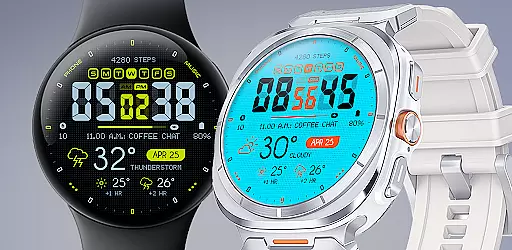
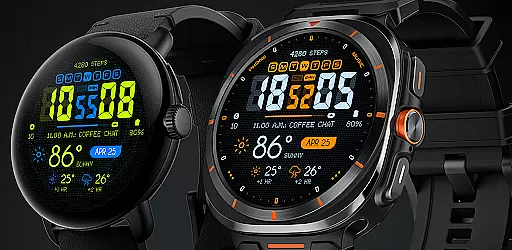
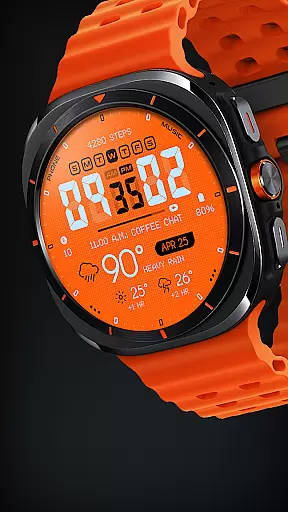
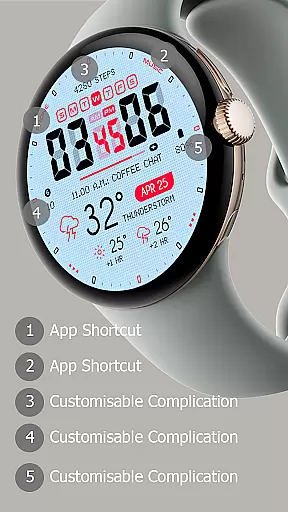
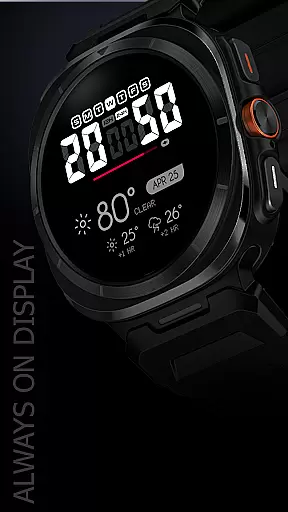
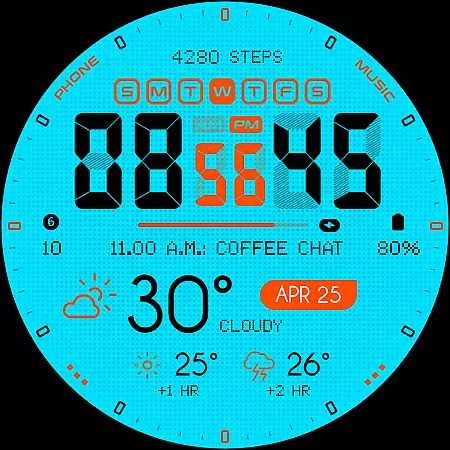
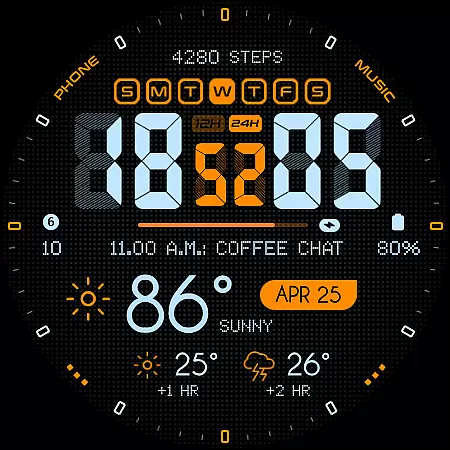
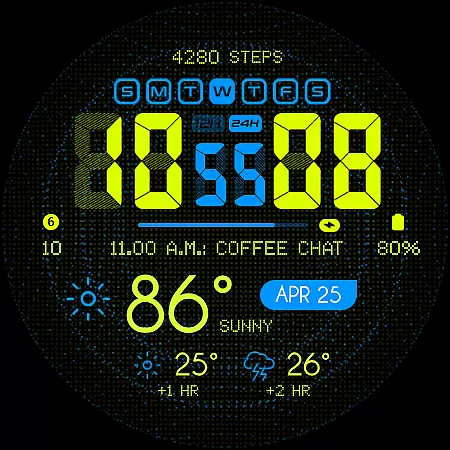
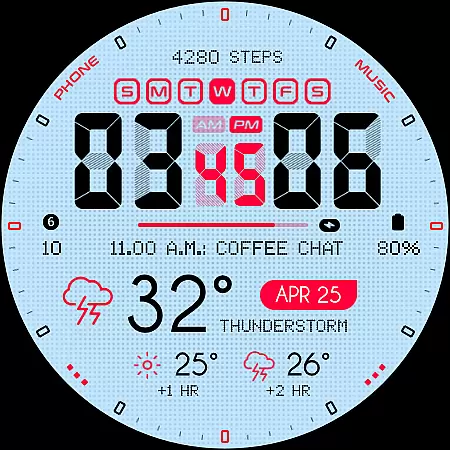
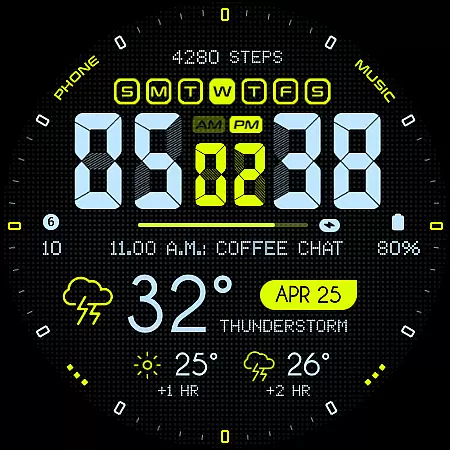
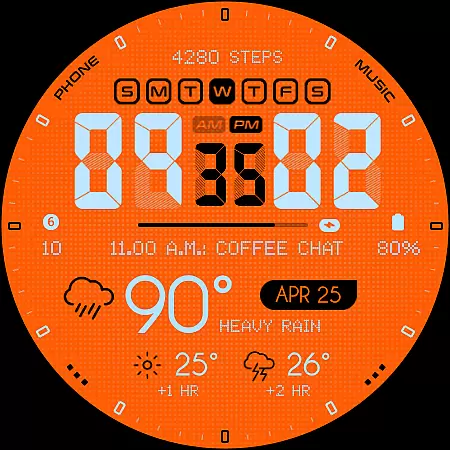
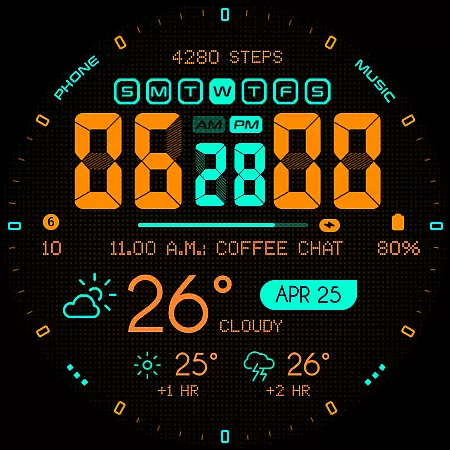
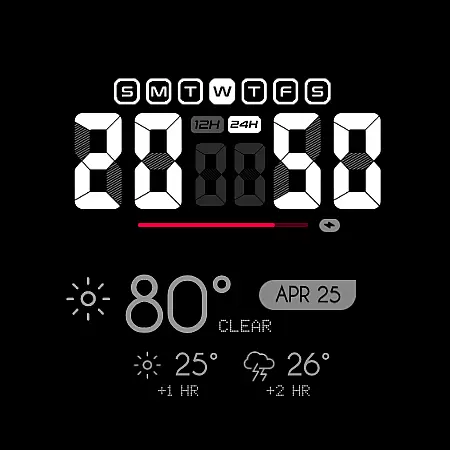
Oogly Atmos is a dynamic weather-themed watch face designed for Wear OS smartwatches. It combines vivid colors, real-time weather updates, and customizable features to deliver both style and functionality. The watch face provides users with current weather conditions and a 2-hour forecast at a glance, making it ideal for those who want to stay informed while on the go.
With compatibility across Galaxy Watch 5 or newer, Pixel Watch, Fossil, and other Wear OS devices (API 30+), Oogly Atmos ensures broad usability. Whether you're looking for animated visuals to add movement or a clean layout for focus, this app offers versatile options tailored to your preferences.
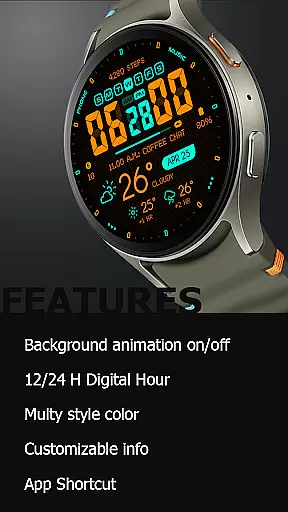
Oogly Atmos stands out with its range of innovative features that enhance user experience. Key highlights include support for both 12/24 hour formats, an optional animated background, and customizable information display. Users can toggle the index on or off for a cleaner look and utilize the always-on display feature to keep essential details visible even when the watch is idle.
The app also includes practical tools like app shortcuts for quick access to frequently used functions. These features collectively ensure that Oogly Atmos caters to diverse needs, whether you prioritize aesthetics, functionality, or both. Its thoughtful design makes it a reliable companion for everyday use.
Companion app integration is essential for a seamless wearable experience. Oogly Atmos ensures that your watchface works in harmony with its companion app, providing real-time weather updates and customization options directly from your smartphone.
The app allows users to toggle features such as the animated background and index display. This means you can activate movement-inspired visuals when you want dynamism or turn them off for a distraction-free experience. The synchronization between the watchface and the app happens instantly, ensuring that your preferences are always up-to-date.
With customizable information settings, users can tailor what details appear on their watchface. Whether it's toggling the 12/24 hour format or adjusting other display elements, the companion app makes personalization effortless. This level of control enhances user satisfaction by catering to individual needs and preferences.
Ensuring broad device compatibility is crucial for any Wear OS application. Oogly Atmos is designed for WEAR OS API 34+ and is compatible with Galaxy Watch 5 or newer, Pixel Watch, Fossil, and other Wear OS devices with a minimum API of 30.
This wide compatibility range means that whether you're using a Samsung, Google, or another brand's smartwatch, Oogly Atmos will function smoothly. The design takes full advantage of the hardware capabilities, offering vivid colors and an intuitive layout that looks great on all supported devices.
Features like Always-On Display and App Shortcut are optimized to work across different devices without compromising performance. Users can enjoy consistent functionality regardless of their specific Wear OS device, making Oogly Atmos a versatile choice for anyone looking to enhance their smartwatch experience.
Real-time weather updates
Customizable layout options
Vivid color schemes
Animated background feature
Broad device compatibility
Limited to Wear OS
No iOS support
Premium feel may require payment
Animation can drain battery
Requires API 30+

Wear Os Watch Face - Animated Snow Effect & Christmas Lights
 4.1
4.1
Watch face for Wear OS.
4.20
Digital watch face. For Wear OS devices.
4.40
Connect to your Bluelink equipped Hyundai vehicle from your smartphone.
4.50
To-Do List: daily schedule planner, task organizer, to do reminder app, calendar
4.60
Stylish, Energizing and Modern Watch Face crafted by Dominus Mathias.
4.50
A modern hybrid informative watch face for Wear OS designed by BALLOZI
4.80
Your music, your playlists, and more—offline and unlimited.
4.20
Fast and smart typing with Emojis, GIFs, and more
4.50
Christmas - Festive - Christmas Village - Winter - Christmas lights
5.00
Hyperlocal rain alerts by MyRadar using patent-pending technology, radar & more
4.80
A white realistic classic analog watch face with many customization options.
4.40
Calming & relaxing sounds for sleeping and stress relief. Stay focused all day!
4.20
Daily Weather forecast with 15 weather images for Day & Night plus Big Bold time
4.10
Watch face designed for Thanksgiving Day. 7 Background Styles included.
3.20
Wear Os Watch Face - Animated Snow - Sesonal for Christmas & Winter
4.5
Analog watch face with 8 complications and expedition styling
4.4
Stunning modern digital watch face with 7 complications and strong contrast
4.4
Simple Analog-Digital Watchface For Wear OS 3.0 and Up Smartwatches
4.1


User Reviews