
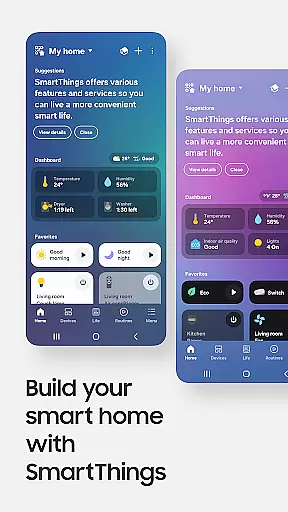
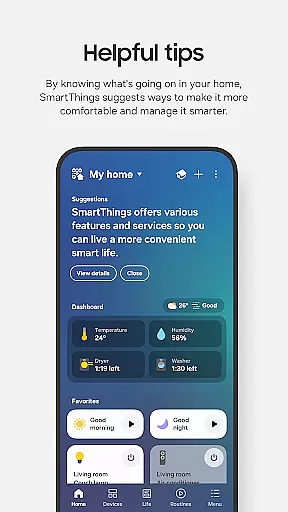
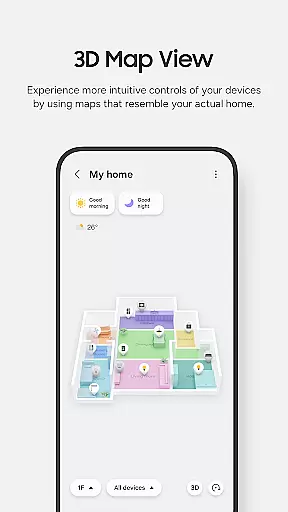
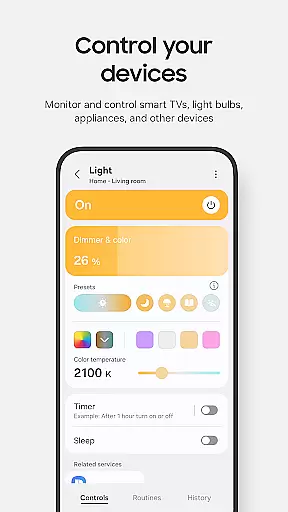
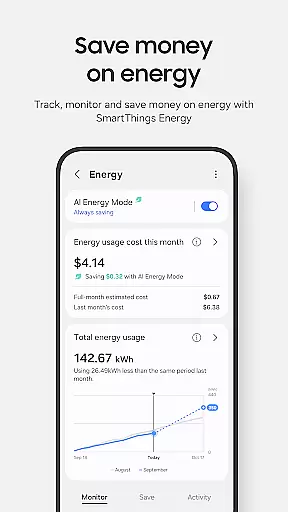
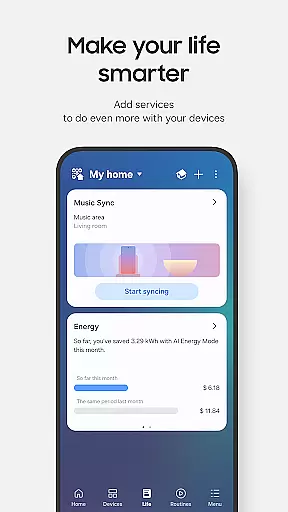
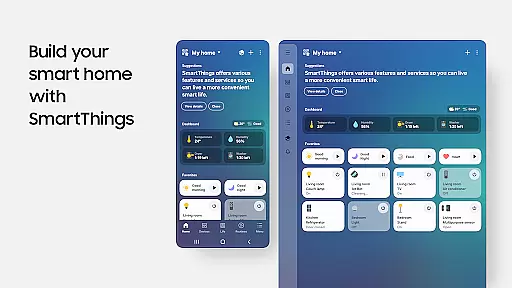
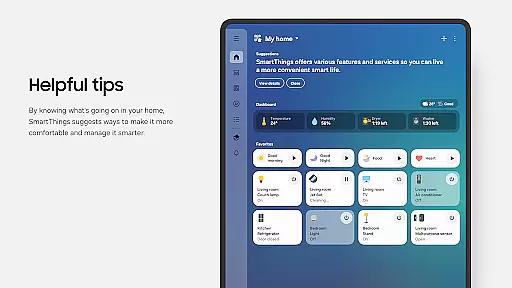
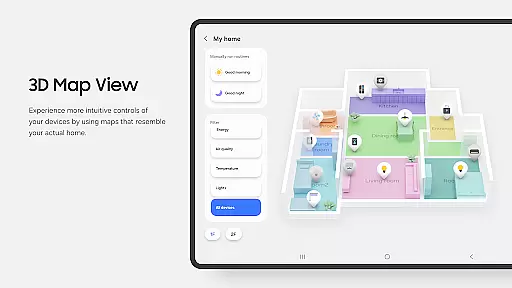
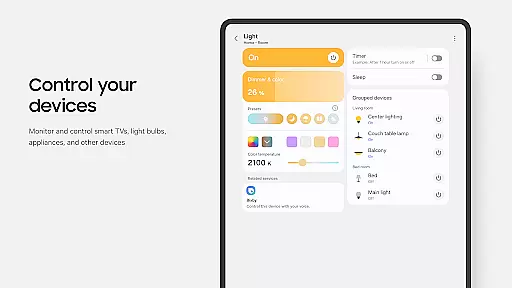
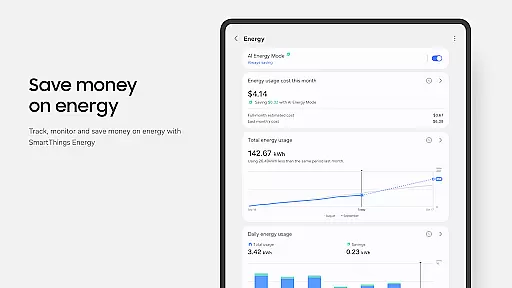
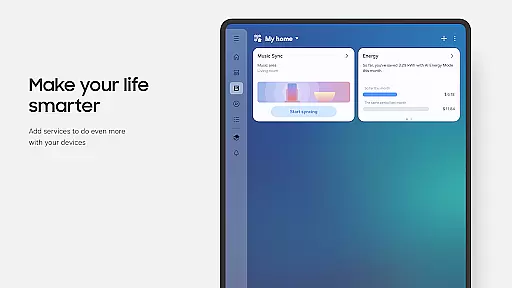
SmartThings is a comprehensive smart home management application that allows users to connect, monitor, and control multiple smart devices from various brands in one place. Compatible with hundreds of smart home brands including Samsung Smart TVs, smart appliances, and third-party devices like Ring, Nest, and Philips Hue, the app provides centralized control through voice assistants such as Alexa, Bixby, and Google Assistant.
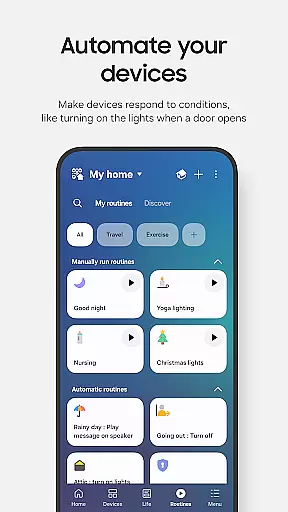
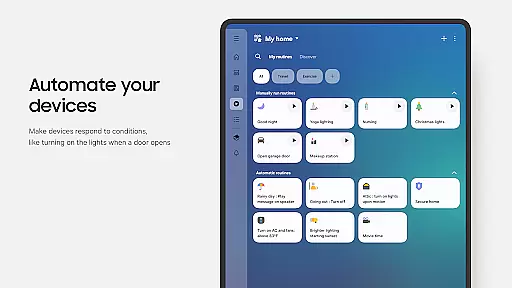
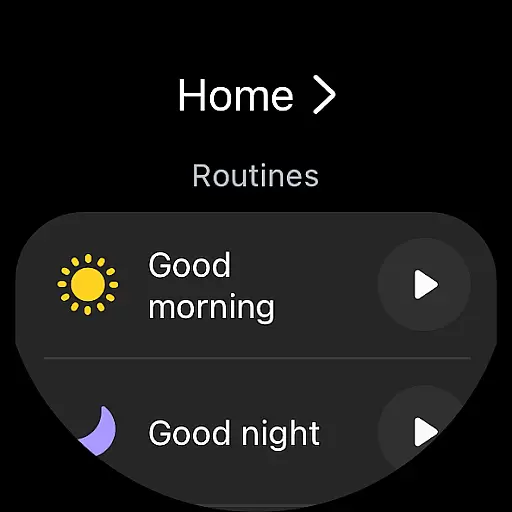
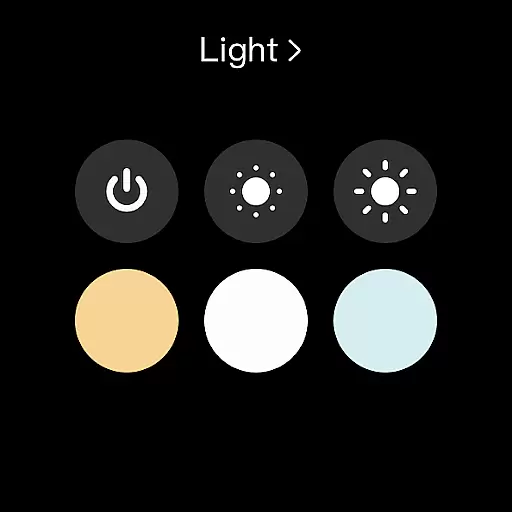
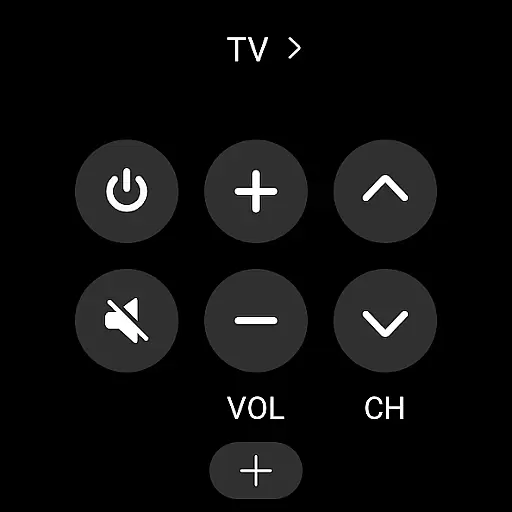
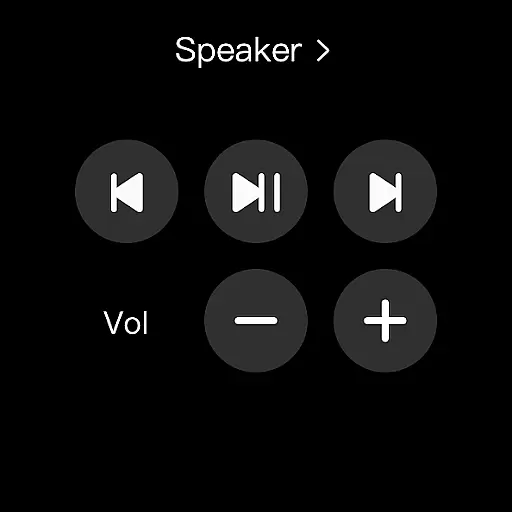
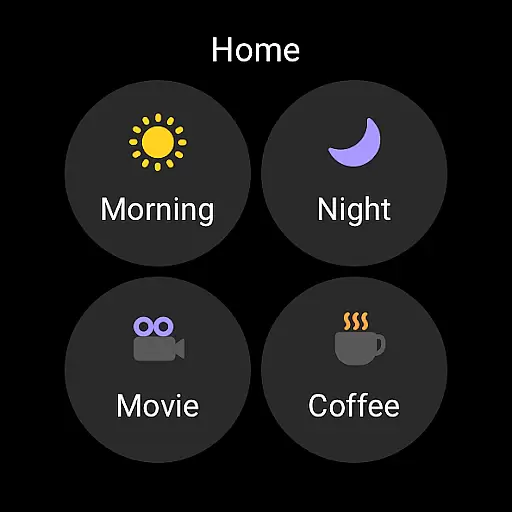
The app's core functionality includes remote home monitoring, customizable routines based on time, weather, or device status, and shared access for multiple users. It also offers automated notifications about device statuses. While optimized for Samsung smartphones, some features may be limited on non-Samsung devices or unavailable in certain regions. Additionally, SmartThings supports Wear OS-based watches, enabling quick access to routines and device controls directly from your wrist.
SmartThings stands out with its extensive compatibility and versatile features. The app integrates seamlessly with a wide range of smart devices, allowing users to build routines that automate their home environment efficiently. For instance, users can set up routines triggered by specific conditions such as weather changes or time schedules, ensuring smooth background operations.
Another notable feature is the ability to share control with other users, making it ideal for family settings. The app also provides real-time status updates and notifications about connected devices. Optional permissions enhance functionality further, such as location-based routines, scanning for nearby devices using Wi-Fi or Bluetooth, and QR code scanning for easy device addition. These features collectively ensure a highly customizable and user-friendly smart home experience.
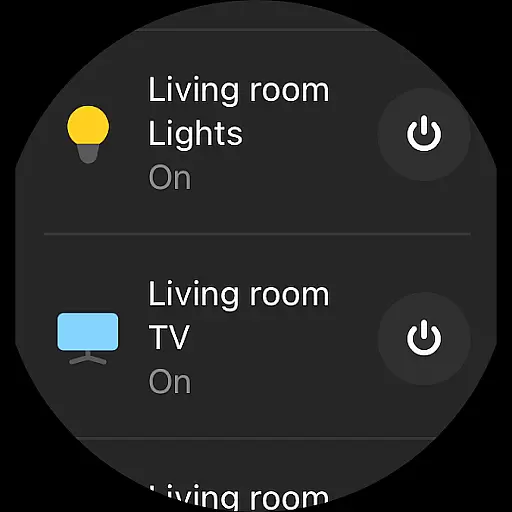
Companion app integration is essential for users who want a seamless experience between their mobile devices and wearables. SmartThings offers robust companion app functionality, allowing users to control smart home devices directly from their Wear OS-based watches.
The app provides SmartThings complications, enabling users to access services directly from the watch face. This means you can quickly trigger routines or control devices without needing to open the app fully, offering convenience and saving time.
By integrating with Wear OS, SmartThings ensures that users can maintain control over their smart home environment even when they are on the move. This feature enhances accessibility, letting users interact with their smart devices more naturally and efficiently.
Ultimately, this integration allows for a cohesive ecosystem where your smartphone and wearable communicate effortlessly, providing a unified and streamlined user experience across all your devices.
Device compatibility is crucial for ensuring that applications run smoothly across different platforms. SmartThings is optimized for Samsung smartphones but also extends its support to Wear OS-based devices, making it versatile for various users.
For Wear OS, SmartThings offers specific functionalities like adding SmartThings tiles on your watch. This feature provides quick access to routine runs and device controls, enhancing the user experience by simplifying interactions with smart home devices.
However, it's important to note that SmartThings for Wear OS requires the watch to be connected to a mobile phone. While some features might be limited on non-Samsung devices, the overall compatibility ensures that most users can enjoy the benefits of smart home management from their wrists.
This broad compatibility underscores SmartThings' commitment to delivering a flexible and inclusive smart home solution, accommodating a wide range of devices and operating systems.
User-friendly interface
Wide device compatibility
Voice assistant integration
Automated routines
Real-time notifications
Limited on non-Samsung phones
Region-specific limitations
Optional permissions needed
Feature restrictions on Wear OS
Complex setup for beginners

Gym Log & Workout Tracker | Fitness Journal, Training & Weight Lifting Planner
 4.90
4.90
A watch face that fuses motorsport precision with contemporary smartwatch design
4.1
Digital watch face. For Wear OS devices.
4.40
Fitness interactive virtual pet super fighter boy watch face
4.3
sleep, alarm, snoring, stress, healing, focus, sound therapy, circadian rhythm
4.10
Hyperlocal rain alerts by MyRadar using patent-pending technology, radar & more
4.80
Gym & home workout plans with strength training, exercise tracking, HIIT & more.
4.60
To-Do List: daily schedule planner, task organizer, to do reminder app, calendar
4.60
Viewer for Wyze/Yi/Eufy/Arlo/ONVIF/RTSP/P2P IP cams w/ adv. features & DIY DVR
4.00
Real-time weather radar with temperatures, warnings, hurricanes, and widgets
4.80
The Chevron App allows you to pay for fuel from the comfort of your car!
4.80
Reliable phone calls with spam protection, caller ID and more helpful features
4.40
Premium hybrid watch face with many customizations for Wear OS devices.
4.40
Animated video-game inspired “secret agent” simulation, right on your wrist!
4.20
Hyper-Realistic Airplane Dashboard Watch Face With 10 Skins and Custom AOD
4.00
Watch the sharpness of the sky on your wrist..
3.70
Christmas and New Year - Themed Watchface
4.4
Contemporary digital watch face with five complications
4.0
Stylish digital watch face for Wear OS devices with customizable features
4.3


User Reviews