
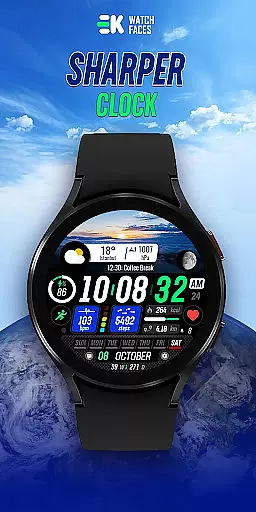
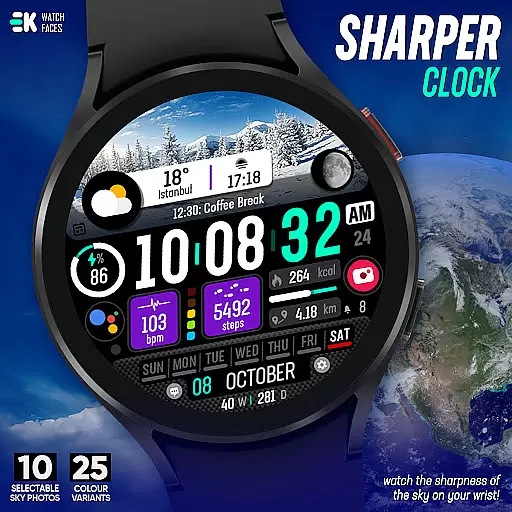
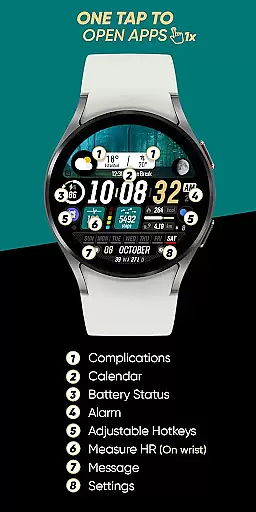
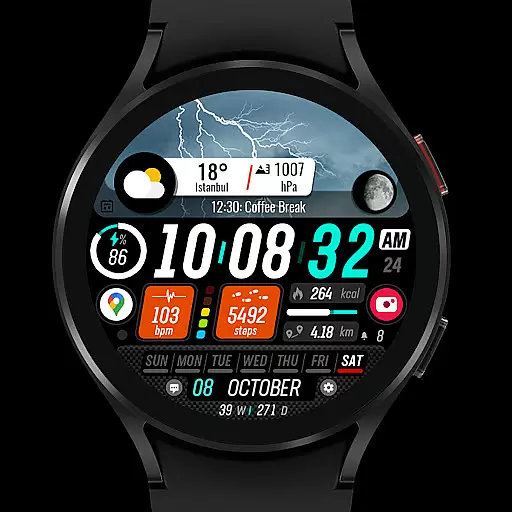
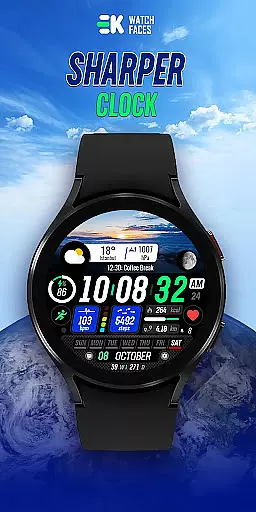
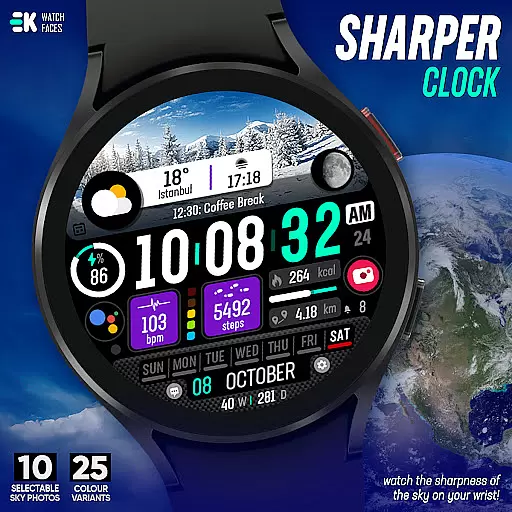
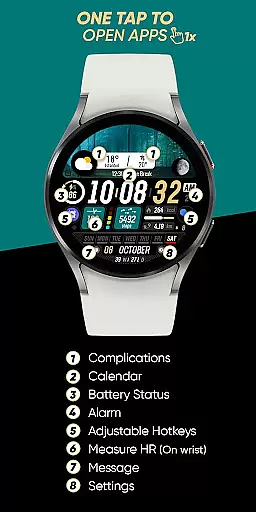
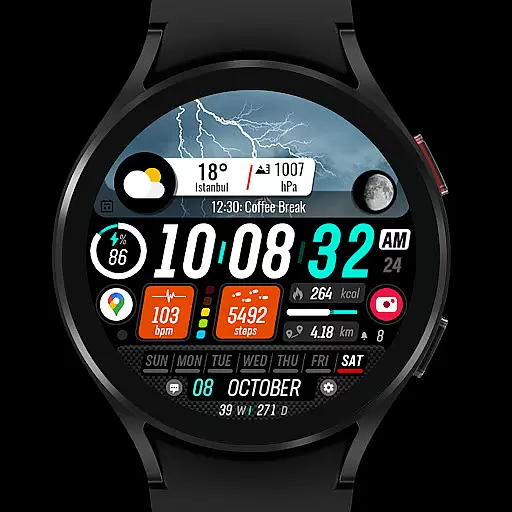
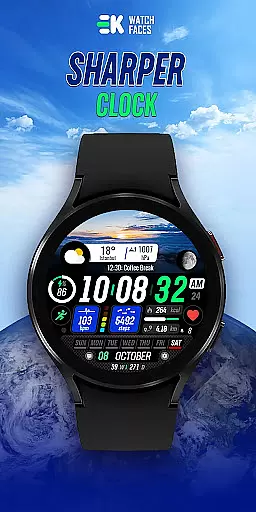
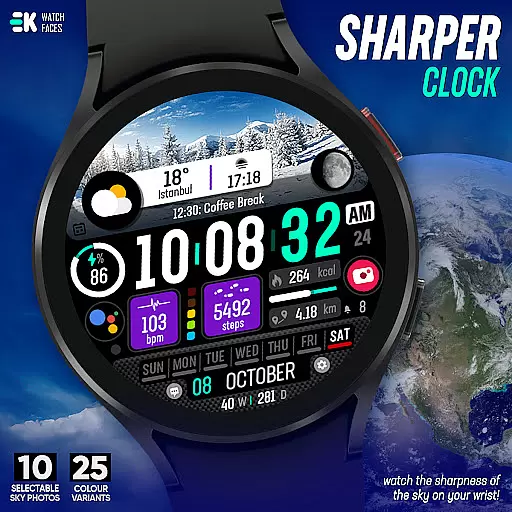
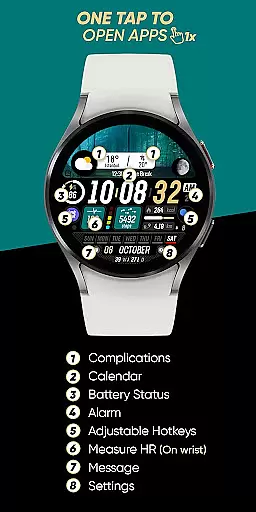
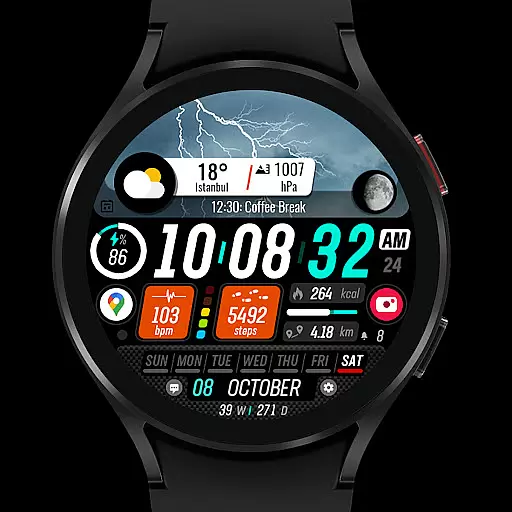
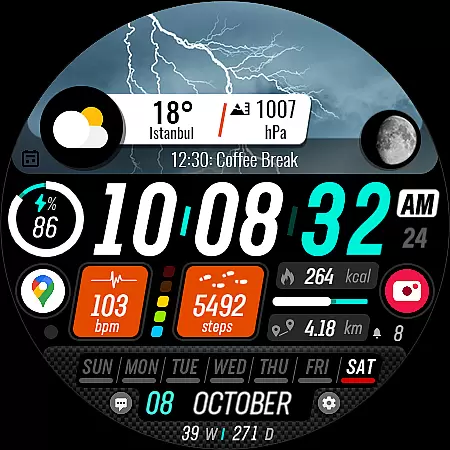
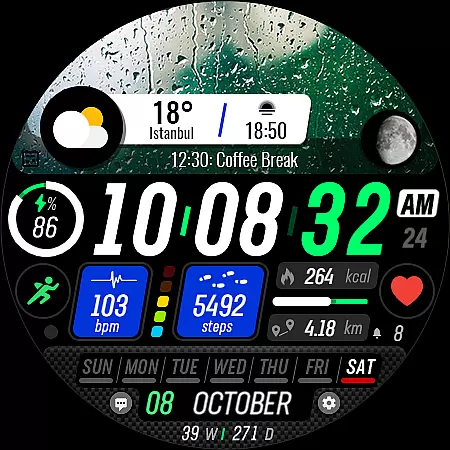
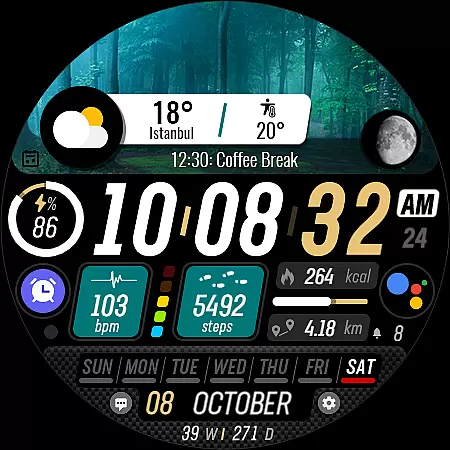
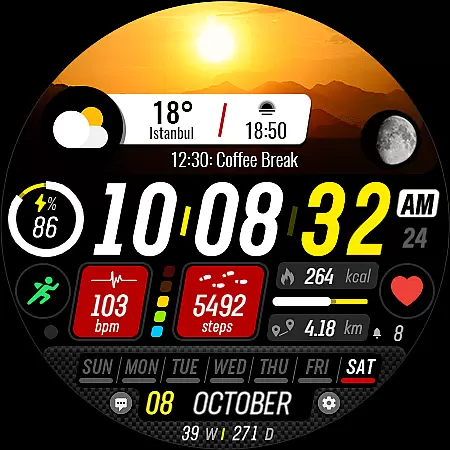
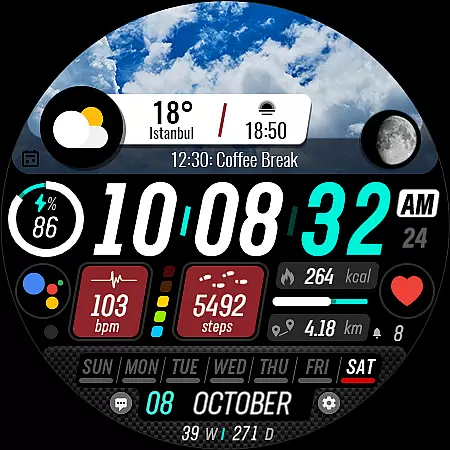
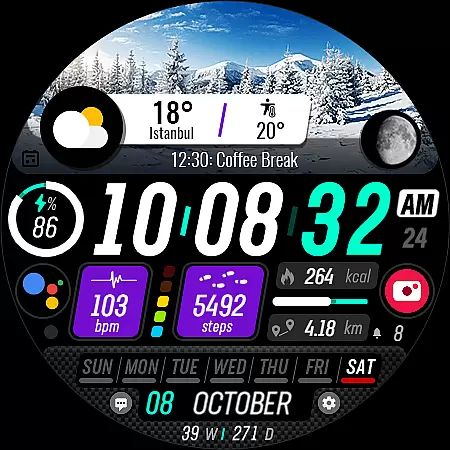
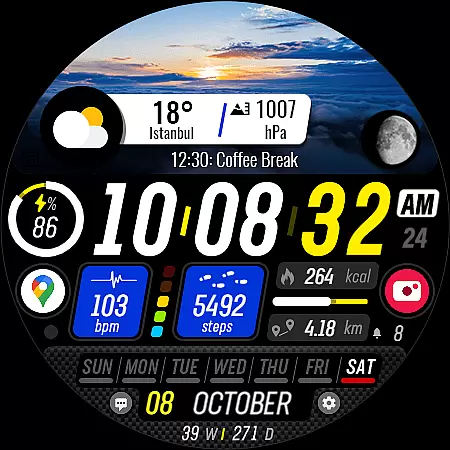
Sharper Clock is a premium watch face designed exclusively for Wear OS devices, offering users a unique and visually striking timekeeping experience. With its stunning sky-themed display and advanced customization options, this app transforms your smartwatch into a sophisticated accessory.
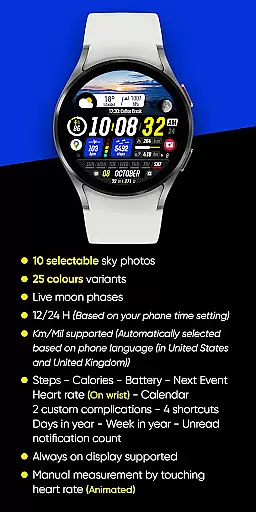
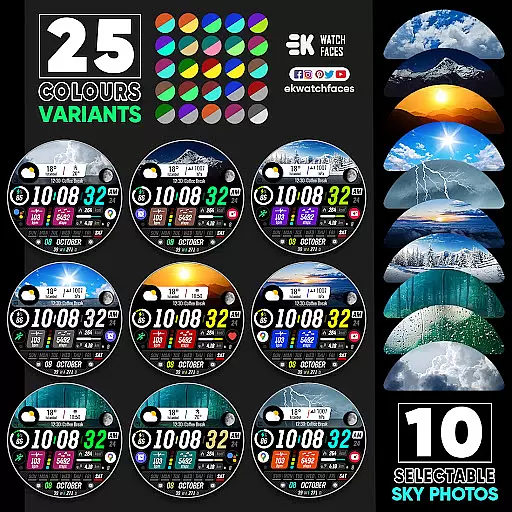
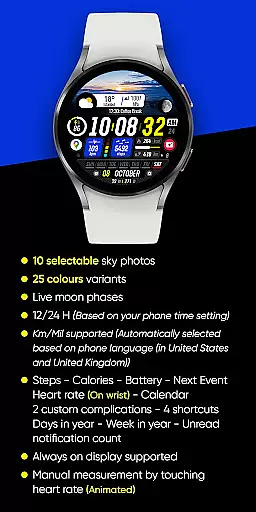
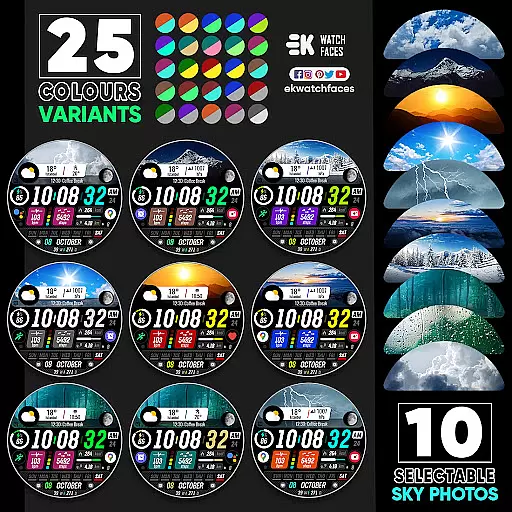
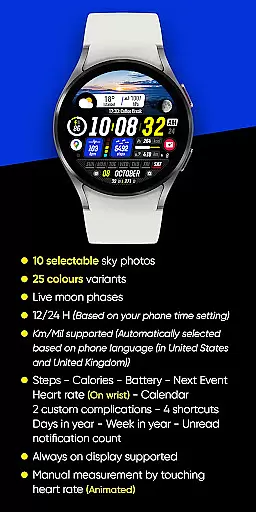
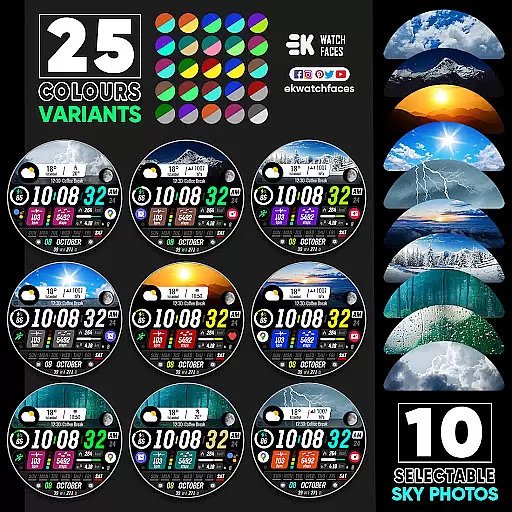
The watch face features 10 selectable sky photos with 25 color variants, live moon phases, and support for both 12/24-hour formats. It automatically adjusts measurement units based on your phone's language settings and provides essential health and productivity information at a glance.
Ideal for fashion-conscious professionals who value both aesthetics and functionality in their wearable technology, Sharper Clock enhances your daily routine while maintaining accurate timekeeping and seamless integration with your digital lifestyle.
Sharper Clock stands out with its impressive array of features designed to provide both visual appeal and practical utility. The watch face showcases 10 carefully selected sky photographs, each available in 25 different color variations, allowing users to personalize their watch face to match their mood or style.
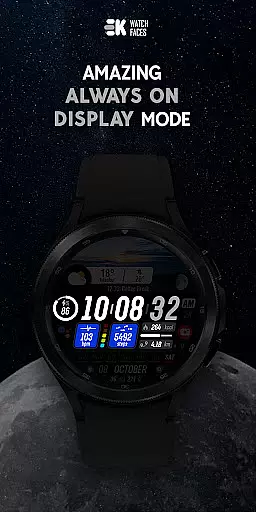
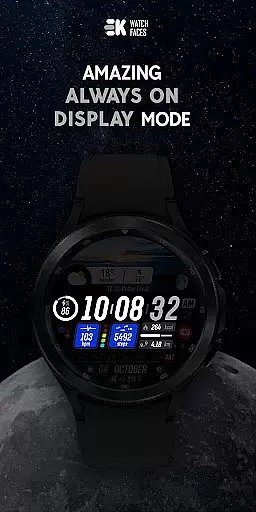
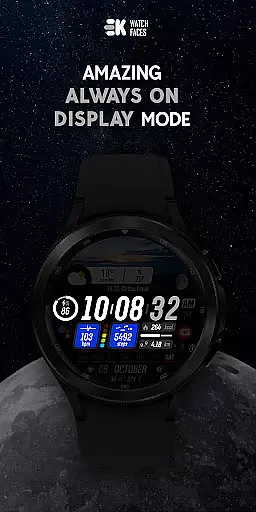
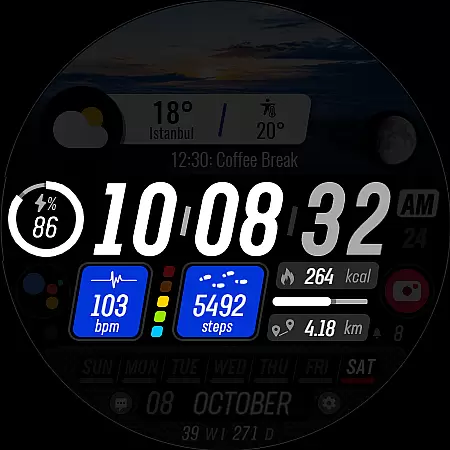
Advanced functionality includes real-time moon phase tracking, automatic time format adjustment based on phone settings, and intelligent unit conversion between kilometers and miles. The always-on display ensures important information remains accessible while conserving battery life.
For maximum usability, the watch face integrates essential health metrics such as step count, heart rate, and calorie tracking, alongside productivity features including calendar events, battery status, and notification counts. Users can further customize their experience through two custom complications and four shortcuts, creating a truly personalized wearable experience.
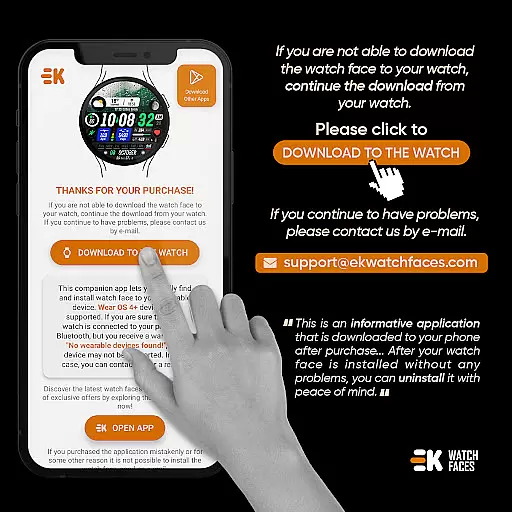
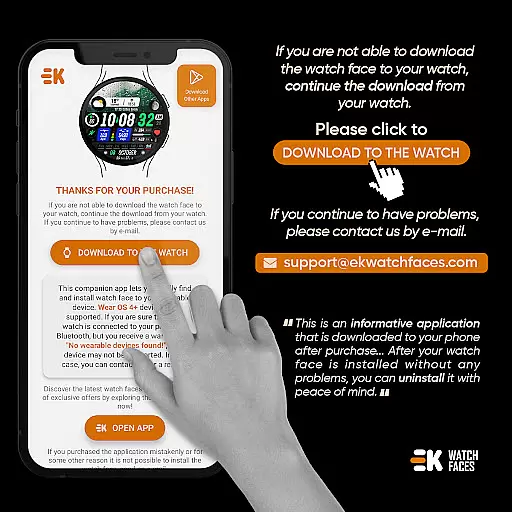
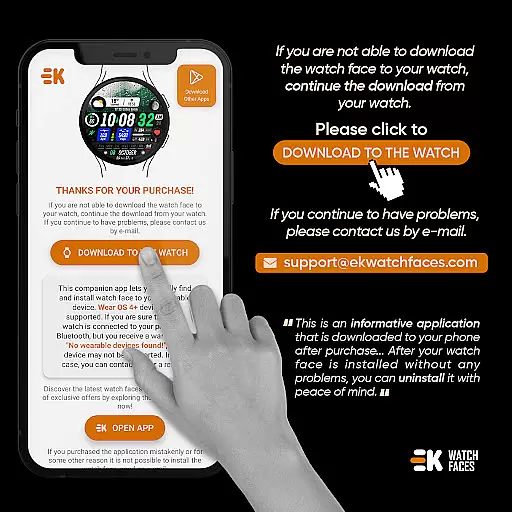
Sharper Clock - Watch Face offers seamless companion app integration, ensuring that your phone and Wear OS device work in harmony. The phone app acts as a placeholder to simplify the installation process on your watch.
By connecting your watch to your phone, you can easily download and install the watch face directly from your mobile device. This streamlined approach eliminates unnecessary steps and ensures a smooth setup experience.
The app provides clear instructions for installation, including alternative methods such as using a web browser on your PC. This flexibility allows users to choose the most convenient installation method based on their preferences and technical comfort level.
With proper synchronization between devices, users can enjoy all features without worrying about duplicate charges or payment loops. The developer has implemented safeguards to protect users from unintended payments during the installation process.
Designed specifically for Wear OS devices running API 33+, Sharper Clock - Watch Face ensures optimal compatibility with the latest smartwatch technology. This strict compatibility requirement guarantees that users will experience the full range of features without performance issues.
The watch face supports various essential functions including live moon phases, 12/24 hour time display based on phone settings, and automatic metric/imperial unit selection. These features adapt seamlessly to user preferences and regional settings.
For maximum functionality, users must manually enable Sensors and grant permission for receiving complication data. This ensures accurate tracking of steps, calories, battery status, heart rate, and other vital metrics directly on the wrist.
The application maintains compatibility with essential smartwatch features like Always On Display while offering numerous customization options through its 10 selectable sky photos, 25 color variants, and multiple complications. This combination of compatibility and customization creates an optimal user experience across supported devices.
Stunning visual design
Extensive customization
Live moon phases
Health integration
Always-on support
Wear OS only
Installation complex
Premium cost
Battery impact
API 33+ needed

Embrace the holiday spirit with this magical animated watch face!
 4.40
4.40
Digital, flexibly customizable watch face. For Wear OS 5.0, API 34+ and later.
5.00
Structured watch face with seven complications and modular UI elements
3.90
sleep, alarm, snoring, stress, healing, focus, sound therapy, circadian rhythm
4.10
Minimalistic design modern digital watch face.
4.1
Viewer for Wyze/Yi/Eufy/Arlo/ONVIF/RTSP/P2P IP cams w/ adv. features & DIY DVR
4.00
Control your Samsung Smart TVs, appliances, and SmartThings-compatible devices
4.60
Spam call blocker and caller ID for automatic call protection!
4.40
From periods to pregnancy & perimenopause, Flo helps you track it all. Try now.
4.70
Period, ovulation & pregnancy tracker. Fertility insights & menstrual calendar.
4.90
Monitor health with the stress test and pulse checker in the heart rate app.
4.60
A realistic hybrid watch face with many customization options.
4.60
Digital watch face. For Wear OS devices.
4.40
Want to take charge of your health? Let Google Fit help you reach your goals.
3.50
Christmas and New Year - Themed Watchface
4.1
Wear Os Watch Face - Animated Snow - Sesonal for Christmas & Winter
4.2
Analog watch face with 8 complications and expedition styling
4.2
A heartwarming Christmas scene featuring a cute image of Santa and Rudolf
4.3
Stylish digital watch face for Wear OS devices with customizable features
4.1


User Reviews