
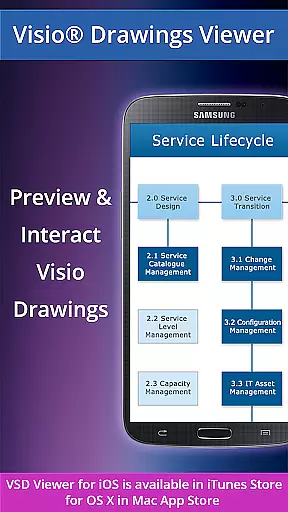
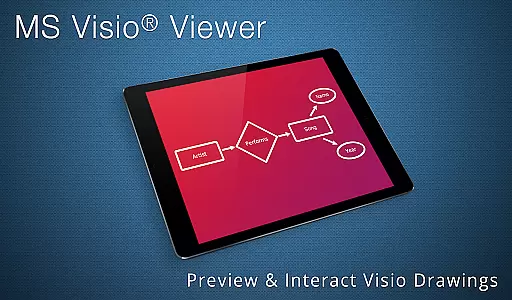
VSD Viewer for Visio Drawings is a professional Android application designed to open and render MS Visio drawings in VSD, VDX, and VSDX formats. It supports all Visio drawing formats from 2000 to 2013 versions, including the latest VSDX format introduced in Visio 2013.
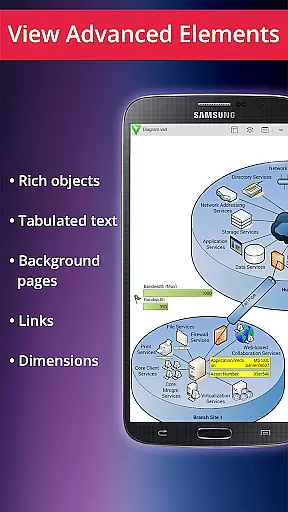
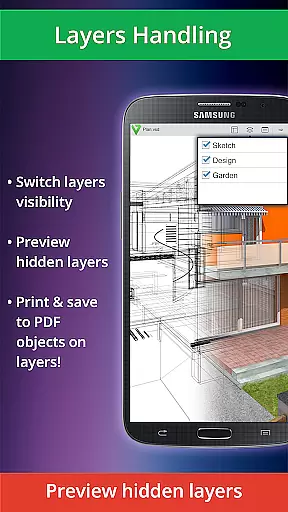
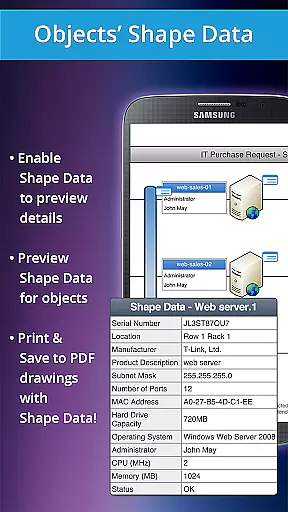
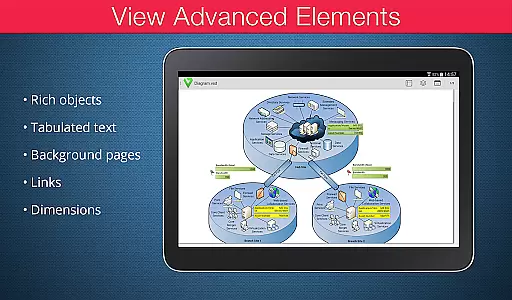
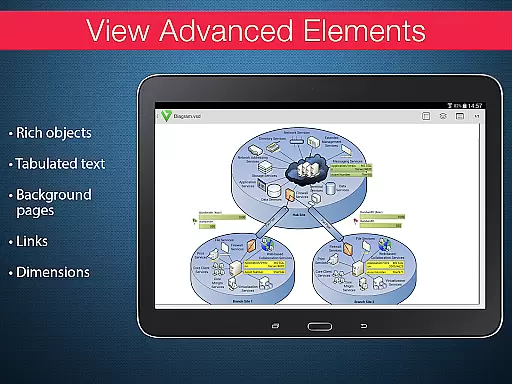
The app offers both basic and advanced viewing options. Basic features include multi-page document navigation, zooming, text copying, and support for complex formatted objects. Advanced users can preview hidden layers, switch layer visibility, and view object shape data. This makes it an essential tool for professionals who need to review technical diagrams and multilayered drawings on mobile devices.
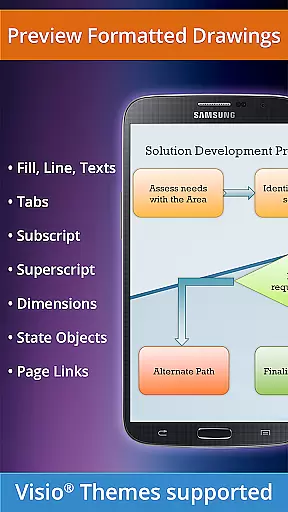
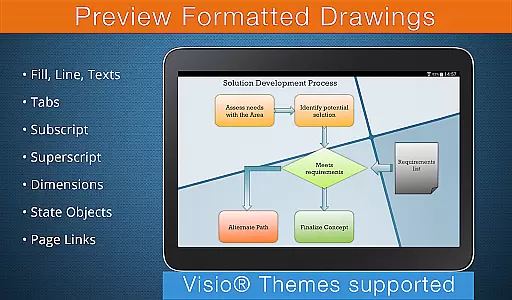
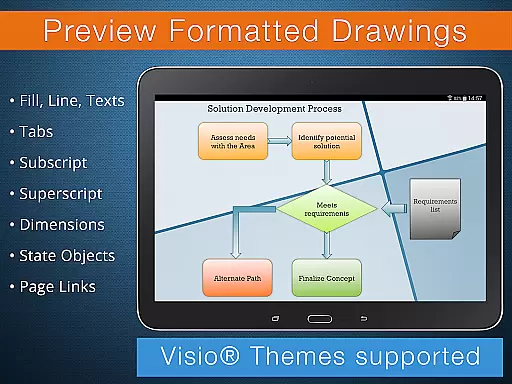
VSD Viewer stands out with its comprehensive feature set for Visio file management. The app provides complete navigation tools including scrolling, zooming, and multi-page document handling. Users can copy drawing texts and view complex formatted elements such as lines, fills, gradients, and formatted text with subscript/superscript support.
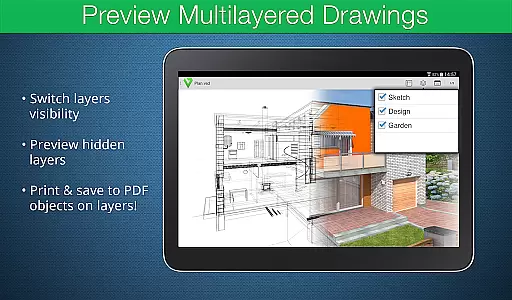
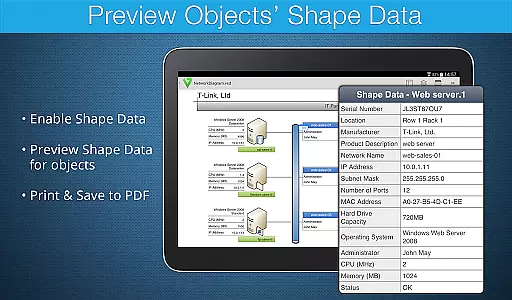
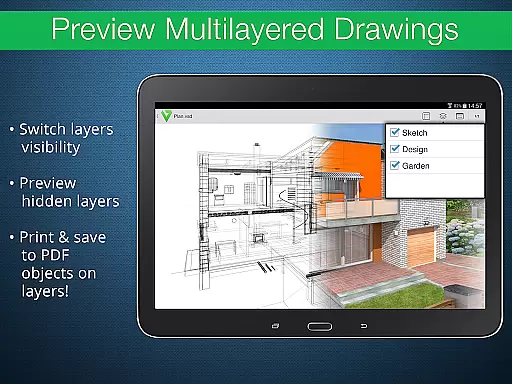
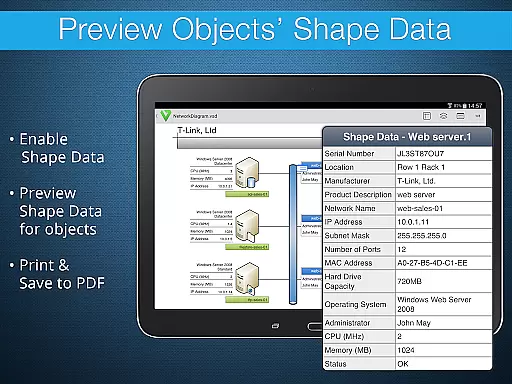
Advanced functionality includes layer management capabilities, allowing users to preview hidden layers and toggle their visibility. The app also supports viewing object shape data and maintains original dimension units. Professional features like theme support for Visio 2013 documents and page numbering make it suitable for business environments where accurate document representation is crucial.
In the realm of collaborative work, VSD Viewer for Visio Drawings offers a robust set of features that cater to team environments. This application allows multiple users to view and interact with MS Visio drawings on Android devices, ensuring that teams can stay aligned regardless of their physical location.
One of the key collaborative features is the ability to preview complex multilayered drawings and switch layer visibility. This functionality ensures that all team members can focus on specific parts of a project without being overwhelmed by the entire drawing, thus streamlining the review and feedback process.
Additionally, VSD Viewer supports multipage documents, which is crucial for projects that involve extensive documentation. Users can scroll, zoom, and navigate through different pages effortlessly, making it easier to discuss and make decisions on intricate details within large-scale projects.
The app also enables users to copy drawing texts, which can be particularly useful when extracting important information for reports or further analysis. By facilitating easy access and interaction with Visio files, VSD Viewer enhances productivity and ensures that all team members have the necessary tools to contribute effectively to collaborative efforts.
VSD Viewer for Visio Drawings provides essential task management capabilities that are integral to organizing and tracking progress within business projects. The ability to open and preview any MS Visio 2000-2013 VSD drawing equips users with the tools needed to manage tasks visually and efficiently.
With support for various file formats including VDX and VSDX, this application ensures that all team members can access the latest versions of project plans and task lists. This compatibility is vital for maintaining consistency across different departments and ensuring everyone is working from the most up-to-date information.
Moreover, the viewer's advanced options such as previewing hidden layers and viewing objects' shape data allow project managers to delve into detailed aspects of task assignments. These features help in identifying potential bottlenecks or areas requiring attention, thereby enabling proactive management of resources and timelines.
While there are current version restrictions like the need for an internet connection to render built-in metafiles, these do not detract significantly from the overall utility of VSD Viewer in managing tasks effectively. Its comprehensive feature set makes it an invaluable tool for businesses looking to enhance their task management processes.
User-friendly interface
Wide format support
Advanced layer management
Professional formatting options
Technical diagram support
Large files load slowly
Internet required for metafiles
No editing capabilities
Rendering limitations
Premium features locked

ANDROID'S TOP MOBILE OFFICE - Word, Excel, PowerPoint and PDF at your fingertips
 4.50
4.50
viewing and sharing PDFs and other files—anytime, anywhere!
4.4
Amazon A to Z is the place to manage your work-life at Amazon.
4.50
enjoy effortless PDF reading anytime, anywhere
3.90
Use Generative Summary to understand your rental or insurance docs in seconds.
4.70
All your team communication in one place
4.70
Access All PDF Files
3.40
Ship, Track, Find a Location or Get a Quote with UPS. Anytime. Anywhere.
4.60
No more passwords, easier sign-in, and greater protection for your accounts.
4.60
Permission Guard is a security app that helps you manage app permissions.
4.80
GoTo Mobile is a simple & secure calling, messaging & meetings solution
4.80
Recover what matters — quickly and easily.
4.70
We help people get jobs
4.70
Ask Accio anything about business. Alibaba-backed, built by experts, not just AI
4.60
Earn money with the driver & delivery partner app for Uber, UberEats & Postmates
4.60
Say hello to the mobile work experience built to help you thrive at work.
4.30
Build a store in minutes with our full suite of AI tools. Start for free!
4.20
The Penny Puss app with DG penny finder
4.10
view, manage, and share every PDF file you have
3.60


User Reviews