
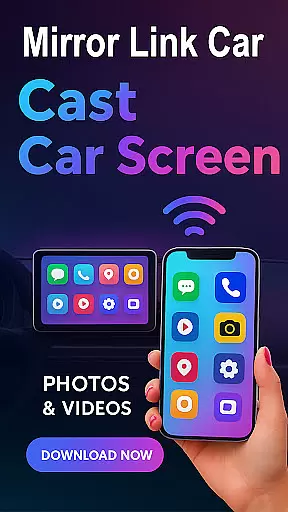
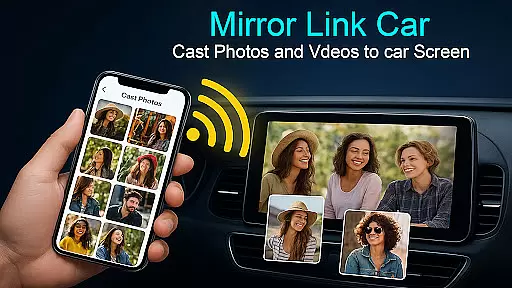
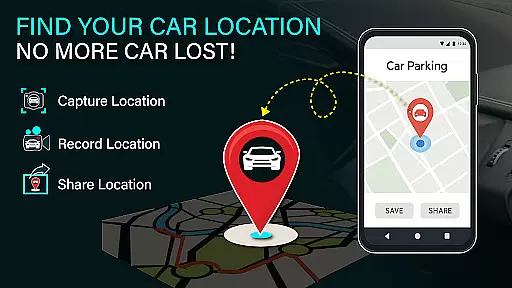
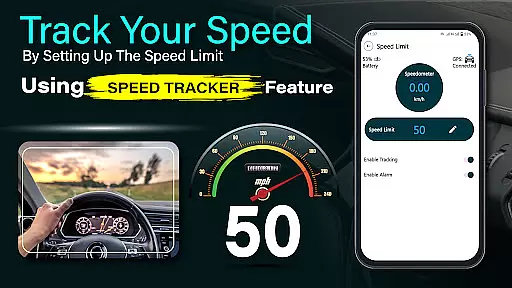
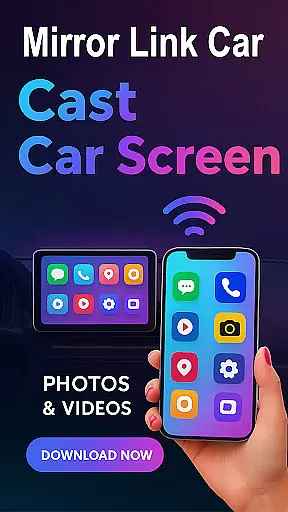
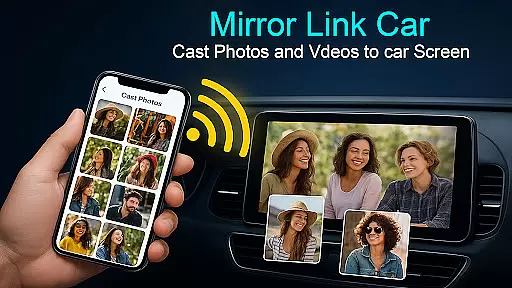
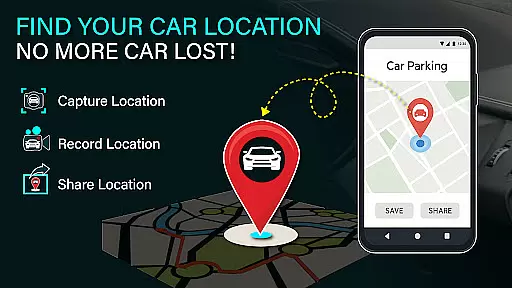
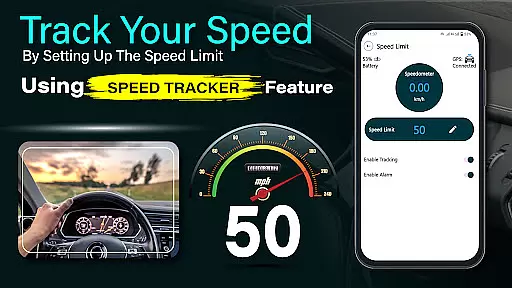
Mirror Link - Cast to Car is an innovative application that transforms your car's infotainment system into a smart display. By wirelessly mirroring your phone, it allows users to enjoy a full in-car multimedia experience with hands-free and distraction-free functionality. The app supports both wireless and wired connectivity options, ensuring flexibility and convenience.
Whether navigating through traffic, streaming music, or accessing content when parked, this app enhances the driving experience while maintaining safety. It also extends beyond automotive use, offering compatibility with Smart TVs for home entertainment purposes. Mirror Link - Cast to Car is designed for drivers who seek smarter, safer, and more enjoyable journeys.
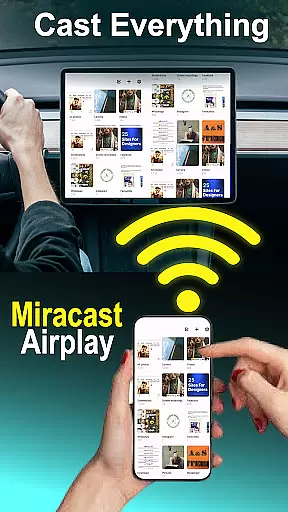
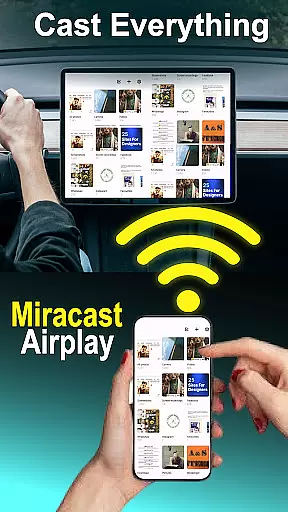
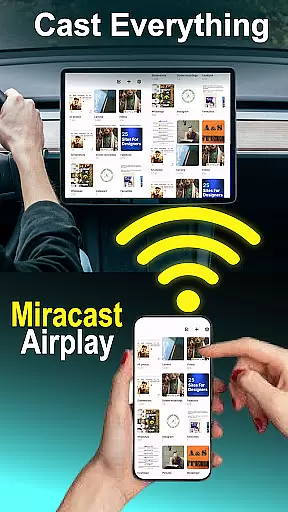
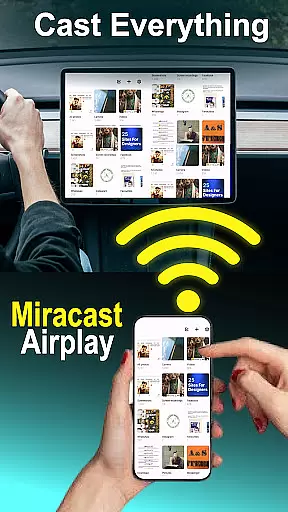
The Mirror Link - Cast to Car app boasts several top features that cater to modern drivers' needs. One of its standout capabilities is wireless screen mirroring, which connects smartphones to car screens without any cables using Wi-Fi Screencast technology. For those preferring a wired experience, USB connection support ensures stable and lag-free screen casting.
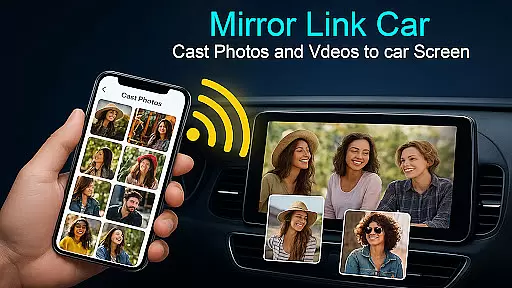
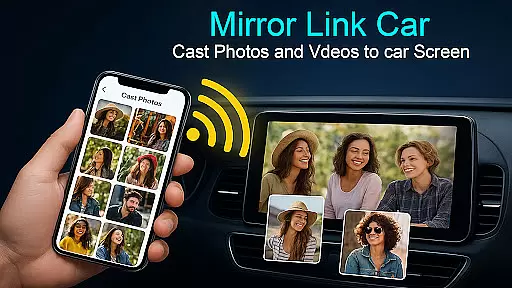
Users can enjoy a multimedia dashboard experience where they can watch videos (only when parked), use GPS navigation, manage calls, and stream apps directly from their car's touchscreen. Additionally, the app offers hands-free functionality, automating music play/pause and other functions to minimize distractions while driving. With one-click quick car connection via supported protocols like CarLink/Mirror Link, setup is fast and straightforward.
Functionality completeness in a car screen mirroring app like Mirror Link - Cast to Car is crucial for ensuring that users can seamlessly integrate their smartphones with their vehicle's infotainment system. This app offers both wireless and wired connectivity options, catering to different user preferences and technological capabilities of various car models.
The app supports key features such as Wireless Screen Mirroring via Wi-Fi Screencast, USB Connection Support for stable casting, and compatibility with infotainment systems that adhere to standard protocols. These features collectively ensure comprehensive coverage of potential use cases, from media streaming to navigation, all while promoting a safe, hands-free experience.
For users, this means enjoying an enriched driving experience without compromising on safety or convenience. They can manage calls, stream apps, and even watch videos when parkedu2014all through their car's touchscreen interface. The inclusion of Smart TV Compatibility further extends the utility beyond just automotive environments.
Ultimately, Mirror Link - Cast to Car delivers substantial value by providing a versatile solution that adapts to diverse needs and setups. Whether it's enhancing entertainment options or simplifying access to essential apps during travel, its broad functionality spectrum ensures users get the most out of their connected devices.
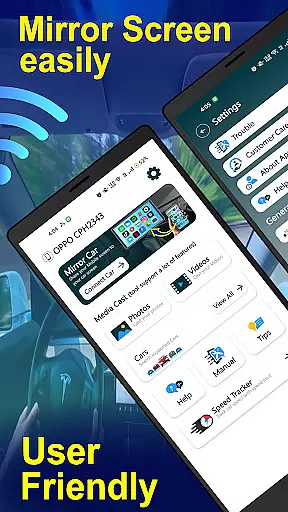
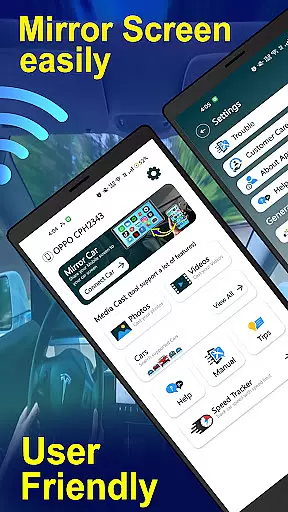
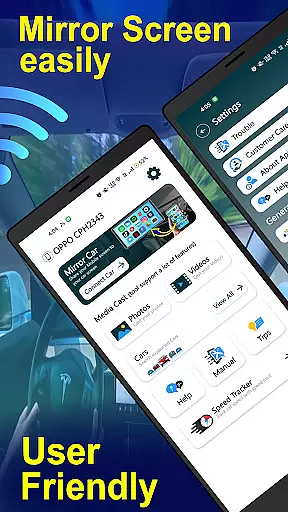
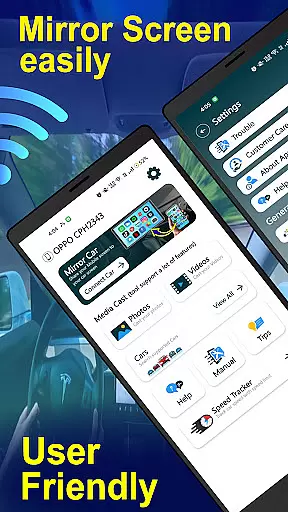
Usability and operational smoothness are vital aspects of any technology designed to enhance user interaction, particularly within automotive settings where distractions must be minimized. Mirror Link - Cast to Car excels in these areas by offering intuitive controls and straightforward setup processes that make connecting your smartphone to your caru2019s infotainment system effortless.
With one-click quick car connection via supported protocols like CarLink/Mirror Link, users can swiftly establish a link between their devices without navigating complex menus or settings. This ease-of-use factor significantly enhances overall usability, allowing drivers to focus more on the road ahead rather than troubleshooting technical issues.
Operational smoothness is further reinforced through functionalities such as automated music play/pause and other hands-free operations which help maintain driver attention on driving tasks. Additionally, clear instructions provided within the app guide users step-by-step through enabling necessary settings like Mobile Hotspot and selecting appropriate display modes.
By prioritizing simplicity alongside robust performance, Mirror Link - Cast to Car not only meets but exceeds expectations regarding seamless integration and reliable operation. Users benefit from a hassle-free experience that maximizes convenience without sacrificing safetyu2014a true testament to thoughtful design tailored specifically for modern motorists.
User-friendly interface
Wireless and wired connectivity
Enhanced driving safety
Wide device compatibility
Quick setup process
Requires compatible systems
Limited to Miracast support
Parked usage only
No iOS support
Dependent on car model

Wireless reverse charging using phone now is possible
 4.30
4.30
The Free Catholic Latin American Bible in complete Spanish
4.60
Connect and find your Smarttag devices through our app.
4.00
Test DPC is a sample device policy controller for use with Android Enterprise.
4.20
Block, disable and secure phone camera from secretly taking photos by spyware.
4.50
Connect and Find your smart tag via our app.our app is compatible with smarttag.
3.30
Mobs maker Minecraft help MCPE creators make their own mob by using Blockbench
3.50
Al QURAN-القرأن الكريم app to read Quran offline just like an actual Quran book
4.30
Mirror phone to TV effortlessly! Stream, share & connect with Airplay ease.
3.60
Block and secure the microphone and protect from secret listening and recording.
4.50
Popular mods fnaf mods for melon playground
4.50
An essential GFX utility developed for specific FPS mobile games
4.50
Game booster GFX may reduce interruptions and improve gaming experience.
4.50
Phone Software Update Quick Checker helps you to keep your phone apps up to date
4.50
Recite Quran Majeed القران with special 16 line real Kuran page in hand
4.30
Manage apps & elevate your gaming experience with Game Launcher: Gaming Hub app.
4.30
a wireless controller that provides a seamless and gaming experience for players
3.80
Simulator of real black light
3.50
Experience virtual reality on your smartphone with Cardboard.
3.50


User Reviews