
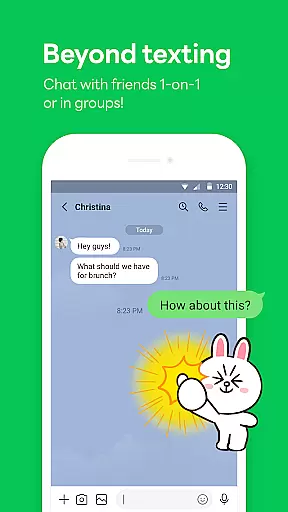
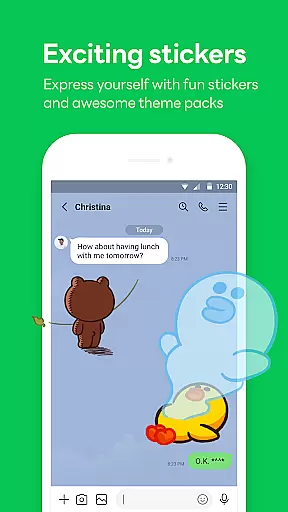

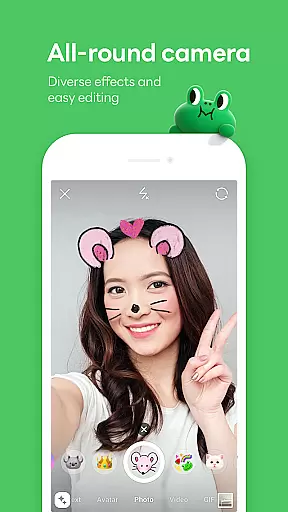
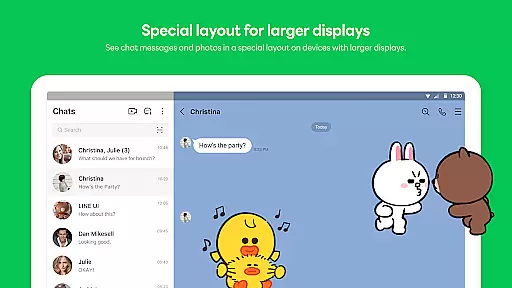

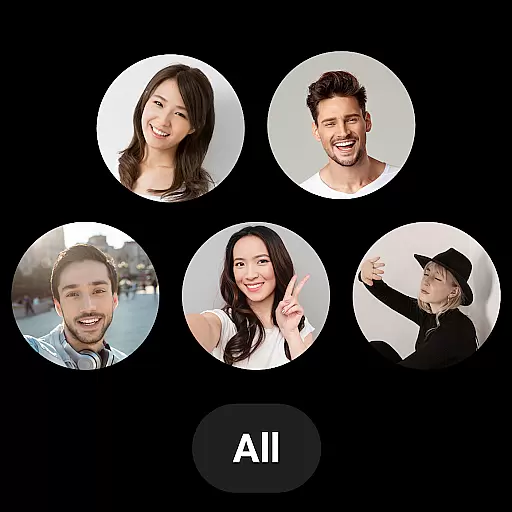
LINE is a versatile communication app that bridges the gap between family, friends, and loved ones through free voice and video calls, messages, and an extensive range of expressive stickers. Available on mobile, desktop, and Wear OS, LINE offers seamless connectivity across devices, ensuring you stay connected wherever you are. With features like Keep Memo for personal storage and Letter Sealing for enhanced privacy, LINE not only makes communication fun but also secure.
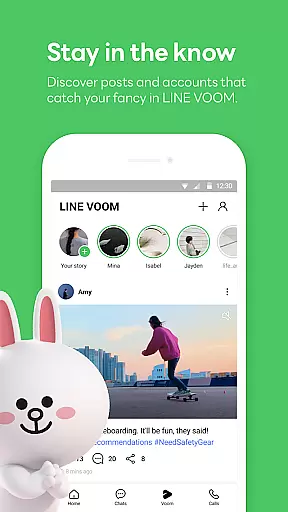
The app goes beyond basic messaging by providing users with unique tools such as Home, which gives quick access to friends' lists, birthdays, sticker shops, and various services. Whether you're at home, in the office, or on the move, LINE's cross-platform support ensures you can chat anytime, anywhere. Its integration with Wear OS allows smartwatch users to check messages directly from their watch face, making it a comprehensive communication solution.
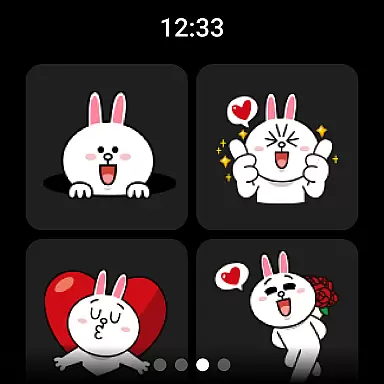
LINE stands out with its diverse communication options including high-quality voice and video calls, text messaging, and a vast library of engaging stickers and emojis. The Home feature acts as a central hub, offering easy navigation to friends' lists, birthday reminders, and the sticker shop, enhancing user engagement. Additionally, the app provides customization options through themes, allowing users to personalize their experience according to their preferences.
One of LINE's key strengths is its robust security measures. The Letter Sealing function automatically encrypts messages, call history, and location data, ensuring user privacy. Furthermore, the Keep Memo feature offers a private chatroom for temporarily storing important messages, photos, and videos. These thoughtful additions make LINE not just a messaging app but a secure and personalized communication platform adaptable to various user needs.
Companion app integration is essential for users who want a seamless experience across multiple devices. LINE ensures that its mobile, desktop, and Wear OS versions are perfectly synchronized, allowing users to transition effortlessly between platforms.
The app achieves this by providing consistent features such as messages, voice calls, and video calls on all supported devices. This means you can start a conversation on your smartphone during your commute and continue it on your desktop when you arrive at the office.
Additionally, LINE's synchronization extends to personalization options like stickers, emojis, and themes, ensuring that your unique style is reflected regardless of the device you're using. This comprehensive integration enhances both convenience and continuity.
By offering a unified experience, LINE makes communication more flexible and reliable, empowering users to stay connected with friends and family without being tied to a single device.
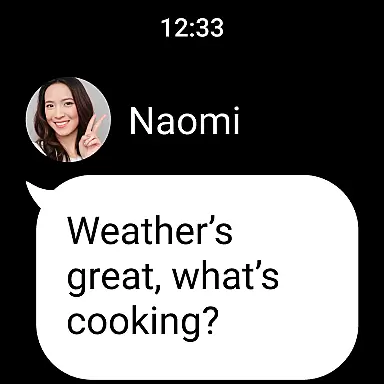
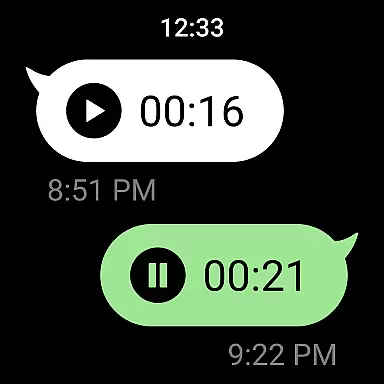
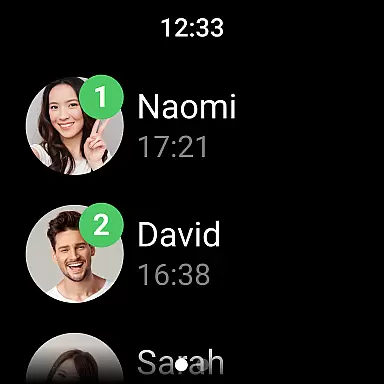
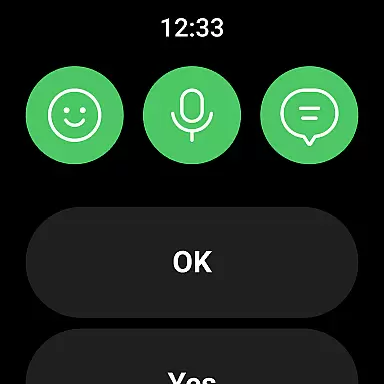
LINE's compatibility with Wear OS devices ensures that smartwatch users can enjoy the benefits of staying connected without needing to reach for their phones. The app supports notifications, message previews, and quick replies directly from the wrist.
This compatibility is particularly useful for receiving and responding to important messages on the go. With the LINE app complication added to the watch face, users can access their messages with just a glance, making communication faster and more efficient.
Beyond messaging, LINE also allows users to check their call history and even use features like Letter Sealing on their Wear OS devices. This ensures that privacy and security measures are consistently applied, regardless of the device in use.
Overall, LINE's thoughtful integration with Wear OS enhances user accessibility and convenience, proving that staying connected can be both smart and effortless.
User-friendly interface
Free voice and video calls
Extensive sticker collection
Cross-platform compatibility
Strong privacy protection
Requires significant storage space
May drain battery quickly
Limited functionality on older devices
Occasional connectivity issues
Some features need Wi-Fi or data plan

Beautiful artistic animated digital watch face, with a customizable layout!
 4.40
4.40
Deck out your Wear OS Watch face with a beautifully decorated pine wreath!
4.50
Simple Analog-Digital Watchface For Wear OS 3.0 and Up Smartwatches
4.3
Sleek, highly customizable watch face inspired by Galaxy Watch Circle Dashboard.
4.5
Your second brain for organizing your life: to-do, calendar, reminder.
4.70
Connect to your Bluelink equipped Hyundai vehicle from your smartphone.
4.50
Professional weather radar and more
3.90
Stylish, Energizing and Modern Watch Face crafted by Dominus Mathias.
4.50
Control your Samsung Smart TVs, appliances, and SmartThings-compatible devices
4.60
Hyperlocal rain alerts by MyRadar using patent-pending technology, radar & more
4.80
Highly customizable hybrid watch face for Wear OS, perfect for everyday use.
4.60
Rose gold watch face with festive lights & customizable features.
4.60
To-Do List: daily schedule planner, task organizer, to do reminder app, calendar
4.60
Ideal for surviving in the wasteland left after nuclear fallout
4.50
Fast and smart typing with Emojis, GIFs, and more
4.50
Embrace the holiday spirit with this magical animated watch face!
4.40
Structured watch face with seven complications and modular UI elements
3.90
an Analog Watch Face for winter season with freeze winter background for Wear OS
4.2
Hybrid Vibrant Health Watch Face for Wear OS
4.2


User Reviews