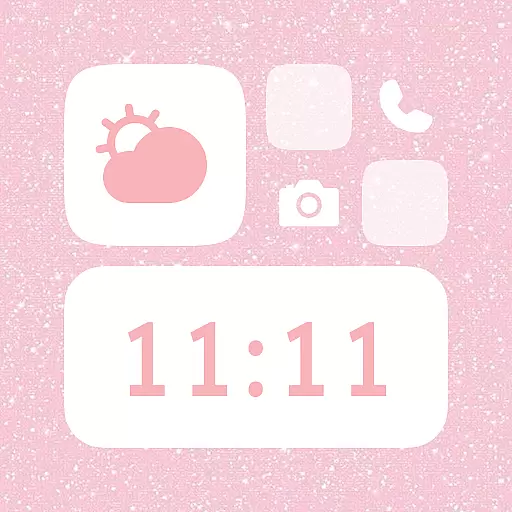
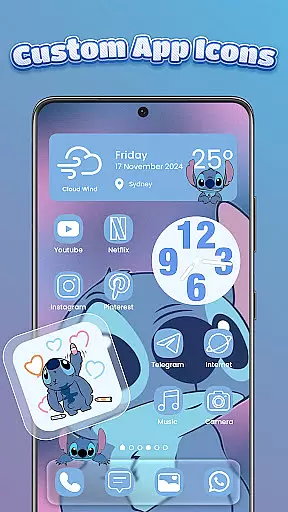
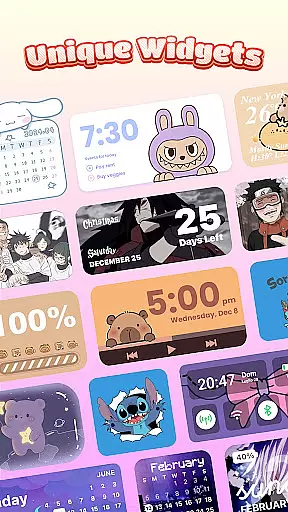
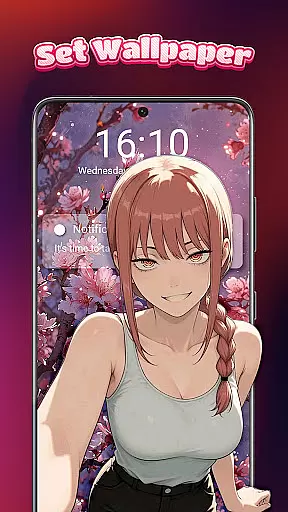
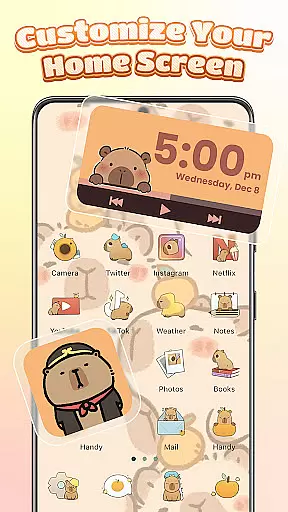
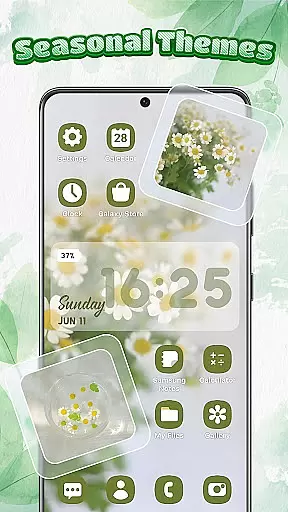
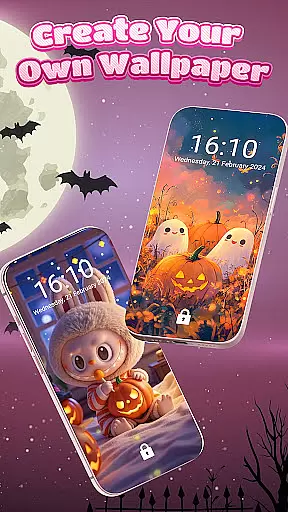
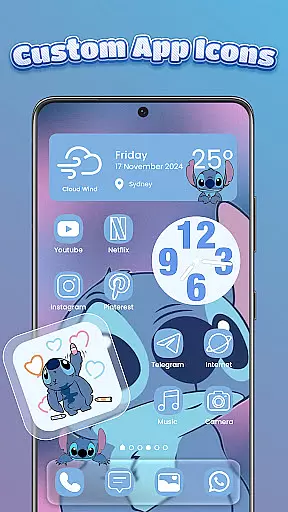
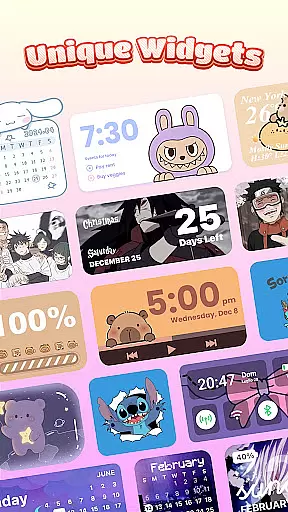
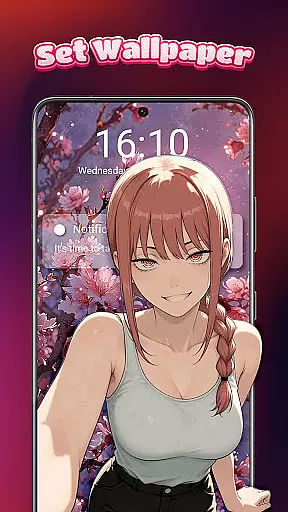
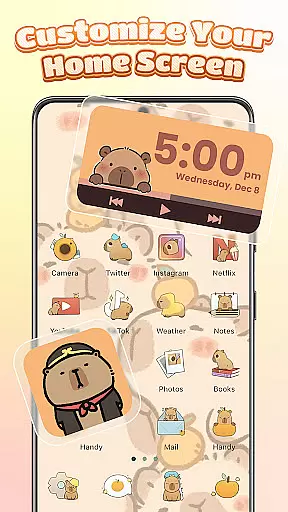
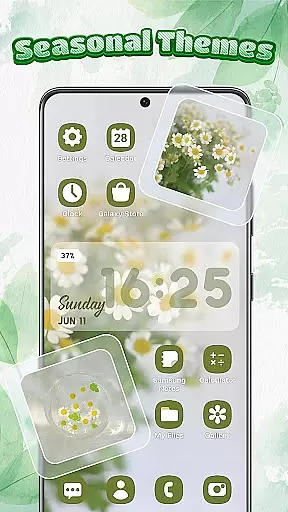
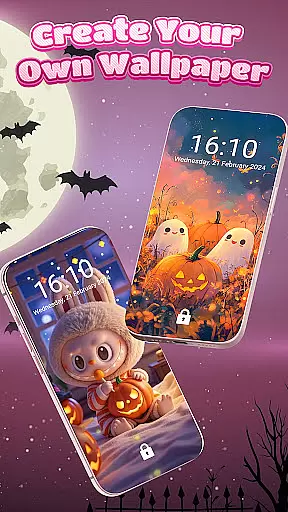
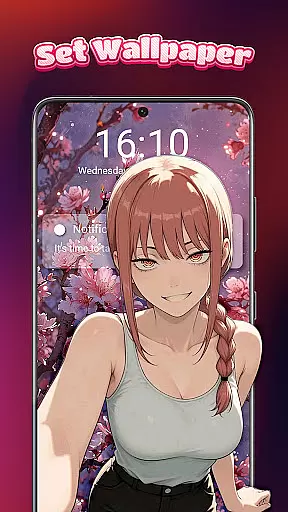
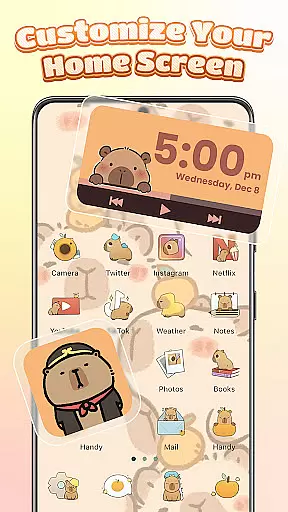
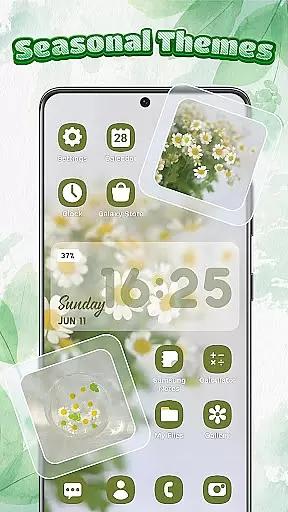
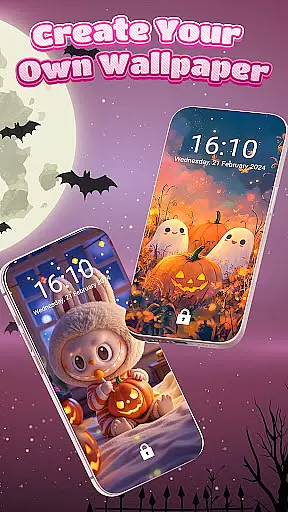
Themebox is a comprehensive personalization app that allows users to fully customize their smartphone's appearance. With over 1000 beautifully designed themes, the app offers an extensive range of customization options including app icon changers, color widgets, wallpapers, and control center modifications.
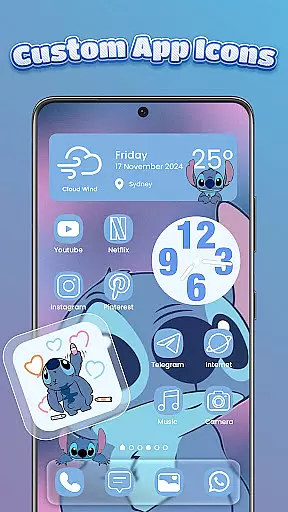
The app's standout feature is its powerful icon changer, which lets users redesign app icons with custom styles, fonts, colors, and transparency settings. Additionally, the app provides interactive widgets for battery status, calendar, weather, and more, all of which can be personalized to match the user's preferred aesthetic.
Themebox is particularly useful for Android users who want to create a cohesive and personalized home screen experience. Whether you prefer minimalist designs, neon aesthetics, or anime-inspired themes, Themebox provides the tools to make your device truly unique while maintaining optimal usability.
Themebox distinguishes itself through its comprehensive suite of customization features. The app's icon changer allows users to modify app icons with unprecedented flexibility - from changing basic colors to creating completely new designs using custom fonts and transparency effects.
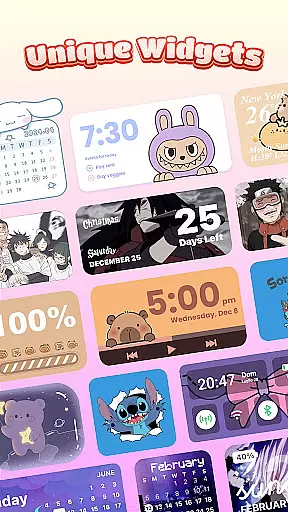
A key innovation is the smart control center, a floating panel that provides quick access to essential system functions while maintaining a stylish appearance. The app also offers customizable widgets that go beyond basic functionality - users can incorporate personal images and adjust widget colors to perfectly match their chosen theme.
What sets Themebox apart is its attention to detail in design consistency. All elements - from wallpapers to icon packs - are carefully crafted to work together seamlessly. The app's lightweight architecture ensures smooth performance while delivering daily theme updates and exclusive designer content to keep user interfaces fresh and engaging.
Themebox offers an extensive range of customization options that allow users to personalize their smartphone experience like never before. With over 1000 beautifully designed themes, the app provides a vast selection of icon packs, color widgets, wallpapers, and control center designs.
The app icon changer feature is particularly robust, enabling users to explore a wide variety of icon packs. Whether you prefer cute and colorful or sleek and modern styles, Themebox lets you mix and match different elements such as fonts, colors, transparency levels, and backgrounds. This level of detail ensures that every user can find or create an icon combo that perfectly matches their personal vibe.
Additionally, the inclusion of interactive and stylish color widgets adds another layer of customization. Users can choose from battery status widgets, calendar and weather widgets, smart control panel widgets, and even image widgets customized with personal gallery photos. Each widget is fully customizable to blend seamlessly with the chosen home screen theme.
This variety empowers users to design a home screen that not only looks good but also functions efficiently according to their preferences. The ability to tailor each aspect of the interface makes Themebox stand out in the realm of personalization apps.
Themebox excels in providing exceptional theme compatibility across various design preferences and device types. Whether you are a fan of anime, vintage, minimalist, pastel, or neon aesthetics, this app has something for everyone. Its comprehensive library includes daily theme updates and exclusive releases, ensuring that your phone's look remains fresh and up-to-date.
The app supports multiple aesthetic styles, including sports themes and other specialized home screen designs. This diversity allows users to switch between themes effortlessly, depending on their mood or current trends. Moreover, the simplicity and speed of applying these themes make it easy for anyone to transform their device's appearance quickly.
One of the standout features is the DIY aspect, where users can create their own themes that fit their unique personalities. This flexibility ensures that no two home screens need to be alike, offering limitless possibilities for personal expression.
Furthermore, Themeboxu2019s lightweight nature guarantees smooth performance without compromising on functionality. By focusing on both visual appeal and operational efficiency, Themebox ensures that all themes are not only visually stunning but also practical and compatible with your device's system settings.
Extensive customization
User-friendly interface
Regular theme updates
Lightweight performance
Versatile widget options
Premium themes cost
Advanced features locked
Occasional bugs
Learning curve present
Device compatibility

Only for Wear OS devices!
 4.90
4.90
Themes - Widget & Wallpaper: Customize home screen, icon changer w unique themes
4.30
Unique Android Launcher
4.60
Turn text & photos into stunning AI videos, art, and creative visual stories.
4.50
HappyLighting is a Bluetooth lamp control software.
3.40
300+ widgets inspired by Material You and Material 3 expressive design.
4.60
Transform your device in a game console
4.40
Modern Glass Icon Pack with glossy icons, clean minimal theme & aesthetic style
4.0
Enjoy a variety of amazing live wallpapers and colorful EDGE lighting borders!
4.80
Sparkle your screen with Glitter Wallpapers For Girls and Cute Backgrounds!
4.80
Gun Chase - Let the chase begin.
4.80
Glass style colourful icons with a One UI look and feel
4.60
Over 28,000 high quality icons to bring color & homogeneity to your phone.
4.60
Want to make your phone more special than ever?
4.60
Zip lock screen with magic wallpaper to decorate your phone with fun zipper lock
4.60
Choose your keyboard with RGB colors effect, themes, fonts, emojis.
4.60 4.50
4.50
200+ Material Inspired Widgets
4.50
Run multiple accounts of the same app on a single device
4.10


User Reviews