
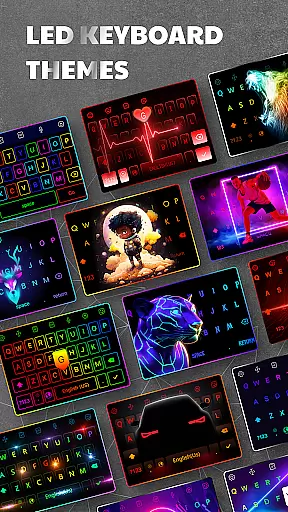
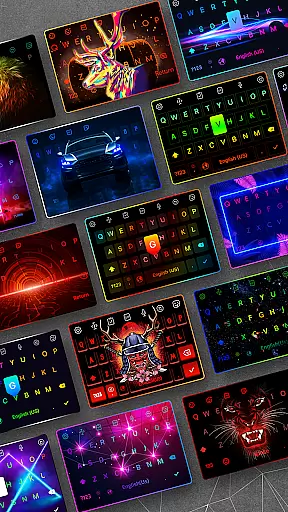
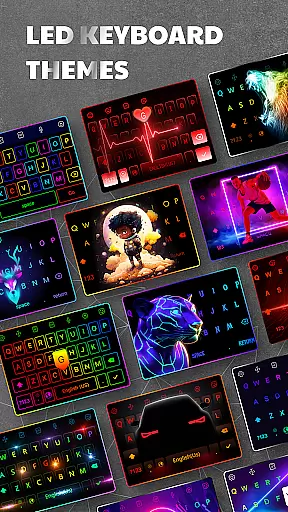
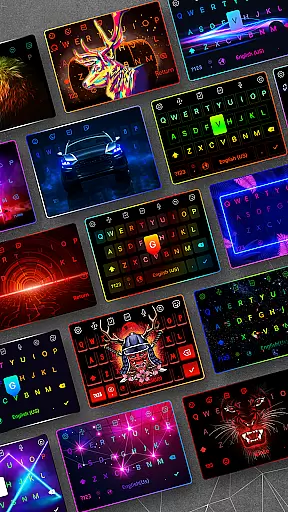
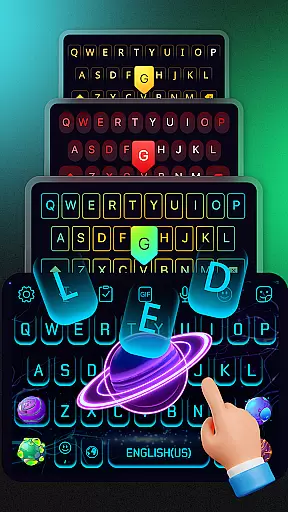

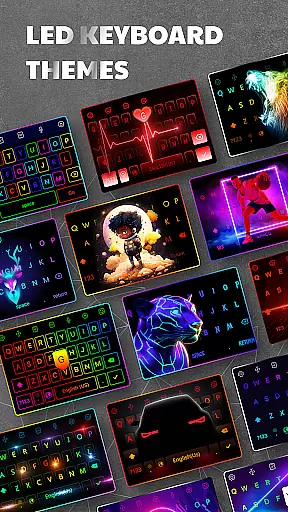
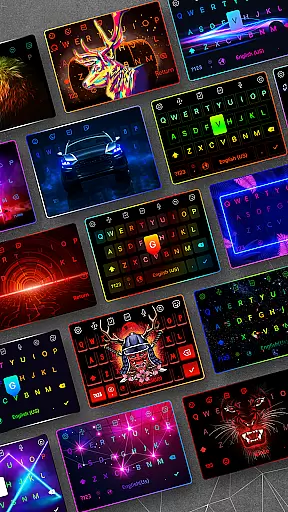
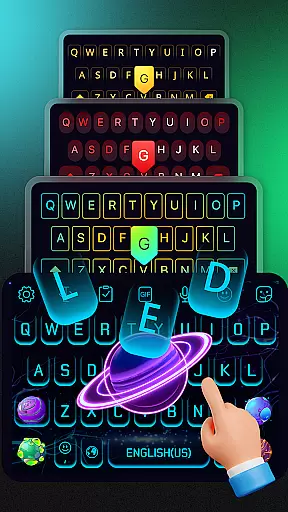
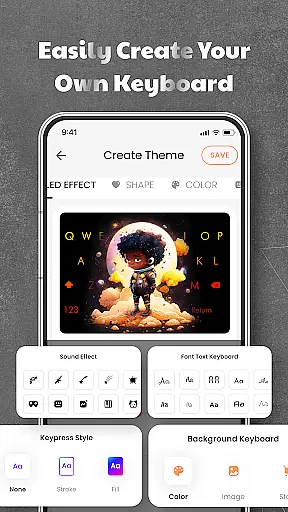
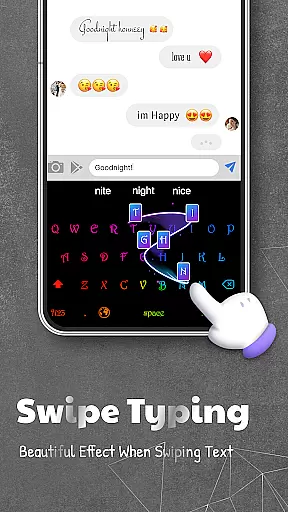
LED Keyboard is a feature-rich personalization app that transforms your Android typing experience with customizable themes, RGB lighting effects, and advanced typing functionalities. Designed for users seeking both style and efficiency, this app offers over 500 unique keyboard themes alongside dynamic lighting animations such as RGB, neon, and gradient effects.
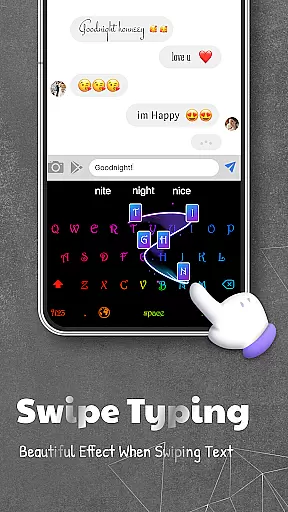
Beyond aesthetics, the app supports practical features like swipe typing, voice typing, and multi-language support, making it versatile for everyday use. Whether you're chatting on WhatsApp or creating content on TikTok, LED Keyboard enhances both productivity and creativity while ensuring privacy and security during usage.
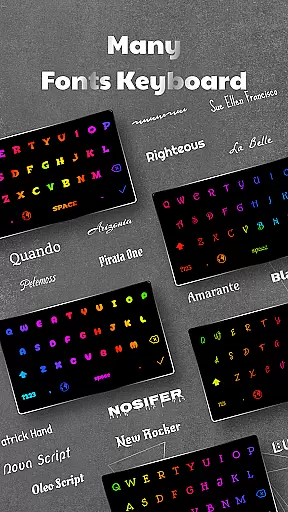
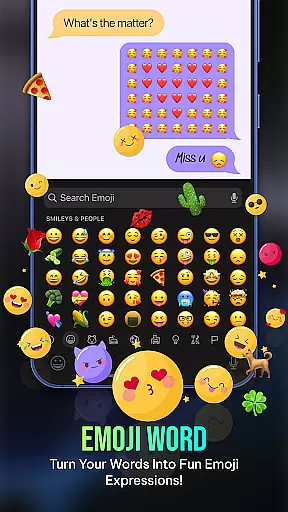
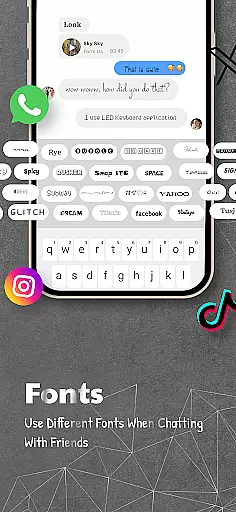
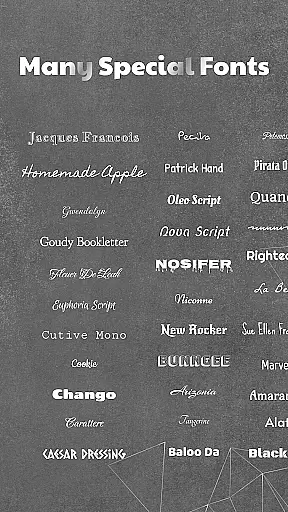
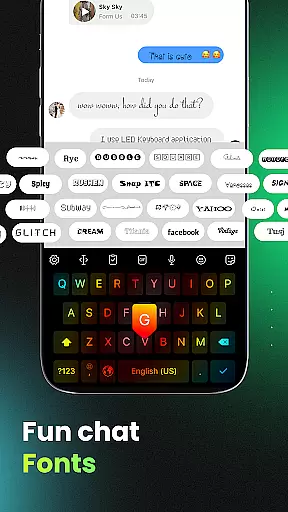
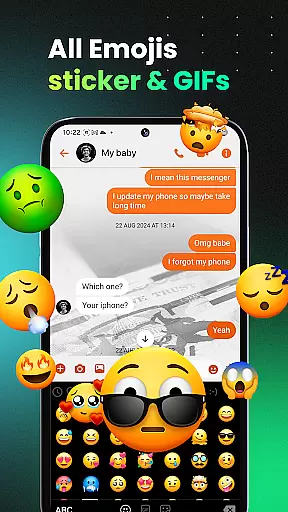
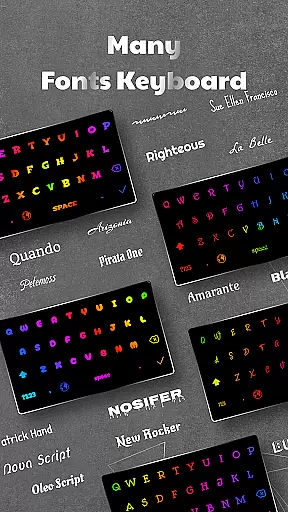
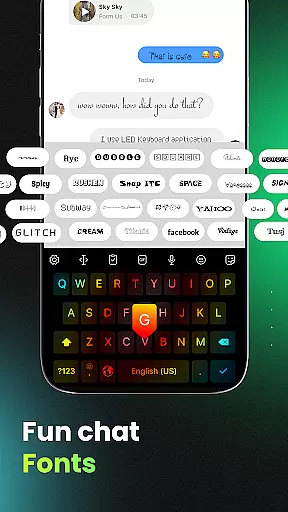
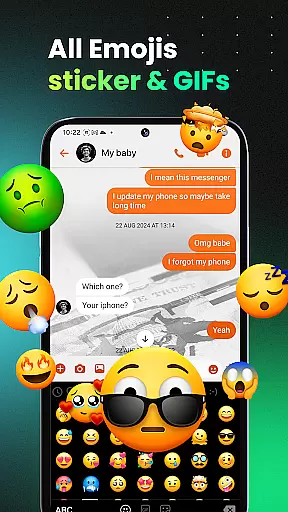
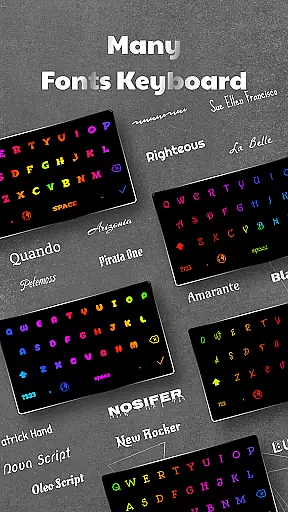
LED Keyboard stands out with its extensive customization options, including 3000+ emojis, multiple fonts, and live typing effects like mechanical keyboard sounds or piano tones. The app supports various keyboard layouts such as QWERTY, AZERTY, and QWERTZ, catering to different user preferences and languages.
Advanced functionalities include smart typing tools like auto-correction, word suggestions, and clipboard management for faster text editing. Additionally, users can easily switch between multiple languages and adjust keyboard size and position for optimal comfort. With integrated privacy safeguards, sensitive data remains secure, ensuring a reliable and personalized typing experience without compromising safety.
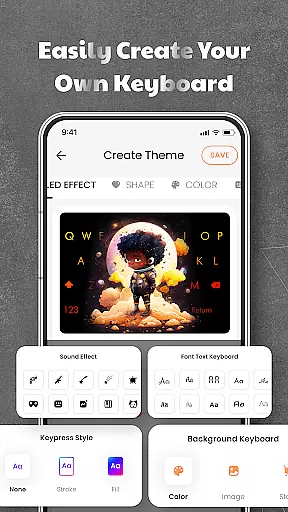
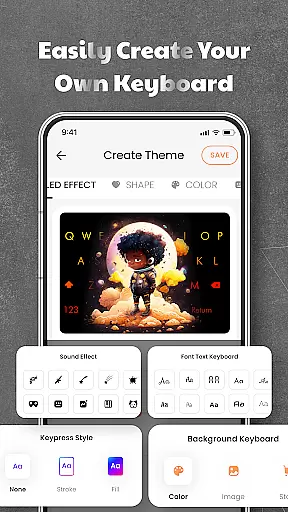
LED Keyboard offers an extensive range of customization options that allow users to tailor their typing experience according to personal preferences. With over 500 themes available, the app provides a diverse selection of keyboard backgrounds, including photos and pre-designed themes.
In addition to visual aesthetics, the app supports various typing effects such as RGB, neon, gradient, and live typing animations. These dynamic features enhance user interaction by providing visually engaging feedback during typing sessions.
The inclusion of multiple typing sound options like mechanical keyboard, piano, and water sounds further enriches the customization possibilities. Users can select auditory cues that best match their typing style or mood, making each interaction with the keyboard unique and personalized.
Theme compatibility in LED Keyboard ensures seamless integration of chosen themes across different devices and screen sizes. The app's design prioritizes visual consistency, allowing users to enjoy a uniform appearance regardless of the device they are using.
Users can create custom keyboard backgrounds using personal photos or select from a library of professionally designed themes. This flexibility guarantees that every theme maintains its intended look and feel, preserving the creator's original vision.
The app's robust compatibility system extends to various keyboard layouts including QWERTY, AZERTY, and QWERTZ. This ensures that selected themes display correctly regardless of the chosen layout, maintaining both functionality and aesthetic appeal across different typing configurations.
Highly customizable
Vibrant RGB effects
Multi-language support
Smart typing features
Privacy-focused design
Occasional lags
Ads in free version
Limited premium themes
Heavy on storage
Complex settings

Classic analogue watch face. For wear os devices.
 4.60
4.60
Capture moments that pass like a storm, second by second.
4.0
Themes - Widget & Wallpaper: Customize home screen, icon changer w unique themes
4.30
AI-powered Copilot. Personalized keyboard with gifs, stickers & themes
4.40
Over 28,000 high quality icons to bring color & homogeneity to your phone.
4.60
The definitive Icon pack maker and editor
4.30 4.50
4.50
Color phone with cool effects for call screen, flash alert & ringtones music
4.50
Install amazing sticker packs: endless styles, always cool.
4.70
Sparkle your screen with Glitter Wallpapers For Girls and Cute Backgrounds!
4.80
Gun Chase - Let the chase begin.
4.80
Customizable Glass widgets. Over 360+ stunning widgets and more!
4.70
Nothing Icon pack with more than 3750+ highly crafted icons.
4.70
Stunningly Different look with Line Icons and Neon Colors
4.60
Ultimate Gallery Lock App - Hide Pictures, Videos and Lock Apps Instantly!
4.60
Romantic Kiss Stickers App. Start romantic messaging now!
4.30
Transfer your live wallpapers from Windows to Android using Wallpaper Engine!
4.00
Turn your lock screen into fun with smile live wallpapers & animated wallpapers!
2.50
Struggling to find apps? Use this app to locate and open any app on your phone!
2.20


User Reviews