
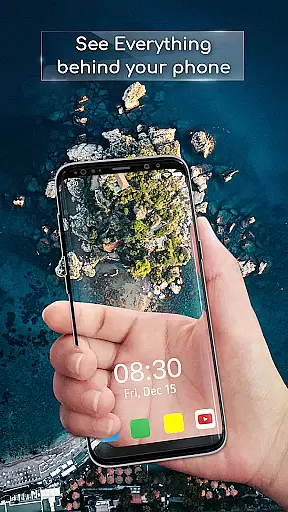
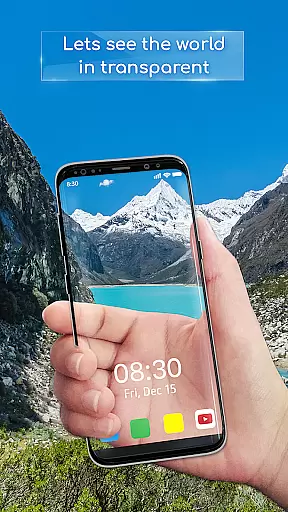
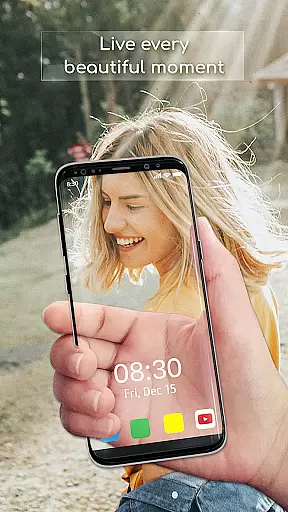
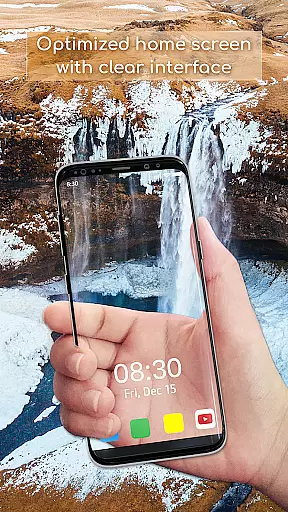
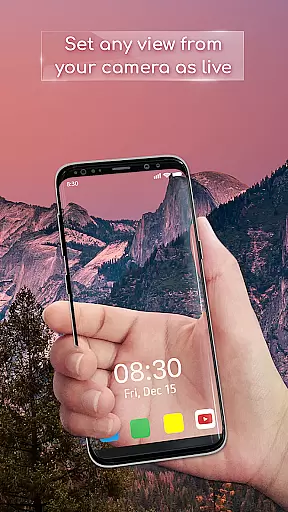
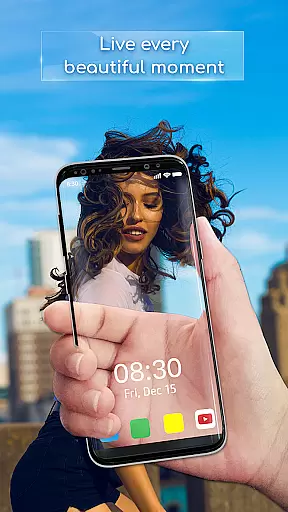
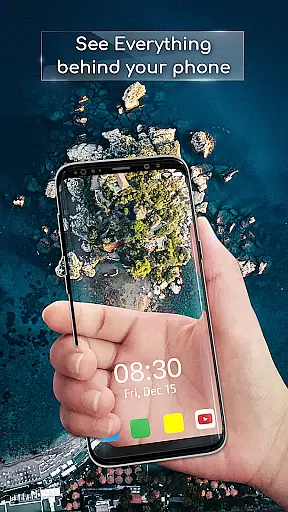
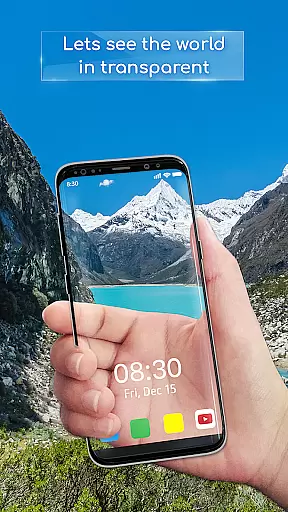
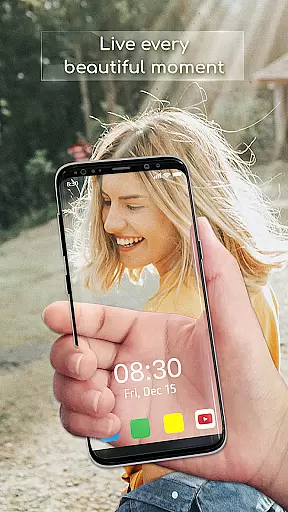
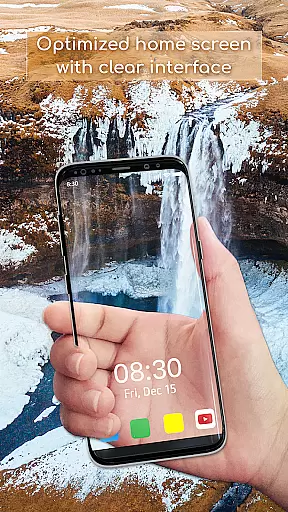
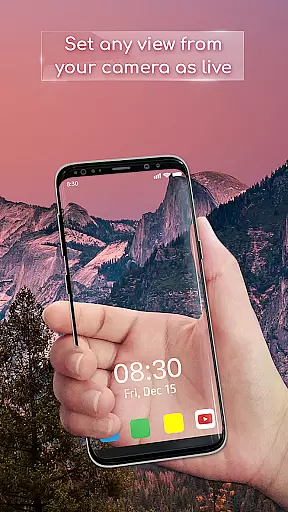
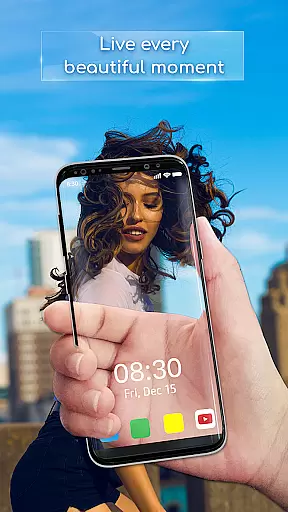
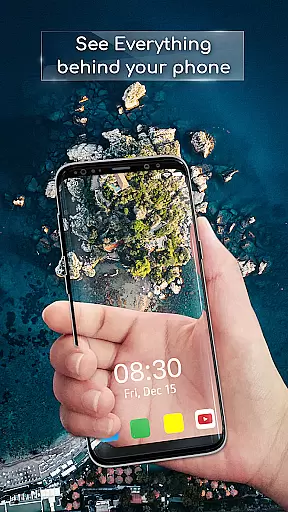
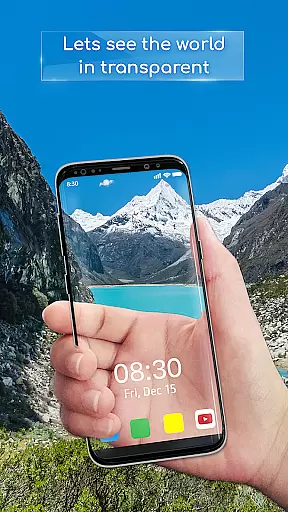
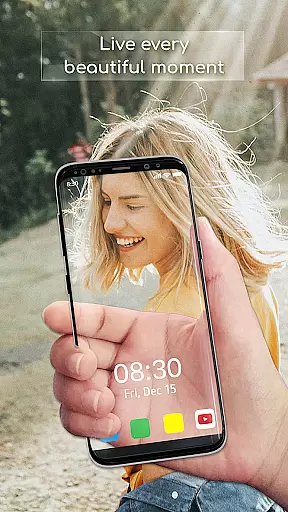
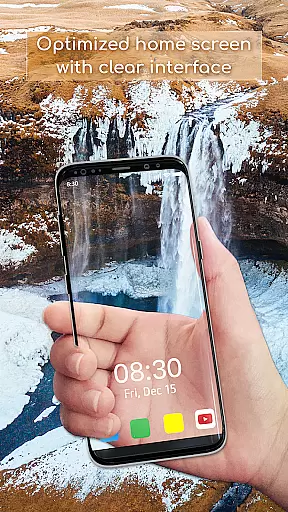
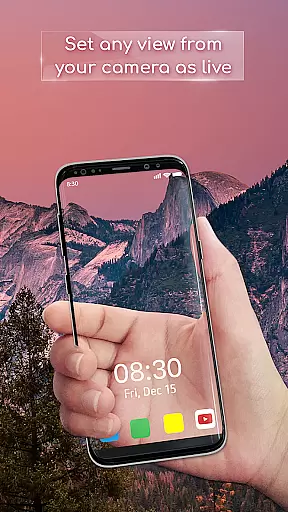
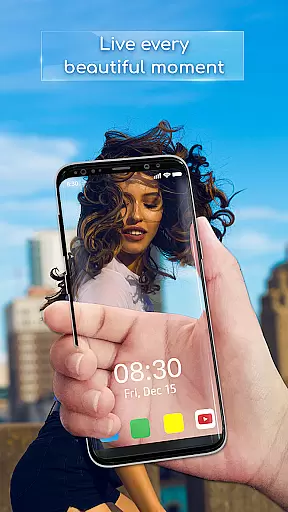
Transparent Wallpaper is a unique personalization app that transforms your device's screen into a transparent window using the device's back camera. This innovative feature creates an immersive see-through effect, offering users a completely new way to interact with their mobile screens.
The app provides a user-friendly interface and smooth performance, ensuring easy setup and seamless operation. Whether you want to surprise your friends or simply enjoy a futuristic aesthetic, Transparent Wallpaper delivers crystal-clear visuals and high-resolution display quality.
This app is perfect for those looking to break away from traditional wallpapers and experience a truly innovative background style. By turning your device into a transparent screen, it opens up creative possibilities while showcasing cutting-edge technology in action.
Transparent Wallpaper stands out with its advanced live wallpaper functionality. The app uses your device's camera to create a stunning transparent effect, making it appear as though your screen is see-through. This feature offers a level of authenticity unmatched by other personalization apps.
In addition to its core functionality, the app includes customizable options such as choosing between front or back cameras and setting live wallpapers with just a few taps. Its intuitive design ensures that even beginners can easily navigate through the setup process.
Performance-wise, Transparent Wallpaper excels with smooth animations and high-resolution visuals. These features ensure that users not only enjoy the novelty of transparency but also benefit from a polished and visually appealing experience on their devices.
Transparent Wallpaper offers a unique approach to device customization by providing users with the ability to create a see-through screen effect. This innovative feature utilizes the device's back camera to project a live view of the surroundings, creating an illusion of transparency. The app stands out in the realm of Personalisation by offering this unparalleled customization option that transforms the user's device into a window-like display.
The setup process is straightforward and user-friendly, ensuring that anyone can easily personalize their device. Users simply open the app, select their preferred camera, and activate the Transparent Live Wallpaper. This ease of use, combined with the app's high-resolution visuals, ensures a smooth and visually appealing experience. The app's intuitive interface allows for effortless navigation, making customization accessible even to those who may not be tech-savvy.
By choosing Transparent Wallpaper, users gain access to a dynamic form of personalization that static wallpapers cannot offer. The transparent effect provides an immersive experience that changes with the environment, offering a fresh and interactive background every time the device is used. This level of customization enhances the overall aesthetic of the device, setting it apart from conventional personalization options.
The value of having such a distinctive customization feature lies in its novelty and the engaging experience it delivers. Users are not just selecting a wallpaper; they are choosing an innovative way to interact with their device. Transparent Wallpaper redefines personalization by merging technology with creativity, allowing users to enjoy a unique and captivating visual effect that reflects their individuality.
Theme compatibility is at the heart of Transparent Wallpaper's appeal within the Personalisation category. The app seamlessly integrates with the device's existing theme settings, ensuring that the transparent effect complements the overall look and feel of the user interface. This compatibility allows for a cohesive visual experience that maintains the integrity of the device's design language while introducing the novel transparent element.
Transparent Wallpaper is engineered to work harmoniously across various devices and operating systems, providing consistent performance and appearance. Whether using a front or back camera, the app adapts to different hardware capabilities, delivering a uniform transparent effect. This adaptability ensures that users can enjoy the same high-quality experience regardless of their device type, without compromising on visual fidelity or functionality.
The app's commitment to compatibility extends to its support for high-resolution displays, which is crucial for maintaining the clarity and detail of the transparent effect. By prioritizing visual excellence, Transparent Wallpaper guarantees that the see-through screen remains sharp and vibrant, enhancing the user's interaction with their device. This dedication to quality ensures that the app remains a top choice for those seeking a sophisticated personalization solution.
Ultimately, the true benefit of Transparent Wallpaper's theme compatibility is the seamless fusion of innovation with everyday usability. Users can revel in the modern aesthetic provided by the transparent effect while retaining the familiar comfort of their device's established theme. This balance of cutting-edge technology with user-centric design exemplifies how personalization apps can evolve to meet the demands of contemporary digital lifestyles.
Unique transparent effect
User-friendly interface
High-resolution visuals
Easy setup process
Smooth performance
Battery consumption may increase
Privacy concerns with camera use
Limited customization options
Potential overheating during extended use
Dependent on device compatibility

3D, live, and moving wallpapers & themes in 4K and HD for your device.
 4.50
4.50
Add cute Shimeji pets to screen, interact with them and relax with cute motions
4.60
Turn your lock screen into fun with smile live wallpapers & animated wallpapers!
2.50
Transfer your live wallpapers from Windows to Android using Wallpaper Engine!
4.00
Aesthetic Widgets, HD Wallpapers, Themes in Mico Widget for Home and Lock Screen
4.50
Turn text & photos into stunning AI videos, art, and creative visual stories.
4.50
Adaptive Dot Style IconPack with Light & Dark Theme.
3.70
Crystal-clear, square icon provides a sleek and sophisticated visual upgrade
4.00
One 8 icons glass color version
4.80
Wallpaper HD 4K Live - Thousands of high-quality Anime backgrounds for you.
4.80
A Colorful and Minimal icon pack in an Outline Style - Over 13,600 icons!
4.70
Personalize your phone with stunning HD and 4K wallpapers!
4.70
Unique Android Launcher
4.60
Over 28,000 high quality icons to bring color & homogeneity to your phone.
4.60
Handcrafted pixel art icons, widgets & wallpapers
4.60
AI-powered Copilot. Personalized keyboard with gifs, stickers & themes
4.40
Transform your device in a game console
4.40
Run multiple accounts of the same app on a single device
4.10
Interactive Miniature Painting Catalogue
3.30


User Reviews